 ENEnglish
 LTLietuviškai
 DEDeutsch
 FRFrançais
 RUРусский
 ESEspañol
 PLPolski
 ITItaliano
 UKУкраїнська
 CSČeština
 PTPortuguês
 JA日本語
JA日本語 LVLatviešu valoda
 ETEesti
 HUMagyar
 IDBahasa Indonesia
 TRTürkçe
 HIहिन्दी
 ELΕλληνικά
 ARالعربية
 THไทย
THไทย VITiếng Việt
 RORomână
 MSBahasa Melayu
 BNবাংলা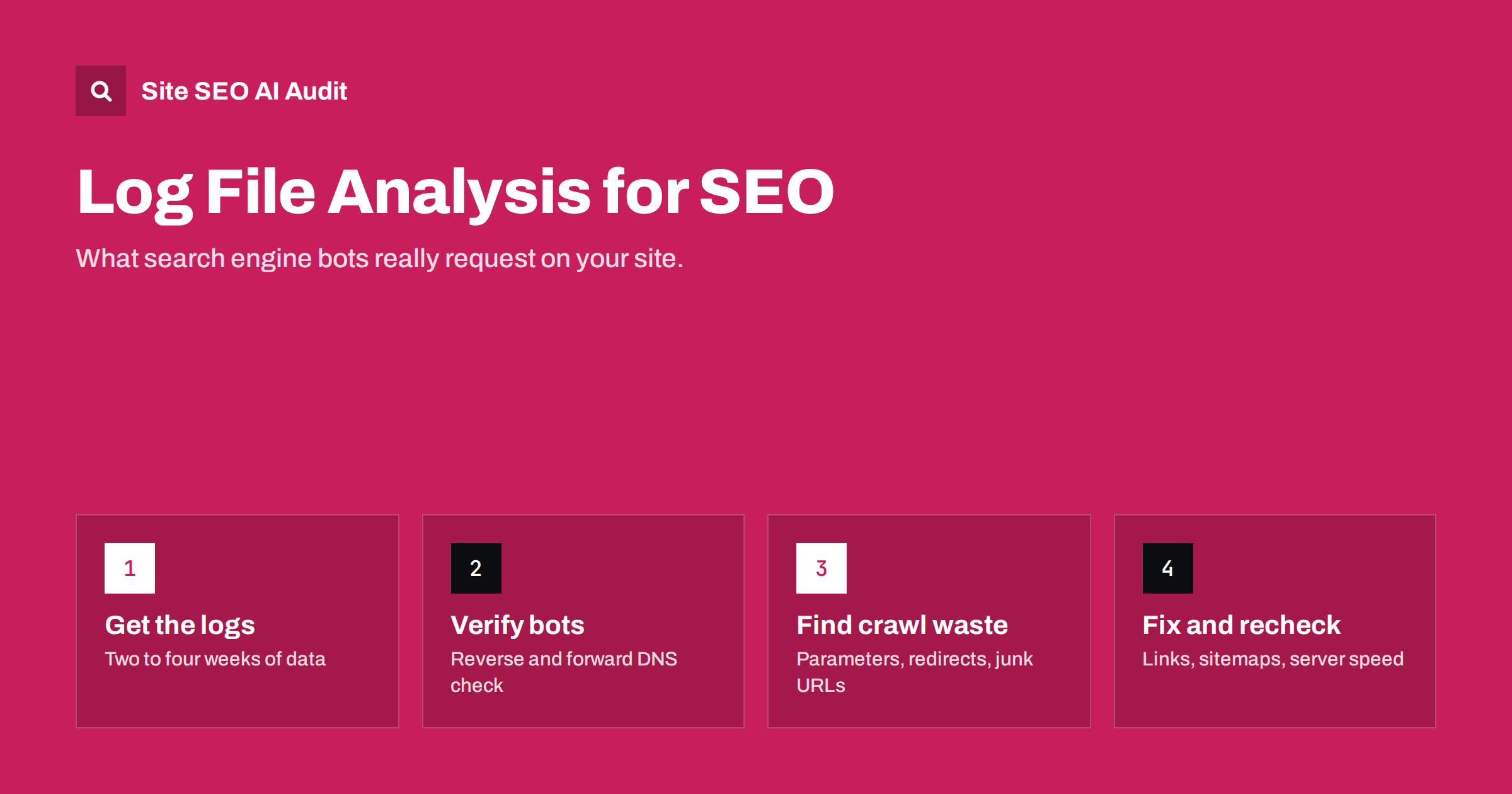
Short answer: Log file analysis means reading your web server’s access logs to see exactly which URLs search engine bots requested, when, and what status codes they received. It is the only first-hand record of crawler behaviour on your site. Use it to find crawl waste, error spikes, redirect loops, ignored sections and important pages that bots rarely visit, then fix the causes in your links, sitemaps and server settings.
What a server log actually records
Every time a browser or bot requests a file from your server, the server can write one line to an access log. On most Apache and Nginx setups the default is the “combined” log format, and a typical line contains:
- IP address of the client that made the request.
- Timestamp with date, time and time zone.
- Request line: the method (GET, HEAD, POST), the requested path including any query string, and the protocol.
- Status code returned, such as 200, 301, 404 or 503.
- Response size in bytes.
- Referrer, if the client sent one.
- User agent, the string that identifies the browser or bot.
Some hosts also log the response time, which is very useful for SEO because it shows how long the server needed for each bot request. If your logs do not include it, ask your host or add it to the log format.
What a log does not contain matters too. It shows requests, not rankings or indexing decisions. A URL that Googlebot fetched is not necessarily indexed, and a URL it never fetched is not necessarily unknown to it. Logs tell you about crawling; the Page Indexing report in Search Console tells you about indexing. You need both views.
Why logs beat guesswork
A crawler tool shows you what a bot could find by following your links. Search Console shows a sampled summary of what Google chose to report. Server logs show what bots actually did, request by request, including on URLs that no tool knows about.
That difference explains why logs regularly surprise site owners. Typical discoveries include:
- Bots spending a large share of their requests on filter, sort or tracking parameter URLs.
- Old URLs from a previous site version still being requested years later, often through redirect chains.
- Whole sections that almost never receive a bot visit, even though they are in the sitemap.
- Error bursts at certain hours, caused by backups, cron jobs or traffic peaks.
- Fake “Googlebot” traffic from scrapers that simply copy the user agent string.
None of these is visible from the page itself. They only show up when you look at the raw requests.
How to get your log files
Where the logs live depends on your hosting:
- Shared hosting and control panels. cPanel, Plesk and ISPConfig usually offer raw access logs for download, often per domain and per day. Some panels delete them after a few days, so enable archiving first.
- VPS or dedicated server. Nginx typically writes to
/var/log/nginx/access.logand Apache to/var/log/apache2/or/var/log/httpd/, rotated daily and compressed. - CDN or proxy in front of the site. If a CDN answers many requests from its cache, your origin server never sees them. In that case you need the CDN’s own logs, otherwise you are looking at an incomplete picture.
- Managed platforms. Some hosted website builders do not give access to raw logs at all. Then log analysis is simply not an option, and a crawl plus Search Console is the best you can do.
Collect at least two to four weeks of data. A few days can be misleading because bots crawl in waves, and a single deployment or outage can distort a short sample. Remember that logs contain IP addresses, which are personal data in many jurisdictions, so store them securely and only as long as you need.
Verify the bots before you trust the numbers
User agent strings are easy to fake. Many scrapers present themselves as Googlebot or Bingbot to avoid being blocked. If you count every line that says “Googlebot”, your analysis may be describing a scraper, not Google.
The reliable method is a reverse and forward DNS check: look up the host name for the IP address, confirm it belongs to the search engine’s domain (for Google, googlebot.com or google.com), then look up that host name and confirm it resolves back to the same IP. Google describes the procedure in its guide to verifying Googlebot and other Google crawlers, and it also publishes lists of its crawler IP ranges. Bing offers a similar verification.
AI crawlers need the same treatment. If you want to see which AI bots visit and whether they respect your rules, our guide on finding and verifying AI crawlers in server logs covers the specific user agents and checks.
Seven things to look for in your logs
Once you have filtered to verified search engine bots, work through these questions. Each one points to a concrete fix.
- Where does crawl activity go? Group requests by site section (blog, products, categories, parameters, assets). If a large share goes to URLs you do not want indexed, you have crawl waste. The fixes are usually internal links, parameter handling and robots.txt rules, as explained in crawl budget explained.
- Which status codes do bots receive? A healthy site serves mostly 200 responses to bots. Many 404s point to broken internal links or outdated sitemaps. Many 301s mean bots are still following old URLs. Any 5xx responses deserve immediate attention.
- Are there redirect chains? If the same bot requests URL A, then B, then C within seconds, you probably have a chain. Collapse it to a single hop. Our guide to redirect chains and loops explains how.
- Which important pages are rarely crawled? Compare your list of key pages (top products, services, cornerstone articles) against the logs. Pages with few or no bot hits in a month are often too deep in the site or weakly linked.
- Which URLs do bots request that you did not know about? Export every unique URL bots requested and compare it against your crawl and sitemap. The difference often reveals old campaigns, session IDs, internal search pages or junk URLs generated by plugins.
- How fast does the server answer bots? If response times rise during certain hours, bots may crawl less. Slow responses on specific templates point to heavy database queries or missing caching.
- Do bots see new content quickly? Check how long after publishing a new page receives its first bot request. Long delays suggest weak internal linking from frequently crawled pages or a sitemap that is not updated.
Log analysis vs a site crawl vs Search Console
These three sources answer different questions. The table shows when to use which.
| Source | What it shows | Blind spots | Best for |
|---|---|---|---|
| Server logs | Every real request by every bot, with status and time | No indexing data; CDN cache hits may be missing; needs processing | Crawl waste, bot errors, fake bots, crawl frequency |
| Site crawl (audit tool) | What is reachable through links and sitemaps, plus on-page issues | Does not know what bots actually do | Broken links, redirects, canonicals, titles, click depth |
| Search Console | Google’s view of indexing, crawl stats and search performance | Sampled, delayed, Google only | Indexing status, queries, Google-specific problems |
The most useful insights come from combining them. For example, a page that your crawl finds only at click depth six, that logs show Googlebot visits once a month, and that Search Console lists as “Discovered – currently not indexed” has a clear diagnosis: it needs stronger internal links.
Tools and a simple workflow
You do not need an expensive platform to start. A practical approach for a small or medium site:
- Download a few weeks of access logs and combine them into one file.
- Filter to lines whose user agent mentions the bots you care about, then verify the IPs as described above.
- Load the result into a spreadsheet or a small script. Command-line tools such as
grep,awkandsort | uniq -care enough to count requests per URL and per status code. - Classify URLs by pattern (for example
/product/,/blog/,?sort=) so you can see totals per section. - Compare the list with your sitemap and a fresh crawl of the site.
- Write down each finding with its fix and an owner, then check the logs again a few weeks after the fix.
Larger sites with millions of log lines usually load logs into a database or a dedicated log analyser. The questions stay the same; only the volume changes.
Common mistakes in log analysis
- Counting unverified bots. Fake crawlers can make up a noticeable part of “Googlebot” traffic on some sites.
- Analysing only the origin server behind a CDN. You may miss most requests.
- Using too short a period. One quiet or busy week is not a trend.
- Chasing crawl frequency for its own sake. More bot hits are not a goal. The goal is that bots spend their time on pages that matter and get fast, correct responses.
- Treating every 404 as a problem. Bots request removed URLs for a long time. A 404 for a page that should not exist is correct; a 404 for a URL you still link to is the problem.
- Stopping at the report. Log findings only help when they turn into changes in links, redirects, sitemaps or server configuration.
Where an SEO audit fits in
Logs tell you what bots did; a crawl-based audit tells you why. Site SEO AI Audit crawls your whole website like a search engine and reports the causes that log analysis usually points to: status codes, redirect chains, orphan pages, click depth, broken internal links, sitemap problems and server response time on every page. Each issue is weighted by how many pages it affects, so the fix list starts with what changes the most. Pairing that list with a look at your logs is a solid way to confirm that fixes really change bot behaviour. You can run a first audit free.
Related reading
- Orphan pages: how to find them and what to do with each
- HTTP status codes for SEO: the ones that actually matter
- Click depth in SEO: why buried pages struggle to rank
The bottom line
Server logs are the only direct record of how search engine bots use your site. Collect a few weeks of data, verify the bots, and look at where requests go, which status codes bots receive, which important pages they ignore and how fast the server answers. Then fix the causes in links, redirects, sitemaps and hosting, and check the logs again to confirm the change.
FAQ
Do small websites need log file analysis?
Not always. On a site with a few dozen pages, a crawl and Search Console usually reveal the same problems. Logs become valuable when a site has thousands of URLs, many parameters, frequent errors or pages that take long to get indexed.
How much log data should I analyse?
At least two to four weeks. Bots crawl in waves, so a few days can give a distorted picture. For seasonal sites or after a migration, compare several periods.
Can I see Googlebot visits in Google Analytics?
No. Analytics tools count visits through JavaScript that bots normally do not run and filter out known bots. Server logs are the place to see crawler requests.
How do I know if a Googlebot request is genuine?
Run a reverse DNS lookup on the IP address, check that the host name ends in googlebot.com or google.com, then run a forward lookup to confirm it resolves to the same IP. Requests that fail this check are not from Google.
Is it a problem if bots request many URLs that return 404?
Not by itself. Bots keep requesting removed URLs for a long time. It becomes a problem when the 404 URLs are still linked from your pages or listed in your sitemap, or when important pages return 404 by mistake.


