 ENEnglish
 LTLietuviškai
 DEDeutsch
 FRFrançais
 RUРусский
 ESEspañol
 PLPolski
 ITItaliano
 UKУкраїнська
 CSČeština
 PTPortuguês
 JA日本語
 LVLatviešu valoda
 ETEesti
 HUMagyar
 IDBahasa Indonesia
 TRTürkçe
 HIहिन्दी
 ELΕλληνικά
 ARالعربية
 THไทย
 VITiếng Việt
 RORomână
 MSBahasa Melayu
 BNবাংলা
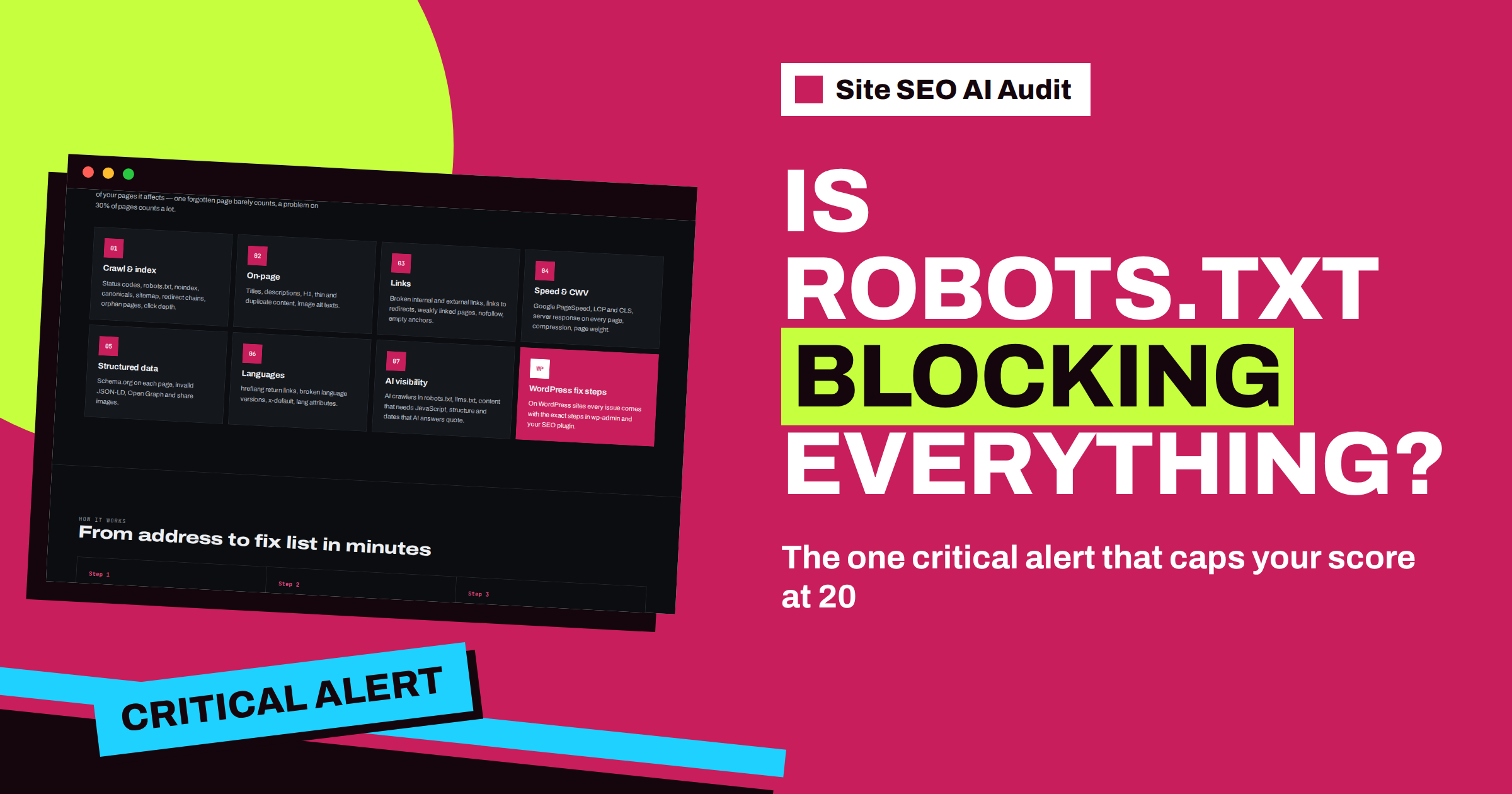
Short answer: “robots.txt blocks the whole website” is a critical finding in Site SEO AI Audit. It appears when your robots.txt file tells every search engine not to crawl any page, usually with the lines User-agent: * and Disallow: /. Nothing can rank while that rule is in place, so the audit also caps the total score at 20, however good everything else is. Remove the blocking rule, or on WordPress untick “Discourage search engines from indexing this site”, then run a new check to confirm that the cap is gone.
Most findings in an SEO report are about degrees: a little slow, a little untidy, a few pages with a missing description. This one is different. It is an on or off switch for the whole website, and it is easy to leave on by accident. A site that was built on a test address, then moved to the real domain with the test settings still in place, can look perfect to every visitor while being invisible to every search engine. This article explains what the alert means, why the score is capped and how to fix and prevent the problem.
What the alert looks for
The robots.txt file lives at the root of your domain, for example at the address of your site followed by /robots.txt. Crawlers read it before they read anything else. It contains groups of rules, each starting with the name of a crawler, or an asterisk meaning “all crawlers”, followed by lines that allow or disallow paths.
The alert fires when the group for all crawlers disallows the entire site. The classic form has two lines: a User-agent line with an asterisk, and a Disallow line with only a slash. A single slash is the root of everything, so the rule means “do not crawl anything”. Rules that block a folder, such as an admin area or a search results path, are normal and do not trigger the alert. Only a block of the whole website does.
Why the score is capped at 20
The scoring in Site SEO AI Audit combines seven areas, each with a weight, and the penalty for each issue grows with the share of pages it affects. A blocked website would normally just collect a large penalty in the Crawl and index area. But the audit adds a safety rule: if robots.txt blocks the whole website, or if the site has no indexable pages at all, the total score cannot be higher than 20.
The reason is honesty. A site with fast pages, clean titles and perfect structured data can still get no visitors from search if crawlers are not allowed in. A high score for such a site would be misleading, and the person reading it would never find the one thing that matters. With the cap, the report shows a low score at the top and the critical alert first in the fix list, so the problem cannot be missed. When you fix it and run a new check, the real score of the other areas appears again.
How it usually happens
- A staging setting that went live. Developers often block test sites on purpose. When the site is copied to the live domain, the blocking robots.txt or the matching setting travels with it.
- The WordPress visibility option. WordPress has a setting called “Discourage search engines from indexing this site”. When it is ticked, WordPress changes its robots output, and many sites forget to untick it at launch.
- A security or maintenance plugin. Some plugins block crawlers during maintenance and do not remove the rule afterwards.
- A hand-edited file. Someone added a blocking rule to stop one crawler and used the wrong group, so the rule applies to every crawler.
- A server or CDN rule. The file is replaced at the server level, so editing it in the site admin changes nothing.
If you do not know which of these applies, start with the simplest check: open the robots.txt address in a browser and read it. What you see there is what crawlers see.
How to fix it
- Open robots.txt in a browser. Look for a group with an asterisk and a Disallow line that contains only a slash.
- Find where the file comes from. It may be a physical file in the site root, an output of your CMS or SEO plugin, or a server rule. On WordPress, a physical file overrides the virtual one.
- Remove or change the rule. Delete the blocking line, or replace it with an empty Disallow line, which allows everything. Keep any rules that block only private folders.
- On WordPress, check the setting. The issue card in the report gives the steps: open Settings, then Reading, and untick “Discourage search engines from indexing this site”.
- Look for a matching noindex. A site that was hidden on purpose may also carry a noindex instruction on its pages. Check the “Pages are hidden from search (noindex)” finding, and read the guide on finding noindex by accident.
- Clear caches. A page cache or CDN may keep serving the old file for some time.
- Run a new check. Starter, Pro and Agency include re-checks. The alert and the cap should disappear, and the true score appears.
Blocking is not the same as hiding
Many people use robots.txt to keep pages out of search results, and that is a common source of confusion. A disallow rule stops crawling, but it does not remove an address from the index if other pages link to it. To keep a page out of search results, a noindex instruction is the right tool, and the crawler must be able to read the page to see it. The article on noindex versus disallow explains the difference, and the note on pages indexed though blocked by robots.txt shows what happens when the two are mixed up.
The quieter cousin: no robots.txt at all
The report has a second finding on the same file, “No robots.txt”. It is only a notice, worth one point in the formula, because a site without the file is allowed to be crawled. It still helps to add one, because robots.txt is the place where you point search engines to your XML sitemap with a Sitemap line. Create the file at the root, add that line and keep it short. The practical guide to robots.txt for SEO lists what to block and what to leave open.
Prevent a repeat
This alert is almost always caused by a change of environment. Add one line to your launch checklist: after any move, redesign or restore from a backup, open the live robots.txt and read it. A full check is quick, and the plans count checks per month, five on Starter, twenty on Pro and one hundred on Agency, so running one right after launch is easy to afford. On Pro, e-mail alerts when the score drops can catch the problem even if nobody remembers to look: a score that falls to 20 overnight is a strong signal.
Finally, remember the other direction. If you are building a new site and want it hidden until launch, block it on purpose, and write down the day you will remove the block. A reminder on that date is cheap insurance.
What you will see in the report
When the alert is present, the top of the report shows a low total score, and the fix list starts with “robots.txt blocks the whole website”. Because the finding concerns the whole website, it has no list of affected pages: the card explains why it matters, how to fix it and, on WordPress, the exact setting to change. The crawler itself may also have read very few pages, because it follows your robots.txt like a search engine, so the page counts and the area scores can look unusually small. That is a symptom, not a separate problem, and it goes away with the block.
After the fix, expect the report to look very different. More pages are crawled, every area gets its own score and the fix list fills with the ordinary findings that the cap was hiding. Do not be discouraged if the new score is not perfect. A realistic list of improvements is exactly what you want, and it is a far better place to be than a clean score on a site that nobody can find.
Related reading
- Robots.txt for SEO: What to Block and What to Leave Open
- Noindex vs Disallow: How to Keep Pages Out of Search
- Indexed, Though Blocked by robots.txt: What It Means
The bottom line
If robots.txt blocks the whole website, nothing else in your SEO matters until it is fixed, which is why the audit shows a critical alert and caps the score at 20. Read the live file, remove the blocking rule, check the WordPress visibility option and run a new check to see your real score.
FAQ
Why is my score exactly 20 or lower?
The audit caps the total score at 20 when robots.txt blocks the whole website or when no page on the site is indexable. Fix the cause and run a new check to see the real score.
Does blocking a folder trigger the alert?
No. Rules that block only a folder or a path, such as an admin area, are normal. The alert is for a rule that blocks the entire website for all crawlers.
Is a missing robots.txt also critical?
No. “No robots.txt” is only a notice. The file is optional, but it is the best place to point crawlers to your XML sitemap.
How fast will Google notice the fix?
Search engines must fetch the new robots.txt and then recrawl your pages, which can take days or longer on a large site. The audit itself shows the change as soon as you run a new check.
Can I see which pages are affected?
This finding concerns the whole website, so it is shown as one site-level alert at the top of the fix list. A paid plan unlocks the full report, while a free account shows it locked.


