 ENEnglish
 LTLietuviškai
 DEDeutsch
 FRFrançais
 RUРусский
 ESEspañol
 PLPolski
 ITItaliano
 UKУкраїнська
 CSČeština
 PTPortuguês
 JA日本語
 LVLatviešu valoda
 ETEesti
 HUMagyar
 IDBahasa Indonesia
 TRTürkçe
 HIहिन्दी
 ELΕλληνικά
 ARالعربية
 THไทย
 VITiếng Việt
 RORomână
 MSBahasa Melayu
 BNবাংলা
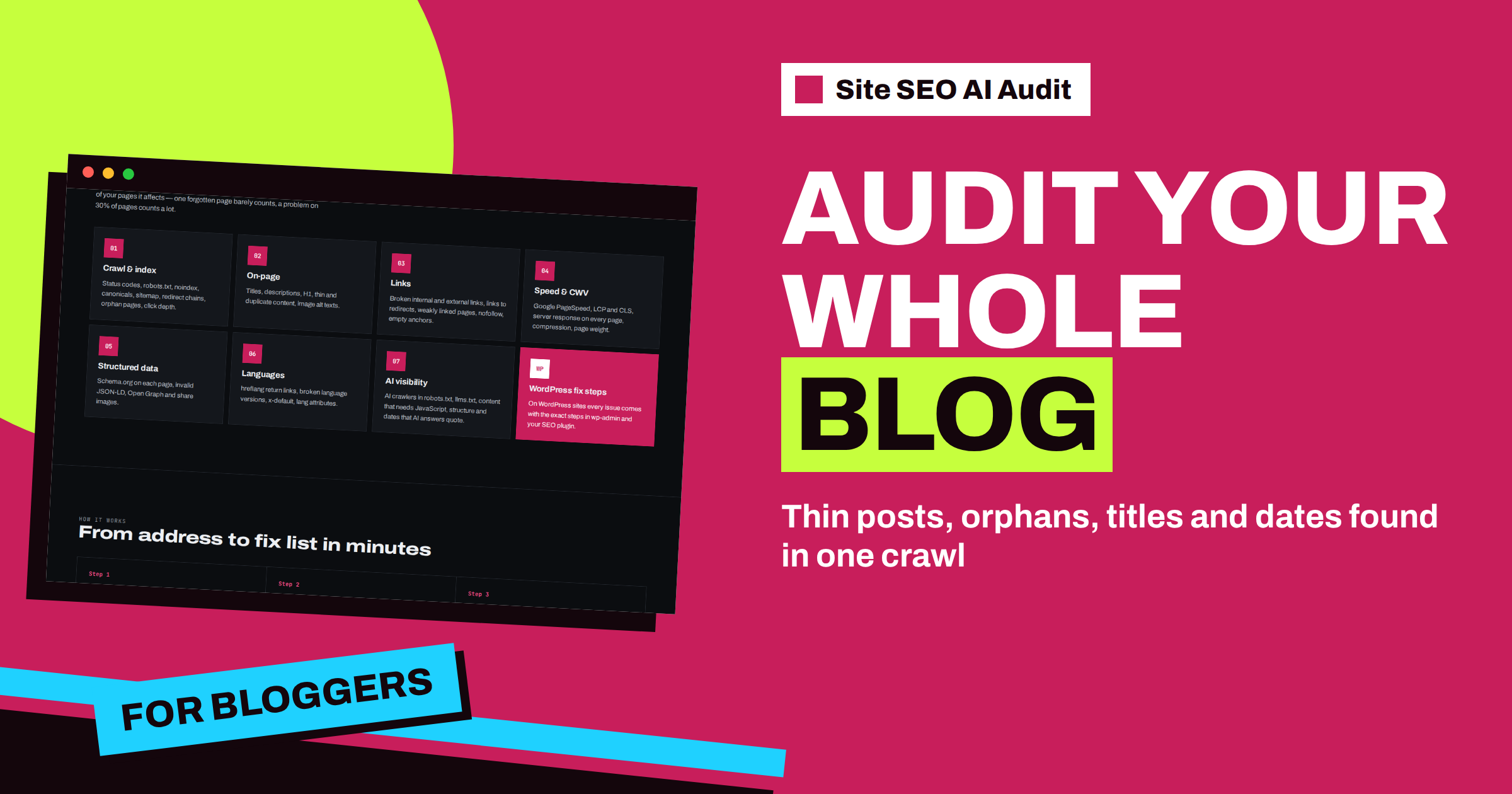
Short answer: A blog or content site is exactly the kind of website that a whole-site audit helps most, because problems pile up quietly over hundreds of posts. Site SEO AI Audit crawls every page, scores seven areas and ranks fixes by points. For a blog, the findings that matter most are thin posts, duplicate or archive pages, orphan posts, missing titles and descriptions, images without alt text, missing publish dates and long posts without subheadings. Check monthly, fix by impact and re-check to see the score rise.
A blog grows by accumulation. Every week there is one more post, and with each post there are one more title, one more description, a few more images and a few more internal links. Nobody reviews all of that at once. After two years, the site contains old posts with no links pointing to them, archive pages that repeat the same text, images without descriptions, outdated advice with no date and a few addresses that no longer work. None of it is dramatic, and together it holds back the whole site. This article shows how to use Site SEO AI Audit as the review that a growing blog never gets.
Why a whole-site audit suits a blog
Single-page checkers tell you about the post you are looking at. They cannot tell you which posts have no internal links, which titles repeat across the site or which pages are almost empty. Those are problems of the whole collection. The crawler of Site SEO AI Audit starts from your home page and your sitemap, follows internal links, and compares what it finds. A check covers the whole website, up to 10,000 pages, so even a large archive fits in one run, and the report ranks the findings by how many points each fix would add.
The findings that matter most for a blog
| Finding | Severity | Why it appears on blogs |
|---|---|---|
| Thin content (under 200 words) | Warning | Short news posts, tag pages and old stubs |
| Duplicate content | Warning | Archives, tag and category pages that repeat posts |
| Orphan pages | Warning | Old posts that no newer post links to |
| Missing meta description | Warning | Posts published without the SEO plugin field filled in |
| Duplicate titles | Warning | Series posts with similar headlines |
| Images without alt text | Notice | Photos uploaded without a description |
| Articles without a publish date | Notice | Themes that hide the date |
| Long pages without subheadings | Notice | Long posts written as one block |
Each of these has its own article, so this one is a map. Start with the warnings, then handle the notices in bulk, usually through a theme or plugin setting.
Thin and duplicate pages: the usual suspects
Thin content is flagged for pages with fewer than 200 words. On a blog, the typical culprits are old short posts, pages for authors and tags that list only a few titles, and attachment pages for images. The question for each is the same: should this page exist? If it has value, expand it. If it has no value, merge it into a stronger post, redirect it, or keep it out of the index. The article on thin and duplicate content in your audit report explains the options.
Duplicate content on blogs usually comes from archives that show the same text through several addresses: category pages, tag pages, date pages and paginated lists. Decide which archives are worth keeping and make the others point to a preferred version or stay out of the index.
Orphans and depth: old posts that nobody links to
In a blog, the home page links to the newest posts. Older ones drift away from the surface. When no other page links to a post, it becomes an orphan if it still appears in the sitemap, and when it is more than three clicks from the home page, it counts as deep. Both get less attention from crawlers, and both receive little internal authority. The fix is editorial: link to older posts from new ones, build topic hubs, and add related-post blocks that connect the archive. The report lists the affected posts, so you know exactly where to add links. Read more in the article on orphan and deep pages and in the guide to internal linking strategy.
Titles, descriptions and images: the repetitive work
Missing meta descriptions, duplicate titles and images without alt text are the findings with the longest lists on a blog, and the ones that people postpone. Work through them in order of traffic. Start with the posts that already bring visitors, because better snippets there pay off first. Use the lists in the report as a to-do queue, and use templates for the long tail, as in the article on missing meta descriptions. For images, the guide to image alt text shows how to write descriptions that help both search and readers.
Dates and structure for AI answers
Readers and assistants both prefer content that is dated and well organised. The AI visibility area includes notices for articles without a publish date and long pages without subheadings. On a blog these are template problems: a theme that hides the date, or an editor habit of writing long posts without headings. A theme setting fixes the first, and a simple outline habit fixes the second. After that, old posts that deserve a second life can be refreshed, and the article on how to refresh old content gives a practical process.
A monthly routine for a blog
- Run a check. Press Re-check on your website in My websites.
- Read the top fixes. The list is sorted by points, so the first items are the most valuable.
- Fix one theme-level problem. A date setting, a canonical output or a template with a missing title can clear dozens of pages at once.
- Fix five important posts by hand. Pick the posts with the most traffic and polish titles, descriptions and links.
- Link from new to old. Add internal links to at least three orphan posts.
- Re-check after the changes. Compare the score with last month.
The rhythm is easy to keep, because the report does the finding and you do the fixing. A routine of this kind is described in the article on a simple SEO audit routine for small business websites, and it works equally well for a personal blog.
An example. Imagine a blog that has published for six years and has about five hundred posts. The first report probably shows a score in the middle range and a fix list with a handful of items that stand out. A missing date setting in the theme affects every post. A plugin that outputs no canonical affects the whole site. A tag archive with hundreds of thin pages creates the largest block of warnings. These three are theme and plugin decisions, and fixing them can lift the score by many points without editing a single post. Only after that does the work become editorial: the orphan posts that need links, the posts without descriptions that earn traffic, the images that need descriptions.
That order, from global settings to local edits, is the secret of using the report efficiently. It keeps your effort where the points are, and it keeps you from spending a weekend rewriting titles on pages that you might have decided to keep out of the index. Write the decisions down, such as which archives you index and which not, so that the next check confirms them instead of surprising you.
WordPress blogs and the fix steps
Most blogs run on WordPress, and the report knows it. On WordPress sites, the issue cards include steps for wp-admin and your SEO plugin, such as where to edit the SEO title, the meta description and the canonical field. That makes the report usable for a blogger who is not a developer. The full list of what the steps cover is in the article on WordPress fix steps in Site SEO AI Audit reports.
Which plan fits a blog
A free account runs one check and shows the report locked, which is enough to see that the audit works. To read the full report and repeat the check after fixes, you need a plan. Starter has five checks a month and full reports, which suits one blog with a monthly routine and a few extra checks after big changes. Pro has twenty checks, e-mail alerts when the score drops and a comparison between audits, which is useful for a content team that publishes daily. The pricing page shows all plans.
Related reading
- Thin and Duplicate Content: Reading Audit Findings
- Orphan and Deep Pages: Fixing Weak Structure in Your Report
- How to Refresh Old Content: A Practical Update Process
The bottom line
A blog collects small problems over time, and a whole-site audit finds them together. Check monthly, fix the top items by impact, link old posts to new ones and keep titles, descriptions, dates and structure in good order, then re-check to see the score rise.
FAQ
How many posts can the audit handle?
A check covers up to 10,000 pages. Large sites are crawled starting from the home page and the sitemap, and the most important pages come first.
Which findings should a blogger fix first?
Start with the critical and warning findings at the top of the fix list, then handle notices in bulk through theme and plugin settings.
Are tag and category pages a problem?
They can be, when they are thin or repeat the text of posts. The report flags thin and duplicate pages so that you can decide which archives to keep.
Does the report help with WordPress specifically?
Yes. On WordPress sites, the issue cards include steps for wp-admin and your SEO plugin.
How often should I run a check?
Monthly is a good rhythm for most blogs, plus a check after big changes such as a new theme, a plugin switch or a large clean-up.


