 ENEnglish
 LTLietuviškai
 DEDeutsch
 FRFrançais
 RUРусский
 ESEspañol
 PLPolski
 ITItaliano
 UKУкраїнська
 CSČeština
 PTPortuguês
 JA日本語
JA日本語 LVLatviešu valoda
 ETEesti
 HUMagyar
 IDBahasa Indonesia
 TRTürkçe
 HIहिन्दी
 ELΕλληνικά
 ARالعربية
 THไทย
THไทย VITiếng Việt
 RORomână
 MSBahasa Melayu
 BNবাংলা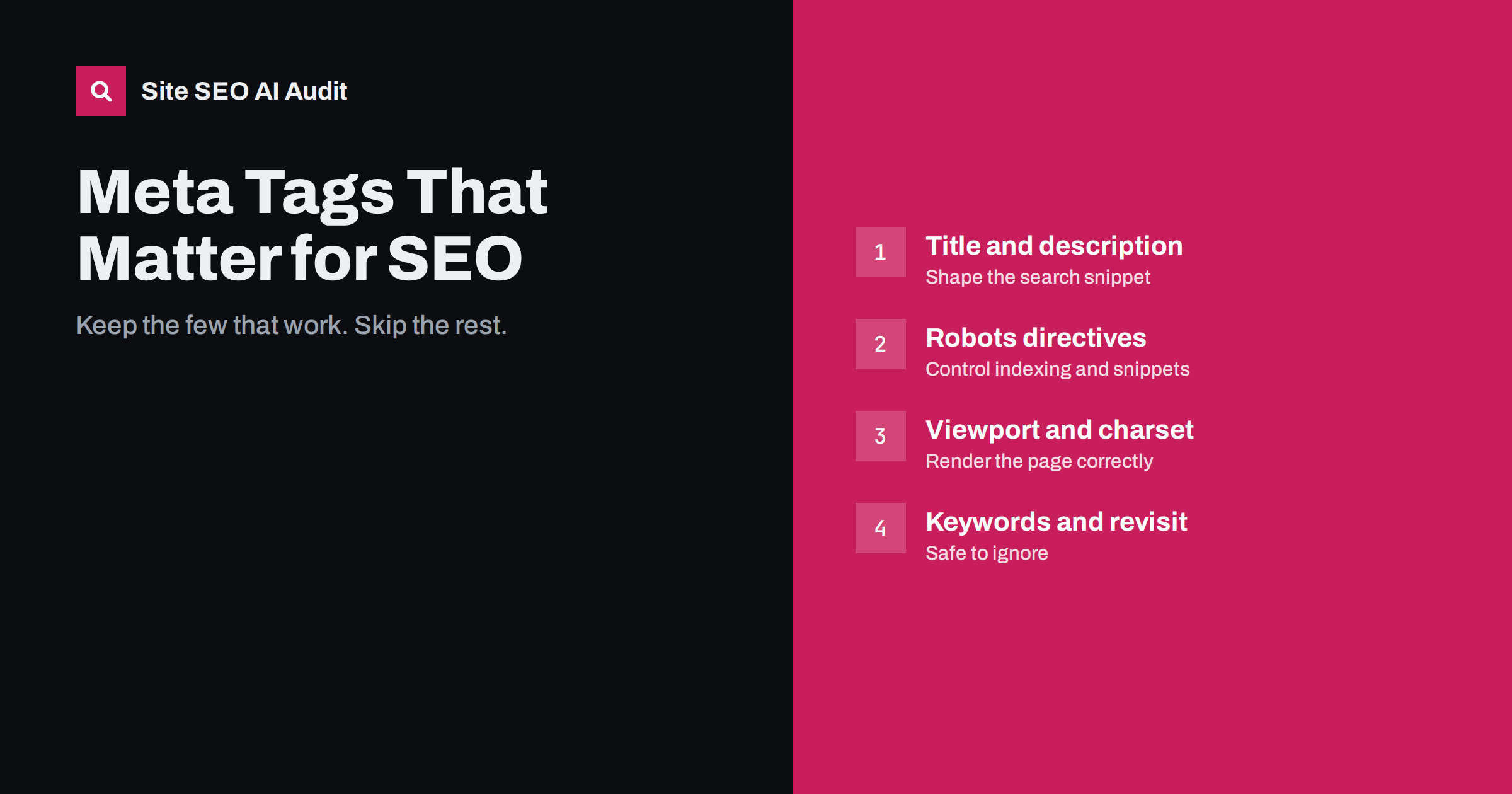
Short answer: only a handful of meta tags influence how search engines handle a page: the title element, the meta description, the robots meta tag (and its crawler-specific versions), the viewport tag, the character set and, for special cases, verification and SafeSearch tags. Open Graph and Twitter tags shape social link previews, not rankings. Old tags such as keywords, revisit-after and distribution are ignored by Google and can be left out or removed.
Why meta tags cause so much confusion
Meta tags sit in the <head> of a page, invisible to visitors, which makes them feel technical and important. For years, SEO advice treated them as a place to put keywords and instructions for search engines, and many content management systems and plugins still offer fields for tags that stopped mattering long ago.
The result is that site owners spend time on tags that do nothing, while the few tags that really control indexing and snippets are sometimes set wrongly. A single misplaced noindex can remove a page from search, while a perfectly filled keywords tag changes nothing. Google keeps an official list of the meta tags it supports in its documentation on special tags, which is the most reliable reference when in doubt.
The meta tags that matter for search
These are the tags worth checking on every indexable page:
<title>: technically an HTML element rather than a meta tag, but the most important item in the head. It is a strong hint for the clickable headline in search results and helps search engines understand the topic. See our guide on writing title tags with the right length and wording.meta name="description": not a ranking factor, but often used as the snippet under the title. A clear, specific description can earn more clicks. Our article on meta descriptions that earn the click covers how to write one.meta name="robots": controls indexing and snippet behaviour with values such asnoindex,nofollow,nosnippet,max-snippetandmax-image-preview. A crawler-specific version such asmeta name="googlebot"applies to one crawler only.meta name="viewport": tells mobile browsers how to size the page. Without it, pages render as shrunken desktop layouts, which hurts mobile usability and, with mobile-first indexing, how the page is evaluated.meta charset: declares the character encoding, normally UTF-8. A wrong or missing charset can garble text, which affects both readers and how content is indexed.
Two other head elements are not meta tags but belong on the same checklist: the canonical link (link rel="canonical") and hreflang links on multilingual sites. Both are strong signals that are easy to get wrong.
Useful meta tags for special cases
Some tags only matter in particular situations, but when they apply, they apply fully:
google-site-verificationand similar tags from other search engines prove ownership for Search Console and webmaster tools. Keep them in place; removing them can remove access.meta name="rating" content="adult"labels explicit content so it can be filtered by SafeSearch. Sites with adult content should use it.meta name="google" content="notranslate"asks Google not to offer a translation of the page in results.meta http-equiv="refresh"redirects after a delay. Search engines may follow an instant refresh as a redirect, but a server-side 301 is clearer and should be used whenever possible.
Robots instructions can also be sent as an HTTP header rather than a tag, which is the only option for PDFs and other non-HTML files. Our guide to the X-Robots-Tag HTTP header explains how.
Social and browser tags: useful, but not for rankings
A large group of head tags has nothing to do with search rankings but still deserves care because it shapes how your pages look elsewhere:
- Open Graph tags (
og:title,og:description,og:image,og:url) control link previews on social networks and in many messaging apps. - Twitter card tags (
twitter:cardand related) do the same for X, falling back to Open Graph where they are missing. theme-colortints the browser interface on some mobile browsers.- Icon links (favicon, Apple touch icon) appear in browser tabs and, for the favicon, next to your site in search results.
These tags will not move rankings, but a broken share image or an outdated title in a preview makes every shared link less appealing.
Meta tags you can safely ignore
These tags still appear in themes, plugins and old templates. Google has stated that it does not use the keywords meta tag for ranking, and the others have no documented effect in major search engines:
| Tag | What it was meant to do | What to do now |
|---|---|---|
keywords |
List the page’s target keywords | Ignored by Google; remove it or leave it empty. It can reveal your keyword list to competitors. |
revisit-after |
Ask crawlers to return after a set time | Never supported by major engines; remove. |
distribution, rating="general" |
Describe audience and reach | No effect; remove. Only rating="adult" is used. |
author, copyright |
Name the author or owner | Harmless, but show authorship visibly on the page instead. |
generator |
Name the software that built the page | No SEO effect; some remove it to avoid advertising their CMS version. |
language meta |
Declare the page language | Use the lang attribute on the html element and hreflang instead. |
Leaving these tags in place rarely hurts, so there is no need for an urgent cleanup. Just do not spend time filling them, and remove them when you next edit your templates. For language signals specifically, our explainer on the Content-Language header and meta tag covers what still matters.
Common meta tag mistakes that do cause damage
The tags that matter are powerful, so their mistakes are costly. Watch for these:
- A leftover
noindexfrom a staging site or a plugin setting, which quietly removes pages from search. - Conflicting robots tags, for example one plugin outputting
indexand anothernoindex. Search engines apply the most restrictive value. - Duplicate titles and descriptions across many pages, often from templates that repeat the site name or a default description.
- Two description tags or two Open Graph images on the same page, produced by a theme and a plugin at the same time.
- Accidental
nosnippetor a very lowmax-snippet, which reduces how the page can be shown in results and AI answers. - Missing viewport tag on older templates, making mobile pages hard to use.
Most of these come from overlapping tools rather than deliberate choices, so the fix is usually to decide which plugin or template owns each tag and switch off the others.
A lean head section for a typical page
If you are building or cleaning up a template, a lean head for a normal indexable article or service page contains only what does a job. In order of importance:
- The character set declaration, placed first so the browser reads everything else correctly.
- The viewport tag for mobile layout.
- A unique title element, written for the specific page.
- A unique meta description that summarises what the page offers.
- A self-referencing canonical link, or one pointing to the preferred version.
- A robots meta tag only when you need something other than the default, such as
noindexon a thank-you page ormax-image-preview:largeto allow bigger image previews. - hreflang links, if the page exists in other languages.
- Open Graph and Twitter card tags for sharing, plus favicon links.
- Structured data in JSON-LD, which is not a meta tag but lives in the same place and describes the page to machines.
Everything else should have a reason to be there. Analytics and verification snippets are fine, but each extra script or tag is one more thing that can break, conflict or slow the page down. A short, predictable head also makes future audits faster, because anyone reading the source can see at a glance what each page tells search engines.
How to audit meta tags across a site
Checking one page in the browser’s “view source” works for spot checks. For a real picture, you need every indexable page:
- Crawl the site and export the title, description, robots directives, canonical and Open Graph tags for each URL.
- Filter for pages with
noindexand confirm each one is intentional. - Sort titles and descriptions to find duplicates, empty values and extreme lengths.
- Check for pages with more than one tag of the same kind.
- Compare the rendered HTML with the source if the site relies on JavaScript, since tags injected later may be missed.
Site SEO AI Audit does this as part of a full crawl: it checks titles, descriptions, H1s, noindex, canonicals, Open Graph and share images on every page and ranks fixes by how many points each adds to your score. On WordPress, each issue comes with steps for wp-admin and your SEO plugin. Run a free audit to see which tags need attention.
Related reading
- Open Graph Tags: How to Control Link Previews Everywhere
- nosnippet, max-snippet and AI: Controlling What Gets Quoted
- Duplicate Title Tags and Meta Descriptions: How to Fix Them
The bottom line
Focus on the few tags that search engines actually use: title, description, robots directives, viewport and charset, plus canonical and hreflang links. Keep social tags tidy for good previews. Ignore keywords, revisit-after and other legacy tags, and make sure no plugin is quietly adding conflicting or restrictive directives.
FAQ
Does the meta keywords tag help SEO?
No. Google has said it does not use the keywords meta tag for ranking. Filling it takes time and can show competitors which keywords you target, so most sites leave it out.
Is the meta description a ranking factor?
No, but it often becomes the snippet shown under your title in search results. A clear description that matches the search can improve how many people click.
Do Open Graph tags affect Google rankings?
No. Open Graph tags control how links look when shared on social networks and in messaging apps. They are still worth setting correctly because shared links with good previews get more attention.
What happens if a page has two robots meta tags?
Search engines combine them and apply the most restrictive directive. If one says index and another says noindex, the page will usually be treated as noindex.
Should I remove old meta tags from my theme?
There is no urgency, because ignored tags do not hurt. Remove them when you next update the template, and focus first on errors in the tags that do matter, such as stray noindex directives.


