 ENEnglish
 LTLietuviškai
 DEDeutsch
 FRFrançais
 RUРусский
 ESEspañol
 PLPolski
 ITItaliano
 UKУкраїнська
 CSČeština
 PTPortuguês
 JA日本語
JA日本語 LVLatviešu valoda
 ETEesti
 HUMagyar
 IDBahasa Indonesia
 TRTürkçe
 HIहिन्दी
 ELΕλληνικά
 ARالعربية
 THไทย
THไทย VITiếng Việt
 RORomână
 MSBahasa Melayu
 BNবাংলা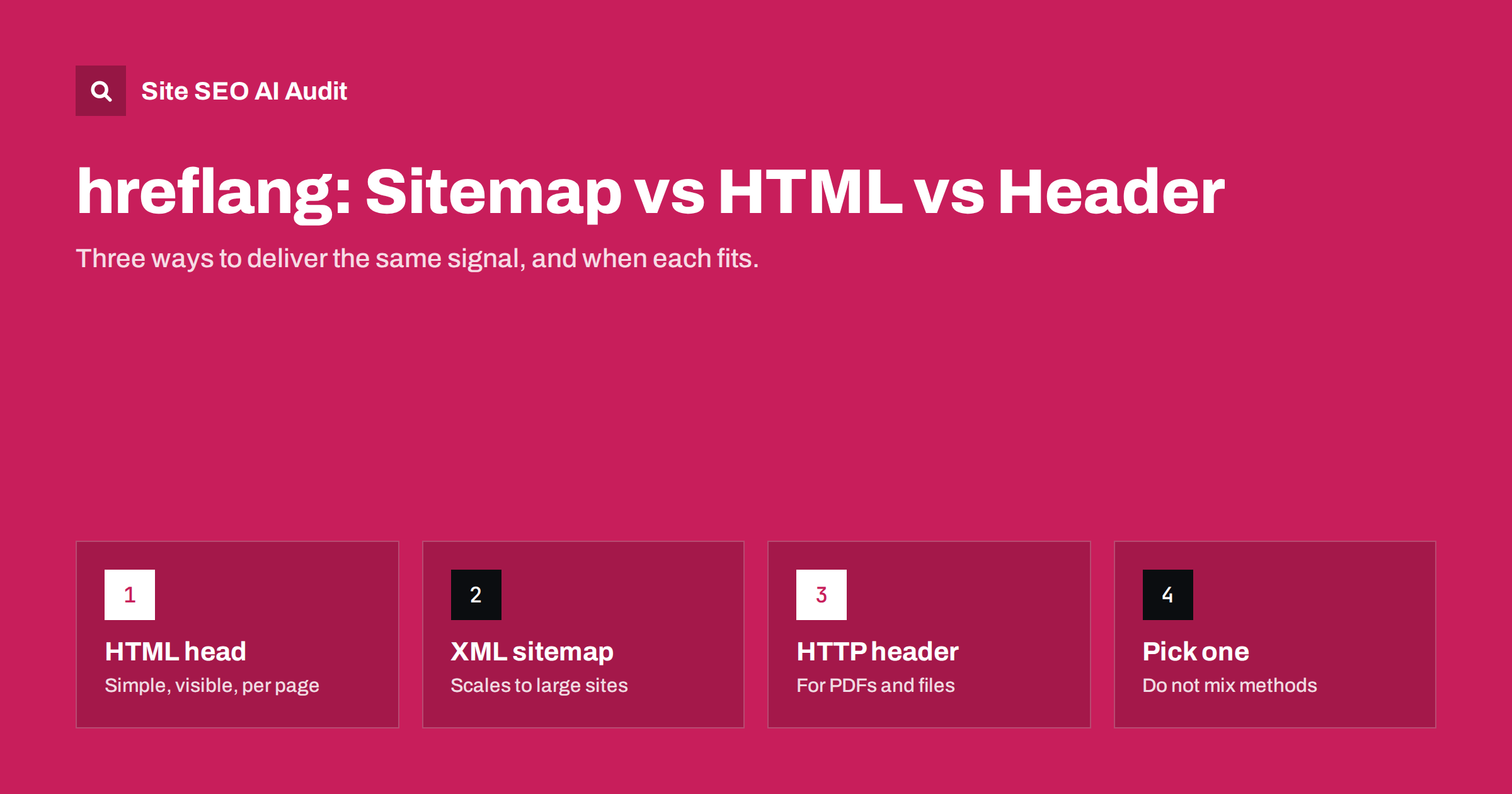
Short answer: Search engines accept hreflang in three places: link tags in the HTML head, xhtml:link entries in an XML sitemap, and Link headers in the HTTP response. They carry the same information and are treated the same way. Use the HTML head for most CMS sites, the sitemap for very large or many-language sites, and HTTP headers only for non-HTML files such as PDFs. Pick one method per page and keep it consistent.
The same signal, three delivery methods
hreflang is a list of language and country alternates for a page. Whatever the method, the content of that list is the same: every version of the page, including itself, with a language code, optionally a region code, and an absolute URL. The rules about return links, valid codes and indexable targets apply equally to all three methods.
What changes is where the list lives, who maintains it, how much it weighs, and how easy it is to debug. Those practical differences are what should drive your choice. Google describes all three methods in its guide to localized versions of a page and says they are equivalent for its purposes.
Method 1: link tags in the HTML head
This is the most common method. Each page includes a block of link elements in its head section:
<link rel="alternate" hreflang="en" href="https://example.com/en/guide/" /><link rel="alternate" hreflang="fr" href="https://example.com/fr/guide/" /><link rel="alternate" hreflang="x-default" href="https://example.com/en/guide/" />
Advantages: it is visible in the page source, so anyone can check it; most multilingual plugins and platforms generate it automatically; and it updates the moment the page changes.
Disadvantages: the block is repeated on every page, and it grows with every language. With thirty languages, each page carries thirty-one extra lines in its head, and search engines must download all of them on every crawl. The tags must also be in the head itself. If invalid elements appear earlier in the head, for example a stray div injected by a plugin, parsers may treat the head as closed and miss the hreflang tags that follow.
Best for: small and medium sites, sites on a CMS with a multilingual plugin, and anywhere you want the annotations to be easy to inspect.
Method 2: xhtml:link entries in an XML sitemap
In the sitemap method, each URL entry lists its alternates. The sitemap declares the xhtml namespace, and every <url> element contains one <xhtml:link rel="alternate" hreflang="…" href="…"/> for each version, including itself. Every alternate also needs its own <url> entry with the same list, which is how return links are expressed in a sitemap.
Advantages: pages stay light, because the annotations live in a separate file. The whole cluster for the whole site can be generated from one database query, which suits large catalogs and sites with many languages. It also works for pages whose HTML you cannot easily change.
Disadvantages: the annotations are invisible when you look at a page, so errors are harder to spot. The sitemap must be regenerated whenever URLs change, and a stale sitemap quietly sends wrong signals. Sitemap files have limits of 50,000 URLs and 50 MB uncompressed each, and hreflang entries make each file much larger, so large sites need several sitemap files and a sitemap index. Search engines also need to fetch and process the sitemap before the annotations take effect.
Best for: very large sites, shops with tens of thousands of products in several languages, headless or custom set-ups where the head is hard to control, and sites with many languages.
Method 3: Link headers in the HTTP response
The server can send hreflang in an HTTP header, for example: Link: <https://example.com/en/manual.pdf>; rel="alternate"; hreflang="en", <https://example.com/de/handbuch.pdf>; rel="alternate"; hreflang="de". The Link header format itself is defined in RFC 8288.
Advantages: it works for files that have no HTML head, such as PDFs, and it can be set in the web server configuration without touching the files themselves.
Disadvantages: headers are invisible in the browser and easy to forget during server changes or migrations to a new host or CDN. Long headers for many languages can also run into server or proxy limits.
Best for: PDFs and other non-HTML documents that exist in several languages. For regular pages, one of the other methods is almost always easier.
Side-by-side comparison
| Criterion | HTML head | XML sitemap | HTTP header |
|---|---|---|---|
| Works for | HTML pages | Any URL listed | Any file type |
| Visible when inspecting a page | Yes, in the source | No, separate file | Only in developer tools |
| Page weight | Grows with languages | No effect | Small, grows with languages |
| Typical maintenance | Automatic in most CMS | Generated by script or plugin | Server configuration |
| Main risk | Broken head, template gaps | Stale or partial sitemap | Lost during server changes |
| Best fit | Most sites | Large, many-language sites | PDFs and documents |
Should you combine methods?
Technically you can. Search engines combine hreflang from all sources they find. In practice, combining is a common source of errors. When the head says one thing and the sitemap says another, for example because the sitemap was generated before a slug changed, the signals conflict, and you have two places to debug instead of one.
A clean rule is to use one method per type of URL: the head (or the sitemap) for all HTML pages, and HTTP headers only for documents. If you migrate from one method to another, remove the old annotations once the new ones are live and verified. Leaving both in place “just in case” is how stale annotations survive for years.
Choosing the right method for your site
- How many languages and pages? Up to a handful of languages and a few thousand pages, the HTML head is simple and fine. With dozens of languages or hundreds of thousands of URLs, the sitemap keeps pages lean.
- Who controls what? If your marketing team manages a CMS with a multilingual plugin, the head method is usually built in. If developers generate sitemaps from a product database, the sitemap method fits their workflow.
- How often do URLs change? Frequent URL changes favour methods that update automatically with the page, unless your sitemap is regenerated just as often.
- Do you publish documents? Translated PDFs, manuals and data sheets need headers if you want them clustered.
Typical errors for each method
Each method fails in its own characteristic way. Knowing the pattern helps you look in the right place when a crawl reports problems.
- HTML head: templates that output hreflang on posts but not on category or tag pages; relative URLs instead of absolute ones; tags added by both the theme and a plugin, producing duplicate or conflicting clusters; hreflang rendered only by JavaScript after the page loads, which some crawlers may not see.
- XML sitemap: the namespace declaration is missing, so the xhtml:link entries are not parsed; only one language is listed as url entries while the others appear only as alternates; the sitemap lists URLs that now redirect or return 404; sitemaps are cached by a plugin and not regenerated after changes.
- HTTP header: headers configured on the old server are not copied to the new host or CDN; headers are sent for the English file but not for its translations; commas and quotes in the header are malformed, which makes the whole header unreadable.
In all three cases, the page looks fine to a visitor. That is why hreflang errors often go unnoticed for months, and why a scheduled crawl is more reliable than occasional spot checks.
How to verify whichever method you use
Every method needs the same checks: all alternates return 200, every link is returned, codes are valid, each target is the canonical URL and is indexable, and each cluster is identical across its members. The difference is only where you look. For the head, check the page source. For the sitemap, compare the sitemap entries with the live pages. For headers, inspect the response headers of each file.
At scale, a crawler does this for you. Site SEO AI Audit reads pages and the sitemap like a search engine and checks the Languages area on every page it crawls, including hreflang return links, broken language versions, x-default and lang attributes. The same crawl covers the sitemap and canonical tags, where hreflang problems often start. The first audit of a site is free, and paid plans add re-audits after each change.
Related reading
- What is hreflang? A plain-English guide for site owners
- hreflang return links: how to fix “no return tags” errors
- XML sitemap best practices: what to include and leave out
The bottom line
The HTML head, the XML sitemap and HTTP headers deliver the same hreflang information, and search engines treat them alike. The head suits most sites because it is simple and visible. The sitemap suits large, many-language sites because it keeps pages light. Headers are for PDFs and other files. Choose one method per URL type, keep it in sync with your real URLs, and verify it with a crawl after every change.
FAQ
Is hreflang in the sitemap as effective as in the HTML head?
Yes. Search engines treat the methods as equivalent. The sitemap may take a little longer to be processed, but once read, the annotations work the same way.
Can I use hreflang in the sitemap and in the HTML head at the same time?
You can, but only if both say exactly the same thing. Conflicting sources are a common cause of errors, so using a single method per page is safer.
Does hreflang in the sitemap need return links?
Yes. Each alternate must have its own url entry in the sitemap that lists the same set of alternates, including the original page. That is how return links are expressed in sitemaps.
How do I add hreflang to a PDF?
PDFs have no HTML head, so use a Link header in the HTTP response, or list the PDF and its alternates in an XML sitemap. Each translated PDF should reference the others and itself.
Why are my hreflang tags in the head being ignored?
Common causes are missing return links, links to redirected or noindex pages, invalid codes, and tags placed after elements that close the head early. Check the rendered source and confirm the tags really sit inside the head.


