ENEnglish
 LTLietuviškai
 DEDeutsch
 FRFrançais
 RUРусский
 ESEspañol
 PLPolski
 ITItaliano
 UKУкраїнська
 CSČeština
 PTPortuguês
 JA日本語
JA日本語 LVLatviešu valoda
 ETEesti
 HUMagyar
 IDBahasa Indonesia
 TRTürkçe
 HIहिन्दी
 ELΕλληνικά
 ARالعربية
 THไทย
THไทย VITiếng Việt
 RORomână
 MSBahasa Melayu
 BNবাংলা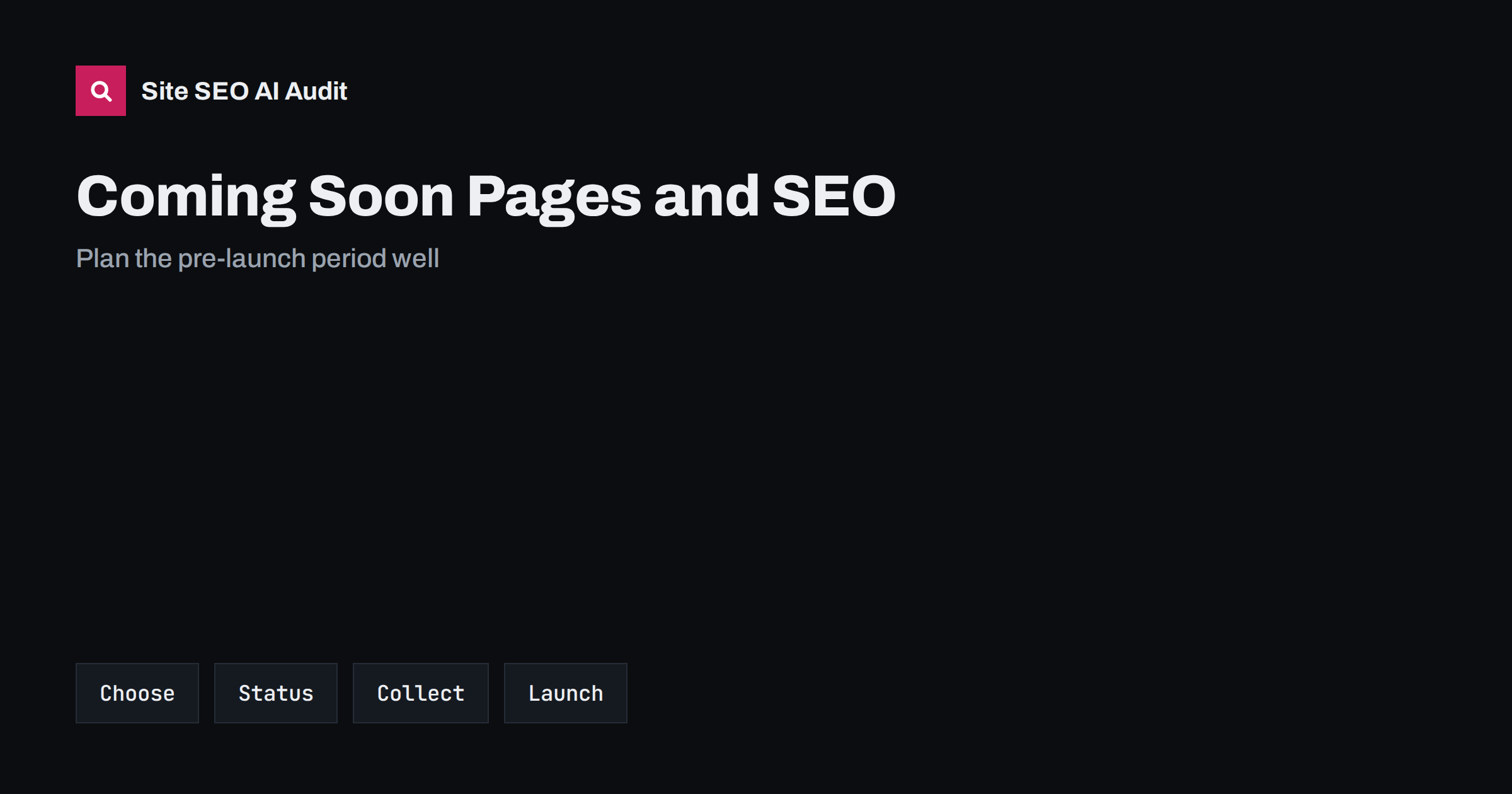
Short answer: A coming soon page is a temporary page shown while a site is built. Decide first whether you want it found: if the site is not ready, keep it out of the index with noindex or access restrictions, and use the correct status code; if you want early visibility, publish one real page with a clear description, a sign-up form and basic structured data. Never leave a block on crawling in place after launch, avoid duplicating a staging copy, submit the sitemap at launch and check the live site for leftover restrictions.
Many launches start with a single page that says the site is on its way. It is quick to make and easy to forget. Some owners leave it live for months with nothing useful on it, losing the chance to be found. Others put the whole unfinished site online behind a banner and see half-written pages in search results. A third group forgets a blocking rule from the build and launches a site that search engines cannot read. A coming soon page is neither good nor bad in itself; the outcome depends on a few settings and on a plan for the day the real site goes live. This guide explains the choices and the checks. For the technical side of indexing control, see noindex versus robots.txt disallow.
Decide what the page is for
Start with the goal. If the site will be ready within days and nobody needs to find it yet, the page only needs to keep visitors informed and stay out of search. If the launch is months away and you want to collect interest, the page can be a real, indexable page: it states what you are building, who it is for, when to expect it and how to be notified. If you are replacing an existing site, a coming soon page is usually a mistake, because it removes the content that earns visits. Build the new site on a private address and switch when ready, as described in the website redesign guide.
Keep an unfinished site out of search
If you do not want the page or the unfinished site indexed, use an access restriction, such as a password or an allow-list of addresses, since it stops both visitors and crawlers reliably. A noindex instruction on every page also works, as long as crawlers can reach the page to read it. A block in the robots file prevents crawling but does not always prevent a listing, because a blocked address that is linked from elsewhere can still appear without a description. For build and test copies, follow the advice in the staging site guide. Whatever method you choose, write it on the launch checklist so that it is removed at the right moment.
Use the right status code
A page that stands in for a site should respond with a normal success code if it is meant to be seen, and with a temporary unavailable code and a retry hint if it is a short maintenance notice for an existing site. The temporary code tells crawlers to come back later and not to treat the content as gone, while a success code on an empty maintenance page can lead to the empty page being indexed in place of your content. Do not use redirects to send all addresses to the coming soon page, because that tells search engines that the old pages have moved there. The meaning of each code is explained in the HTTP status codes guide.
If you want early visibility, make one good page
When early visibility matters, treat the page like a normal page. Give it a unique title that names the product or business and says what it will do, a clear description, a main heading, a short paragraph explaining the offer and a contact or sign-up route. Add the organisation name, logo and links to social profiles, and mark them up with structured data. Use a clean address on the final domain, so that any links and mentions earned now will still count after launch. Add an image with descriptive alt text. Do not fill the page with keywords or publish dozens of empty placeholder pages, since thin pages give no value and are hard to remove later.
Collect interest and signals before launch
A pre-launch period is a chance to prepare the audience. Offer a sign-up form with a plain statement of what people will receive, and respect privacy rules by asking for consent where it is needed. Share the page address in your profiles, directories and press contacts so that early links point to the real domain. Verify the site in Search Console so that you can see how Google sees the page and later inspect the launch. Draft your first content, plan the structure and keyword research, and prepare redirects if you are replacing another site. Use the time to write, not only to wait; the articles ready at launch will drive the first months of visibility. The planning ideas are in new website and AI search.
Prepare the launch day checklist
A launch is a short list of changes made in the right order. Remove password protection or allow-lists. Remove noindex tags and any blocking rule from the robots file, and check them in the live code, not only in the settings. Confirm that the canonical tags point to the final addresses and that the site uses one version of the domain with HTTPS. Publish the XML sitemap and submit it. Test the main pages in a crawl and in Search Console, check redirects from old addresses, verify analytics and consent settings, and test forms. Keep the list as a document and tick each step. The wider list is in the site migration checklist.
The most common launch mistakes
Three mistakes account for most failed launches. The first is the forgotten block: a robots rule or noindex tag from the build that remains after launch, so that nothing appears in search for weeks. The second is the leftover duplicate: a test copy that is indexed under another address, competing with the real site. The third is the broken switch: redirects missing, the sitemap listing test addresses or canonical tags pointing to the old environment. All three are easy to prevent with a checklist and a crawl on launch day. If a problem happens, fix it at once and request a new crawl through Search Console, and monitor the first weeks closely.
After launch: follow up for the first weeks
Watch the index coverage, the crawl reports and the performance report daily in the first week and weekly after that. Look for pages that are not indexed, unexpected errors, slow pages and wrong versions appearing in search. Add internal links to new pages, publish the planned content on a schedule and ask friendly sites to link to the new address. Do not expect immediate rankings, because a new site needs time to be discovered and trusted, but do expect pages to be crawled and indexed within days or weeks if the technical basics are right. Record what happened so that your next launch is smoother.
One more point concerns domains. If you bought a domain that was used before, check its history and any old links before you build on it, since an inherited problem can surprise you at launch. If you use a temporary domain for the build, never publish links to it in public places, because later you will have to redirect them. Plan the address structure before the first page goes live, using lowercase, readable paths that you can keep for years. A little planning before launch saves a long clean-up later, and it keeps the first impression that search engines have of the site clean and consistent.
Finally, keep a record of the launch for the team. Note the date, the changes made, the tests run and the results of the first crawl. If something goes wrong later, this record shows what was different before and after, and it gives the next project a ready-made checklist to improve.
Site SEO AI Audit crawls your site like a search engine and checks status codes, noindex tags, robots.txt rules, canonicals, sitemaps, redirects, titles and speed, so it is a useful check on launch day for leftover restrictions and wrong addresses. It does not build your coming soon page. The first audit of up to 200 pages is free; larger sites can see the pricing page.
Related reading
- Robots.txt SEO Guide
- Search Console Setup Guide
- XML Sitemap Best Practices
- Technical SEO Audit Checklist
The bottom line
A coming soon page should have a purpose. Keep an unfinished site private or noindexed, use correct status codes, make one real page if you want early visibility and run a launch checklist that removes every restriction.
الأسئلة الشائعة
Should a coming soon page be indexed?
Only if you want early visibility and the page has real content. Otherwise keep it private or noindexed until the site is ready.
Is robots.txt enough to hide an unfinished site?
No. It blocks crawling but not always listing. Use a password or noindex, and remove the restriction at launch.
Which status code should a maintenance page return?
A temporary unavailable code with a retry hint for short maintenance on an existing site. A normal success code suits a real, indexable page.
How long can a coming soon page stay up?
Days or weeks is ideal. Months with no content waste visibility, so publish a real page with substance if the delay is long.
What is the first thing to check after launch?
Look for leftover blocks: noindex tags, robots rules and password protection. Then crawl the site and check canonicals and the sitemap.