 ENEnglish
 LTLietuviškai
 DEDeutsch
 FRFrançais
 RUРусский
 ESEspañol
 PLPolski
 ITItaliano
 UKУкраїнська
 CSČeština
 PTPortuguês
 JA日本語
JA日本語 LVLatviešu valoda
 ETEesti
 HUMagyar
 IDBahasa Indonesia
 TRTürkçe
 HIहिन्दी
 ELΕλληνικά
 ARالعربية
 THไทย
THไทย VITiếng Việt
 RORomână
 MSBahasa Melayu
 BNবাংলা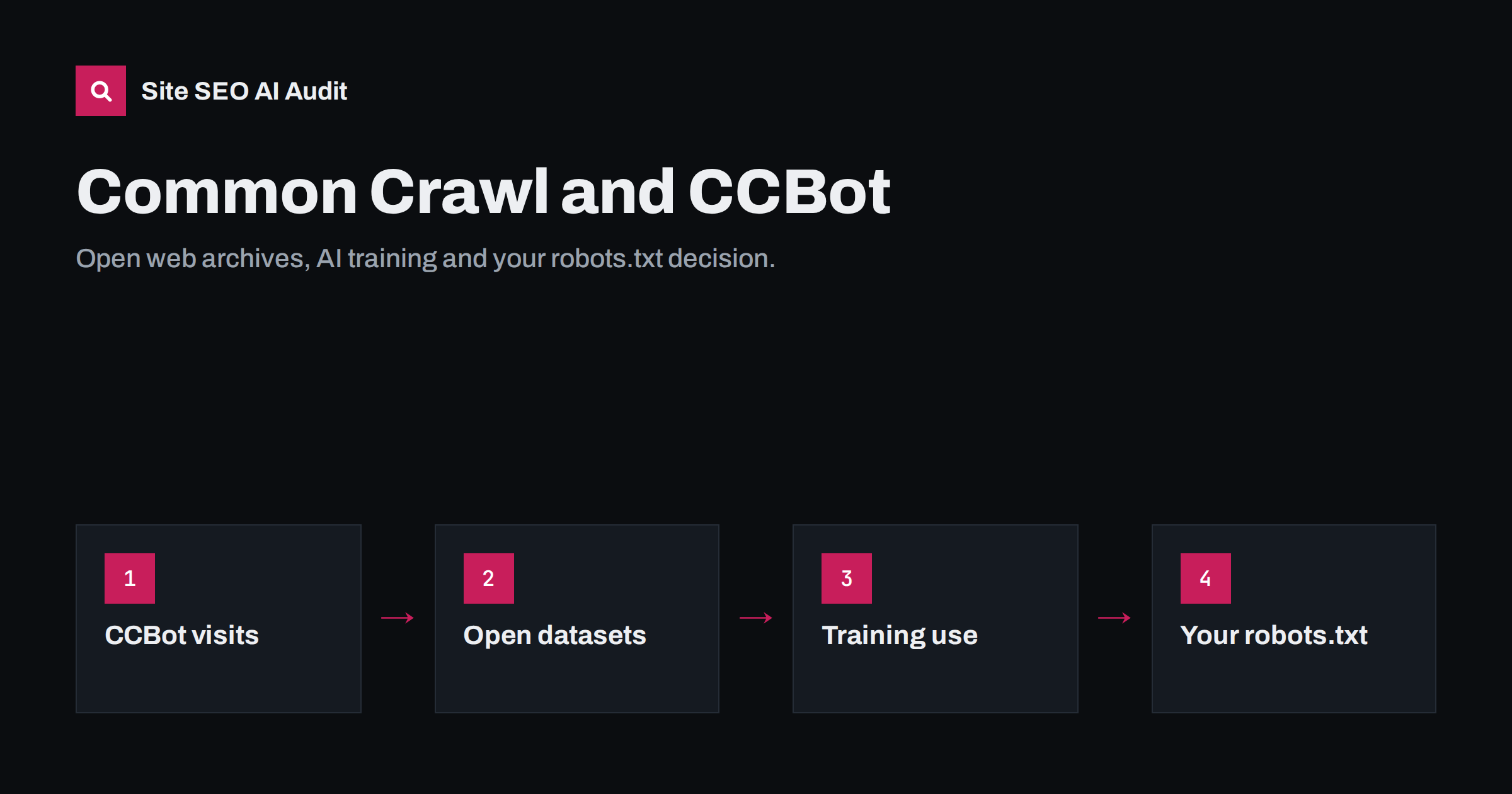
Short answer: Common Crawl is a non-profit organisation that crawls the public web with a bot called CCBot and publishes the results as free, open datasets. Researchers and companies use these datasets for many purposes, and they have been a common source of training data for large language models. CCBot follows robots.txt, so you can block it with a User-agent: CCBot rule. Blocking stops future collection but does not remove pages already in published archives, and it is a separate decision from whether AI search engines can cite you.
What Common Crawl is
Common Crawl has been collecting web pages since 2008 and makes its archive available to anyone at no cost. Instead of building a search engine, it publishes the raw material: billions of pages per crawl, stored in open formats that researchers can process at scale. New crawls are released regularly, and the full archive covers many years of the public web.
The data comes in three main forms:
- WARC files: the raw HTTP responses, including headers and HTML.
- WAT files: metadata extracted from those responses, such as links and headers.
- WET files: plain text extracted from the pages.
Because the data is free and huge, it is used in academic research, web statistics, language studies, search engine prototypes and, very prominently, in building training datasets for AI language models. Many well-known training datasets have been filtered from Common Crawl snapshots. More background is on the Common Crawl website.
What CCBot does on your site
CCBot is the crawler that collects the data. From a site owner’s point of view it behaves like other well-mannered bots:
- It identifies itself with a user agent string containing
CCBot. - It reads and follows robots.txt rules addressed to
CCBotor to all bots. - It fetches public HTML pages; it does not log in or fill in forms.
- It typically visits a sample of pages rather than every URL on large sites, and its visits come in waves around crawl cycles.
As with any bot, the user agent can be faked by others. If you analyse CCBot activity in your logs or build firewall rules around it, verify requests against the information Common Crawl publishes rather than trusting the name alone. Our guide to finding and verifying AI crawlers in your server logs explains the general method.
How Common Crawl relates to AI search and training
It helps to separate three different things that people often mix up:
- Training data collection. Datasets like Common Crawl feed the training of language models. Once a model is trained, your pages influence it only indirectly, and you cannot see or control what it learned.
- Live retrieval for AI answers. When an AI search tool answers a question with citations, it usually retrieves current pages through a search index or its own fetcher at that moment. That is a different pipeline from a historical open dataset.
- Traditional search indexing. Googlebot and Bingbot build search indexes that rank pages and, increasingly, feed AI features built on top of search.
This means blocking CCBot mainly affects whether your future content appears in openly published datasets and in whatever is later built from them. It is not the switch that decides whether AI search engines can quote and link to you. That depends on the crawlers and fetchers of the search and answer services themselves, as explained in how AI search engines work.
Reasons to allow CCBot
- Your content is meant to spread. Publishers of documentation, open knowledge, public-interest information or marketing content often want it included wherever the web is studied or used.
- Research and public data. Common Crawl data supports academic and non-commercial research, including studies of the web itself.
- Long-term presence in models. If language models learn about your brand, products or expertise from public data, being present in widely used datasets may help your brand be known. This is plausible but indirect and hard to measure.
- Low crawl load. For most sites CCBot’s traffic is modest compared with search engine bots.
Reasons to block CCBot
- You do not want your content in AI training data. Since open crawl datasets are a frequent source, blocking CCBot is one of the more effective single steps for reducing future inclusion.
- Your content is your product. Paid research, premium articles, proprietary databases and original creative work lose value when copied into freely distributed archives.
- Licensing or legal requirements. Some content comes with third-party rights that do not allow redistribution.
- Server load on very large sites. On sites with huge numbers of URLs, every additional bot adds cost.
There is no universal right answer. Our decision guide on AI training opt-outs walks through the business questions in more detail.
A quick guide by type of site
The decision usually follows from what the website is for:
- Local businesses and service companies. Most allow CCBot. Their pages describe services, locations and contact details that they want known as widely as possible, and nothing on them is sold as content.
- Software and SaaS companies. Marketing pages and public documentation are usually left open. Some block paid knowledge bases, templates or internal-style resources that form part of the product.
- News publishers and content businesses. Many block training crawlers, including CCBot, because articles are their product, while keeping search engine bots fully allowed.
- Online shops. Product and category pages are generally allowed. Shops with unique, expensive-to-produce content such as detailed buying guides sometimes block those sections only.
- Research, data and education providers. This group is split: open-access organisations tend to allow it, while those who sell reports or courses tend to block the paid parts.
How to block or limit CCBot
The standard method is robots.txt. To block CCBot from the whole site:
User-agent: CCBot
Disallow: /
To block only certain sections, for example a premium archive, while leaving the rest open:
User-agent: CCBot
Disallow: /premium/
Disallow: /research/
A few practical points:
- A bot uses the most specific group that matches it. If you have a
User-agent: CCBotgroup, CCBot ignores the rules underUser-agent: *, so repeat any general rules you still want it to follow. - robots.txt is a public request, not access control. Truly private content belongs behind a login.
- Check that your CDN or firewall is not already blocking or challenging bots in ways you did not intend. Our guide on CDNs and firewalls blocking AI crawlers shows how to check.
- Pages already collected remain in past crawl archives. Blocking works going forward.
The same file usually also contains your decisions about other AI crawlers. The full picture, including training crawlers and AI search fetchers, is in how to allow or block AI crawlers in robots.txt, and Google’s separate control token is explained in Google-Extended explained.
Common misunderstandings
- “Blocking CCBot hides me from AI search.” Not by itself. AI search tools that cite sources mostly rely on live search indexes and their own fetchers.
- “Blocking CCBot deletes my content from AI models.” No. Existing models and past datasets are not changed by a new robots.txt rule.
- “CCBot is a search engine bot.” It is not. Common Crawl does not rank pages or send search traffic.
- “The noai meta tag does the same job.” Meta tags such as noai are not a widely supported standard. robots.txt rules for named bots are the more reliable signal.
- “One rule for all AI bots is enough.” Each company uses its own user agents, and new ones appear. Review the list periodically.
How to check your current setup
A quick review takes a few minutes:
- Open
/robots.txton your domain and look for aCCBotgroup or a catch-all rule that blocks everything. - Check whether your CMS, SEO plugin or hosting panel adds AI bot rules automatically. Some do, and site owners are often unaware of it.
- Look for CCBot requests in your server logs and note which status codes it receives.
- Write down the decision and the reason, so the next person who edits robots.txt does not undo it by accident.
Site SEO AI Audit includes an AI visibility area that checks which AI crawlers your robots.txt allows or blocks, whether you have an llms.txt file, and whether your content can be read without JavaScript. It reports the current state so you can confirm it matches your decision. The first audit is free.
Related reading
- noai and noimageai meta tags: do they actually work?
- Robots.txt for SEO: what to block and what to leave open
- AI search glossary: 30 terms site owners should know
The bottom line
Common Crawl publishes open archives of the public web, collected by CCBot, and those archives are widely used, including for AI training. Allow it if you want your content to spread; block it with a robots.txt rule if your content is your product or you want to limit future training use. Remember that blocking is not retroactive and is separate from being cited in AI search.
الأسئلة الشائعة
Does CCBot respect robots.txt?
Yes. Common Crawl states that CCBot follows robots.txt, so a User-agent: CCBot group with Disallow rules controls what it collects in future crawls.
Will blocking CCBot hurt my Google rankings?
No. CCBot is not a search engine crawler, and blocking it has no effect on how Googlebot or Bingbot crawl and rank your pages.
Can I remove my pages from existing Common Crawl archives?
Blocking CCBot does not change archives that were already published. If you need removal, check Common Crawl’s own contact and policy pages for the current process.
Is Common Crawl data only used for AI?
No. It is also used for academic research, web statistics, language studies and other analysis. AI training is simply one of its most visible uses today.
Should I block CCBot if I want to appear in AI answers?
Blocking CCBot does not stop AI search tools from retrieving and citing your pages through their own crawlers. Decide about CCBot based on training and redistribution, and decide about AI search crawlers separately.


