ENEnglish
 LTLietuviškai
 DEDeutsch
 FRFrançais
 RUРусский
 ESEspañol
 PLPolski
 ITItaliano
 UKУкраїнська
 CSČeština
 PTPortuguês
 JA日本語
JA日本語 LVLatviešu valoda
 ETEesti
 HUMagyar
 IDBahasa Indonesia
 TRTürkçe
 HIहिन्दी
 ELΕλληνικά
 ARالعربية
 THไทย
THไทย VITiếng Việt
 RORomână
 MSBahasa Melayu
 BNবাংলা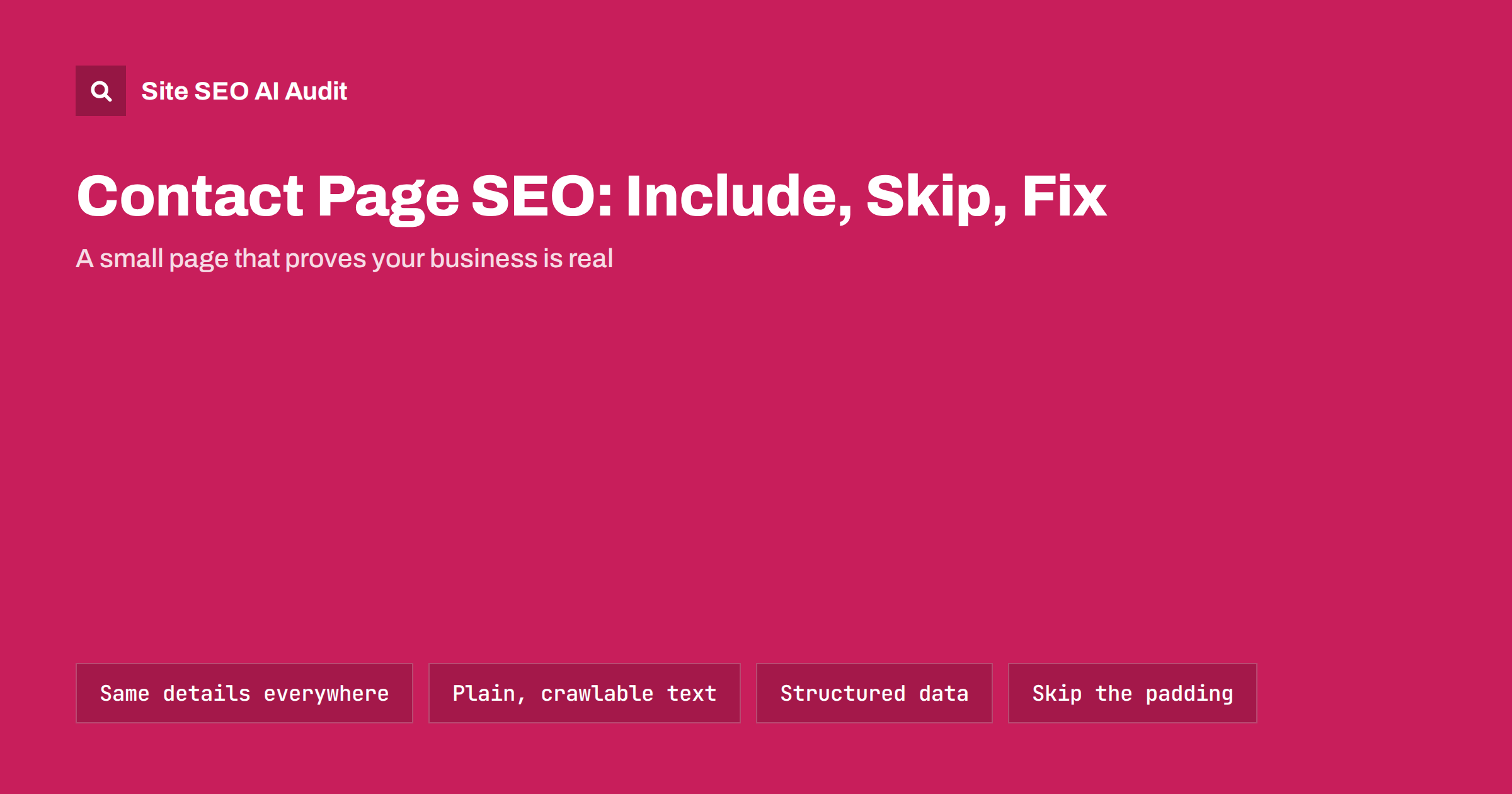
Short answer: A contact page rarely ranks for competitive keywords, but it is a key trust page. It should show your business name, address (if you serve customers in person), phone, email and opening hours as plain, crawlable text that matches every other listing, have a clear title and meta description, carry Organization or LocalBusiness structured data, and stay indexable. Skip keyword-stuffed text, forms as the only way to reach you, and contact details hidden in images.
The contact page is one of the most visited pages on many small-business sites, and one of the least cared for. It is often a form, a map and nothing else. That works for some visitors, but search engines, AI assistants and cautious customers look at the contact page to answer a simple question: is this a real business, and how do I reach it? A good contact page answers that clearly, and that clarity supports the rest of the site.
What a contact page does for SEO
Do not expect the contact page to bring much traffic on its own. Its value is indirect:
- Trust. Clear, verifiable contact information is one of the signals people and quality raters use to judge whether a site is trustworthy, especially for sites that sell products or give advice.
- Entity understanding. Search engines and AI systems match your name, address and phone across the web to understand which business a site belongs to. The contact page is often the main source of those facts.
- Navigational searches. People search for “company name phone” or “company name opening hours”. A well-titled contact page often answers those queries directly.
- Local visibility. For businesses with premises, consistent contact details on the site support the business profile and directory listings.
Think of it as a supporting page, like the About page: it will not win rankings by itself, but a weak one undermines the pages that do.
What to include
A complete contact page is short but specific. Include what applies to your business:
- Business name exactly as it appears in your business profile, invoices and directories.
- Physical address if customers visit you or if it is your registered office. Service-area businesses that work at the customer’s location can leave the street address out and list the areas they serve.
- Phone number as text, with the country code for international audiences, linked with
tel:so it works on mobile. - Email address as text, linked with
mailto:. If spam is a concern, a contact form can sit alongside it, but not replace it. - Opening hours and any holiday changes, kept up to date.
- Legal details where your country requires them, such as the company registration or VAT number.
- Directions or a map if people visit, with parking or public transport notes.
- Response expectations, such as “we reply within one working day”, and which channel to use for what: sales, support, billing.
If you have several locations, give each its own section here and its own detailed page; our guide to location pages explains how to structure them without duplication.
Title, meta description and heading
Contact pages are often titled just “Contact”, which says nothing in search results or browser tabs. A better pattern includes the brand and, where relevant, the place:
- Title: Contact Smith Plumbing – Leeds Office, Phone and Hours
- Meta description: one or two sentences on how to reach you and what to expect, such as reply times or opening hours.
- H1: a clear heading like “Contact Smith Plumbing” rather than “Get in touch!” alone.
Keep it natural. The title should help a person who searched for your brand confirm they are in the right place. Our title tag writing guide covers length and wording in more detail.
Structured data for contact pages
Structured data turns your contact details into facts machines can read reliably. The usual choices are:
| Business type | Schema type | Useful properties |
|---|---|---|
| Online business or company without customer premises | Organization | name, url, logo, email, telephone, address, sameAs, contactPoint |
| Shop, office, clinic or restaurant customers visit | LocalBusiness or a more specific subtype | name, address, geo, telephone, openingHoursSpecification, url |
| Separate sales and support lines | contactPoint inside Organization | contactType, telephone, email, availableLanguage |
Add the markup once, usually site-wide or on the home page, and make sure the contact page shows the same details visibly. Markup that contradicts the visible page, or that describes details not shown anywhere, is a common error. Our guide on Organization schema includes a minimal example you can adapt.
Consistency across the web
The single most important rule for contact details is that they match everywhere. Search engines and AI tools compare your site with your business profile, social profiles, directories and review sites. Differences create doubt about which details are right.
- Choose one canonical format for your name, address and phone, including abbreviations (“Street” or “St.”) and the phone format.
- Use it on the contact page, in the footer, in structured data and in every listing you control.
- When you move or change numbers, update the site first, then the business profile, then directories.
- Search for your old address and phone number once a year to find outdated listings.
This matters for AI search too: assistants that recommend local businesses tend to rely on consistent facts across several sources. See local business visibility in AI search for more.
Common contact page mistakes
- Form only. No phone, no email, no address. Visitors who want to verify you cannot, and machines have no text to read.
- Details inside images. A phone number in a banner image cannot be clicked, copied or read by crawlers.
- Noindex on the contact page. Some themes or plugins add it to “utility” pages. Your contact page should be indexable.
- Keyword padding. Paragraphs like “contact the best plumber in Leeds for cheap plumbing in Leeds” help nobody and look spammy.
- Outdated hours or addresses. Wrong information is worse than none; it sends customers to closed doors.
- Several near-identical contact pages created by page builders or language plugins, competing with each other and splitting signals.
- Heavy map embeds that slow the page down. Load the map only when needed, or use a static image with a link to directions.
- Broken forms. A form that silently fails loses leads. Test it after every site update.
Is a short contact page “thin content”?
SEO tools sometimes flag contact pages as thin because they have few words. In most cases that is not a real problem. A contact page exists to give contact information, and search engines understand that. You do not need to add hundreds of words of filler to satisfy a word count.
What you can add, if it is genuinely useful, is a short FAQ: how quickly you reply, whether visits need an appointment, which areas you serve, how to send documents. That helps visitors and also gives search engines more context. If your audit tool warns about a short contact page, check that the page has clear contact details, a good title and is indexable, and then move on to issues that affect more important pages.
Contact pages on multilingual sites
If your site has several language versions, each one should have its own contact page in that language, linked with hreflang like any other translated page. Translate the labels, opening hours notes and directions, but keep the business name, address and phone number in the same canonical format, with the international dialling code. If you have a different office or phone line for a country, show it on that country’s version, and say clearly which languages your team speaks on each line, so visitors know what to expect before they call.
Check the contact page as part of a site audit
Contact page problems are usually small and easy to fix, but they hide among bigger issues: a missing title here, a noindex there, a broken link in the footer. Site SEO AI Audit checks on-page signals such as titles, descriptions and H1, indexability, structured data and links on every page, and ranks issues by how many points each fix adds, so a short contact page does not distract you from problems that matter more. The first audit of a website is free, and paid plans add re-audits to confirm your fixes.
Related reading
The bottom line
A contact page should prove that your business is real and easy to reach. Show your name, address where relevant, phone, email and hours as plain text, keep them identical everywhere, give the page a clear title and structured data, and keep it indexable. Leave out keyword padding and filler; clarity is what helps both people and search engines.
الأسئلة الشائعة
Should the contact page be indexed?
Yes. It answers navigational searches such as your brand name plus “phone” or “address”, and it supports trust and entity signals. Only noindex duplicate or test versions, never the main contact page.
Do I need LocalBusiness schema on the contact page?
If customers visit your premises, LocalBusiness markup with the address, phone and opening hours is useful. It can live on the home page or site-wide instead. What matters is that it matches the details visible on the contact page.
Is a contact form enough for SEO?
No. A form alone gives crawlers and visitors no verifiable details. Keep the form if it helps you, but also show a phone number, email and, where relevant, an address as plain text.
How long should a contact page be?
As long as needed to give complete contact information and answer common practical questions. There is no minimum word count for a contact page, and filler text does not help it rank.
Should every location have its own contact page?
If you have several locations that customers visit, give each one its own page with unique details, hours and directions. The main contact page can list all locations and link to each location page.