 ENEnglish
 LTLietuviškai
 DEDeutsch
 FRFrançais
 RUРусский
 ESEspañol
 PLPolski
 ITItaliano
 UKУкраїнська
 CSČeština
 PTPortuguês
 JA日本語
JA日本語 LVLatviešu valoda
 ETEesti
 HUMagyar
 IDBahasa Indonesia
 TRTürkçe
 HIहिन्दी
 ELΕλληνικά
 ARالعربية
 THไทย
THไทย VITiếng Việt
 RORomână
 MSBahasa Melayu
 BNবাংলা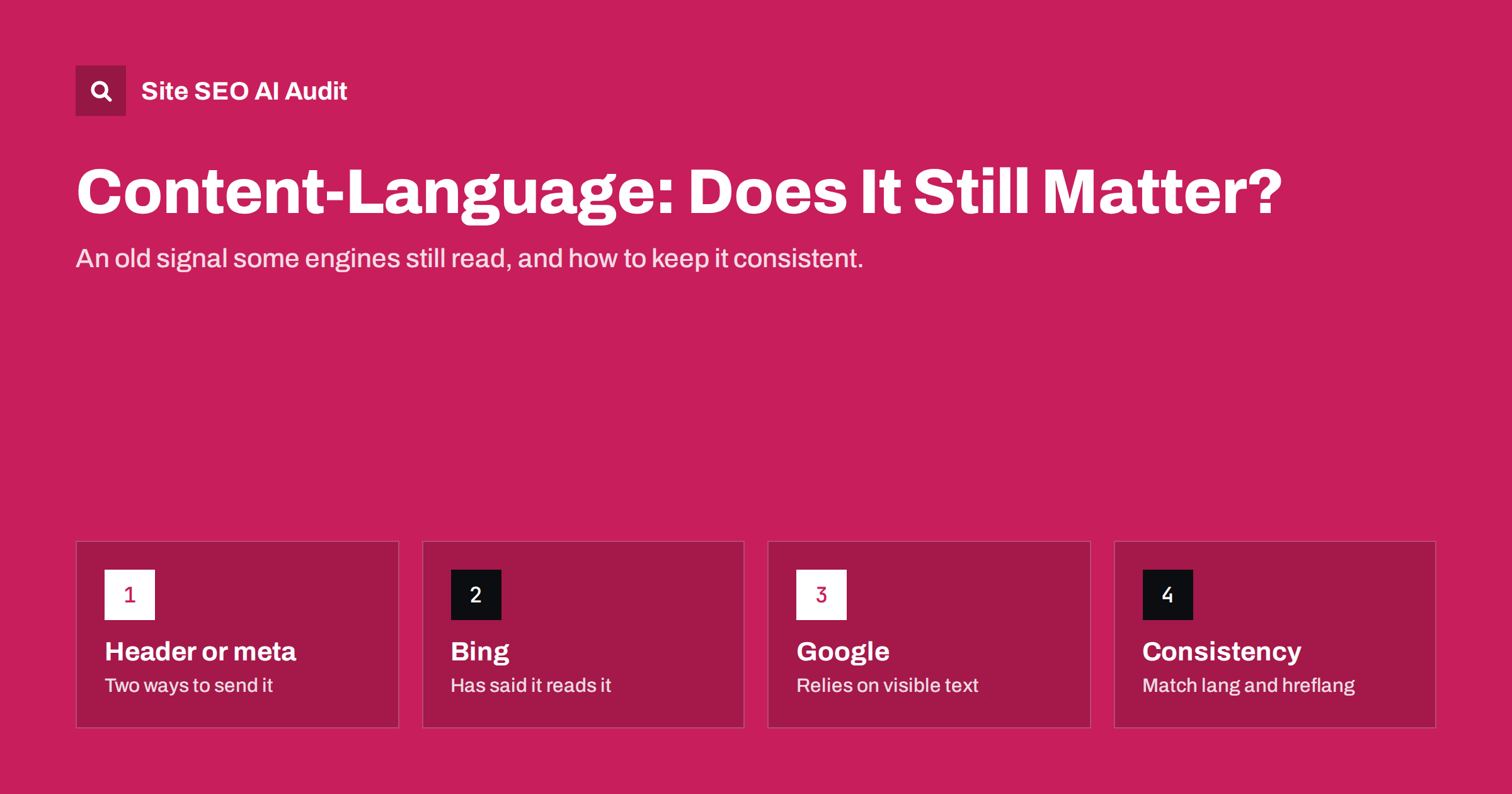
Short answer: Content-Language is an HTTP header, also expressible as a meta http-equiv tag, that states the intended audience language of a document, such as de-AT. Google does not rely on it and determines language from the visible text, but Bing has said it considers the content-language meta tag as a signal for language and region. It is cheap to set correctly, so many international sites include it, but it must agree with the lang attribute, hreflang and the actual content. A wrong value adds confusion rather than removing it.
What Content-Language is
Content-Language is defined in the HTTP standards as a header describing the natural language of the intended audience for a response. A server can send it with a page, for example Content-Language: de-AT. HTML also allows an equivalent in the head: <meta http-equiv="content-language" content="de-AT">.
The HTML specification now recommends the lang attribute on the html element for declaring a document’s language, and describes the content-language meta tag as non-conforming in modern HTML. Browsers use the lang attribute, not the meta tag, for things like hyphenation and screen reader pronunciation. The MDN reference for Content-Language summarises how the header and the attribute differ.
In other words, Content-Language is an older mechanism that the web platform itself has largely replaced. Its continued relevance for SEO comes from how some search engines use it.
It is worth keeping the two ideas apart: the lang attribute says what language the content is written in, while Content-Language, in its original meaning, describes the audience the document is intended for. In practice these usually coincide, and search engines that read Content-Language treat it as a language and region hint. The distinction matters mainly when you read the standards or debug unusual configurations.
How search engines treat it
- Google has said it determines the language of a page from its visible content, and that it does not use code-level language information such as the lang attribute for this. It likewise does not rely on the content-language meta tag. For targeting alternates, Google uses hreflang.
- Bing has said it uses the content-language meta tag or header, together with other signals such as HTML language attributes and the text itself, to understand the language and region a page is meant for. Its support for hreflang has historically been described as limited.
- Other search engines and tools vary. Some crawlers, translation services and content analysis tools read the header or meta tag as a hint.
So Content-Language does not matter for Google rankings, but it can help Bing and other systems understand your language versions. Given how little effort it takes, setting it correctly is reasonable for sites that care about Bing traffic.
How it compares with lang and hreflang
| Signal | Describes | Where | Main users |
|---|---|---|---|
| lang attribute | The language of the page or element | html element and child elements | Browsers, screen readers, some search engines |
| Content-Language | The intended audience language, optionally with region | HTTP header or meta http-equiv | Bing and some other tools |
| hreflang | Which alternate versions exist and for whom | Link tags, sitemaps, HTTP Link headers | Google and other search engines supporting it |
The three are complementary, not alternatives. On a German page for Austria, all three should tell the same story: lang de or de-AT, Content-Language de-AT, and an hreflang cluster in which the page appears as de-at.
How to set it correctly
If you decide to use Content-Language, keep it simple:
- Use one value per page, matching the page’s language and, if relevant, its target country. The standard allows a list of languages, but for SEO purposes one clear value is better.
- Use the same code format as elsewhere: a language code, optionally with a region, such as
fr,fr-CAorpt-BR. - Choose header or meta tag, not conflicting both. If you use both, they must match.
- Generate it from the same locale setting that drives the lang attribute and hreflang, so the values cannot drift apart.
- Set it on every language version, not just the default language.
Common mistakes
- A site-wide header with the default language. The web server or CDN sends
Content-Language: enon every response, including German and French pages. This directly contradicts the content and the other signals. - Stale meta tags in theme headers. An old theme hard-codes
content="en-US", which stays after translations are added. - Lists of languages. A value such as
en, de, frtells search engines little about which language the page is actually in. - Mismatch with hreflang. The page is annotated as
de-atin hreflang but sendsContent-Language: de-DE. - Invalid codes, such as underscores or country codes used as languages, the same errors seen in hreflang.
The first mistake is the most common, because server and CDN defaults apply to all responses. Check the response headers of translated pages, not just the default language.
Setting it in common set-ups
Where Content-Language comes from depends on your stack, and knowing the source makes it easy to fix:
- Web server configuration. Apache and Nginx can add headers per location or virtual host. A rule at the top level applies to every response, which is how site-wide wrong values usually arise. If you set it here, scope it per language folder or host.
- Application code. Frameworks can set the header per response based on the route’s locale. This is the most reliable approach, because the value follows the page’s language automatically.
- CMS themes and plugins. In WordPress, some themes and SEO or multilingual plugins print a content-language meta tag. Check whether it changes per language, and make sure only one component outputs it.
- CDN rules. Edge rules can add or override headers. A rule added long ago for one purpose can silently apply a language value to every page.
When you find a wrong value, trace it to its source before fixing it. Removing a meta tag from a theme does nothing if the CDN adds the header anyway, and vice versa.
Content-Language on multi-regional sites
The region part of Content-Language is most useful where one language serves several countries. English for the US, the UK and Australia, or Spanish for Spain and Mexico, share a language, so the text alone does not reveal the intended country. For engines that read Content-Language, a value such as en-GB or es-MX adds a clear region hint alongside local content such as currency, spelling and contact details.
For language-only versions, such as one German version for all German speakers, a plain language value like de is enough. Adding a country where the content does not target one can be misleading, just as it would be in hreflang.
Should you add it if you do not have it?
For most sites, Content-Language is optional. Consider adding it if:
- Bing is a meaningful traffic source in any of your markets.
- You have same-language country versions, such as en-US and en-GB, where an explicit region signal can help engines that read it.
- Your platform makes it trivial to generate from the existing locale setting.
If adding it would require manual maintenance per page, the effort is better spent on hreflang, full translation and local content, which matter to all search engines.
If you remove it instead, for example because a theme outputs a wrong value, nothing is lost for Google, and engines that used it will fall back on the other signals. Removing a wrong value is always better than leaving it in place.
How to check it
To check the header, request a page with a command-line tool or look at the response headers in the browser’s network panel. To check the meta tag, view the page source. Do this for one page per language version, and after any server, CDN or theme change. Compare the value with the lang attribute and the page’s own hreflang entry.
At scale, a crawl makes the comparison easier. Site SEO AI Audit checks lang attributes, hreflang return links, x-default and broken language versions on every crawled page in its Languages area, which shows quickly whether translated templates carry the right language signals. The first audit is free.
Related reading
- The HTML lang attribute: what it does for SEO and users
- How Google detects the language of a page, and why it matters
- Beyond Google: Bing, Baidu, Naver and other local search engines
The bottom line
Content-Language is an older signal that Google does not rely on but Bing has said it considers. It is optional, cheap to add and harmful only when wrong. If you use it, generate one value per page from the same locale setting as your lang attribute and hreflang, never send a site-wide default language header on translated pages, and check it after server and theme changes.
الأسئلة الشائعة
Does Google use the Content-Language meta tag?
Google has said it relies on the visible content to determine a page’s language and uses hreflang for alternates. It does not rely on the content-language meta tag.
Does Bing use Content-Language?
Bing has said it considers the content-language meta tag or header, along with other signals, to understand a page’s language and target region.
Should I use the header or the meta tag?
Either works for engines that read it. The HTTP header is the original mechanism; the meta tag is easier to add in templates. If you use both, make sure they match.
Can Content-Language replace hreflang?
No. Content-Language describes one page’s language, while hreflang lists the alternate versions and who each is for. They serve different purposes.
Is it harmful to have the wrong Content-Language value?
It can add confusion for engines that read it, especially when it contradicts the content and other signals. A wrong value is worse than none.


