 ENEnglish
 LTLietuviškai
 DEDeutsch
 FRFrançais
 RUРусский
 ESEspañol
 PLPolski
 ITItaliano
 UKУкраїнська
 CSČeština
 PTPortuguês
 JA日本語
JA日本語 LVLatviešu valoda
 ETEesti
 HUMagyar
 IDBahasa Indonesia
 TRTürkçe
 HIहिन्दी
 ELΕλληνικά
 ARالعربية
 THไทย
THไทย VITiếng Việt
 RORomână
 MSBahasa Melayu
 BNবাংলা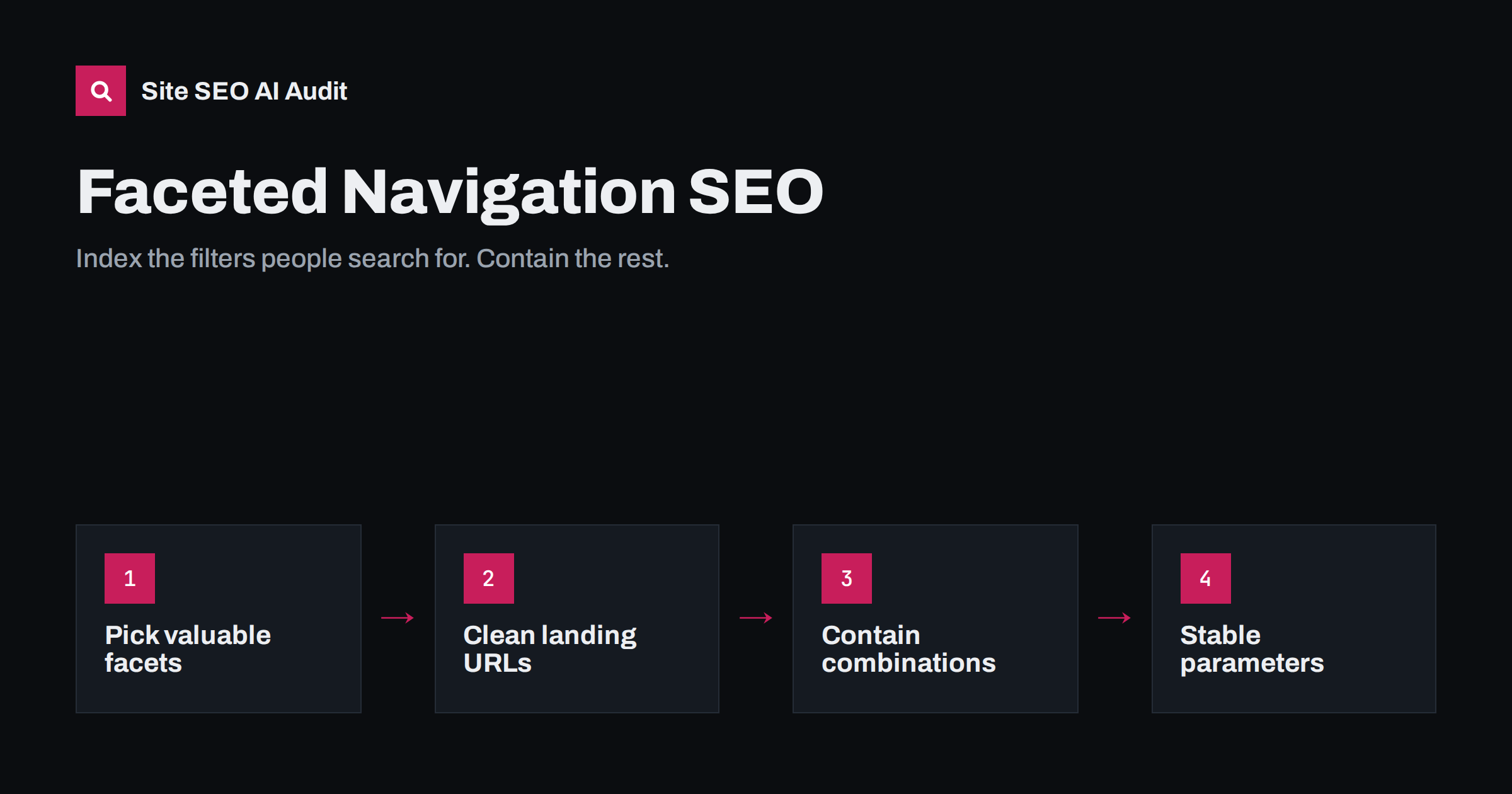
Short answer: faceted navigation lets shoppers filter products by attributes like brand, colour, size and price, but every filter combination can become a new URL, quickly creating millions of near-duplicate pages. Handle it by choosing a small set of filter pages that match real searches and turning them into indexable landing pages with clean URLs, while making all other combinations non-crawlable or blocked, and never linking to sort or multi-filter URLs as normal crawlable links.
What faceted navigation is
A facet is a product attribute a shopper can filter by: brand, colour, size, material, price range, rating, availability. Faceted navigation is the panel that lets them combine these filters. It is one of the most useful features for visitors in a large catalogue, and one of the most dangerous for SEO.
The danger is arithmetic. A category with 10 brands, 12 colours, 8 sizes and 5 price ranges allows thousands of combinations, and if filters can be combined in any order and with sorting and pagination on top, the number of possible URLs grows far beyond the number of products. A shop with a few thousand products can easily expose hundreds of thousands of crawlable URLs.
None of this means filters are bad. Shoppers who can narrow a list quickly buy more easily, and a few filtered pages can be among the best-ranking pages on a shop. The goal is control: deciding deliberately which filter pages exist for search engines, instead of letting the filter widget decide for you.
The three problems facets create
- Crawl waste. Crawlers follow filter links and spend their time on near-identical pages instead of products and important categories. Google’s own documentation on managing faceted navigation URLs calls this out as a common cause of overcrawling.
- Duplicate and thin content. Many filter combinations show the same few products, or none at all, under a different URL.
- Diluted signals. Internal links and external links spread over countless variants instead of strengthening the main category and a few valuable filtered pages.
Step 1: decide which facets deserve to be indexed
Some filtered pages match real searches and deserve to rank. “Men’s waterproof hiking boots”, “Nike running shoes” and “oak dining tables” are the kind of queries a well-built filtered page can answer better than a generic category. Criteria for an indexable facet page:
- Real search demand for the combination, confirmed with keyword research or your own site search data.
- Enough products to make a useful page, not one or two.
- A stable selection that does not disappear every season.
- Usually one or two facets, such as category plus brand or category plus colour. Deeper combinations rarely match searches.
Common winners are brand, primary colour, material, gender and major product type within a category. Price ranges, sizes, ratings and availability are almost never worth indexing.
Step 2: turn chosen facets into real landing pages
An indexable facet page should look to search engines like any other good category page:
- A clean, stable URL, such as
/hiking-boots/waterproof/or a single, consistently ordered parameter. - A unique title and H1 that reflect the filter, for example “Waterproof hiking boots”.
- A short introduction that helps shoppers choose, not a block of keyword text.
- A self-referencing canonical, no noindex, and inclusion in the XML sitemap.
- Normal internal links from the parent category, from related categories and from relevant articles.
Many shop platforms and SEO plugins support “SEO filter pages” or “landing pages” that do exactly this. Where they do not, a manually created subcategory with the same products achieves the same result.
Step 3: contain everything else
For all other combinations, the goal is to stop them being crawled at scale, not just to stop them being indexed. Options, from most to least effective:
| Method | Stops crawling? | Stops indexing? | Notes |
|---|---|---|---|
| Filters without crawlable links | Yes, mostly | Yes, if not linked elsewhere | Apply filters via form or JavaScript without href URLs |
| robots.txt Disallow patterns | Yes | Mostly; linked URLs can still appear | Good for multi-filter and sort parameters |
| Canonical to parent category | No | Usually | Pages still crawled; hint may be ignored if content differs |
| noindex, follow | No | Yes | Crawling continues; use for limited sets |
| Nofollow on filter links | Partly | No | Unreliable on its own |
Most large shops combine methods: valuable facets as clean landing pages; single low-value filters with a canonical or noindex; multi-filter combinations and sort parameters kept out of the crawl through non-crawlable links or robots.txt patterns.
URL hygiene rules
Whatever approach you use, make the URLs predictable:
- Fixed parameter order, so
?color=black&brand=xand?brand=x&color=blackare never both generated. - Lowercase, consistent values.
- No empty or default parameters in links.
- 404 for invalid values or combinations with zero products, rather than an empty page with 200.
- Keep sorting and view options out of the URL, or at least out of crawlable links.
- Do not add session or tracking parameters to filter links.
Common faceted navigation mistakes
- Every filter option is a normal link in the HTML, so crawlers can reach every combination.
- Noindex on all filter pages, including valuable ones, throwing away pages that could rank for specific searches.
- Canonical to the parent on pages you want to rank, which tells search engines not to index them.
- Blocking in robots.txt before cleaning up the index, so already-indexed filter URLs stay in results without a description.
- Filter pages in the XML sitemap that are canonicalised or noindexed.
- Price sliders that generate a unique URL for every possible price range.
Cleaning up a shop that already has the problem
Designing facets correctly on a new shop is easy compared with cleaning up an existing one, where thousands of filter URLs are already crawled and some are indexed. Changing everything at once can backfire, so work in stages:
- Inventory first. Export the filter URLs that are indexed or receive search traffic. Some of them may be valuable pages you want to keep; they become your landing page candidates.
- Build the landing pages. Give the chosen combinations clean URLs, unique titles and short introductions. Redirect the old parameter URLs for those combinations to the new clean URLs with 301s.
- Let unwanted URLs drop out. Add noindex (or a canonical to the parent) to the other filter pages while they are still crawlable, so search engines can see the directive and remove them from the index.
- Then cut the crawl. Once most unwanted URLs have left the index, which can take weeks, change filter links so they are no longer crawlable and add robots.txt patterns for multi-filter and sort parameters.
- Clean the sitemap so it lists products, categories and the new landing pages only.
- Monitor Search Console statuses and server logs for several weeks, watching crawl volume on filter URLs fall and discovery of products speed up.
The order matters. Blocking first would freeze the indexed filter URLs in place, because crawlers could no longer see the noindex that is supposed to remove them.
How to measure the problem
- Crawl the site and count URLs with filter parameters compared with real product and category pages.
- Check server logs to see what share of crawler requests goes to filter URLs.
- Review Search Console for large numbers of “Discovered – currently not indexed”, “Crawled – currently not indexed” or “Alternate page with proper canonical tag” URLs with filter parameters.
- Search for your domain together with a filter parameter name to see which filter URLs are indexed.
After changes, repeat the same measurements. A healthy result is a sharp drop in crawled filter URLs, a stable or growing number of indexed products and categories, and faster discovery of new products.
How Site SEO AI Audit helps
SEOAuditBot crawls your shop the way a search engine does, so it discovers the same filter URLs your links expose. The audit reports duplicate content, duplicate titles, canonical problems, redirect chains and deep or orphaned pages, and each issue shows how many pages it affects, which makes a filter system gone wild easy to spot. On WordPress and WooCommerce, the fix steps point to the relevant settings. Larger catalogues are covered by the higher plans; see pricing.
Related reading
- URL parameters and duplicate content: a practical fix guide
- Crawl budget explained: when it matters and how to save it
- Pagination SEO: how to handle page 2, 3 and beyond
- Discovered – currently not indexed: why and how to fix it
The bottom line
Faceted navigation is great for shoppers and risky for crawling. Choose the few filter combinations people actually search for and build them into proper landing pages. Keep everything else out of the crawl with non-crawlable filter links and robots.txt patterns, keep URLs predictable, and measure the result in crawls, logs and Search Console.
الأسئلة الشائعة
Should filtered category pages be indexed?
Only those that match real search demand and have enough products, such as a category combined with a brand or colour. Give them clean URLs and unique titles. Most other combinations should not be indexed.
Is it better to use noindex or robots.txt for filters?
They do different things. Noindex removes pages from the index but they are still crawled; robots.txt stops crawling but not necessarily indexing. For large filter systems, preventing crawlable links and blocking patterns saves the most crawling.
Can canonical tags solve faceted navigation?
They help consolidate duplicates but do not stop crawling, and search engines may ignore them when filtered pages differ noticeably from the parent. Use them together with other methods.
How many filters can be combined in an indexable URL?
There is no rule, but most shops limit indexable pages to one or two facets. Deeper combinations rarely match real searches and multiply the number of URLs quickly.
Do price filters need to be crawlable?
Almost never. Price ranges rarely match searches and can create endless URL variations. Keep them out of crawlable links and block their parameters if needed.


