ENEnglish
 LTLietuviškai
 DEDeutsch
 FRFrançais
 RUРусский
 ESEspañol
 PLPolski
 ITItaliano
 UKУкраїнська
 CSČeština
 PTPortuguês
 JA日本語
 LVLatviešu valoda
 ETEesti
 HUMagyar
 IDBahasa Indonesia
 TRTürkçe
 HIहिन्दी
 ELΕλληνικά
 ARالعربية
 THไทย
 VITiếng Việt
 RORomână
 MSBahasa Melayu
 BNবাংলা
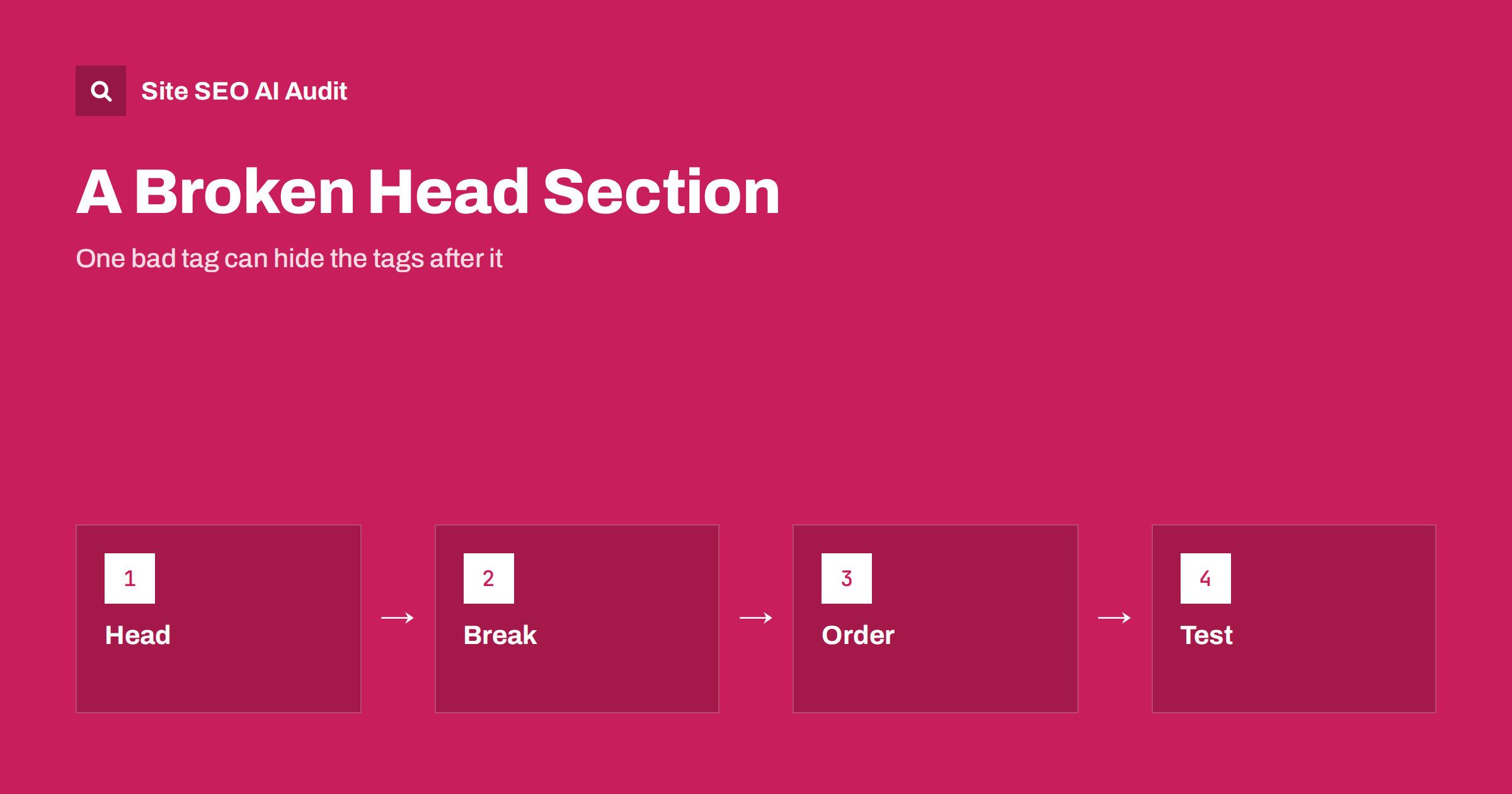
Short answer: The head section of a page should contain only elements that are allowed there, such as title, meta, link, script, style and noscript with valid content. If an element that belongs in the body, such as an iframe, an image or a div, appears in the head, browsers close the head at that point, and everything after it is treated as body content. Search engines may then ignore canonical, hreflang, robots and other tags placed after the problem. The fix is to remove or move the invalid element and test the rendered HTML.
Many technical SEO problems are invisible on the screen. A page can look perfect while its canonical tag, its hreflang annotations or its noindex directive are being ignored, because they sit in the wrong part of the document. One of the most common causes is a tag that does not belong in the head and that quietly ends it. This is not a rare theoretical issue: it appears often on sites that use tag managers, third-party widgets, plugins and templates that many people edit. This guide explains how the head works, which tags cause trouble, how to detect the problem and how to prevent it.
What belongs in the head
The head contains information about the page, not the content that visitors see. Allowed elements are the title, meta tags, link elements, base, style, script and noscript. Typical SEO items are the title, the meta description, the robots meta tag, the viewport, the canonical link, hreflang alternate links, Open Graph tags, structured data scripts and links to feeds and icons. See the guide to meta tags that matter for the full list.
The HTML standard has a defined way of processing the head. When a parser meets an element that cannot be in the head, it assumes that the head is over and the body has begun. The offending element and everything that follows is placed in the body, even if the author intended to keep them in the head. Browsers do this silently to display something sensible, and search engines that use similar parsing follow the same logic.
Which tags break it
The usual culprits are elements that produce visible content or loaded frames. An iframe is the best-known example: many tag manager snippets add a noscript block with an iframe, and if that block is placed in the head instead of the start of the body, the head ends there. Other examples are img tags used as tracking pixels, div and span elements, anchors, forms, headings and plain text. Even stray text, such as a comment in the wrong format or a broken closing tag from a plugin, can cause the same effect.
Some problems come from invalid markup around allowed elements, such as a script tag that is not closed, a meta tag with an unclosed quote that swallows the next tags or an unescaped character in a title. The browser may then treat a large part of the page as part of that tag. These faults are easy to introduce when several people or plugins add code to the template.
What happens to your tags
The effect depends on which tags come after the break. If the canonical link comes after the problem, it may not be recognised, and search engines may choose another canonical, as described in the guide to when Google chooses a different canonical. If the hreflang links are after the break, language versions may lose their annotations, which causes the errors in the guide to hreflang errors. A robots meta tag with noindex placed after the break may be ignored, so a page you wanted to keep out of the index can be indexed. Structured data scripts in the body are still usually read, but meta description and Open Graph tags may be lost.
Google has noted in its documentation on hreflang that invalid elements in the head can cause the tags that follow to be ignored. Because of this, the problem can look like a different issue: duplicate pages, wrong snippet, missing alternates or indexing that does not follow your instructions.
How to detect the problem
View the source of the page and read the head from the top. Check where the head closes and whether any visible element appears before that point. Better, look at the rendered HTML as a browser sees it: open the developer tools, inspect the elements panel and see whether your canonical, hreflang and robots tags are inside the head. If they appear in the body, something closed the head early. The URL Inspection tool in Search Console shows the rendered HTML that Google saw, and a comparison with your source shows what changed, as covered in the guide to the URL Inspection tool.
Use an HTML validator to find unclosed tags and illegal elements, and crawl the site to see which pages have missing or unexpected tags. A crawler that reads the rendered page can show pages where the canonical or hreflang is missing even though it appears in the source. Compare templates, since the problem often affects all pages that use one template or one plugin.
Common sources on real sites
Tag manager installation is the classic source: the first snippet goes in the head, and the noscript fallback with the iframe goes right after the opening body tag. If both are placed in the head, the head ends early. Chat widgets, cookie banners, analytics plugins and A/B testing tools sometimes add elements in the head by script, and a mistake in their code can output visible elements there. WordPress plugins and themes that hook into the head output can add stray text or unclosed tags. Manual edits to the header file are another risk.
Check also content that is injected by JavaScript. If a script adds an element to the head after loading, it goes to the head as intended, but a script that writes the wrong element type can still disturb the structure. Third-party scripts are discussed in the guide to third-party scripts.
How to fix and prevent it
Remove the invalid element from the head or move it to the beginning of the body, where it belongs. For tag managers, follow the installation instructions exactly: the script in the head and the noscript block immediately after the opening body tag. Close every tag and attribute properly. Place the most important SEO tags, such as the charset, the viewport, the title, the robots tag and the canonical, as high in the head as possible, so that they are less likely to be affected by a problem further down. The order of items in the head is less important than the validity, but a clean order is easier to check.
Prevent a repeat with process. Keep one person or team responsible for the head template, review every change made by plugins or tag managers, and add a test to your release checklist that checks the rendered head for the main tags. A crawler or monitoring script that alerts when the canonical or hreflang is missing from a template is a good safety net, as in the guide to technical SEO monitoring.
Other head problems worth checking
While you are in the head, look for duplicates and conflicts: two canonical tags, two robots meta tags with different values, two titles or conflicting values between the header and the HTML. Check that the head is not very large because of inline code, and that no big script blocks delay the title and meta tags. Make sure the character encoding is declared early, as discussed in the guide to character encoding. Check that the canonical and hreflang values in the head agree with what the sitemap says, as in the guide to canonical and hreflang together.
If you control tags with plugins, look at the output and not only at the settings screen. What the plugin shows and what the page serves can differ because of caching, conflicts or theme code.
Here is a short example. A multilingual site added a tag manager and, by mistake, pasted both snippets into the head. Search Console reported that hreflang return links were missing on many pages, though the tags were present in the source. A look at the rendered HTML showed that the head ended at the iframe, and that the hreflang links were in the body. After the team moved the noscript block to the body, the report cleared within a few weeks.
Site SEO AI Audit crawls your website and checks canonical tags, noindex, titles, descriptions, hreflang return links, lang attributes, structured data and Open Graph tags on every page, which helps you spot pages where expected tags are missing. It does not validate your HTML. The first audit of up to 200 pages is free, and larger sites can see the pricing page.
Related reading
The bottom line
Keep only valid elements in the head, and check the rendered HTML to be sure your tags are read.
الأسئلة الشائعة
Can a page look fine and still have a broken head?
Yes. The browser repairs the structure for display, while your meta tags may now be in the body and ignored.
Which tag most often causes this?
An iframe or image from a tracking or tag manager snippet that was pasted into the head instead of the body.
How do I see how Google reads my head?
Use the URL Inspection tool and compare the rendered HTML with your page source.
Does it affect structured data?
Often not, since scripts can be read in the body, but meta description, canonical, hreflang and robots tags can be lost.
How can I prevent it?
Follow installation instructions exactly, review changes to the head template and add a rendered-head test to releases.