 ENEnglish
 LTLietuviškai
 DEDeutsch
 FRFrançais
 RUРусский
 ESEspañol
 PLPolski
 ITItaliano
 UKУкраїнська
 CSČeština
 PTPortuguês
 JA日本語
JA日本語 LVLatviešu valoda
 ETEesti
 HUMagyar
 IDBahasa Indonesia
 TRTürkçe
 HIहिन्दी
 ELΕλληνικά
 ARالعربية
 THไทย
THไทย VITiếng Việt
 RORomână
 MSBahasa Melayu
 BNবাংলা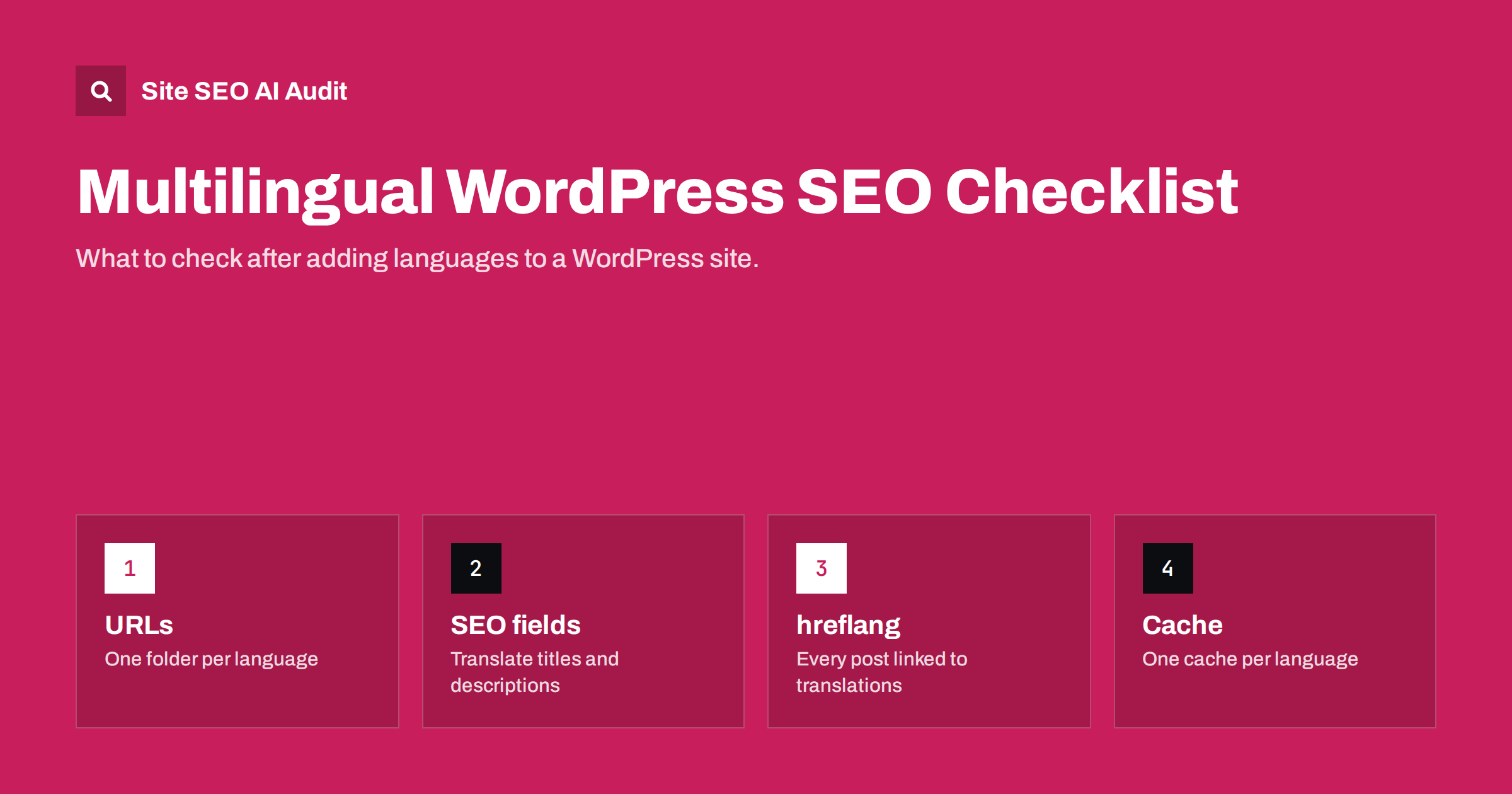
Short answer: A multilingual WordPress site needs one clear URL pattern per language, every post and page linked to its translations so the plugin can output hreflang, a correct lang attribute on each language, translated SEO titles, descriptions and slugs, language-aware XML sitemaps and a cache that never mixes languages. Most problems come from untranslated SEO fields, unlinked translations, themes that hard-code the language and settings that were never revisited after the plugin was installed.
How multilingual WordPress works
WordPress itself is single-language: the site language in Settings, General applies to the whole installation. Multilingual sites almost always rely on a plugin that adds languages, stores translations as linked posts or as separate fields, and adds a language switcher. Some sites use a WordPress multisite network instead, with one site per language, connected by a plugin that links equivalent posts across sites.
Whichever approach you use, three things decide how well search engines understand the site:
- URLs: each language version must have its own crawlable URL.
- Relationships: WordPress must know which posts are translations of each other, so it can output hreflang and a meaningful language switcher.
- Completeness: everything on the page, including SEO fields, theme strings and widgets, must be in the right language.
The checklist below follows these three themes, then adds the technical details where WordPress sites most often go wrong.
1. URL structure and language settings
- Use directories or domains, not parameters. Most multilingual plugins offer language folders (example.com/de/), subdomains or separate domains, and a parameter option (?lang=de). Folders are the simplest and most common choice. Avoid parameters.
- Decide whether the default language has a folder. Many sites keep the main language at the root and put others in folders. That works well; just be consistent and avoid redirects between the two forms.
- Turn off automatic browser-language redirects if the plugin offers them, or limit them to the home page. Forced redirects can prevent crawlers from seeing all versions.
- Check permalink settings after enabling languages. Changing permalinks later changes every URL on the site.
- Set the correct locale for each language, for example de_DE or pt_BR, in the plugin’s language settings. The locale feeds the lang attribute and the hreflang code.
Write the chosen pattern down before adding content. Changing from subdomains to folders, or from a root default language to a folder, after hundreds of posts exist means a migration with redirects for every URL. It is one of the few decisions in multilingual WordPress that is genuinely expensive to change later.
2. Link every translation
hreflang in WordPress is generated from the translation links you set in the editor. If a German post is not linked to its English original, the plugin has no way of knowing they belong together, and neither page will list the other.
- Open a sample of posts in each language and confirm the translation panel shows all linked versions.
- Check pages created by duplicating an existing page; duplicates are sometimes created as separate, unlinked posts.
- Check categories and tags too. Taxonomy archives need their own translations and links, or their hreflang will be incomplete.
- After importing content or migrating from another plugin, verify links on a sample of old posts. Imports often lose relationships.
3. hreflang and the lang attribute
- Let one component output hreflang. The multilingual plugin usually does it. If your SEO plugin or theme also outputs hreflang, you may end up with two conflicting sets. View the page source and count the hreflang blocks.
- Check x-default. Some plugins add it automatically, pointing to the default language. Confirm it points at a page that returns 200.
- Check the lang attribute on each language. The theme should call
language_attributes()in the html tag. If French pages showlang="en-US", the theme has a hard-coded value. - Check untranslated content. Depending on settings, some plugins show the original content, redirect or return 404 when a translation is missing. Make sure hreflang does not list versions that do not exist.
4. Translate the SEO fields, not just the content
This is the most common gap on multilingual WordPress sites. SEO plugins store the title, meta description, social titles and focus keyword per post. When a post is translated, these fields are sometimes copied from the original and never changed, or left empty so the plugin falls back to a default template.
- Review the SEO title and description for each translated post, starting with the most important pages.
- Translate the title and description templates for archives, categories and the home page. These often live in the SEO plugin’s global settings and need string translation.
- Translate social images’ text and Open Graph titles where they differ.
- Translate the slug. A German post with an English slug works, but it looks unfinished to German readers.
- Translate image alt texts in the media library; many plugins treat media as translatable items.
A quick way to find untranslated SEO fields is to look for duplicate titles across languages. If the English and German versions of a post have exactly the same SEO title, the German one was almost certainly never translated. Search results will then show an English title above a German page, which confuses searchers and usually lowers the click-through rate. Fixing the most visited pages first gives the biggest improvement for the least work.
5. Theme strings, menus and widgets
Everything outside the post content comes from the theme, menus and widgets, and must be translated separately:
- Create a menu for each language and assign it to the right menu location for that language.
- Translate theme strings such as “Read more”, “Search”, “Categories” and footer texts through the plugin’s string translation feature or the theme’s language files.
- Translate widget titles and content, cookie banners, forms and form confirmation messages.
- Check the 404 page and search results page in every language.
Pages with translated body text but English menus and footers send mixed signals and look unprofessional to local visitors.
6. Sitemaps, caching and performance
- Sitemaps: check that your XML sitemap includes URLs for every language. Depending on the plugin combination, sitemaps may be split per language or list all languages together. Submit the sitemap index in Search Console.
- Caching: page caches must store a separate copy per language URL. Problems appear when the language is determined by a cookie rather than the URL, and a cached German page is served to English visitors. URL-based languages avoid most of this.
- CDN rules: make sure the CDN does not strip language folders, parameters or cookies the plugin depends on.
- Performance: string translation and complex language queries can add database load. Measure server response time on translated pages, not only on the default language.
Caching deserves a specific test. Open a page in one language in a private window, then open the same page in another language, and repeat with a logged-out browser on a different device. If you ever see the wrong language on a URL, the cache is keyed incorrectly. Search engines crawling at that moment may receive the wrong language too, which undermines hreflang and confuses language detection.
7. After plugin updates and changes
Multilingual plugins sit deep inside WordPress, and updates to the plugin, the SEO plugin or the theme can change output without warning. After any significant update:
- View the source of one page per language and confirm hreflang, canonical and lang attribute.
- Switch languages with the switcher on a few pages and check you land on the equivalent page, not the home page.
- Check that translated titles and descriptions are still in place.
- Run a crawl to catch site-wide changes that spot checks miss.
How Site SEO AI Audit helps WordPress sites
Site SEO AI Audit crawls a site like a search engine and scores it across seven areas, including Languages (hreflang return links, broken language versions, x-default and lang attributes) and on-page elements such as duplicate titles and missing descriptions, which often reveal untranslated SEO fields. On WordPress sites, every issue comes with the exact steps in wp-admin and the SEO plugin. Paid plans add re-audits after each fix; see the plans.
Related reading
- The HTML lang attribute: what it does for SEO and users
- hreflang return links: how to fix “no return tags” errors
- Automatic language redirects: why they hurt international SEO
The bottom line
A multilingual WordPress site works well in search when every language has clean URLs, every translation is linked so hreflang is complete, the lang attribute follows the page language, SEO fields and theme strings are translated, sitemaps include all languages and caching never mixes them. Most of this is set once and then silently broken by updates or content workflows, so check it after every significant change.
الأسئلة الشائعة
Do multilingual plugins add hreflang automatically?
Most popular multilingual plugins generate hreflang from the translation links you set. It only works for posts, pages and terms that are actually linked to their translations.
Should each language have its own XML sitemap?
It is not required. What matters is that every language version is included in a sitemap that search engines can find. Separate sitemaps per language can make monitoring easier.
Why does my translated page show the wrong lang attribute?
Usually the theme has a hard-coded lang value instead of calling language_attributes(), or the locale for that language is set incorrectly in the plugin settings.
Is multisite better than a multilingual plugin for SEO?
Neither is better for SEO by itself. Both can produce clean URLs and correct hreflang; the choice depends on how separate the language sites need to be and how your team works.
Why do my translated pages show English titles in Google?
The SEO title and description fields were probably copied from the original or left empty. Translate them per post and translate the SEO plugin’s title templates for archives and the home page.


