ENEnglish
 LTLietuviškai
 DEDeutsch
 FRFrançais
 RUРусский
 ESEspañol
 PLPolski
 ITItaliano
 UKУкраїнська
 CSČeština
 PTPortuguês
 JA日本語
JA日本語 LVLatviešu valoda
 ETEesti
 HUMagyar
 IDBahasa Indonesia
 TRTürkçe
 HIहिन्दी
 ELΕλληνικά
 ARالعربية
 THไทย
THไทย VITiếng Việt
 RORomână
 MSBahasa Melayu
 BNবাংলা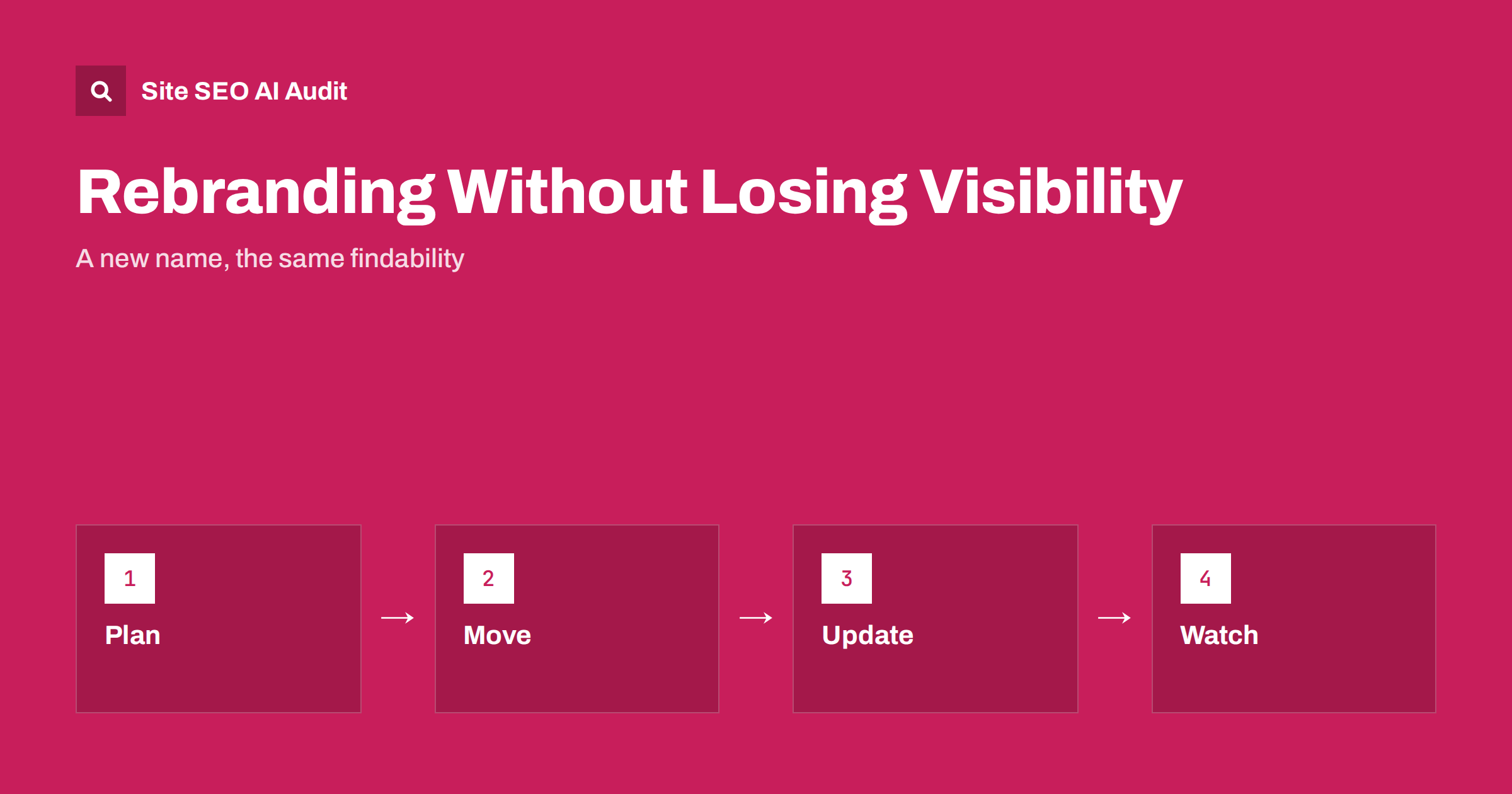
Short answer: A rebrand changes the name people search for, so plan for a period in which both names are in use. Decide whether the domain changes, redirect every old address to its closest new page, update the name in titles, schema, profiles and mentions, ask the owners of important links to update them, and watch brand searches and traffic for several months. Keep the old name visible in text for a while so that people and machines connect the two.
Companies rename themselves after mergers, legal disputes, new strategy or simple growth. For a website, a rebrand can mean anything from a new logo to a new domain and a full rewrite of the text. Search engines and AI systems have learned the old name over years, and they need clear signals to connect it with the new one. This guide gives a sequence to follow, from planning to review. If the domain changes, combine it with the website migration checklist.
Decide the scope before you start
List what will change: the company name, product names, domain, logo, colours, slogans and the legal entity. Each change has different SEO effects. A new logo and colours rarely change search results, while a new domain is a migration with real risk. A new product name changes the words people type into search, while a new slogan changes little. Write the old and new names side by side, with all variants and spellings, so that every team uses the same terms. Decide the date and prepare a communication plan for customers and partners.
Keep the domain when you can
If the old domain can still serve the new brand, keeping it is the safest path for search. Many companies change their name but keep the address for a transition period, or permanently, with the new name in the text and the logo. If you do move to a new domain, plan it as a full migration with a complete redirect map, as covered in the guide to 301 and 302 redirects. Consider the cost and the risk against the benefit of a matching domain name, and remember that visitors recognise brands by more than their address.
Update the visible name everywhere on the site
Change the name in the header, footer, home page, about page, contact details, legal pages, titles, descriptions, headings, image alt text and anywhere the old name appears in body text. Search your site for the old name to find leftovers, including PDFs, email templates and form confirmations. Where history matters, keep a sentence such as formerly known as the old name, which helps people and search engines link the two. Keep this note for at least a year, and place it on the about page and in the first lines of important pages.
Update structured data and site name
Search engines read your organisation details from markup and from the site itself. Update the name, alternate names, logo, address and links to social profiles in Organization markup, and include the old name as an alternate name for a time. Check the site name and icon shown in results, as described in the guide to site name and favicon, and update any website markup that names the site. Keep the markup identical to what visitors see. The guide to Organization schema shows useful fields.
Redirects, canonicals and sitemaps
If addresses change, create a one-step permanent redirect from every old address to the closest new page. Do not send everything to the home page. Update internal links so that they do not rely on redirects, change canonical tags and hreflang annotations to the new addresses, and submit a new sitemap. Keep the old domain and its redirects running for at least a year. Verify the old domain in Search Console and use the address change tool when it applies to your move. Test the redirects before launch and again afterwards.
Profiles, listings and mentions
Customers find you in many places besides your site. Update business profiles, map listings, social media names and links, app store entries, directories, review sites, email signatures and advertising accounts. Keep name, address and phone number consistent across all of them, as described in the guide to aligning your business profile with your website. Ask partners, suppliers and publications that mention you to change the name and the link. Even unlinked mentions help machines learn the new name, a theme in the article on unlinked brand mentions.
Reclaim and redirect links
List the pages with the most external links, and contact the owners of the most valuable ones with a short, polite request to update the name and address. This is manual work, but it secures the links in case a redirect is ever removed. Review lost or broken links after the launch and fix them, as explained in the guide to reclaiming lost backlinks. Do not mass produce messages to unknown sites, and do not buy links to speed up recovery.
Prepare for AI answers and new searches
AI assistants may keep using the old name for months, because they learn from sources that still show it. Make the connection easy to find: an about page that explains the change, a short press note on your site, updated profiles and consistent wording in articles. Check how assistants describe your company a few weeks after launch, and correct wrong information at its source. The guide to fixing wrong information in AI answers describes the process. Expect a transition period in which both names appear.
Monitor results and fix problems
Track searches for the old name, the new name and the combination of both, together with impressions, clicks, indexed pages and errors in Search Console. Brand searches for the new name will start low and grow, while those for the old name will fall slowly. Watch crawl errors, redirect problems and pages that lose traffic. Compare against a baseline taken before the change, and give search engines weeks or months to settle. Record the problems and the fixes for your team.
Remember the human side. Customers who see an unfamiliar name may suspect a scam, so explain the change clearly on your site, in emails and on social media, and make it easy to confirm that the new brand is the same company. Keep your phone numbers, addresses and contact people the same where you can.
Finally, avoid making large unrelated changes at the same time. A rebrand combined with a new platform, a new structure and a rewrite of all content makes it hard to tell what caused any fall in traffic. Stage the work where possible, starting with the name and redirects, then the design and then the structure, and measure after each step.
A short example shows how the pieces fit. A small agency renames itself and keeps its domain for a year. In week one, it changes the name in the header, footer, titles and about page, adds a formerly known as line, updates Organization markup with the old name as an alternate, and corrects its business profile, social accounts and email signatures. In week two, it writes to ten partners that link to it and asks for updated names. In month two, it checks how assistants and search results describe the company and corrects the sources that still show the old name. In month six, it reviews branded searches and decides whether to move the domain too. Each step is small, and the order keeps risk low.
Another example is a shop that renames a product line. The old product name has strong search demand, so the shop keeps it in the page text and title next to the new name, redirects any changed addresses and updates its feed, advertising and marketplace listings. Over several months, as people learn the new name, it moves the old name lower in the title and finally drops it from the heading. Treat names like a bridge: keep both ends in view until traffic has crossed.
Prepare your support team as well. Customers will ask whether the company has been sold, whether their account is safe and whether invoices or contracts change. A short list of answers, shared with everyone who talks to customers, prevents contradictory replies. Update invoices, terms and legal documents on the date of the change, and keep a note of the change on the site for as long as customers keep asking.
Site SEO AI Audit crawls your site and checks redirect chains, broken links, canonical tags, titles, headings, structured data and sitemaps after a move, so you can find leftovers and broken paths. It does not update listings or contact link owners. The first audit of up to 200 pages is free; larger sites can see the pricing page.
Related reading
The bottom line
Decide what changes, keep the domain if you can, redirect every old address, update the name in text, markup and profiles, mention the old name for a while and monitor results for months.
الأسئلة الشائعة
Will a name change hurt my rankings?
Not if the address stays and content stays useful. A domain change brings a temporary dip that careful redirects keep small.
Should I keep the old name on the site?
Yes, for at least a year, in a formerly known as note on key pages.
Do I need to change my Search Console property?
Only if the domain changes. Then verify both domains and use the address change tool where it applies.
How long until the new name is recognised?
Search engines adapt in weeks, while AI answers and third-party sources may take months.
Can I change the name but keep the domain?
Yes. Many companies do, and it is the lowest-risk path for search.