 ENEnglish
 LTLietuviškai
 DEDeutsch
 FRFrançais
 RUРусский
 ESEspañol
 PLPolski
 ITItaliano
 UKУкраїнська
 CSČeština
 PTPortuguês
 JA日本語
JA日本語 LVLatviešu valoda
 ETEesti
 HUMagyar
 IDBahasa Indonesia
 TRTürkçe
 HIहिन्दी
 ELΕλληνικά
 ARالعربية
 THไทย
THไทย VITiếng Việt
 RORomână
 MSBahasa Melayu
 BNবাংলা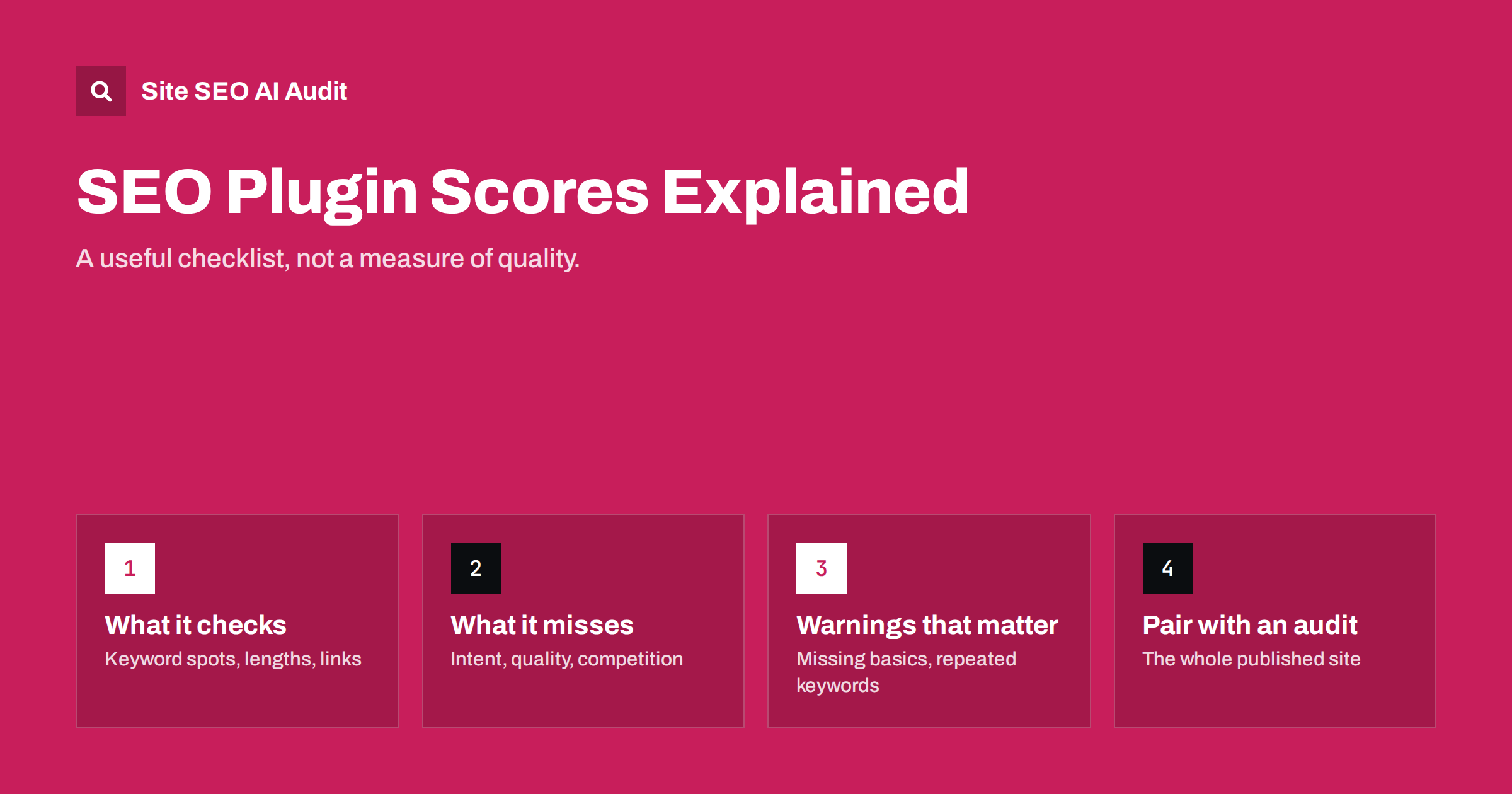
Short answer: SEO plugin scores, such as the green, orange and red lights or 0 to 100 ratings shown in WordPress editors, check a handful of mechanical things on one page: whether a chosen keyword appears in the title, headings, first paragraph and URL, how long the title and description are, and some readability rules. They are useful reminders, but they cannot judge search intent, accuracy, usefulness or how your page compares with competitors. A green score does not mean a page will rank, and a red one does not mean it cannot.
What plugin scores actually check
Popular WordPress SEO plugins show an analysis panel while you edit a page. You enter a focus keyword, and the plugin checks the draft against a list of rules. The exact rules differ between plugins and versions, but they typically include:
- Whether the focus keyword appears in the SEO title, the meta description, the URL slug, the first paragraph and subheadings.
- How often the keyword appears relative to the length of the text.
- Whether the title and meta description are within recommended lengths.
- Whether the page has internal and external links.
- Whether images have alt text, sometimes whether the alt text contains the keyword.
- Total word count compared with a minimum.
- Readability checks: sentence length, paragraph length, use of passive voice, transition words, subheading distribution.
The results are combined into a colour or a number. That is all the score represents: how many of these rules the page passes.
What plugin scores cannot see
The factors that matter most for ranking are largely outside what a plugin can measure from inside your editor:
- Search intent. Whether your page is the right type of answer for the query. A product page can score perfectly for “how to choose running shoes” and still never rank for it.
- Quality and accuracy. Whether the content is correct, specific, current and genuinely helpful.
- Competition. How your page compares with the pages already ranking.
- Experience and trust. Whether the content shows real knowledge and comes from a credible source.
- Site-wide issues. Duplicate titles across templates, thin archives, crawl problems, internal link structure, speed.
- Links from other sites and other off-page signals.
A page can pass every plugin check and be a poor answer. Another can fail several checks and be the best result on the web.
Where plugin scores help
None of this makes the analysis useless. It is a checklist that runs automatically, and checklists catch mistakes:
- It reminds authors to write a title and meta description at all, which many otherwise forget.
- It warns when a title is far too long or a description is missing.
- It nudges authors to put the topic in the first paragraph and headings, which usually improves clarity.
- It flags images without alt text and pages without internal links.
- Its readability hints can point to walls of text and very long sentences.
For teams with many authors, those reminders prevent a lot of basic errors. A new writer who has never heard of meta descriptions will at least be prompted to write one, and a busy editor gets a quick signal that something was forgotten before the page goes live.
Where plugin scores mislead
| Plugin suggestion | The risk | Better approach |
|---|---|---|
| Use the keyword more times | Awkward repetition, keyword stuffing | Use it where natural; cover related terms |
| Put the exact keyword in every subheading | Repetitive, keyword-list headings | Describe each section; use variants and questions |
| Reach a minimum word count | Padding short answers | Write as much as the question needs |
| Add an external link | Random links added to pass the check | Link only when it helps the reader |
| Shorten every sentence | Choppy, patronizing text | Simplify sentences that are genuinely hard |
| Use the keyword in alt text | Alt text that does not describe the image | Describe the image; include the keyword only if accurate |
| Focus keyword already used on another page | Ignored warning about real overlap | Take this one seriously; check for competing pages |
The last row is the exception: when a plugin warns that you have used the same focus keyword before, it may be pointing to a real cannibalization problem.
Two illustrative examples
Green, but weak. A local accountant publishes a page with the focus keyword “tax return help”. The phrase appears in the title, slug, description, first sentence and three subheadings; the page has 900 words, two internal links, one external link and short sentences. Every light is green. But the text is generic: it says tax returns can be complicated, that professional help saves time, and that the firm is experienced. It never explains which returns the firm handles, what the process is, what documents clients need, what it costs or when deadlines fall. Searchers comparing accountants learn nothing, and the page sits on page three.
Orange, but strong. A cycling mechanic writes a guide on fixing a slipping bicycle chain. The focus keyword appears only twice, because the text naturally says “the chain” most of the time. Some sentences are long, and one section has no subheading for 400 words because it walks through a single continuous repair. The plugin shows several orange lights. Yet the guide explains the three common causes, how to tell them apart, the exact adjustments with photos, and when to replace parts instead. Readers fix their bikes, share the page and link to it, and it ranks well.
The lesson is not that plugin checks are wrong. The accountant should keep the green basics and add real substance; the mechanic might add a subheading to the long section. But the score clearly measured neither page’s real value.
How to use plugin scores sensibly
- Write for the reader first. Draft the page based on intent and what the searcher needs.
- Then check the panel. Look at the red and orange items and ask whether each points to a real problem.
- Fix the real problems. A missing description, a vague title, no internal links, an image without alt text.
- Ignore the rest. If the only way to turn a light green is to repeat a phrase or add a pointless link, leave it orange.
- Do not chase a perfect score. Time spent turning the last light green is usually better spent improving the substance.
It can help to agree within your team which plugin checks are mandatory (title, description, alt text, internal links) and which are advisory.
Page scores vs site audits
Plugin scores look at one page at a time, as you edit it. They cannot see patterns across the site, such as a template giving hundreds of products the same title, archive pages without content, or important pages that no other page links to. They also only analyse what is in the editor, not the final HTML that the theme and other plugins produce, which is where problems like duplicate title tags or multiple H1s often appear.
A site audit covers the other half. Site SEO AI Audit crawls your published site like a search engine and checks about 50 things on every page, across seven areas including on-page, links, crawling, speed and structured data. Each issue is weighted by how many pages it affects, so the problems with the largest reach appear first, and WordPress sites get the exact steps to fix each issue in wp-admin and the SEO plugin. The two tools complement each other: the plugin while you write, the audit to check the whole site. You can run the first audit free.
Scores and AI search
Plugin checks were designed around classic keyword-based optimization. AI answer engines and summaries look for other qualities: clear, self-contained answers, well-structured sections, specific facts and signs of real expertise. A page with a perfect plugin score but a vague opening and no concrete detail is not well suited to being quoted. Another reason to treat the score as a floor for basic hygiene, not a measure of quality.
Related reading
- WordPress On-Page SEO: Settings and Habits That Matter
- Keyword Placement: Where to Use Keywords on a Page
- Readability and SEO: How to Write Pages People Finish
- How to Do an On-Page SEO Audit: A 7-Step Process
The bottom line
SEO plugin scores are automatic checklists for a few mechanical items on one page. Use them to catch missing titles, descriptions, alt text and internal links, and take repeated-keyword warnings seriously. Ignore suggestions that would make the page worse, never chase a perfect score, and remember what the plugin cannot see: intent, quality, competition and site-wide problems. Pair it with a regular audit of the whole published site.
الأسئلة الشائعة
Does a green SEO score mean my page will rank?
No. It means the page passes a set of mechanical checks. Rankings depend on intent, quality, competition, links and many factors the plugin cannot measure.
Should I always aim for a green score?
Aim to fix the checks that point to real problems. If a light only turns green by repeating a keyword or adding irrelevant links, it is better left orange.
Which plugin warnings matter most?
Missing titles and descriptions, missing alt text, no internal links, very long titles, and warnings that a focus keyword is already used on another page, which can signal competing pages.
Is the readability score important?
It is a rough hint. It can flag very long sentences and dense paragraphs, but it does not measure clarity or accuracy. Technical topics may score lower and still be perfectly readable for their audience.
Do I still need an SEO audit if I use a plugin?
Yes. A plugin checks one page in the editor; an audit checks the whole published site, including template problems, archives, links, speed and indexing that the plugin never sees.


