 ENEnglish
 LTLietuviškai
 DEDeutsch
 FRFrançais
 RUРусский
 ESEspañol
 PLPolski
 ITItaliano
 UKУкраїнська
 CSČeština
 PTPortuguês
 JA日本語
JA日本語 LVLatviešu valoda
 ETEesti
 HUMagyar
 IDBahasa Indonesia
 TRTürkçe
 HIहिन्दी
 ELΕλληνικά
 ARالعربية
 THไทย
THไทย VITiếng Việt
 RORomână
 MSBahasa Melayu
 BNবাংলা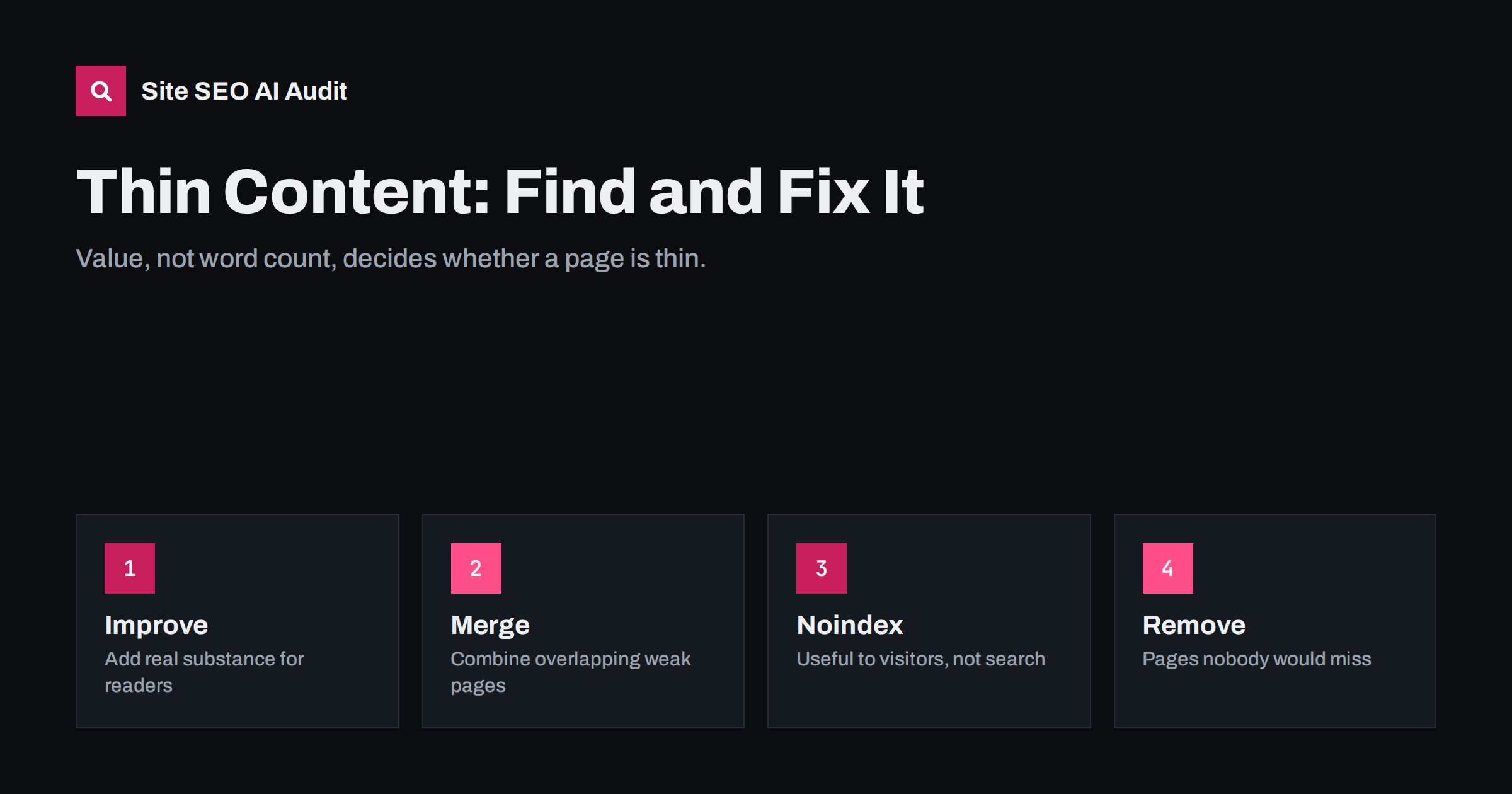
Short answer: Thin content is a page that gives searchers little or no real value: very little text, text copied from elsewhere, or pages that exist only to target a keyword. The fix is to decide, page by page, whether to improve it with genuinely useful substance, merge it into a stronger page, or keep it out of the search index. Word count alone does not define thin content; a short page that fully answers a simple question is not thin.
What counts as thin content
“Thin content” is shorthand for pages that do not give a visitor enough reason to be there. Search engines want to show pages that satisfy the searcher, so pages that add little are unlikely to rank, and a large number of them can make a site look lower quality overall.
Thin content comes in several forms:
- Near-empty pages: a heading and one sentence, a product with only a name and a price, a category with no products.
- Auto-generated archives: tag pages, date archives, author pages or internal search result pages that list one or two posts and nothing else.
- Copied content: manufacturer product descriptions pasted onto hundreds of stores, or text borrowed from other sites.
- Doorway-style pages: many near-identical pages that differ only by a city name or keyword, created to capture searches rather than to help anyone.
- Stubs and placeholders: “Coming soon” pages, test pages and drafts that were accidentally published.
- Padded pages: long text that says very little, written to reach a word count. These can be thin despite having many words.
Why word count is the wrong measure
SEO tools often flag pages with fewer than a few hundred words as thin, and this is a useful first filter. But length is not the problem; lack of value is. A page answering “what time does the Vilnius office open?” needs one sentence, an address and opening hours. Adding 800 words of filler makes it worse.
Ask instead:
- What does someone landing on this page want?
- Does the page give it to them, completely and clearly?
- Does it offer anything they could not get from the many other pages on the same topic?
- Would you be comfortable showing this page to a customer as an example of your work?
If the answers are “no”, the page is thin, however long it is. If they are “yes”, a short page is fine.
How thin content hurts a site
A single thin page does not usually harm anything beyond itself: it simply does not rank. The problems start at scale.
- Diluted quality signals. Search engines evaluate sites as well as individual pages. A site where a large share of indexed pages are empty or duplicated can look lower quality overall.
- Wasted crawling. On large sites, crawlers spend time on thousands of useless URLs instead of your important pages.
- Keyword competition. Several weak pages on the same topic can compete with each other, so none of them ranks well.
- Poor experience. Visitors who land on an empty tag page or a product with no description leave, and are less likely to come back.
Finding thin pages on your site
Start with a crawl of the whole site, then look at the pages through several lenses:
- Low word count. Sort indexable pages by the amount of main content text. Anything with very little text deserves a look, even if some will turn out to be fine.
- Page types. Group pages by template: tags, categories, authors, products, locations. Thin content usually clusters in one or two templates.
- Duplicate and near-duplicate text. Pages that share most of their text with other pages on the site are thin in a different way.
- Search performance. In Google Search Console, pages that have been indexed for months but get almost no impressions are candidates for review.
- Analytics. Pages with visits but very short engagement may be failing their visitors.
A tool that crawls every page and flags thin and duplicate content saves most of this effort. Site SEO AI Audit checks for thin and duplicate content as part of its on-page area and weights each issue by the share of your indexable pages it affects, so a template that produces hundreds of empty tag pages stands out immediately. You can run the first audit of a site free.
Four ways to fix a thin page
Every thin page gets one of four decisions. Making the decision per template, rather than per page, is what makes this manageable on large sites.
| Decision | When to use it | What to do |
|---|---|---|
| Improve | The page targets a real search and belongs on the site | Add substance: specifics, steps, examples, images, FAQs |
| Merge | Several weak pages cover the same topic | Combine into one strong page, redirect the others to it |
| Noindex | The page is useful to visitors but not as a search result | Keep it live but add a noindex robots meta tag |
| Remove | The page has no purpose at all | Delete it; redirect if it has links or traffic, otherwise let it return 404 or 410 |
Improving a page
Improving does not mean adding words. It means adding what the reader needs. For a product: dimensions, materials, sizing advice, use cases, care instructions, real photos and answers to questions customers ask your support team. For a service: what is included, who it suits, how the process works, what it typically costs or where to find prices, and what happens next. For an article: the steps, examples and trade-offs that a knowledgeable person would mention.
Merging pages
If you have five short posts about variations of the same question, one thorough guide will usually serve readers better and has a better chance of ranking. Move the best parts into the strongest URL, then redirect the others to it with 301 redirects so links and bookmarks still work.
Keeping pages out of the index
Some pages are useful for navigation but poor search results, such as internal search results or thin tag archives. A noindex tag keeps them available to visitors while telling search engines not to show them. Do not block these pages in robots.txt if you want the noindex to be seen, because a blocked page cannot be crawled and its noindex tag cannot be read.
Removing pages
Test pages, expired placeholders and pages nobody would miss can simply go. If a removed page has external links or still receives visits, redirect it to the most relevant alternative. Otherwise a 404 or 410 status is fine.
Thin content in e-commerce and WordPress
Two situations produce most of the thin content we see on small and mid-sized sites.
Online stores often use manufacturer descriptions for every product, have categories with only one or two items, and create separate URLs for every colour and size. Priorities: write unique descriptions for top-selling products first, add buying advice to main category pages, and make sure variants do not create dozens of separately indexed near-copies.
WordPress blogs commonly generate tag pages for every tag ever used, many holding a single post, plus author and date archives. Decide whether tag pages should be indexed at all. If you keep them, give the important ones a short description that explains the topic and make sure they list enough posts to be useful. If not, set them to noindex in your SEO plugin.
Preventing thin content in future
- Plan before publishing. Every new page should have a clear purpose and a search or audience it serves.
- Limit tags. Use a small, maintained set of tags rather than creating a new one for each post.
- Set template defaults. Decide in advance which archive types are indexable.
- Review regularly. Run a site-wide check every few months to catch new empty pages, especially after adding plugins or importing products.
- Merge instead of adding. When you want to cover a related question, consider expanding an existing page rather than creating a new thin one.
Related reading
- What Is On-Page SEO? The Elements That Actually Matter
- Noindex vs Disallow: How to Keep Pages Out of Search
- Canonical Tags Explained: How to Set Them and Fix Errors
The bottom line
Thin content is about value, not length. Find thin pages by crawling the whole site and grouping them by template, then make one decision per group: improve, merge, noindex or remove. Put your effort into improving pages that serve real searches, and stop generating empty pages at the source. A smaller site of strong pages usually performs better than a large site padded with weak ones.
الأسئلة الشائعة
How many words make a page thin?
There is no fixed number. Tools often use a threshold of a few hundred words as a first filter, but a short page that fully answers a simple question is not thin. Judge by whether the page satisfies the visitor.
Should I delete thin pages?
Only when they have no purpose. Pages that target a real search should be improved, overlapping pages merged, and pages useful for navigation kept with a noindex tag. Deletion is for pages nobody would miss.
Are tag pages thin content?
Often they are, especially when many tags hold only one or two posts. Keep useful tag pages indexed with a proper description and enough posts, and set the rest to noindex or stop creating them.
Can thin content affect the whole site?
A few thin pages mainly affect themselves. A large share of thin or duplicated pages can weigh on how search engines view the site overall and waste crawling. That is why it is worth fixing at the template level.
Is copied manufacturer text thin content?
It is duplicate content, and it gives search engines little reason to rank your page over the many other stores with the same text. Unique details, advice and photos make product pages stronger, starting with your best sellers.


