ENEnglish
 LTLietuviškai
 DEDeutsch
 FRFrançais
 RUРусский
 ESEspañol
 PLPolski
 ITItaliano
 UKУкраїнська
 CSČeština
 PTPortuguês
 JA日本語
 LVLatviešu valoda
 ETEesti
 HUMagyar
 IDBahasa Indonesia
 TRTürkçe
 HIहिन्दी
 ELΕλληνικά
 ARالعربية
 THไทย
 VITiếng Việt
 RORomână
 MSBahasa Melayu
 BNবাংলা
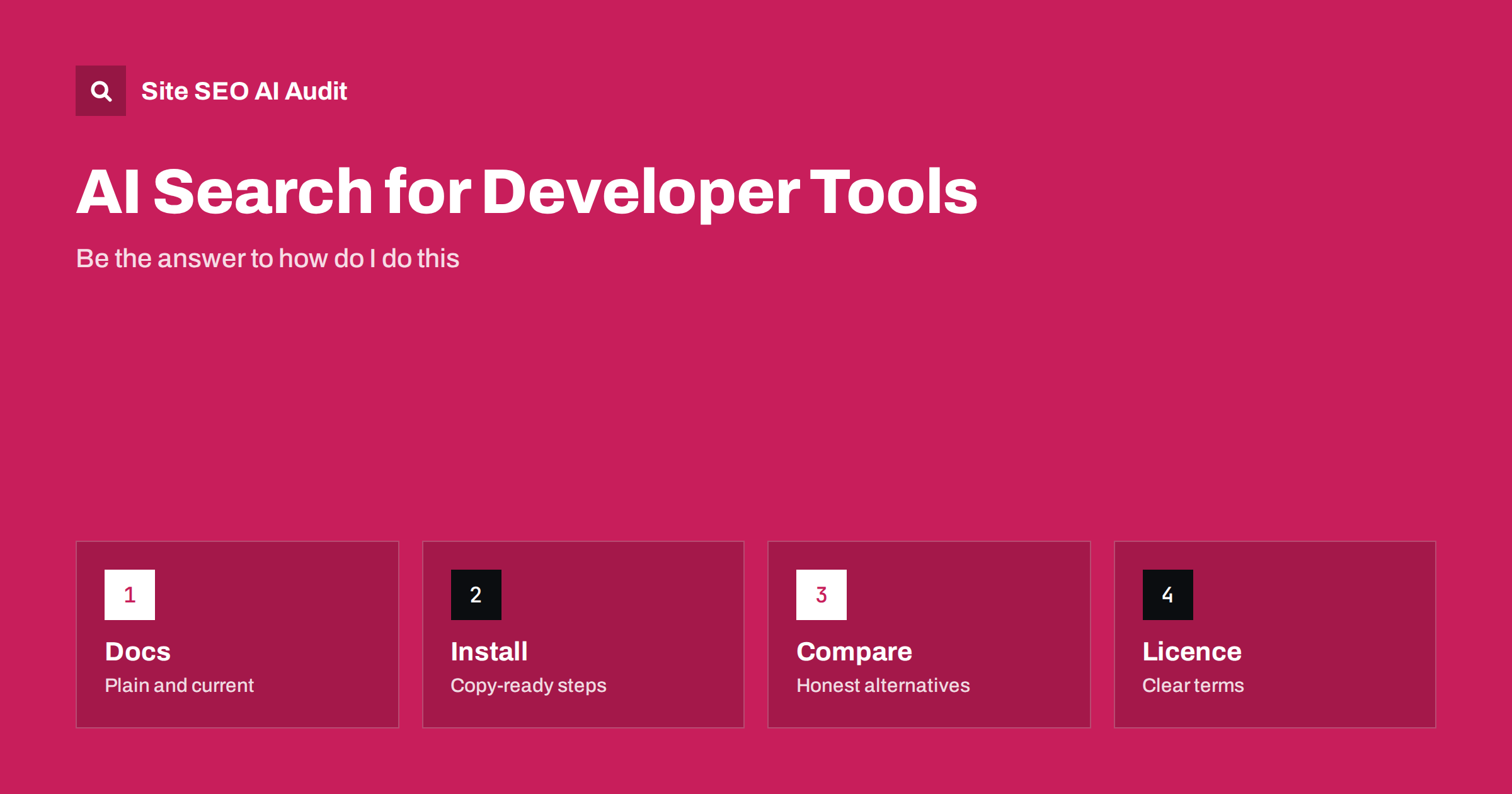
Short answer: Developers now ask AI assistants which library, framework or tool to use, and how to install and configure it. To be named, an open-source project or developer tool needs a clear description of what it does, current documentation in plain HTML, copy-ready install and usage steps, stated versions and licence, honest comparisons with alternatives and a stable address for every page. AI answers favour sources that are specific, dated and easy to quote.
Developer tools have always depended on search: people type an error message, a task or a comparison and land on a documentation page, a repository or a forum thread. AI search changes the route. A developer may ask for the best way to parse a file format, get a short answer with two or three tools named and never open a results page. If your project is not among them, it is invisible in that moment. This guide covers what makes a project or a commercial developer tool easy for AI search to understand and recommend. For the general principles, see the guide to generative engine optimization.
How developers ask AI
Questions fall into a few groups. Some are task questions: how do I validate a form, schedule a job or convert one data format to another. Some are choice questions: which library is best for a given case, or how two tools differ. Some are troubleshooting questions that start with an error message. Others are setup questions about installing, configuring or upgrading. Each group needs a different kind of page, and a project that covers all four with clear, separate pages has more chances to be cited.
The answer engine usually builds its reply from several sources and may mention the project by name, link to its documentation or quote an install command. It will quote what it can find and understand. If the install steps are only inside an image, a video or a script-rendered widget, they are much harder to use.
Say what the project is in one clear sentence
Many project pages begin with a slogan that explains little. Replace it with a plain statement: what the tool does, for whom, in which language or environment and what it does not do. For example, a library for reading a certain file format should say so on the first line of the home page and the first lines of the readme. Repeat the same wording in the title tag, the description, the repository summary and the package listing, so that the name and the purpose are tied together everywhere. This is entity building, explained in the guide to entity SEO.
Use a consistent name. If the project is called one thing on the website, another in the package registry and a third in conference talks, an AI system may treat them as separate things. Mention former names once, with the date of the change, so the link between them is clear.
Documentation that can be quoted
Documentation is the main asset. Keep it in plain HTML pages with one topic per page, a descriptive title and a stable address. Put the answer first: a short paragraph that states what the page covers, then the steps. Use headings that match real questions, such as how to install, how to configure, how to upgrade and how to fix a given error. The same approach is described for support content in the guide to help centres and documentation for AI answers.
Show code in text, not in screenshots, and keep examples short and complete enough to run. State the version they were tested with. Documentation that mixes several versions on the same page confuses both people and machines, so give each major version its own address and make clear which one is current. Add a visible date or version note, because outdated instructions are a common reason for wrong AI answers.
Installation and usage, copy-ready
The most quoted part of any developer page is the install command and a minimal example. Give the exact command for each supported package manager or platform, followed by the smallest working example and what output to expect. List requirements, such as language versions, system libraries or accounts, before the steps, not after. If there are common pitfalls, put them right under the step where they happen.
Add a short troubleshooting section that lists the most frequent errors, with the exact message as text and the fix. Error messages are often copied into assistants word for word, so a page that contains the message and a clear fix has a good chance of being used.
Be honest about alternatives and limits
People ask which tool to choose, and AI systems look for balanced sources. A comparison page that treats alternatives fairly, states where your project is a good fit and where it is not and explains differences in plain terms is more likely to be cited than a page that claims to be best at everything. Include maturity, size of the community, performance trade-offs and what you do not support. Avoid unverifiable claims, and if you cite benchmarks, describe the method and the date. See the guide to comparison pages for AI search.
State the licence in a visible place and in plain words: what it allows, what it requires and how commercial use works. For a commercial developer tool, say clearly what is free, what is paid and where the limits are, using only terms that are true and current. Hidden or vague terms lead assistants to guess.
Structured data and technical points
For a downloadable or hosted tool, software application markup can describe the name, category, operating system, version and offers. It must match the visible page. Add organization or person markup for the maintainers, with links to their official profiles, so that authorship and trust are clear. General guidance is in the guide to software application markup and the guide to structured data for AI search.
Check the technical basics. Do not block search and AI crawlers from documentation by mistake, as described in the guide to AI crawlers and robots.txt. Make sure documentation does not depend on scripts for its main text. Keep redirects when you restructure docs, since old links are in blog posts, forums and package pages. Consider an llms.txt file that lists your most useful pages, as explained in the guide to llms.txt, while remembering that it is a hint and not a guarantee.
Community and third-party sources
Assistants also draw on repositories, package registries, forums, question sites, blog posts and talks. Keep the repository description, topics and readme accurate. Answer questions in public with links to the relevant documentation page, and fix wrong or outdated answers where you can. Write release notes in plain language, with dates, so that people and machines can see how the project changes. Encourage users to write honest case studies and tutorials, and link to the best ones from your site.
Keep an eye on what assistants say about you. Ask a set of typical questions every few weeks, such as which tool to use for your main task, how to install it and how it compares with the best-known alternative, and write down the answers. If an answer is wrong or outdated, find the source it probably came from, fix it and make the correct page easier to find. Over time this log shows which pages matter most and where your documentation has gaps.
Do not try to manipulate the system with fake reviews, hidden text or mass-produced pages. Developers notice quickly, and the damage to trust is large. A real, maintained project with clear pages is the best long-term strategy.
Here is a short example. A small open-source library for parsing a data format had a home page full of badges and a documentation site that rendered all content by script. Assistants described it as unmaintained and recommended a competitor. The maintainers added a one-sentence description, moved the docs to plain pages, published a current install section with versions and wrote an honest comparison. Within weeks, tests with typical questions started to name the library for the cases it handles well.
A second example is a commercial developer tool whose pricing and limits were only shown in a pop-up. Assistants repeated old numbers from a review site. After the company published a plain pricing page and a page about limits, answers began to match the real terms.
Site SEO AI Audit crawls your website and checks status codes, redirect chains, titles, descriptions, headings, broken links, structured data, page speed and AI visibility settings such as AI crawlers in robots.txt, llms.txt and content that needs JavaScript. It does not write documentation or test code. The first audit of up to 200 pages is free, and larger sites can see the pricing page.
Related reading
The bottom line
Describe your project clearly, keep documentation current and quotable, give copy-ready steps and be honest about alternatives and limits.
FAQ
Do open-source projects need special SEO for AI search?
No special tricks. They need clear descriptions, current plain-text documentation, accurate repository and package pages and consistent naming.
Should documentation be plain HTML?
Yes, where possible. Main text that appears without scripts is easier for crawlers and AI systems to read and quote.
Does an llms.txt file help?
It can point assistants to your best pages, but it is a hint and not a guarantee, so the pages themselves must be good.
How do I handle several versions?
Give each major version its own address, label the current one clearly and add a version note near the top of each page.
Should I compare my tool with alternatives?
Yes, honestly. Balanced comparisons are more useful to readers and more likely to be cited than claims of being best at everything.