ENEnglish
 LTLietuviškai
 DEDeutsch
 FRFrançais
 RUРусский
 ESEspañol
 PLPolski
 ITItaliano
 UKУкраїнська
 CSČeština
 PTPortuguês
 JA日本語
JA日本語 LVLatviešu valoda
 ETEesti
 HUMagyar
 IDBahasa Indonesia
 TRTürkçe
 HIहिन्दी
 ELΕλληνικά
 ARالعربية
 THไทย
THไทย VITiếng Việt
 RORomână
 MSBahasa Melayu
 BNবাংলা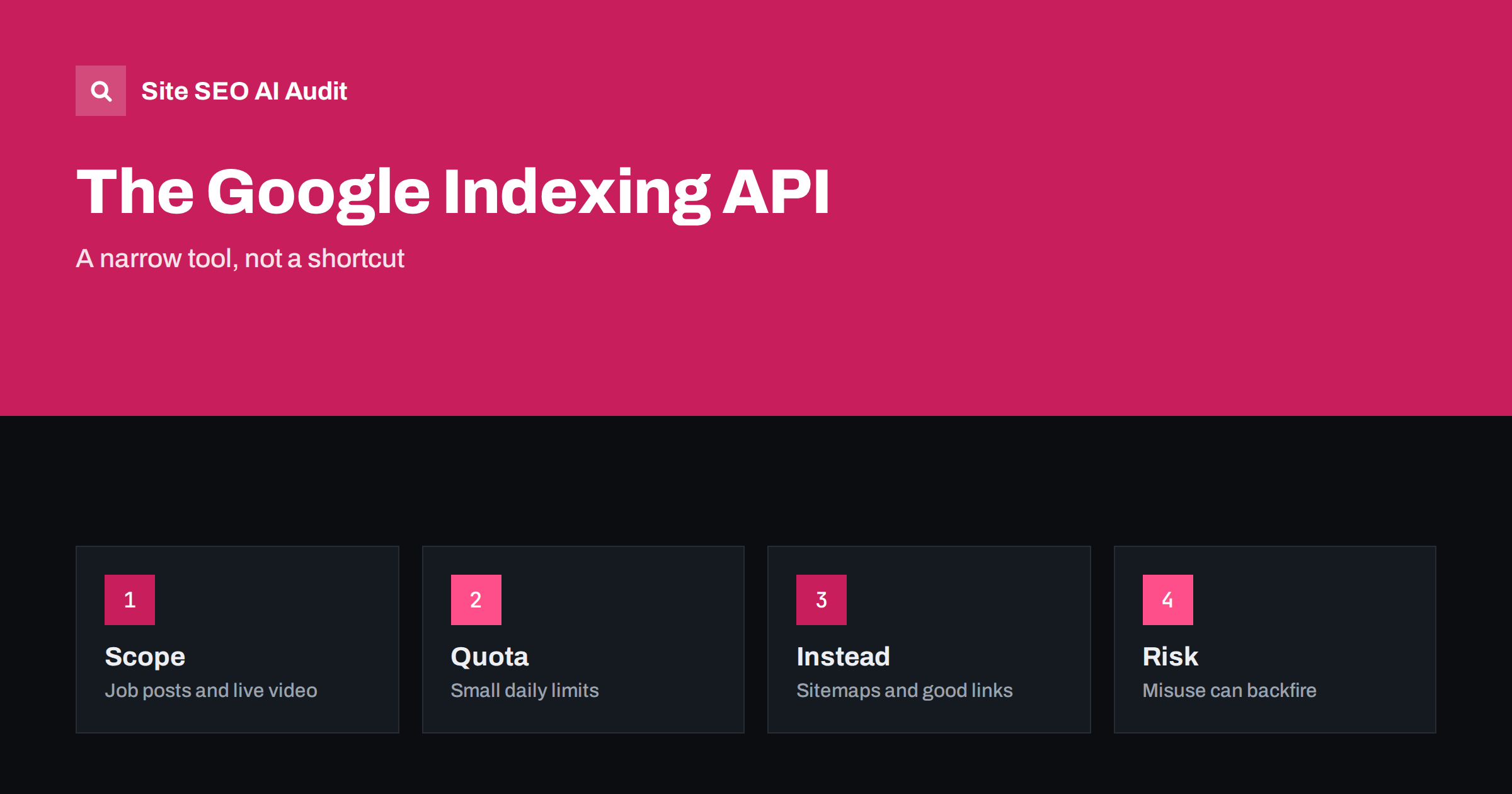
Short answer: The Google Indexing API lets site owners notify Google quickly when pages are added, updated or removed, but Google officially supports it only for pages with job posting markup and for livestream video pages with the matching markup. It is not an approved shortcut for blog posts, products or other ordinary pages. For most sites, good internal links, accurate sitemaps and the URL Inspection tool are the right way to get pages discovered.
Waiting for a new page to appear in search is frustrating, and tutorials that promise instant indexing through an API are popular. The reality is narrower. The Indexing API was built for content that expires quickly and must be fresh, such as job openings and live events. This guide explains what it does, who may use it, what the risks of misuse are and which methods work for everyone else. It complements the explanation of IndexNow, a different protocol used by some other search engines.
What the API does
The API allows an authorised program to send two kinds of notifications about an address: that it was updated or added, and that it was deleted. Google then schedules a crawl sooner than it might otherwise. It can also return the date of the last notification it received for an address. It does not guarantee that a page is indexed or that it ranks, and it does not change what Google thinks of the content. It speeds up discovery and recrawling only, and only for the content types that Google has stated it supports.
Which pages are supported
At the time of writing, Google’s documentation says that the API may be used only for pages that contain job posting structured data or livestream video structured data, the latter for broadcasts embedded in a video object. Job boards and employers with many short-lived openings benefit most, because a job that is filled should disappear from results quickly and a new one should appear fast. Check the current documentation before relying on this, since supported types and quotas can change. For jobs, see also the guide to careers pages and job listings.
What about other page types?
Many guides and plugins claim that the API works for any page. Some people have seen pages crawled soon after a notification, and so the practice spread. But using it outside the documented purpose is not supported, offers no guarantee and could stop working or lead to action against the account or project. The effect, if any, is only a faster crawl, and a crawl does not mean indexing: a page of low quality or low value can still be left out, as explained in the guide to pages crawled but not indexed. If a page is slow to be indexed, the reason is usually quality, links or structure, not the lack of a notification.
How access and quotas work
To use the API you create a project in Google Cloud, enable the API, create a service account, and add that account as an owner of your property in Search Console. Your program then sends authenticated requests. Each project has a daily quota of publish requests, and the default is small, so large sites must prioritise the most time-sensitive pages. Notifications for batches are supported to save requests. Keep the credentials safe, because anyone with them can send requests for your site. Review access when staff change.
Common mistakes
The first mistake is sending notifications for every page on every change, which wastes quota and adds noise. The second is notifying about pages that cannot be indexed, such as noindex pages, redirects or blocked addresses. The third is ignoring errors in the responses, such as permission problems that mean none of your notifications work. The fourth is expecting rankings: the API has no effect on the position of a page. The fifth is forgetting to send a deletion notice when a job is filled, which leaves expired openings in results and frustrates visitors.
What to use for ordinary pages
For most sites, the following steps lead to faster discovery. Link new pages from pages that are already crawled often, such as the home page, category pages and related articles. Keep an accurate XML sitemap with correct last-modified dates, as described in the sitemap best practices guide. Use the URL Inspection tool to request indexing for a few important pages; this is intended for individual addresses and has limits. Make sure the server is fast and returns clean status codes. These steps are safe, supported and useful for every kind of site.
When indexing is still slow
If pages remain unindexed for weeks, look at the reasons reported in Search Console. Statuses such as discovered but not indexed or crawled but not indexed point to different problems, and the guide to discovered but not indexed pages lists causes. Typical causes are thin or duplicate content, poor internal links, slow servers, too many low-value addresses and a site without much authority. Fixing these helps more than any notification method. A small, well-linked site with useful pages is usually indexed within days without any special tools.
Security and responsibility
Treat the service account like a password. Store its key outside the website files, limit who can read it, and rotate it if it may have been exposed. Log every request your program sends, with the address, the type and the response, so that you can investigate if something looks wrong. If an agency or a plugin uses the API for your property, ask what it sends and why, and remove the permission when the work ends. The service account appears as an owner in Search Console, so check the list of owners from time to time.
Plan the data flow for job listings carefully. When a job is created, the system should publish the page, add the markup with the expiry date and send a notification. When it is filled or expires, the system should remove the page or return a not found status, remove the markup and send a deletion notice. Test each step with a sample job and confirm the results in the inspection tool. A small mismatch, such as a markup date in the wrong format, can make the whole process fail without visible errors.
Keep expectations realistic. Even for supported content, the API does not replace good page quality, a clean structure and accurate markup. It is a delivery mechanism for fresh content, not a quality signal. If you operate a job board, treat it as one component of a wider system that also includes sitemaps, clear internal links and fast pages.
Consider two examples. A recruitment site publishes two hundred job pages a day and removes about the same number. For this site, the API is the right tool: each new job is sent as an update, each filled job as a deletion, and the quota is planned so that the most urgent jobs go first. Now consider a company blog that publishes one article a week. The owner installs a plugin that sends every new post to the API. The posts may be crawled quickly, but nothing proves that the plugin is the reason, and the same result would follow from a link on the home page and a sitemap update. The plugin adds risk and complexity without a clear benefit.
If you are unsure whether your content qualifies, read the structured data documentation for job postings and videos, and check whether your pages carry that markup and whether it passes the test in the rich results tool. Pages without the markup are outside the scope, even if their topic is jobs or video. Pages with the markup but poor quality are still subject to the normal rules about content, so the API cannot rescue them. Start by getting the markup right, then think about notifications.
Finally, keep an eye on policy changes. Search engines revise their documentation, and a method that is allowed today may be restricted or replaced tomorrow. Follow the official announcements for site owners, note the date of your last review in your internal documentation and avoid building a business process that depends on an unsupported behaviour. Where speed of discovery is critical, combine the API for supported content with the supported methods for everything else.
Site SEO AI Audit crawls your site and checks status codes, noindex tags, canonical tags, sitemaps, structured data, broken links and internal links, so you can see which pages are reachable and indexable. It does not send notifications to search engines. The first audit of up to 200 pages is free; larger sites can see the pricing page.
Related reading
The bottom line
Use the Indexing API only for job posting and livestream pages, as documented, and rely on internal links, accurate sitemaps and the inspection tool for everything else.
FAQ
Can I use the Indexing API for blog posts?
It is not officially supported for them. Use sitemaps, internal links and URL Inspection instead.
Does the API make pages rank higher?
No. It can only speed up crawling for supported content and does not affect rankings.
Is there a daily limit?
Yes. Each project has a default quota of requests, so prioritise the most time-sensitive pages.
Does IndexNow work for Google?
No. IndexNow is used by some other search engines, and Google relies on its own methods.
What if my pages are still not indexed?
Check quality, duplication, links and server speed, and read the status in the page indexing report.