 ENEnglish
 LTLietuviškai
 DEDeutsch
 FRFrançais
 RUРусский
 ESEspañol
 PLPolski
 ITItaliano
 UKУкраїнська
 CSČeština
 PTPortuguês
 JA日本語
JA日本語 LVLatviešu valoda
 ETEesti
 HUMagyar
 IDBahasa Indonesia
 TRTürkçe
 HIहिन्दी
 ELΕλληνικά
 ARالعربية
 THไทย
THไทย VITiếng Việt
 RORomână
 MSBahasa Melayu
 BNবাংলা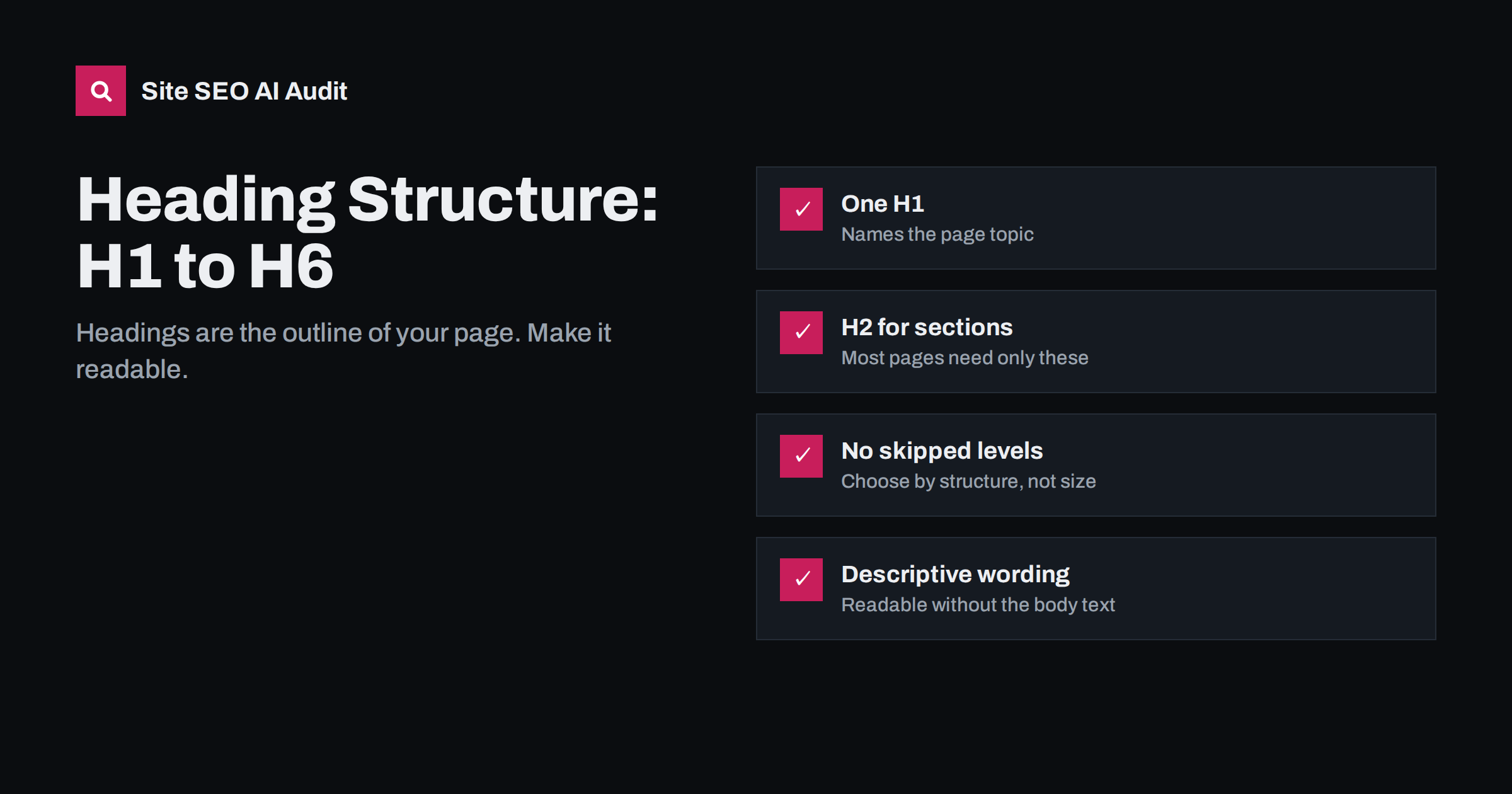
Short answer: A good heading structure uses one H1 for the page topic, H2 headings for the main sections and H3 to H6 only for genuine subsections, in order, without skipping levels for styling. Each heading should describe the content below it in plain words, so that someone reading only the headings understands what the page covers. Clear headings help readers scan, help screen reader users navigate and help search engines understand how the parts of a page relate.
What heading structure means
Headings are the outline of a page. In HTML they are the elements <h1> to <h6>, and their levels express hierarchy: an H2 is a section of the H1 topic, an H3 is a subsection of the H2 above it, and so on. Put together, they form a table of contents that exists whether or not you display one.
A well-structured page reads like this outline for a guide to choosing running shoes:
- H1: How to Choose Running Shoes
- H2: Know your running surface
- H3: Road
- H3: Trail
- H3: Track
- H2: Understand cushioning and drop
- H2: Get the fit right
- H3: Length
- H3: Width
- H2: When to replace your shoes
- H2: Know your running surface
Anyone reading those headings alone knows what the page covers and where to find the part they care about. That is the goal.
Why headings matter for readers and search engines
Readers scan before they read
Most visitors do not read a page from top to bottom. They scan headings to decide whether the page answers their question and where the answer is. Descriptive headings make that fast. Vague ones such as “Introduction”, “More info” or “Things to know” force people to read paragraphs just to find their place, and many will not bother.
Screen reader users navigate by headings
People who use screen readers commonly jump from heading to heading to get an overview, much as sighted readers scan. A logical hierarchy makes the page navigable. Headings chosen for their font size rather than their meaning make it confusing, because the levels no longer reflect the structure.
Search engines use headings to understand structure
Headings help search engines see what each part of a page is about and how the parts relate. A section headed “How long does a boiler service take?” followed by a direct answer is easy to match with that question. Search engines have become very good at reading pages without perfect markup, so headings are not a ranking trick, but they are one of the clearest structural signals you can give.
The rules of a clean heading hierarchy
- One H1 per page that names the main topic.
- H2 for main sections. Most pages need only H1 and H2. Long guides often use H3 as well; H4 to H6 are rarely needed.
- Do not skip levels going down. An H2 should be followed by H3 for a subsection, not H4. Going back up (from H3 to the next H2) is normal.
- Headings describe content, not style. If you want large bold text that is not a section title, use CSS, not a heading tag.
- Every heading should have content under it. A heading followed immediately by another heading, with no text between, is usually a sign that the structure needs rethinking.
- Do not use headings for whole paragraphs. Headings should be short labels, typically a few words to one sentence.
How to write good H2 and H3 headings
Once the hierarchy is right, the wording matters most. Useful approaches:
- Be descriptive. “How long a boiler service takes” beats “Timing”. The reader should know what the section says before reading it.
- Use questions where readers ask questions. Question headings work well for sections that answer a specific query, and they map naturally to how people search. Do not turn every heading into a question, though; it becomes tiring.
- Keep parallel structure. If one H2 starts with a verb (“Choose”, “Measure”, “Replace”), the others at the same level probably should too. It makes the outline easier to scan.
- Include key terms naturally. If the section is about waterproof trail shoes, saying so in the heading is helpful. Forcing the same main keyword into every heading is not.
- Answer right after the heading. The first sentence under a question heading should answer it directly. Readers and search features both reward that.
Common heading problems and their causes
| Problem | Typical cause | Fix |
|---|---|---|
| Headings used for styling | Editor picks H4 because it looks the right size | Pick the level by structure; adjust size with CSS |
| Skipped levels (H2 to H4) | Same as above, or copied content | Use the next level down |
| Sidebar and footer headings | Widget titles marked as H2 or H3 on every page | Change widget titles to styled text or a lower level |
| No headings at all | Long text pasted as plain paragraphs | Break into sections with descriptive H2s |
| Empty headings | Heading blocks left blank for spacing | Remove them; use spacing in CSS |
| Vague headings | “Overview”, “Details”, “More” | Rewrite to describe the actual content |
Widget headings deserve special mention. Many themes mark “Recent posts”, “Categories” or “Follow us” as H2 or H3. They appear on every page and add noise to the outline. It is not a serious ranking issue, but on a site-wide scale it muddies the structure of every page for screen reader users.
Headings on different types of pages
Not every page is a long guide. Headings should fit the page type:
- Product pages: H1 for the product name, H2s for sections like “Features”, “Sizing”, “Delivery and returns” and “Reviews”. Keep them useful rather than decorative.
- Category pages: H1 for the category, then H2s if the page includes buying advice or subcategories. Product names in a grid usually do not need to be headings at all, or can be H2 or H3 consistently.
- Service pages: H1 for the service, H2s for what is included, who it is for, pricing information, process and FAQs.
- Home pages: H1 stating what the business does, H2s for each section of the page such as services, how it works and testimonials.
- FAQ pages: each question can be an H2 or H3, followed by the answer. This structure works well for both readers and search features.
Headings, featured snippets and AI answers
Search features that show a short answer at the top of the results, and AI systems that summarize pages, both need to find a self-contained passage that answers a question. Headings make that much easier. A heading that states the question, followed by a paragraph that answers it in two or three sentences, is a passage that can be lifted out and still make sense.
A few habits help here:
- Put the direct answer in the first sentence after the heading, then add detail, exceptions and examples.
- Use lists under headings for steps and options, and a table where a comparison really helps.
- Avoid sections that only make sense if you read the previous section first, such as paragraphs that begin with “As mentioned above”.
- Keep one idea per section. A section that covers three questions is hard to quote for any of them.
None of this guarantees that your page will be quoted or shown in a special result. It simply removes structural reasons for being passed over, and it makes the page easier to read for every human visitor at the same time.
How to check your heading structure
For a single page, a browser extension that displays the heading outline is the fastest method. Accessibility checkers built into browser developer tools also flag skipped levels and empty headings. Read the outline on its own and ask: does this make sense without the body text?
For a whole site, focus on patterns rather than individual pages. Heading problems usually come from templates, widgets and page builders, so a crawl that shows the same issue on hundreds of pages points you to one fix. Site SEO AI Audit checks H1s on every page as part of its on-page area, and its fix list is ordered by how many pages each problem affects, so template-level problems come first. On WordPress sites it shows the steps in wp-admin. You can run a free first audit to see where your site stands.
When you fix headings, work in this order: missing and duplicate H1s first, then site-wide widget and template headings, then the heading structure of your most important pages, and finally older content.
Related reading
- H1 Tag Best Practices: One Clear Heading Per Page
- How to Write Title Tags: Length, Wording and Examples
- What Is On-Page SEO? The Elements That Actually Matter
The bottom line
Treat headings as the outline of your page. Use one H1 for the topic, H2s for the main sections and H3s for real subsections, in order and without skipping levels. Write headings that describe the content below them, answer questions directly under question headings, and move styling into CSS. Fix template and widget headings once, and every page on the site gets a cleaner structure.
FAQ
Do heading tags affect rankings?
Headings help search engines understand the structure and topics of a page, which supports relevance. They are not a strong ranking factor on their own, and adding keywords to headings will not rescue weak content. Their biggest value is making the page clearer for readers and machines.
Is it a problem to skip heading levels?
It will not cause a penalty, but it makes the outline harder to follow, especially for screen reader users. Accessibility guidelines recommend a logical order. Fixing it is usually quick once you stop choosing levels by font size.
How many H2 headings should a page have?
As many as the content has main sections. A short service page might have three or four, a long guide eight or more. What matters is that each H2 introduces a distinct part of the page with real content under it.
Should headings be questions?
Questions work well when a section answers something people actually ask, and they match how people search. Mixing questions with descriptive statements usually reads best. Turning every heading into a question can feel forced.
Can I use H4, H5 and H6?
Yes, when the content genuinely has that many levels, such as detailed documentation. Most web pages only need H1, H2 and H3. If you find yourself at H5, consider splitting the page.


