 ENEnglish
 LTLietuviškai
 DEDeutsch
 FRFrançais
 RUРусский
 ESEspañol
 PLPolski
 ITItaliano
 UKУкраїнська
 CSČeština
 PTPortuguês
 JA日本語
 LVLatviešu valoda
 ETEesti
 HUMagyar
 IDBahasa Indonesia
 TRTürkçe
 HIहिन्दी
 ELΕλληνικά
 ARالعربية
 THไทย
 VITiếng Việt
 RORomână
 MSBahasa Melayu
 BNবাংলা
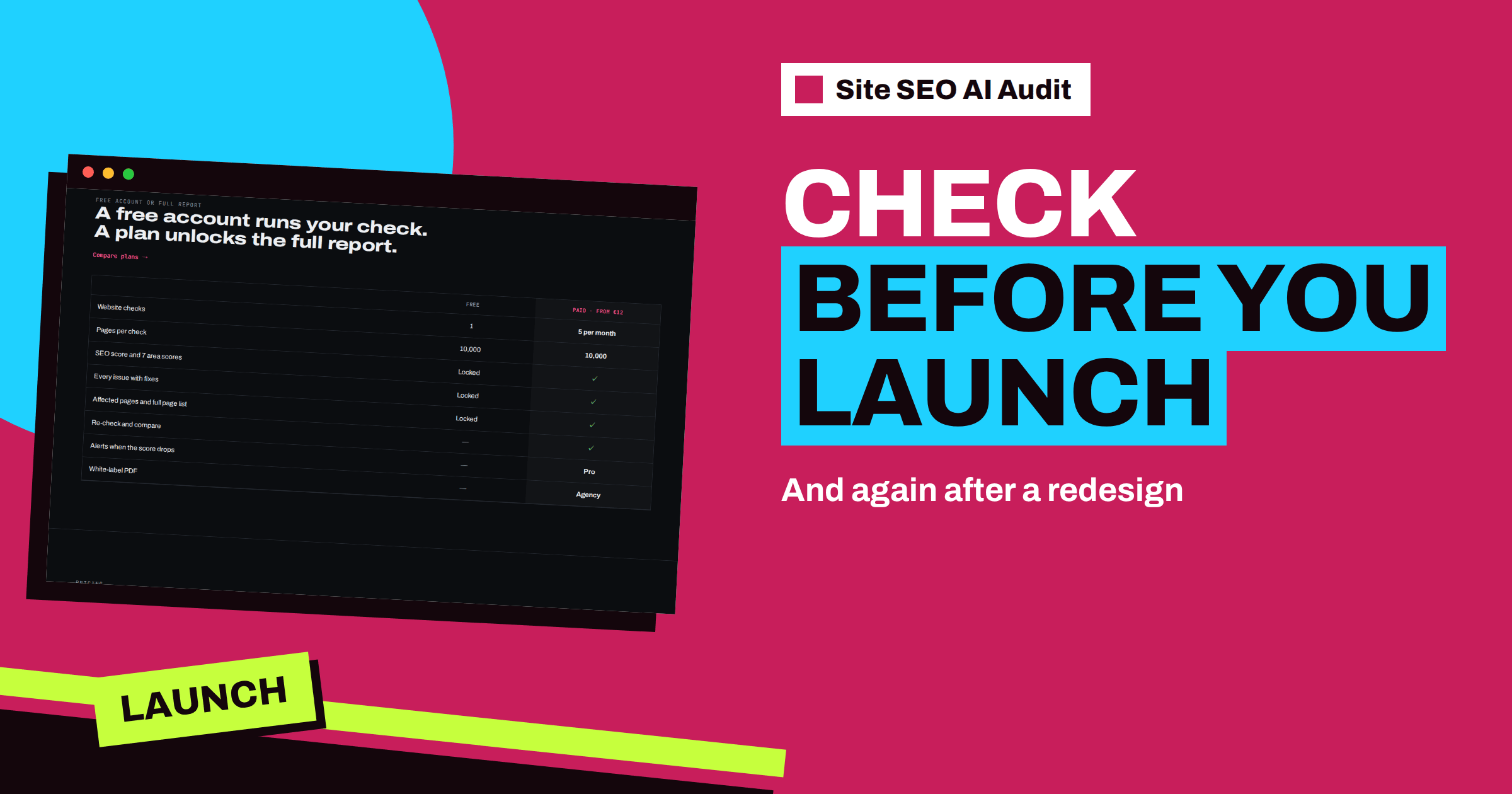
Short answer: A redesign or launch can quietly undo years of SEO work: a leftover block in robots.txt, a noindex from the development stage, lost redirects or changed titles. Use Site SEO AI Audit twice. First run a baseline check of the current live site, so you know what must be kept. Then run a check within a day of launch, fix critical issues first and re-check. Starter’s five monthly checks are enough for this plan.
Launching a new website feels like the end of a project, but for search engines it is the start of a different story. The old pages disappear or change, new ones appear, addresses move, templates are replaced and settings from the development stage are switched off, or not. Most launch disasters are not dramatic. They are small leftovers: a page that still says noindex, a robots.txt that still blocks everything, a menu that links to the old structure. Because the site looks perfect in the browser, nobody notices until traffic falls. A crawler notices at once. This article describes how to use two checks to protect your launch.
Why launches go wrong
Redesigns change many things at the same time, and the people who change them are rarely the people who care about search. A designer wants a clean layout, a developer wants a working build and the project manager wants a deadline. Each is right in their own area, and SEO falls between them. The usual casualties are:
- Blocking left on. Development sites are often hidden from search with a robots.txt rule or a noindex setting, and the setting travels with the files to the live site.
- Changed addresses without redirects. New folder structures break every old link and every bookmark.
- Lost titles and descriptions. The new templates output generic or empty values.
- Dropped content. Pages are shortened or merged in the name of clean design and lose the words that ranked.
- Slower pages. New designs with heavy images and scripts fall behind the old ones on speed.
- Broken structure. Menus change, and whole sections lose their internal links.
The articles on website redesign and SEO and the site migration checklist cover the planning in detail. This article concentrates on what the audit adds: evidence.
Check one: the baseline of the old site
Before you change anything, run a check of the current live site. Create a free account, enter the address and, with a paid plan, unlock the report. Then save what matters:
- The total score and the seven area scores.
- The number of pages crawled and the number of indexable pages.
- The list of top fixes, so you can see what the redesign could solve.
- The page list: the addresses, titles and word counts of your most important pages.
This baseline answers the question that will arise after the launch: is the new site better or worse than the old one? Without it, you can only guess. It also helps you decide what to preserve. Pages with many internal links, good titles and real content are the ones whose addresses and text you should protect. The page list shows status, indexable state, click depth, links in, words and title length for each address, which is enough to choose the pages that must survive.
What cannot be checked before launch
The crawler reads public pages, like a search engine. It does not log in. A staging site behind a password cannot be audited, and a staging site that is public but blocked by robots.txt will show a critical issue and a very low score, because everything is hidden. If you test a public staging copy, read the report with that in mind: the structure, titles and links can be reviewed, but the blocks will be reported until they are removed. Never leave a public staging copy open to search engines, since indexed duplicates of your site are a problem of their own, described in the article on staging sites in the index.
So the realistic plan is a check of the old site before the change and a check of the new site right after the launch, plus your own manual review of the staging site in between, using a checklist.
Check two: the launch check
Run the second check within a day of launch, when caches are fresh and nothing has had time to hide. Read the report in this order, because the first items can cost you the most:
| Look for | Issue in the report | Why it comes first |
|---|---|---|
| Whole site blocked | robots.txt blocks the whole website | Nothing can rank; the score is capped at 20 |
| Pages hidden from search | Pages are hidden from search (noindex) | Important pages may be dropped |
| Errors on pages and links | Pages return an error (4xx); broken internal links | Lost pages and dead ends |
| Canonicals to wrong addresses | Canonical points to a broken or redirected page | Signals go to the wrong place |
| Missing sitemap | No XML sitemap found | New addresses are not announced |
| Titles and descriptions | Missing or duplicate titles; missing descriptions | Templates lost their SEO fields |
| Speed | Slow server response; mobile speed score below 50 | New design slower than the old one |
| AI crawlers | AI asistenti blokováni v robots.txt | Development rules carried over |
On WordPress, the first item has a famous cause: the setting that discourages search engines from indexing the site. The issue card for a blocked site points to Settings, then Reading, and the checkbox that asks search engines not to index the site. Untick it, and check the robots.txt again.
Compare with the baseline
Now put the two reports side by side. On Pro, comparison of audits over time does it for you, showing the score change, the area changes and the new, fixed and worsened issues. On Starter, compare the figures by hand. Questions to ask: has the score fallen or risen? Which area changed most? Are the pages that you protected still there, with similar titles and word counts? Did the number of indexable pages change in a way that you can explain? A redesign that drops 400 pages from the index needs an explanation, and the page list will tell you which ones.
A worked example
A law firm redesigns its 80-page website. The baseline check, run a week before the launch, shows a score of 79, with good titles on all practice-area pages and a handful of broken links. The firm saves the page list and notes that eleven pages have the most internal links. The new site launches on a Thursday. On Friday morning, the launch check shows a score of 18 and a critical issue: robots.txt blocks the whole website. The developer had left the development rule in place. After the file is fixed, a re-check shows 71. The comparison with the baseline then reveals a second problem: six practice-area pages lost their meta descriptions and four now have the same title. Those are fixed the next day, and the third check reaches 84, better than the old site.
Fix, then re-check
Treat the launch check like the start of a repair cycle. Fix critical issues first: blocks, noindex, errors and canonical problems. Then handle warnings. After each batch, re-check. A common plan on Starter uses one check for the baseline, one for launch, and two or three for repair cycles, with one spare. The article on the repair cycle shows how to run the batches. If you used redirect maps, spot-check that old addresses lead to the right new pages, using the method in the guide to redirect maps.
A pre-launch checklist for your team
Since the crawler cannot see a private staging site, give your team a short manual list to run before the switch. Confirm that robots.txt allows crawling and names the sitemap. Check that no page carries noindex by mistake. Open ten important pages and read their titles, descriptions, headings and canonicals. Test the redirect map on a sample of old addresses. Confirm that the forms, the menus and the main links work. Make sure analytics and Search Console are in place. Agree who will run the launch check, and when. Written down, the list takes ten minutes to follow and catches most of the leftovers described above.
The weeks after
Search engines need time to recrawl a new site. Expect some movement in rankings and traffic in the first weeks, and watch Search Console for errors and coverage changes. Run another check one to two weeks after the launch to catch problems that appear later, and after any further changes to templates or plugins. On Pro, e-mail alerts warn you when a check shows a lower score. To prepare your own launch, create a free account and run your check on the current site, and choose a plan on the pricing page to unlock the report.
Related reading
- Website Redesign Without Losing SEO: A Practical Guide
- Website Migration SEO Checklist: Before, During and After
- Staging Site Indexed by Google? How to Fix and Prevent It
The bottom line
Take a baseline check of the old site, run a launch check within a day of going live, read blocks and errors first, compare with the baseline and repair in batches with re-checks.
FAQ
Can I check a staging site behind a password?
No. The crawler reads public pages and does not log in. Review a protected staging site manually with a checklist.
How soon after launch should I run the check?
Within a day, so that leftover blocks, noindex settings and lost pages are caught early.
What does a score of 20 or less mean?
If robots.txt blocks the whole site, or no page can be indexed, the score is capped at 20. Remove the block first.
How do I compare the new site with the old one?
Use comparison of audits over time on Pro, or compare the saved reports by hand on Starter.
How many checks does a launch need?
A baseline, a launch check and a few re-checks. Starter’s 5 checks per month cover this for one site.


