ENEnglish
 LTLietuviškai
 DEDeutsch
 FRFrançais
 RUРусский
 ESEspañol
 PLPolski
 ITItaliano
 UKУкраїнська
 CSČeština
 PTPortuguês
 JA日本語
JA日本語 LVLatviešu valoda
 ETEesti
 HUMagyar
 IDBahasa Indonesia
 TRTürkçe
 HIहिन्दी
 ELΕλληνικά
 ARالعربية
 THไทย
THไทย VITiếng Việt
 RORomână
 MSBahasa Melayu
 BNবাংলা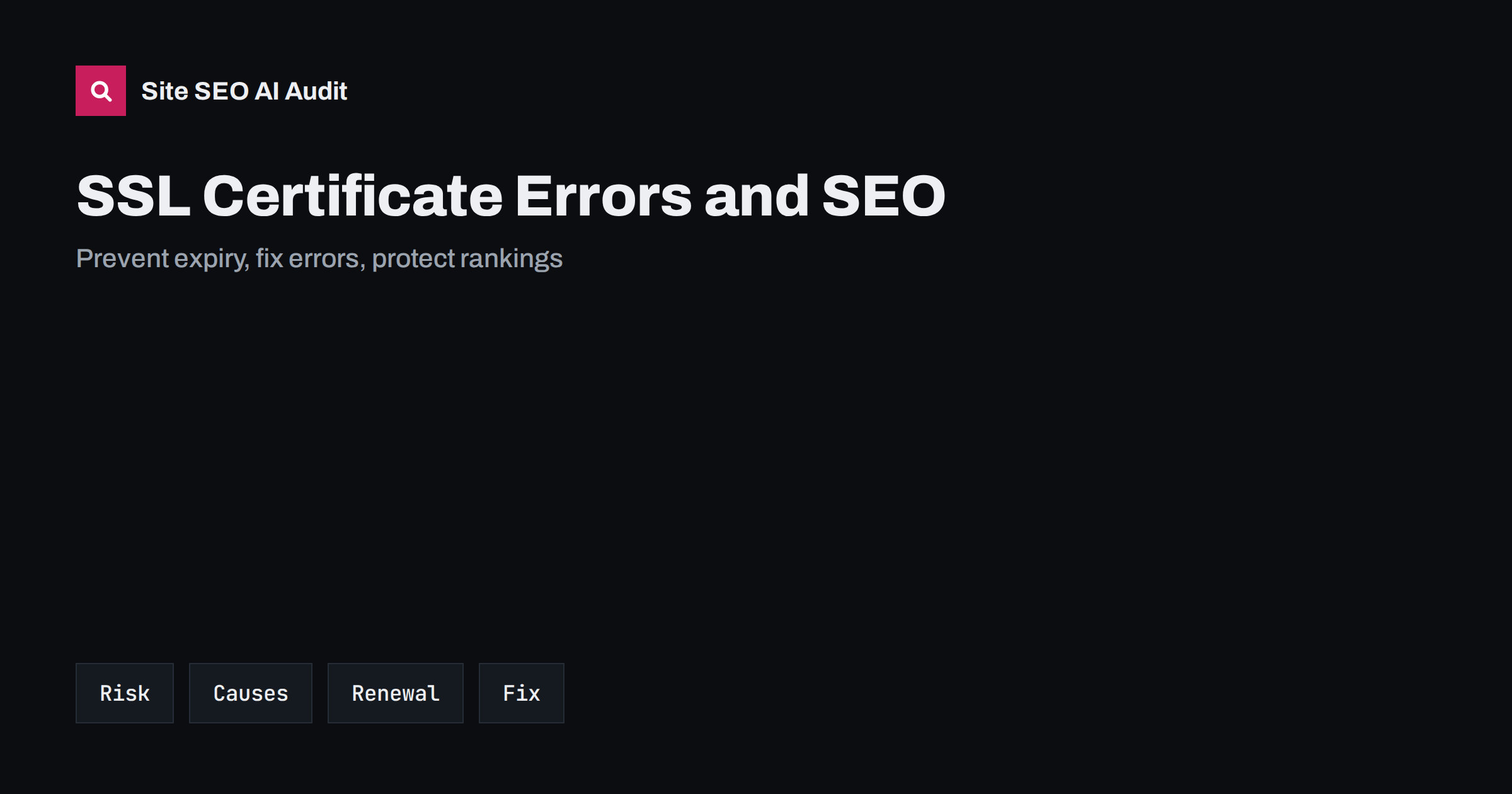
Short answer: When an SSL or TLS certificate expires, does not match the domain name or is missing part of its chain, browsers show a full-page warning and many visitors leave, while crawlers may fail to fetch pages and treat them as errors. A short outage rarely harms rankings for long, but repeated or prolonged failures can cause pages to be crawled less, dropped or shown with warnings. Prevent the problem with automatic renewal, monitoring of the expiry date, correct certificates for every hostname and a tested process for emergencies.
Few technical failures are as visible as a certificate error. One morning the site shows a red warning page, support receives angry messages and sales stop. The cause is usually mundane: a renewal that failed silently, a certificate bought for the wrong name or a change at the hosting provider. For search engines, the effect is similar to downtime, with the extra problem that a secure connection cannot be established, so crawlers cannot read anything. Because the fix is often quick, many teams treat it as a one-off incident, but a pattern of expiry brings lasting harm to trust and to crawling. This guide explains how certificate problems affect SEO and how to build a routine that prevents them. For the move to HTTPS in general, see the HTTPS migration checklist.
What a certificate does and why errors matter
A certificate proves that the server answering at an address is the one that owns it, and it enables encrypted communication. Browsers check it each time a visitor connects. If the certificate has expired, was issued for another name, is not trusted or is incomplete, the browser stops the visit and shows a warning that most people do not bypass. Search crawlers behave strictly too: if they cannot validate the connection, they may skip the page, record an error or retry later. The longer the problem lasts, the more pages are affected, and the more time the site needs to return to normal crawling. A certificate is therefore not just a security matter; it is a condition for being reachable at all.
How certificate problems affect SEO
The effects come in several steps. First, visitors leave, so traffic, conversions and engagement fall at once. Second, crawlers record errors, and if the errors persist, the crawl rate may drop, new pages may be discovered later and existing pages may be shown less or removed from the index after repeated failures. Third, links and mentions that point to pages with warnings lose value in the eyes of users who stop. Fourth, trust suffers, and recovery in people’s minds takes longer than recovery in the systems. A one-hour error is unlikely to change rankings, but a weekend of failures or repeated incidents can leave measurable traces. The related issue of unavailable pages is covered in website downtime and SEO.
Common causes of certificate failures
Most failures come from a short list of causes. The certificate expired because renewal was manual and forgotten, or automatic renewal broke after a change in configuration, a DNS record or a firewall rule. The certificate does not cover the hostname, for example the version with www but not without it, or a new subdomain. The server does not send the intermediate certificates, which some clients cannot complete. A content delivery network or proxy uses a different certificate from the origin. A server was moved or reinstalled and the certificate was not copied. The system clock on the server is wrong. Review each of these when you diagnose a problem, and write down which one occurred so that you can prevent it next time.
Different types of certificate carry different practical consequences. Short-lived certificates issued automatically are renewed often, so a broken renewal shows up within weeks, while certificates bought for a year may sit unnoticed until the last day. Neither type is better for SEO; what counts is that a person or a system is responsible for the renewal, and that the responsibility is written down. A common cause of surprise is the departure of the employee whose email address received the reminders, so use a shared mailbox for notices.
Automate renewal and monitor expiry
The best prevention is automatic renewal. Many hosts and content delivery networks issue and renew certificates without any action. If you manage certificates yourself, use a client that renews well before the expiry date and test the process, including what happens when validation fails. Add monitoring that checks the expiry date of every public hostname and warns at thirty, fourteen and seven days, with alerts sent to more than one person. Include subdomains, regional versions, staging sites that are public and any domain that redirects to your main site, because a redirect from a domain with an expired certificate shows an error before it can redirect. Monitoring ideas are in technical SEO monitoring.
Cover all hostnames and redirects
Every address that people or crawlers can reach over HTTPS needs a valid certificate, including the root domain, the www version, language or country subdomains and old domains that redirect to the new one. A wildcard certificate covers subdomains at one level, and a certificate with several names covers a listed set. After a rebrand or a domain change, keep certificates for the old domains for as long as the redirects are needed, which may be years, or the redirects will fail with a warning. Check that HTTP redirects to the right HTTPS address in one step and that the final address has a valid certificate. Details about redirect design are in redirect chains and loops.
Check the chain, protocols and mixed content
Besides expiry, test the configuration. The server should send the full certificate chain, support current protocol versions and avoid outdated settings that browsers reject. Use an online testing service or a command-line tool to check the chain and the protocols, and repeat after server changes. After a certificate is fixed, look for mixed content, where an HTTPS page loads images, scripts or styles over HTTP, which can cause warnings or blocked resources, as explained in the mixed content guide. Also review security headers, such as strict transport security, with care: a mistaken setting can lock visitors out when a certificate fails, as described in the HSTS guide.
What to do when an error happens
Act in a fixed order. Confirm the problem from outside your network and from a second device. Identify the cause: expiry, name mismatch, chain or provider. Renew or replace the certificate, install it fully and restart the services that need it. Test every hostname and the redirects. Inform customers on social channels or a status page if the outage was long. Then check Search Console, the crawl reports and your server logs for errors that occurred during the outage, and inspect important pages to confirm that they can be fetched. If pages were dropped, request indexing for the most important ones. Do not change addresses, redirects or content in a rush, since additional changes make it harder to see what went wrong. Use the crawl stats report to watch recovery.
Remember the other places where certificates live. Email servers, application programming interfaces, payment pages, mobile app back ends and third-party widgets embedded in your pages may use their own certificates. If one of them expires, features can break even though the main site looks fine, for example a form that fails or product images that no longer load. Include these endpoints in your list and your monitoring, because they are less visible and are often forgotten.
Prepare a runbook and learn from incidents
Write a short document that says who is responsible for certificates, where they are managed, how renewal works, how to check status, whom to call at the provider and how to roll back. Keep a list of all hostnames and the expiry date of each certificate. After an incident, hold a brief review: what failed, how long it lasted, how it was found, what the effect was and what will prevent a repeat. Add the lesson to the runbook. If your organisation changes hosting, DNS or content delivery, add a certificate check to the migration plan, using the DNS changes guide as a reference. A prepared team solves a certificate failure in minutes instead of hours.
Site SEO AI Audit crawls your site over HTTPS like a search engine, so it reports pages that cannot be fetched, along with redirects, status codes, mixed content, titles and speed, and ranks fixes by the points they add. It does not monitor certificate expiry dates, so use a separate alert for that. The first audit of up to 200 pages is free; larger sites can see the pricing page.
Related reading
- HTTPS Migration SEO Checklist
- Website Downtime and SEO
- Mixed Content: Find and Fix
- HSTS and Security Headers
The bottom line
Certificate errors stop visitors and crawlers at the door. Automate renewal, monitor expiry for every hostname, cover redirects and old domains, test the chain, act in a fixed order when an error appears and keep a runbook.
FAQ
Does an expired certificate affect rankings?
A short outage rarely has lasting effect, but long or repeated failures can reduce crawling and visibility, and they always cost visitors and trust.
How early should I renew a certificate?
Well before expiry. Automatic renewal usually starts weeks ahead. If you renew by hand, do it at least two weeks before the date.
Do redirecting domains need certificates?
Yes. A browser checks the certificate before it follows the redirect, so an old domain with an expired certificate shows an error, not the new site.
Will Search Console tell me about certificate problems?
It may show fetch errors and security-related notices, but not reliably in time. Use dedicated monitoring with alerts for expiry dates.
What if my certificate is valid but browsers still warn?
Check the name coverage, the intermediate chain, the server time and mixed content. Test from several devices and with an online checking tool.