 ENEnglish
 LTLietuviškai
 DEDeutsch
 FRFrançais
 RUРусский
 ESEspañol
 PLPolski
 ITItaliano
 UKУкраїнська
 CSČeština
 PTPortuguês
 JA日本語
JA日本語 LVLatviešu valoda
 ETEesti
 HUMagyar
 IDBahasa Indonesia
 TRTürkçe
 HIहिन्दी
 ELΕλληνικά
 ARالعربية
 THไทย
THไทย VITiếng Việt
 RORomână
 MSBahasa Melayu
 BNবাংলা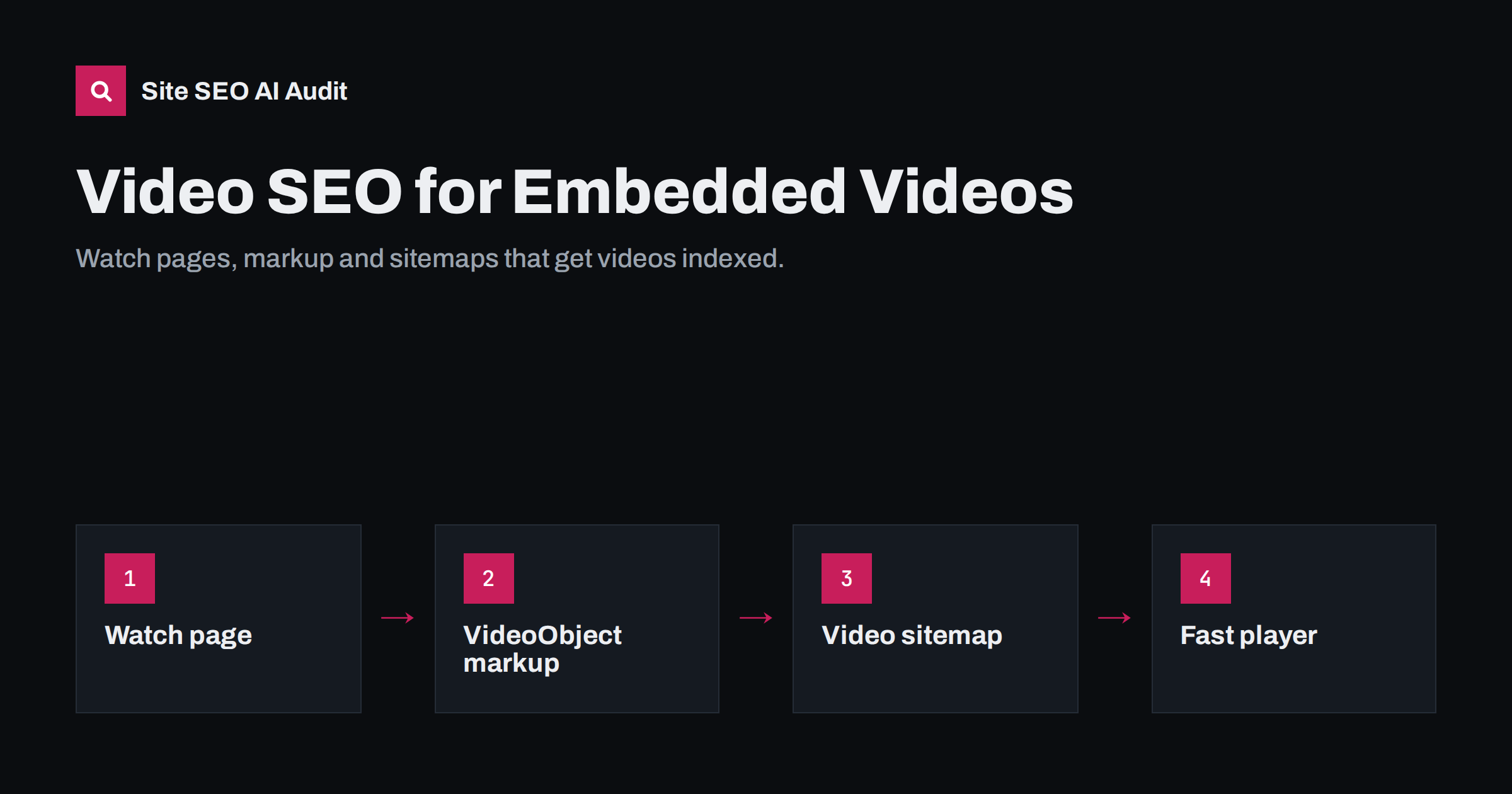
Short answer: Search engines can only show your video in results if they can find it, understand it and see that it is the main thing on the page. Put each important video on its own watch page with a descriptive title and text, add VideoObject structured data with a name, thumbnail and upload date, make the thumbnail crawlable and list the page in a video sitemap. Keep the player fast, but make sure lazy-loading does not hide the video from crawlers.
Why embedded videos often go unnoticed
Many sites add a video to a page and assume search engines will treat it like the page text. In practice video is harder for crawlers to discover. The player may be loaded by JavaScript, only after a click, from a third-party domain, or inside an iframe with no description around it. The page might mention the video in one sentence while the rest is about something else.
Google has explained in its video SEO documentation that video features such as thumbnails in results and the video tab depend on the video being indexed, and that it prefers pages where the video is the main content. A product page with a short clip in the gallery can still rank for its product terms, but it is less likely to appear as a video result.
So the first decision is strategic: which videos deserve to be found as videos, and which are simply supporting content on a page that ranks for other reasons?
Decide which videos need a watch page
A watch page is a page built around one video: the video is visible near the top, and the title, heading and text describe that video. Use this simple sorting to decide.
| Video type | Typical placement | Needs video indexing? |
|---|---|---|
| Tutorial or how-to | Dedicated watch page | Yes, strong search demand |
| Product demo | Watch page, embedded on product page too | Often yes |
| Webinar recording | Watch page with summary | Yes, if the topic is searched |
| Background or hero loop | Home or landing page | No |
| Short gallery clip | Product or case page | Rarely |
| Customer testimonial | Landing page | Rarely, unless searched by name |
For the “yes” rows, create a separate URL for each video. For everything else, focus on performance and accessibility instead of video indexing.
Build a watch page that explains the video
Search engines understand a video mostly through the text around it. A strong watch page gives them the same information a viewer would want before pressing play.
- A specific title tag and H1 that name the task or topic, not “Video” or “Watch now”. The rules in our guide to writing title tags apply here too.
- The player above the fold, visible without scrolling on mobile and not hidden in a tab or a carousel.
- A written summary of what the video covers, who it is for and what the viewer will be able to do afterwards.
- Chapters or key moments as a list with timestamps. They help viewers skim and can be used for key moments in results.
- A transcript, either in full or in an expandable section. Transcripts make the spoken content readable for search engines, AI systems and people who cannot play sound.
- Related links to the next logical video or article, so the watch page is part of your site structure instead of an isolated URL.
Avoid putting several unrelated videos on one page and expecting each to rank. One page, one main video is the pattern search engines handle best.
Add VideoObject structured data
Structured data tells search engines exactly which video is on the page and where its thumbnail and file live. It is particularly useful when the player is loaded by JavaScript or from another host. JSON-LD is the easiest format to maintain, as explained in JSON-LD vs Microdata vs RDFa.
The properties Google lists as required are:
name: the video title.thumbnailUrl: a crawlable image URL for the thumbnail.uploadDate: when the video was first published, in ISO 8601 format including a time zone.
Recommended properties add useful context:
description: a plain summary that matches the page text.duration: length in ISO 8601 format, for examplePT4M30S.contentUrland/orembedUrl: the video file or the player URL.CliporSeekToAction: to describe key moments.
Keep the markup consistent with what visitors see. If the page says the video is about invoicing in version 3, the structured data should not describe version 2. Validate the markup after every template change, because a small JSON syntax error can invalidate the whole block.
Thumbnails, files and hosting choices
A video without a usable thumbnail rarely gets a rich result. Make sure the thumbnail image is not blocked by robots.txt, returns status 200 and stays at a stable URL. Use an image that actually represents the video content.
Where you host the video matters for where traffic ends up:
- Video platforms such as YouTube or Vimeo handle streaming and give you a second audience on the platform. The trade-off is that the platform’s own page often competes with yours in search results.
- Self-hosted or a dedicated video host gives you more control over the watch page and the file URLs. You are responsible for streaming performance and for making the file and thumbnail crawlable.
Many businesses use both: the platform for reach, and a watch page on their own site with a written summary, transcript and markup for the videos that matter commercially.
Video sitemaps and discovery
Crawlers find videos more reliably when you tell them where they are. You have two options:
- A dedicated video sitemap with video extensions such as title, description, thumbnail location and content or player location.
- Video entries in your existing XML sitemap, added to the URLs of your watch pages.
Either way, list only canonical, indexable watch pages. The general rules from XML sitemap best practices apply: no redirected or noindexed URLs, accurate modification dates and a sitemap referenced in robots.txt or submitted in Search Console. Search Console also has a video indexing report that lists pages where a video was detected and gives reasons when it was not indexed, such as the video not being the main content or no thumbnail being found.
Keep the player fast without hiding it
Video players are heavy. An iframe from a video platform can pull in large amounts of JavaScript before anyone presses play, which hurts loading and interaction on mobile. The usual fix is a facade: a static thumbnail with a play button that loads the real player only on click.
Facades are good for speed, but they can remove the video from what crawlers see. If you use one:
- Include VideoObject structured data in the HTML, so the video is declared even when the player is not loaded.
- Give the thumbnail proper width and height to avoid layout shifts.
- Do not lazy-load the first visible video thumbnail if it is likely the largest element on the page; see our guide to lazy loading and SEO for the reasoning.
- Add a descriptive
titleattribute to iframes for accessibility.
Background videos in hero sections deserve special attention. They often become the largest element on the page, delay rendering and add nothing to search visibility. A poster image or a short, compressed file is usually the better choice.
Common video SEO mistakes
- Publishing videos only inside a modal or pop-up, where crawlers and many users never see them.
- Using the same generic title, such as “Product video”, on dozens of watch pages.
- Marking up a video that is not visible on the page, or marking up several videos when one is the main content.
- Letting thumbnail URLs change on every deployment, which breaks indexed thumbnails.
- Blocking the player or video files in robots.txt.
- Removing watch pages when a video is replaced, instead of updating the page or redirecting to the new version.
How Site SEO AI Audit helps
Site SEO AI Audit checks the parts of video SEO that live in your HTML. It reads the Schema.org markup on every page and reports invalid JSON-LD, checks titles, descriptions and headings, and flags pages with heavy weight or slow loading in its speed checks. That makes it easier to catch a broken VideoObject block or a watch page with a missing description across the whole site. It does not analyse the video files themselves. You can run a free audit of your website to see where your pages stand.
Related reading
- PDFs, Images and Video: What AI Search Can Actually Read
- Structured Data Errors: How to Find and Fix Invalid Schema
- How to Fix a Slow Largest Contentful Paint (LCP)
The bottom line
Embedding a video does not make it searchable. Decide which videos deserve to be found, give each of those a watch page where the video is the main content, describe it in text, add VideoObject markup with a crawlable thumbnail and list the page in a sitemap. Then keep the player light with a facade that still declares the video in the HTML.
FAQ
Do embedded YouTube videos help my page rank?
A video can make a page more useful, which helps indirectly, but embedding alone is not a ranking factor. To appear as a video result on your own domain, the page should be built around the video and include structured data.
Is VideoObject markup required for video results?
It is not strictly required, because search engines can sometimes detect videos on their own. In practice it makes detection far more reliable, especially when the player loads with JavaScript or through a facade.
Should every video have its own page?
Only videos you want to be found as videos need their own watch page. Background loops, short gallery clips and decorative videos can stay on the pages where they support other content.
Do transcripts help video SEO?
Yes. A transcript turns spoken content into text that search engines and AI systems can read, and it improves accessibility. Keep it on the same page as the video.
Do I need a separate video sitemap?
No. You can add video entries to your existing XML sitemap or create a dedicated one. What matters is that watch pages are listed and that the video details are accurate.


