ENEnglish
 LTLietuviškai
 DEDeutsch
 FRFrançais
 RUРусский
 ESEspañol
 PLPolski
 ITItaliano
 UKУкраїнська
 CSČeština
 PTPortuguês
 JA日本語
JA日本語 LVLatviešu valoda
 ETEesti
 HUMagyar
 IDBahasa Indonesia
 TRTürkçe
 HIहिन्दी
 ELΕλληνικά
 ARالعربية
 THไทย
THไทย VITiếng Việt
 RORomână
 MSBahasa Melayu
 BNবাংলা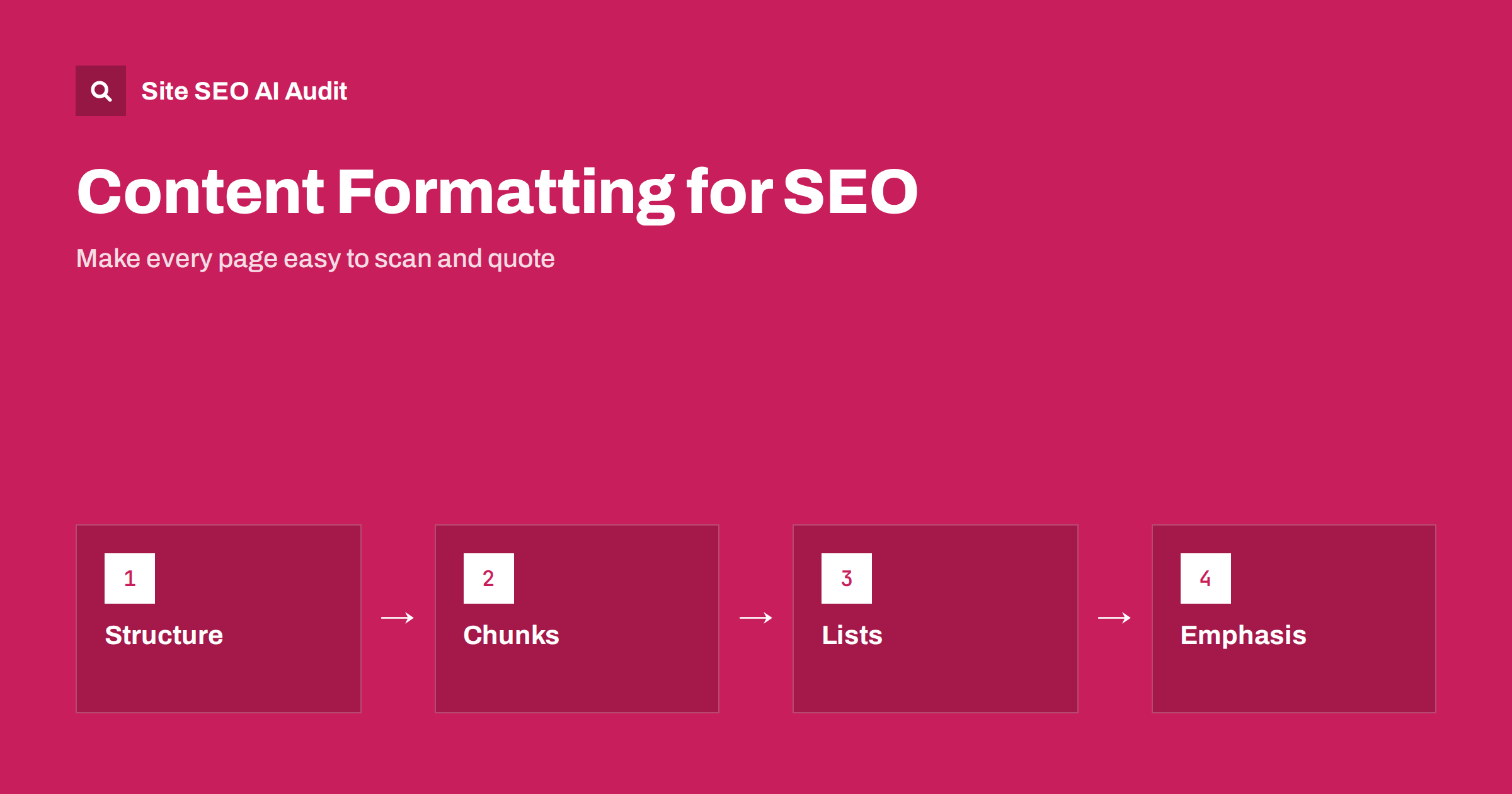
Short answer: Good formatting makes a page easy to scan for people and easy to extract from for search engines and AI tools. Use descriptive headings, paragraphs of two to five sentences, lists for real steps and sets of options, tables for comparisons and bold text sparingly for the key term or warning. Format to help understanding, not to decorate or to chase a ranking trick, and check the result on a phone.
Most readers do not read a page from the first word to the last. They look at headings, scan the first sentence of each paragraph and stop where something answers their question. Search engines and AI tools also work with parts of a page, selecting passages that answer a query. Formatting is the layer that makes these parts visible. This guide covers the main tools and the mistakes to avoid. It complements the guide to readable SEO writing and the heading structure guide.
Begin with a clear structure
Plan the sections before you write. A good page has one main heading, a short opening that answers the main question and a series of sections, each about one idea. Give each section a heading that says what it contains, such as “How to measure page speed” rather than “Next steps”. Keep the order logical: definition, reasons, method, mistakes, examples, questions. If a heading could appear on any page of the site, it is too general. Use subheadings only when a section is long enough to need them, and keep the levels in order without skipping.
Write short, focused paragraphs
A paragraph should carry one idea, usually in two to five sentences. Long blocks of text are hard to read on a phone and make it hard for a search engine to identify the answer. Put the main point in the first sentence and add detail afterwards. Avoid single-sentence paragraphs everywhere, because too many break the flow and look like padding. Vary the length naturally, and let a short paragraph stand for emphasis only when it deserves it. Read your text aloud: where you run out of breath, the sentence or paragraph is probably too long.
Use lists when the content is a list
Use a numbered list for steps that must be done in order, and a bulleted list for a set of items that has no order. Introduce the list with a sentence that explains what it contains, keep the items parallel in form and make each one meaningful on its own. Do not break a normal argument into bullets just to look organised, since the connections between ideas are lost. Avoid long lists of twenty items without grouping; split them under subheadings. Lists are easy for search engines to extract, which can help featured snippets and AI answers, but only if the content is truly list-like. See the guide to list articles.
Use tables for comparisons
When you compare several items across the same features, a table is the clearest format. Give it a short caption or an introducing sentence, a header row that names each column and cells with brief, comparable values. Do not use tables for page layout, and do not put long paragraphs in cells. Check that the table can be read on a narrow screen, by scrolling or by stacking the rows. Provide the key conclusion in text as well, so that readers and machines that skip tables still get the point. More detail is in the HTML tables guide.
Use bold and emphasis with restraint
Bold text helps a reader find the key term, the definition or a warning. If half of the page is bold, nothing stands out. Highlight a few phrases per section at most, and choose words that help someone scanning: names of steps, key numbers or conditions. Use italics rarely, mostly for titles and foreign terms. Do not use capital letters for whole sentences. Never use bold only to repeat a keyword, because it does not make the page rank and it irritates readers. Use proper heading tags for headings and not bold text, so that the structure is available to software.
Put the answer first
Begin sections with the direct answer, then explain. A reader who wants only the answer stops after a sentence, and a reader who wants detail continues. This pattern also gives search engines and AI tools a clean passage to quote. A short summary at the top of a long article works the same way. It should state the conclusion, not repeat the title. For examples, read answer-first introductions. Avoid burying key facts in the middle of long paragraphs or in images, because they are hard to find.
Add navigation for long pages
Long articles benefit from a short table of contents with links to sections, particularly when readers arrive looking for one part. Use plain headings so that the links make sense. Add clear links to related pages at the points where readers might need them, instead of dumping them in one block at the bottom. Keep jump links accessible and test them on a phone. The practical details are in the table of contents guide.
Check accessibility and mobile display
Good formatting is also good accessibility. Headings, lists and tables give screen reader users a way to move through the page. Make sure text has enough contrast and a comfortable size, that line length is not too long and that links are recognisable. Test the page on a phone: paragraphs that look short on a desktop can become long on a small screen. Avoid hiding essential content in tabs or accordions that may not be read reliably; the guide on tabs and accordions explains the risks.
Build formatting into your process rather than adding it at the end. A simple template for articles, with fields for the summary, the sections, the questions and the related links, keeps pages consistent across authors. A short style guide that states the preferred paragraph length, list use and heading rules saves editing time and keeps the site coherent. Review a few popular pages every quarter and tidy them up, since small improvements to heavily visited pages often bring the largest benefit.
Resist formatting tricks that promise rankings. Hidden text, stuffed headings and artificial question lists add nothing for readers and may violate guidelines. The best test is simple: could a busy person find what they need in ten seconds, and could someone quote one paragraph without losing its meaning? If so, the formatting is working. If not, change the structure first, and only then think about style.
Examples of before and after
Take a paragraph from a typical page: “Our company has a long history of providing high-quality services to customers in many different sectors, and we believe that our approach, which combines experience with innovation and a focus on results, makes it possible for us to help clients achieve their goals while also saving money, time and effort in the long run.” It has one sentence and no extractable fact. Rewritten, it becomes a short heading and two short paragraphs: what the company does, for whom and with what result, followed by a bulleted list of the three services with a one-line description each. The reader finds the answer in seconds, and a search engine finds three clear facts to use.
Now consider instructions. A long paragraph that explains how to reset a password, with each step buried in a sentence, can be turned into a numbered list of five short steps, each starting with a verb. After the list, one sentence can cover what to do if the email does not arrive. This format reduces errors for readers, lowers support requests and gives assistants a ready sequence to quote. The same page should keep a short introduction that says when you need to reset the password and why.
Finally, look at a comparison. A page that describes three plans in three long paragraphs is hard to compare. A small table with the plans in columns and the features in rows shows the differences at once, and one sentence below it states who each plan suits. Keep the facts in the table identical to those on the pricing page, so that no page contradicts another.
Editors can use a quick review checklist: Does the page open with the answer? Does every heading describe its section? Are paragraphs short enough to read on a phone? Are lists used only where the content is a list? Is bold used only for the few phrases that matter? Is there at least one internal link where the reader would naturally want more? Running through these six questions takes a few minutes and catches most problems before publication.
Site SEO AI Audit crawls your pages and checks headings, titles, meta descriptions, thin content, structured data, images without alt text and page speed, so you can find pages with missing or broken structure. It does not judge how well your paragraphs read or whether your lists help your audience. The first audit of up to 200 pages is free; larger sites can see the pricing page.
Related reading
The bottom line
Use clear headings, short focused paragraphs, real lists and tables and sparing emphasis, put the answer first and test on a phone, so every section can be scanned and quoted.
FAQ
Does formatting affect rankings directly?
Not as a simple factor. It affects how easily readers and machines understand the page, which affects engagement and extraction.
How long should a paragraph be?
Usually two to five sentences, with one idea each. Check how it looks on a phone.
Are bullet lists better than paragraphs?
Only for content that is truly a list or a sequence. Arguments and explanations read better as paragraphs.
How much bold text is too much?
If bold no longer helps a scanner find the key points, you have used too much. A few phrases per section is enough.
Should I use a table of contents?
For long articles, yes. It helps readers jump to what they need and shows the structure of the page.