 ENEnglish
 LTLietuviškai
 DEDeutsch
 FRFrançais
 RUРусский
 ESEspañol
 PLPolski
 ITItaliano
 UKУкраїнська
 CSČeština
 PTPortuguês
 JA日本語
 LVLatviešu valoda
 ETEesti
 HUMagyar
 IDBahasa Indonesia
 TRTürkçe
 HIहिन्दी
 ELΕλληνικά
 ARالعربية
 THไทย
 VITiếng Việt
 RORomână
 MSBahasa Melayu
 BNবাংলা
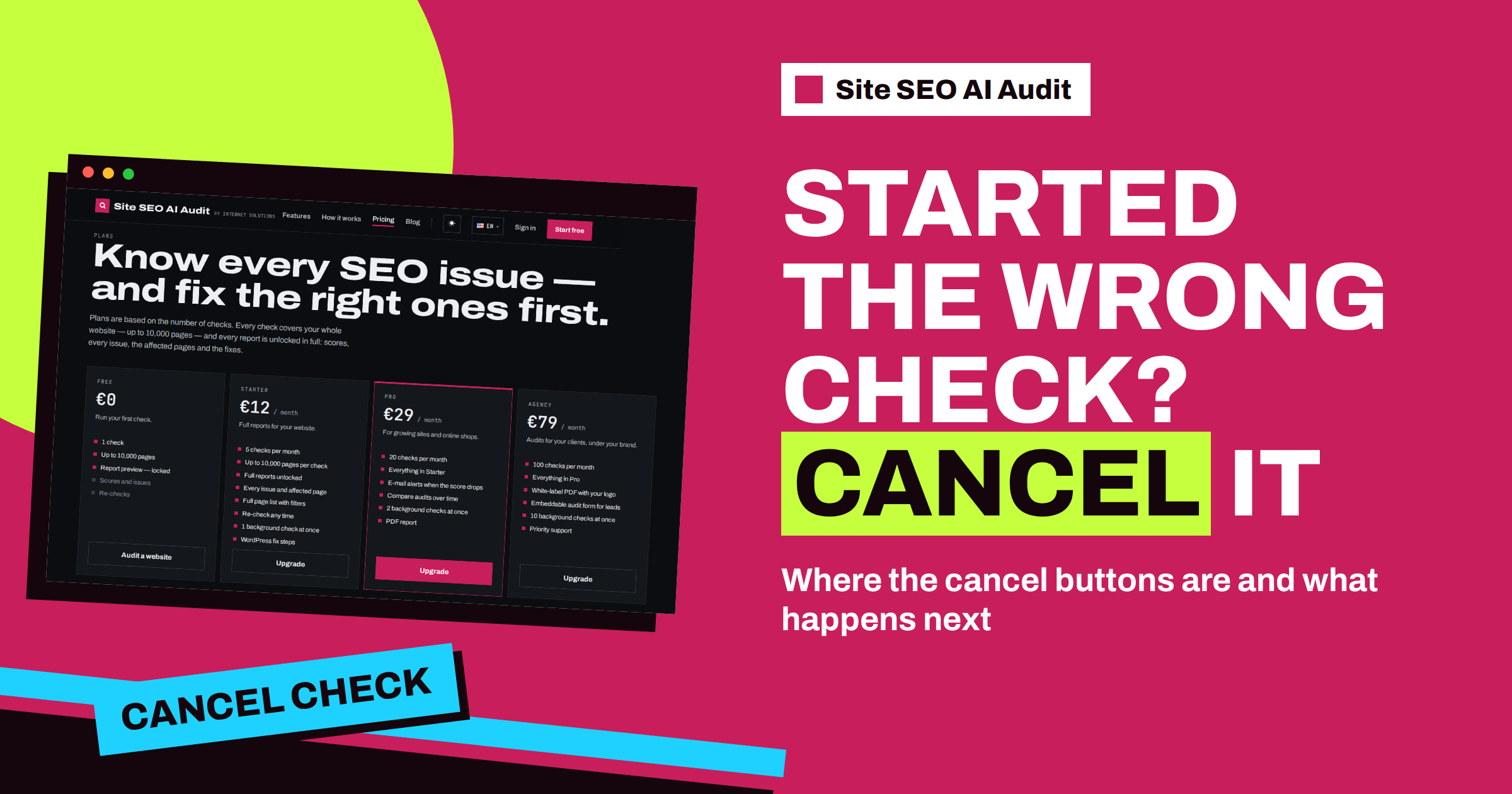
Short answer: You can stop a check in Site SEO AI Audit as long as it is queued or running. Open the progress page of the check, or the My websites page, and press the cancel button, then confirm. The unfinished check is marked as cancelled, its working data is removed, and you can start a new one for the same website. Checks that fail or are cancelled are not counted when your allowance is calculated. A finished check cannot be cancelled, because there is nothing left to stop.
Most of the time, a check simply runs and finishes. A small website takes a few minutes, and a very large one can take up to about twenty minutes. But sometimes you want to stop one: you typed the wrong address, you started a check of a website that is being rebuilt right now, or you realised that you only needed to test one page. The cancel button exists for these moments. This article shows where it is, what it does and how to start again properly.
When cancelling makes sense
- A typo in the address. You wrote the wrong domain, or a version of the address that redirects somewhere unexpected.
- The site is not ready. A migration is in progress, the server is under maintenance or the pages are half built. A check now would report problems that you already know about.
- You need a different scope. You wanted to test one page after a fix, not the whole website. A single page can be checked on its own.
- A check is stuck in the queue. On plans with a limit on background checks, a new check waits when other checks are active. If you no longer want it, cancel it.
- A second thought about timing. You started a large check during peak hours and prefer to run it later.
Cancelling is a normal action, not an error. The service is built to let you change your mind.
Where the buttons are
The cancel button appears in three places, and it is shown only while a check is queued or running.
- The progress page. When you start a check, you see a page with the progress of the stages. Below it is a cancel button, and the browser asks “Cancel this check?” before it acts.
- My websites. In the row of the website, next to “Open progress”, a button reads “Cancel unfinished”. It asks you to confirm with the question “Cancel the unfinished check?”. The article about the My websites page describes the other buttons in that row.
- The website page. The page with the settings of a single website has the same button while its latest check is unfinished.
After you confirm, the page shows a message that the unfinished check was cancelled. The check is marked as failed with the note that it was cancelled, and the temporary data that the crawler collected for it is deleted. Nothing is left half finished in your account.
Who can cancel
You can cancel a check of a website that belongs to your signed-in account. The check you just started is also yours to cancel. Visitors who are not signed in cannot start checks at all: since November 2026, running a check requires a free account, and the check begins right after sign-up. That is also why the cancel button is shown to signed-in users on the progress page.
What happens to your allowance
Plans count checks, not websites. A paid plan has a number of checks per calendar month, five on Starter, twenty on Pro and a hundred on Agency, and unused checks do not carry over. The free plan has one check in total. When the service counts the checks you have used, it counts checks of whole websites and leaves out checks that failed. A cancelled check is stored as a failed one, so it does not reduce your allowance. This is helpful when you made a mistake at the start: you can cancel and try again without losing a check.
Single-page checks are not counted either, and neither are checks made through an audit form that an agency embeds on its own site. The article on how many SEO checks you need gives guidance for planning your monthly allowance.
Starting again after a cancel
You do not need to wait. The website is free for a new check as soon as the old one is cancelled. In fact, you need to cancel first if a check is already running for the same website: the service does not start a second check of the same website while one is in progress. Instead, it tells you that a check of that website is already running in the background. If you try to start another and see this message, either wait for the first check to finish or cancel it.
- Cancel the unfinished check. Use any of the three buttons and confirm.
- Correct the cause. Fix the address, finish the maintenance or decide on the scope.
- Start a new check. Use the field on My websites, or the Re-check button on a paid plan.
- Watch the progress. The progress page refreshes itself, and on My websites the status shows “Queued” or “Checking” with the current stage.
Checking just one page instead
If the reason for cancelling was the scope, remember that Site SEO AI Audit can check a single page address on its own. A single-page check does not change the record of your website, such as its last report and score, and it does not use a check from your allowance. It is the right tool after you fix one page and want to see the result at once. The article on checking a single page after a fix explains when to use it and what it cannot show.
What cancelling cannot do
A few limits are worth knowing. A finished check cannot be cancelled or deleted with this button, and its report stays in your account in the list of earlier reports. A cancelled check produces no report, so you cannot recover partial results from it. And cancelling does not change anything on your own website: the crawler only reads pages, it never edits them, so there is nothing to undo on your side. The crawler also works politely, at about three requests per second and following your robots.txt, so even a check that you stop in the middle has not harmed your server.
Plan the check, then run it
Most cancellations can be avoided with a short habit. Before you press the button, read the address once, make sure the site is in the state you want to test and decide whether you want the whole website or one page. For large websites, choose a calm moment, because a check of many thousands of pages takes time. The pricing page lists how many checks each plan includes and how many background checks can run at once: one on Starter, two on Pro and ten on Agency.
How long is too long?
People often cancel because a check seems slow. Before you do, look at the stage shown on the progress page and at the size of the website. The crawler reads pages at a polite pace of about three requests per second, so a website of a few hundred pages is usually done within a few minutes, while a website of several thousand pages needs longer, and the largest ones, up to 10,000 pages per check, can take up to about twenty minutes. The audit also asks Google for mobile speed data and checks a sample of external links, which adds time to the end of the run. A check that has been moving through its stages is almost always healthy, and cancelling it throws away the work already done.
Cancel when something is wrong, not when something is slow: a wrong address, a website that is not in the state you wanted to test, or a check that has not moved from the queue for much longer than you expected because other checks of your account are active. Otherwise, let it finish, close the tab if you like and come back later. The result waits for you in My websites, and the page updates by itself when the check is done.
One more tip for agencies and anyone who manages several websites: start the long checks one after another, in order of importance, rather than all at once. Your plan allows a certain number of background checks at the same time, and a queue of unimportant checks can delay the one that matters. If you notice that happening, cancel the less urgent ones, run the important check first and start the others afterwards. Because cancelled checks are not counted, this costs you nothing but a few clicks.
Related reading
- How Many SEO Checks Do You Need? Choosing a Plan
- Check a Single Page After a Fix: Fast SEO Testing
- Your First Site SEO AI Audit: A Step-by-Step Walkthrough
The bottom line
If a check was started by mistake, you can stop it from the progress page, the My websites table or the website page. The unfinished check is cancelled and cleaned up, failed checks do not count against your allowance, and you can start again at once with the right address or scope.
FAQ
Can I cancel a finished check?
No. The cancel button appears only while a check is queued or running. A finished report stays in your account.
Does a cancelled check use one of my checks?
A cancelled check is stored as failed, and failed checks are not counted when the service calculates the checks you have used.
Why can I not start a new check of the same website?
A check of that website is probably still running. The service does not start a second one at the same time. Wait for it to finish or cancel it.
Does cancelling affect my website?
No. The crawler only reads your pages. Stopping it leaves your website exactly as it was.
Can I get partial results from a cancelled check?
No. A cancelled check produces no report. Start a new check to get a complete one.


