 ENEnglish
 LTLietuviškai
 DEDeutsch
 FRFrançais
 RUРусский
 ESEspañol
 PLPolski
 ITItaliano
 UKУкраїнська
 CSČeština
 PTPortuguês
 JA日本語
JA日本語 LVLatviešu valoda
 ETEesti
 HUMagyar
 IDBahasa Indonesia
 TRTürkçe
 HIहिन्दी
 ELΕλληνικά
 ARالعربية
 THไทย
THไทย VITiếng Việt
 RORomână
 MSBahasa Melayu
 BNবাংলা
Τεχνικό SEO
Guides on the technical side of search: crawling, indexing, status codes, canonicals, redirects and sitemaps. Each article starts from a real issue found by a deep crawl and explains why it hides pages from search. We show how to find the affected pages and how to fix them on common platforms, including WordPress. The focus is on problems that affect many pages at once, because they cost the most visibility. Examples come from online shops, company websites and blogs. Read these guides before a redesign, a migration or a big content update.
 6 Αυγ 2026 · 7 λεπτά ανάγνωσης
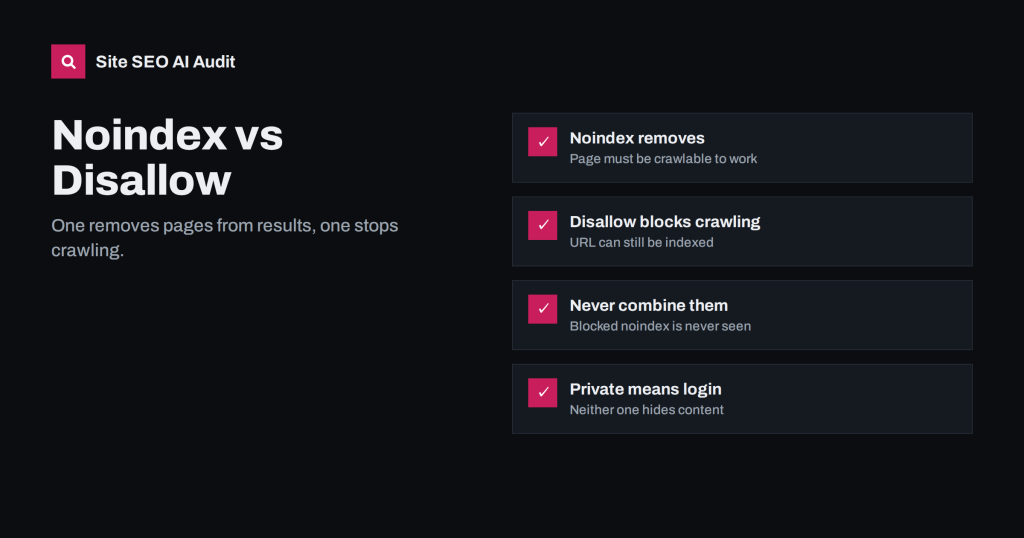
Noindex vs Disallow: How to Keep Pages Out of Search
Noindex and robots.txt Disallow solve different problems. Learn which removes pages from search, which saves crawl time, and why combining them backfires.
 5 Αυγ 2026 · 7 λεπτά ανάγνωσης
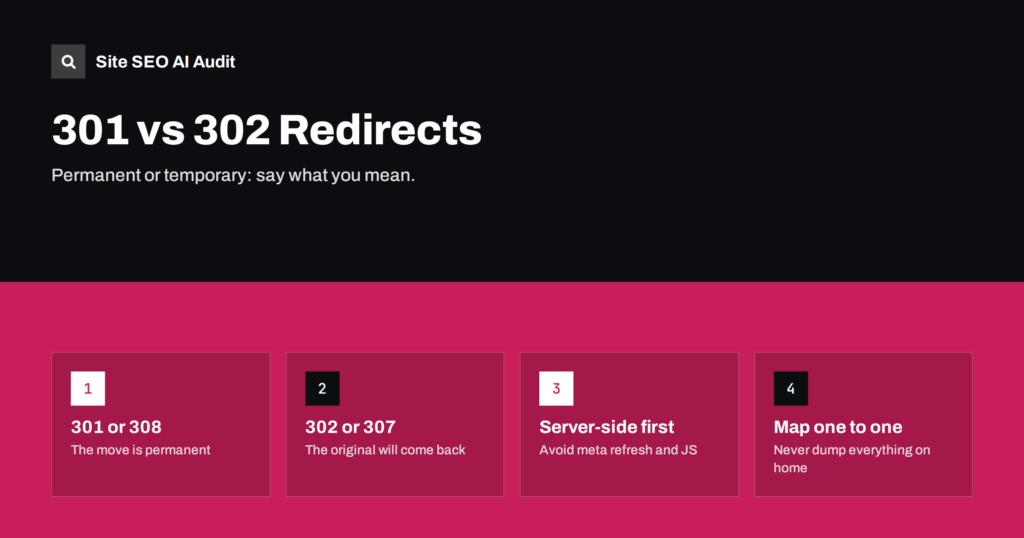
301 vs 302 Redirects: Which One to Use and When
301, 302, 307 and 308 redirects explained in plain words: what each tells search engines, when to use which, and the redirect mistakes that…
 4 Αυγ 2026 · 7 λεπτά ανάγνωσης
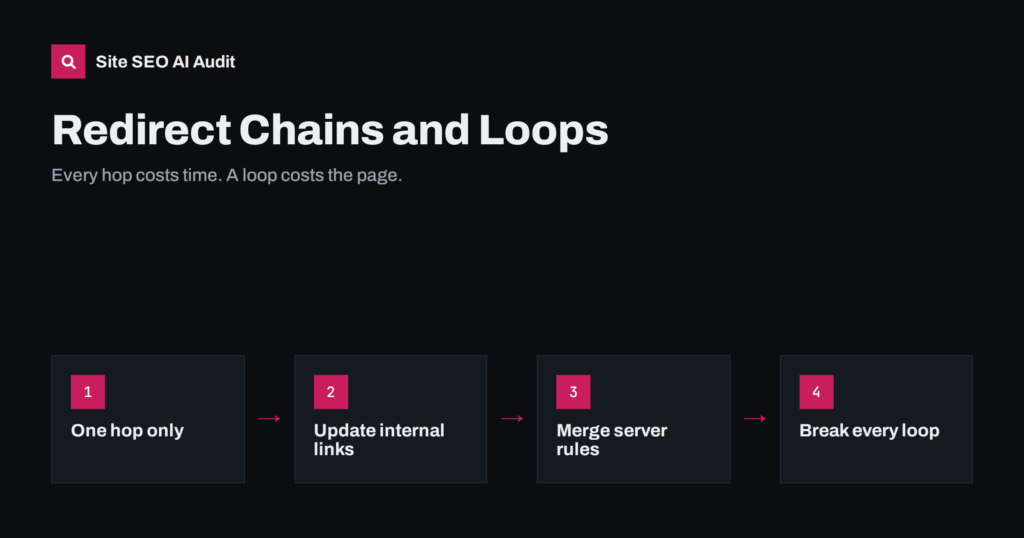
Redirect Chains and Loops: How to Find and Fix Them
Redirect chains slow pages and waste crawl time; loops break them entirely. Learn how they form, how to find every one on your site…
 3 Αυγ 2026 · 8 λεπτά ανάγνωσης
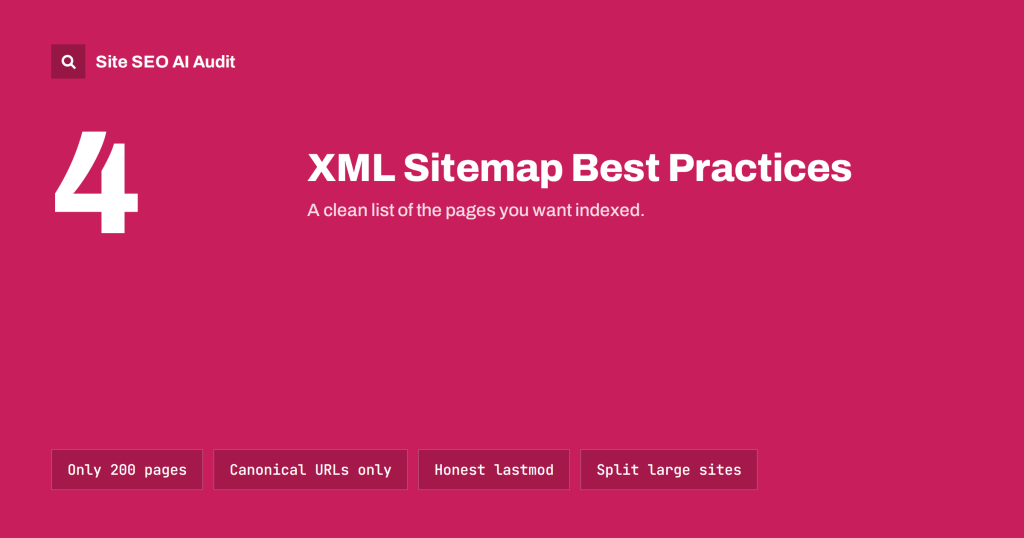
XML Sitemap Best Practices: What to Include and Leave Out
How to build an XML sitemap search engines trust: which URLs belong in it, which do not, size limits, lastmod, sitemap indexes and how…
 2 Αυγ 2026 · 8 λεπτά ανάγνωσης
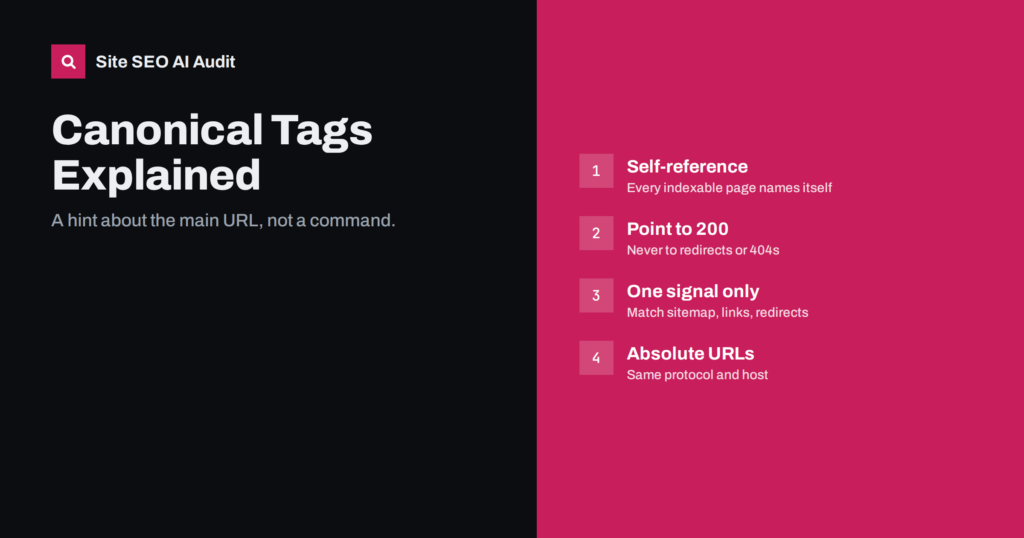
Canonical Tags Explained: How to Set Them and Fix Errors
What a canonical tag does, when search engines ignore it, the canonical errors audits find most often, and how to fix each one without…
 1 Αυγ 2026 · 8 λεπτά ανάγνωσης
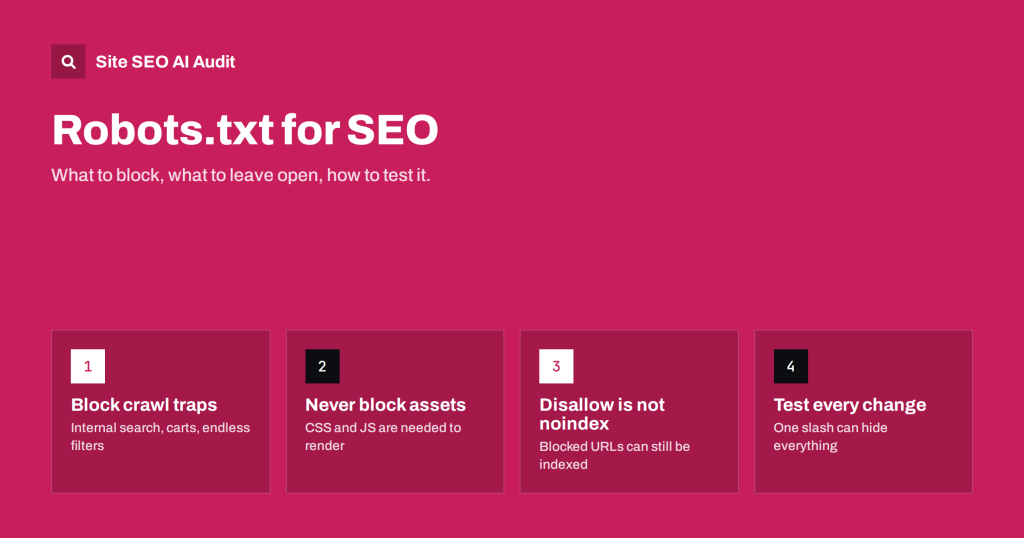
Robots.txt for SEO: What to Block and What to Leave Open
A practical robots.txt guide: how rules are matched, what to block, what never to block, and how to test the file before one line…