ENEnglish
 LTLietuviškai
 DEDeutsch
 FRFrançais
 RUРусский
 ESEspañol
 PLPolski
 ITItaliano
 UKУкраїнська
 CSČeština
 PTPortuguês
 JA日本語
JA日本語 LVLatviešu valoda
 ETEesti
 HUMagyar
 IDBahasa Indonesia
 TRTürkçe
 HIहिन्दी
 ELΕλληνικά
 ARالعربية
 THไทย
THไทย VITiếng Việt
 RORomână
 MSBahasa Melayu
 BNবাংলা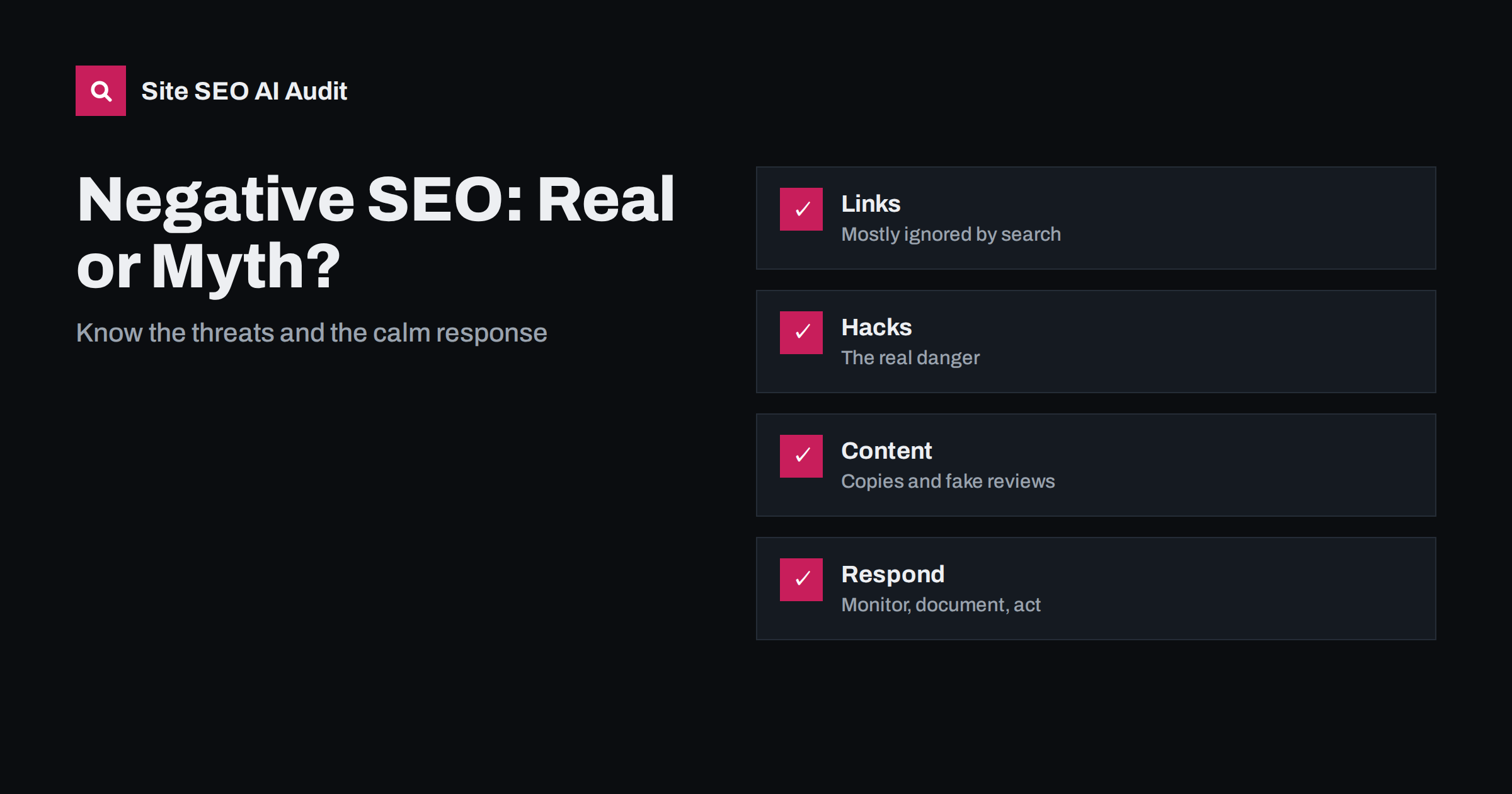
Short answer: Negative SEO means deliberate attempts to harm a competitor’s search visibility. Most feared tactics, such as a wave of spam links, are usually ignored by search engines. The real risks are hacking, injected content, server abuse, fake reviews and large-scale content theft. Protect your site with security basics, monitor links, content and server health, document anything odd and act on real harm, instead of disavowing links in a panic.
When traffic falls, site owners often suspect that a rival is sabotaging them. Sometimes there is an attack, but more often the cause is a technical error, an update to the ranking systems, weaker content or a change in demand. This guide explains which kinds of attack exist, which ones matter and how to tell an attack from an ordinary drop. It will help you respond calmly and keep your focus on what you can control. For the rules that search engines apply to spam, read the explanation of Google’s spam policies.
Spam links pointed at your site
The best-known form is buying thousands of low quality links to a competitor’s site, in the hope that the search engine will punish it. Search engines say that their systems are designed to ignore most spammy links, and the cases in which a site was harmed purely by links from others are rare. If your site receives odd links, you are far more likely to see them in reports than in rankings. That does not mean that links never matter: a pattern of paid links that you created yourself can lead to action. But links you did not ask for are generally not your fault, and the search engine knows that.
When the disavow tool is appropriate
The disavow tool lets you ask Google to ignore certain links. Google advises that most sites never need it, and it recommends it mainly when you have a manual action for unnatural links, or you have bought links in the past and cannot remove them. Disavowing hundreds of random addresses because a report shows a spike is usually unnecessary, and a mistake can remove links that were helping you. The guide to when to use the disavow tool covers the rules. Check Search Console for manual actions first, as described in the guide to manual actions.
Hacking and injected content: the real danger
The most harmful attacks are not subtle. An intruder gains access to a site and adds spam pages, hidden links, redirects for visitors from search or malware. The result can be a security warning, removal from results and loss of trust. Typical causes are outdated plugins, weak passwords, reused credentials and unpatched servers. Protect the site with updates, strong authentication, limited access, backups and monitoring of file changes. If it happens, follow the steps in the guide to hacked site spam, which explains cleaning and requesting a review.
Content scraping and duplication
Copying a site’s text to other domains is common, usually by automated tools. Most of the time, the search engine recognises the original and the copies do not hurt it, particularly if your site is established. Problems arise for new or weak sites, where a copy on a stronger domain may be shown first. Reduce the risk by publishing on a consistent schedule, using self-referencing canonical tags, linking internally with full addresses and submitting sitemaps promptly. If copies hurt you, use the options in the guide to scrapers and stolen content, such as contacting the host or filing a copyright request.
Fake reviews and reputation attacks
Review sites and map listings can be flooded with false negative reviews, or your profile may be edited by others. These attacks harm trust and local visibility more than they harm organic rankings. Respond calmly and publicly to reviews, report those that break the platform’s rules with evidence, and ask real customers to share their experience. Keep records of dates and details. The relation between reputation and AI recommendations is covered in the guide to reviews and reputation.
Crawl and server abuse
Some attackers send huge numbers of requests to a site to slow it down, or they generate endless parameter addresses that waste crawl capacity. Slow or unavailable sites can lose visibility. Defences include rate limiting, a content delivery network with protection, blocking abusive traffic and handling parameters sensibly. Be careful to avoid blocking real search crawlers, a risk explained in the guide to rate limiting and 429 errors. Monitor server logs and error rates so that you can see unusual spikes.
Signs of an attack versus an ordinary drop
Before you suspect sabotage, rule out simpler causes. Did a deployment change robots.txt, canonical tags, redirects or noindex settings? Did the page indexing report change? Did a core update roll out around the date? Did competitors improve, or did demand change with the season? Attacks usually leave clear traces: new pages you did not create, strange files, changes in your search listing, security warnings, unexpected manual actions or server floods. If you find none, treat the drop as an ordinary SEO problem and work through the normal checks.
Build a simple defence routine
Set up Search Console and verify all versions of your site. Enable alerts for security issues and manual actions. Check the links report monthly for unusual patterns, and keep a baseline so you can compare. Monitor site files and user accounts, keep backups outside the server and test restoring them. Search for your brand and for key phrases in the results, to see whether strange titles or snippets appear. Keep a log of what you check and when. The routine takes little time and gives you evidence if you ever need to report an attack.
If you believe you are under attack, document it first. Save screenshots, dates, addresses and server log extracts. Report spam and abuse through the tools that search engines and platforms provide, contact your host if your server is involved, and consider legal advice for serious cases such as extortion, which sometimes accompanies attacks. Avoid retaliating or paying people who offer to remove an attack for a fee, since such offers are often part of the scheme.
Keep perspective. The best protection against most threats is a site that is strong on its own: useful content, a sound technical base, a good reputation and a healthy set of earned links. Such a site absorbs small attacks without noticing them. Put your main effort into building that strength, and use the defensive routine as insurance.
Here is a typical story. A shop owner sees a sudden spike of two thousand new links from unfamiliar sites in a links report, and traffic drops the same week. The owner is sure that a competitor is behind it and wants to disavow everything. A calm review finds something else: three days earlier, the developer updated the theme and a setting added a noindex tag to category pages. Fixing the tag restores the pages over the following weeks, and the odd links turn out to be harmless noise that nobody needed to act on. Had the owner disavowed the links and stopped looking, the real problem would have remained. The lesson is to investigate the technical causes first.
A second story has a different ending. A blog owner notices that search results for the site show titles about unrelated products. The site had been hacked through an outdated plugin, and thousands of spam pages were added in a hidden folder. The owner removes the pages, updates the software, changes all passwords, checks the user list for unknown administrators, requests a review in Search Console and watches the results recover. This is a real attack with real harm, and the response needed technical work, not a link report. Telling the two stories apart is the main skill in handling negative SEO.
Be careful about advice sold with fear. Some services offer to monitor and clean up attacks for a monthly fee and claim that every site is at risk. A few cases are real, but most sites need only the basics: secure hosting, updated software, strong passwords, backups, a monthly look at reports and a cool head. Ask any provider to show exact evidence of harm before paying, and be wary of anyone who promises to remove a penalty quickly or who asks for access to your accounts without a clear reason.
Site SEO AI Audit crawls your site and checks status codes, noindex tags, canonical tags, redirects, titles, broken links and structured data, so you can spot unexpected changes such as injected pages or altered settings. It does not scan for malware or monitor your backlinks. The first audit of up to 200 pages is free; larger sites can see the pricing page.
Related reading
The bottom line
Most negative SEO fears are overblown, but hacking, content theft, fake reviews and server abuse are real, so secure the site, monitor it, document problems and avoid panic disavowing.
FAQ
Can competitors ruin my rankings with spam links?
It is very unlikely. Search engines say they ignore most spam links.
Should I disavow every bad link?
No. Use the tool only for manual actions or for links you built yourself and cannot remove.
How do I know if my site is hacked?
Look for security warnings, unknown pages, strange redirects, altered files and odd titles in results.
What if a copy of my page outranks me?
Check canonical tags and indexing, then contact the host or file a removal request if the copy infringes your rights.
Is a traffic drop proof of an attack?
No. Rule out technical errors, updates and demand changes first.