ENEnglish
 LTLietuviškai
 DEDeutsch
 FRFrançais
 RUРусский
 ESEspañol
 PLPolski
 ITItaliano
 UKУкраїнська
 CSČeština
 PTPortuguês
 JA日本語
JA日本語 LVLatviešu valoda
 ETEesti
 HUMagyar
 IDBahasa Indonesia
 TRTürkçe
 HIहिन्दी
 ELΕλληνικά
 ARالعربية
 THไทย
THไทย VITiếng Việt
 RORomână
 MSBahasa Melayu
 BNবাংলা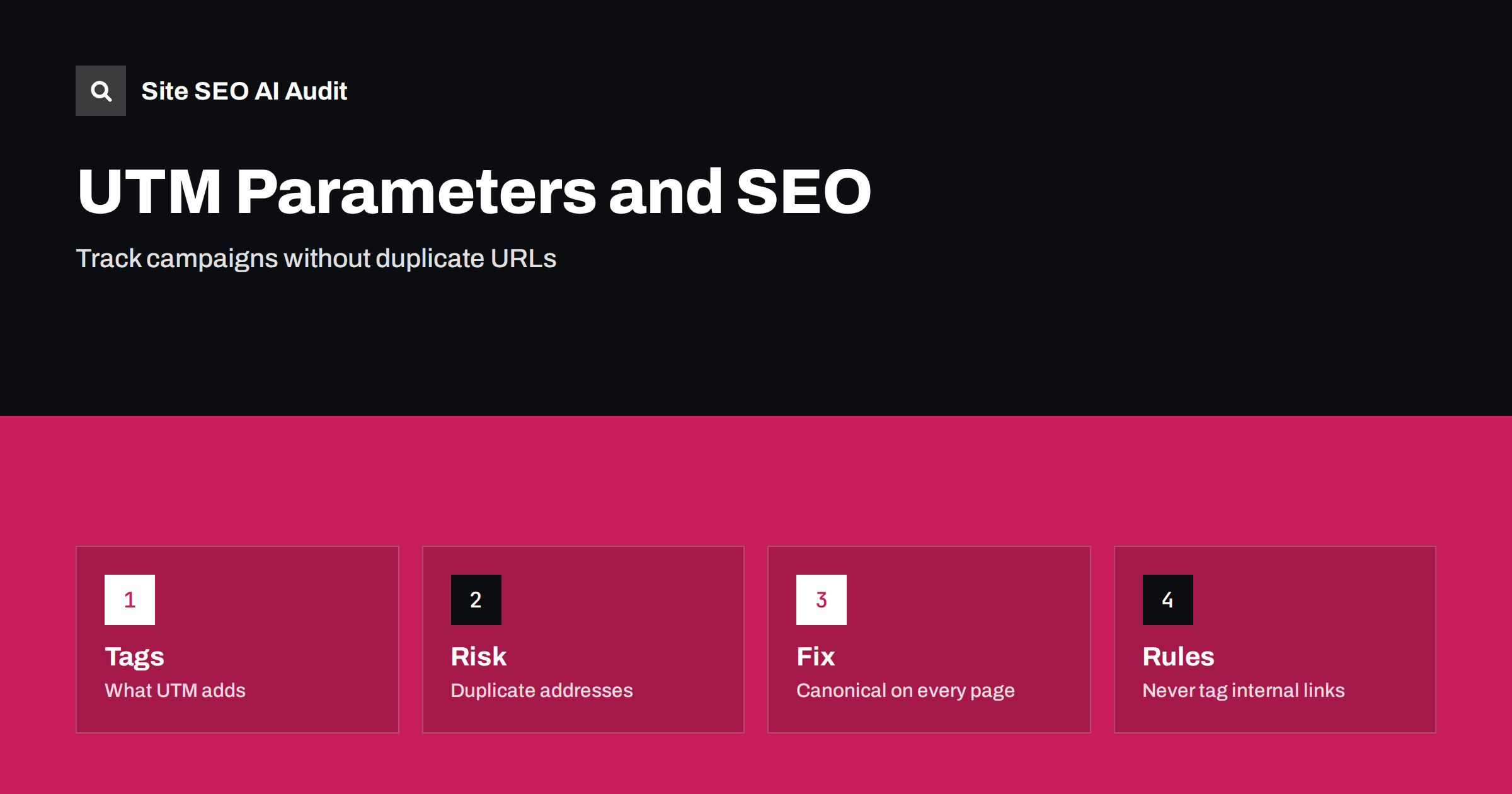
Short answer: UTM parameters are tags added to a link so that analytics can tell which campaign, source and medium brought a visitor. They do not change the page, but they create a different address for the same content. Search engines usually fold such addresses together when a correct canonical tag is present, so the risk is manageable. Problems appear when tagged links are used inside your own site, when canonicals are missing or when tagged addresses are linked from other websites.
Marketing teams love UTM tags because they answer a simple question: which email, advert or post produced the visit? SEO teams see the same tags as extra addresses that can end up in the index, in sitemaps or in link reports. Both views are correct. This guide explains how the tags work, which problems they can create and a short set of rules that lets you keep your measurement without harming search. The general topic is covered in the guide to URL parameters and duplicate content.
What UTM parameters are
The name comes from an early analytics company, and the tags are now a convention supported by most analytics tools. A tagged link adds a query string such as a source, a medium, a campaign name and optionally a term and content label. Only the first three are normally required for useful reports. When a visitor clicks the link, the analytics script reads the parameters, records the campaign and attributes the session.
The page that loads is the same page. The server does not need the tags, and usually ignores them. That is why a link with tags and a link without tags show identical content, and why a search engine may see them as duplicates.
How tagged addresses reach search
A tagged address can enter search results in several ways. Someone copies a link from a newsletter and posts it on a forum, a blog or social media. A journalist cites the address exactly as received. A crawler follows a link from an email archive that you published online. Or an internal template accidentally outputs tagged links to a banner and a crawler follows them.
Google treats most query parameters as part of the address and will crawl them if it finds links. It then clusters duplicates and picks a canonical address. If your page has a self-referencing canonical tag with the clean address, it gives a strong hint, and in most cases the clean address is chosen. Without it, the search engine guesses, and sometimes it picks a tagged variant, which shows an ugly address in results and splits signals. The mechanics are described in the guide to canonical tags.
Set a canonical on every page
The most important protection is a self-referencing canonical tag that holds the clean address without parameters. Generate it in the template from the page’s real address, and strip tracking parameters in the code that outputs it. Check that it is present on every template, including landing pages built with a separate tool, since marketing pages are the ones that receive tagged links most often.
Make sure that the canonical is in the server HTML and that it does not change depending on the query string. A canonical that echoes the current address, including the tags, defeats the purpose. Test by opening a page with a made-up campaign tag and viewing the source. For the details about where to put it, see the guide to tag managers and SEO.
Never tag internal links
This is the rule that causes the most damage when broken. If a banner, a menu item or a related-post block on your own site links to a page with campaign tags, then every visitor who clicks it starts a new session in analytics, overwriting the real source of the visit. Your reports then show internal banners as the top traffic source, hiding the channel that actually brought the visitor. It also creates thousands of crawlable tagged addresses that waste crawl capacity.
To measure clicks on internal promotions, use event tracking instead. Most analytics tools can record a click on a banner without changing the address or the session. Audit your templates for links that contain the utm prefix and remove them. A crawler such as the one in Site SEO AI Audit will list such addresses, as the last section explains.
Keep tagged addresses out of sitemaps and indexes
Sitemaps should list clean addresses only. If a plugin or an export builds the sitemap from a list that includes tagged links, correct it. Do not rely on robots.txt to hide the tags, since a blocked address can still be indexed without content if it is linked from elsewhere, which is explained in the guide to pages indexed though blocked by robots.txt. A canonical tag, which requires the page to be crawlable, is the better tool.
If tagged addresses are already in the index, you do not need to remove them one by one. Fix the canonical, let the search engine recrawl, and the clean address will usually replace them over time. The Search Console page indexing report may list some of them as duplicates with a different canonical chosen by Google. That is normal if the chosen canonical is the clean address.
Handle external links and shares
When you promote a page with tagged links, those addresses spread. Backlinks that include tags still count for the page, because the search engine groups them with the canonical. You do not lose link value as long as the canonical is correct and the tagged page returns a normal response. Do not redirect tagged addresses to the clean version with a script that drops the tags before analytics can read them, unless you capture the campaign data first. A redirect that discards the parameters makes the tracking worthless.
A common alternative is to let the analytics script read the tags and then clean the address in the browser with a history update, so that visitors who share the page copy the clean link. This improves sharing hygiene and has no effect on how search engines see the page, since they use the address they requested. Test it carefully so that the script still records the campaign before the address changes.
Naming rules keep reports clean
Analytics separates a campaign called Spring and one called spring, and so a casual approach to naming produces fragments. Agree on a small convention: lower case only, hyphens instead of spaces, a fixed list of mediums such as email, social, cpc and referral, and a shared sheet that records each campaign. Keep the tags short, since long campaign names make addresses unwieldy in plain text emails and messages. Avoid putting personal data, such as an email address, into any tag, because the address ends up in logs and in other people’s copies of the link.
Organic search is not a campaign
Do not tag links in your own search results or snippets. You cannot add parameters to a link that appears in the results, and you should not tag links from your own pages to your own pages. Organic search is recognised by analytics through the referrer. If you tag organic traffic by mistake, for instance in a profile listing, you may hide it in reports under another source. Business profile links are a common exception where tagging is useful and acceptable, because it separates visits from a map listing from ordinary organic visits. Use a fixed convention for them and document it, as covered in the guide to aligning a business profile with your website.
Review the full picture once or twice a year. Search your site for links that contain utm in the address, check that the canonical on a tagged test address is clean, search Google for site queries with the utm text in the address, and compare your campaign list with what actually appears in analytics. Small drifts accumulate when several people create links, and a short review keeps the data trustworthy.
Here is a short example. A retailer used campaign tags in its homepage banners, so analytics showed an internal banner as its best campaign while the real email source looked weak. The tagged addresses were also crawled, adding nearly a thousand duplicate URLs. The fix was to remove the tags from internal links, add click events for the banners, add a canonical tag with the clean address to the templates and publish only clean addresses in the sitemap. A few weeks later the duplicate addresses faded from the index and the reports showed the true sources, which changed the team’s budget decisions.
Another team received a large share of its links from a partner newsletter that always used a tagged address. They worried about lost value. A check showed that the page had a correct canonical and loaded normally, so the search engine counted the links for the clean address. No action was needed except to confirm the canonical. Knowing that tagged backlinks still help saves a lot of unnecessary redirects and emails to partners.
Site SEO AI Audit crawls your site and reports canonical tags, duplicate content, internal links, redirects and the addresses it finds, so tagged internal links and missing canonicals show up in the issue list. It does not read your analytics data or campaign names. The first audit of up to 200 pages is free, and the plans cover larger sites.
Related reading
- GA4 vs Search Console: Why Numbers Differ
- How to Track AI Referral Traffic in GA4
- Internal Linking Strategy
The bottom line
Use UTM tags only on external links, never on internal ones, keep a clean self-referencing canonical on every page and list only clean addresses in sitemaps.
FAQ
Do UTM parameters hurt SEO?
Not when pages carry a correct canonical tag. Problems come from tagged internal links, missing canonicals and tagged sitemap entries.
Do backlinks with UTM tags still pass value?
Yes. Search engines group them with the canonical address as long as the page loads normally.
Should I block UTM parameters in robots.txt?
No. A canonical tag is a better solution, because blocked addresses can still be indexed without content.
Can I tag links inside my own site?
Avoid it. It overwrites the real traffic source and creates crawlable duplicates. Use event tracking instead.
How do I remove tagged addresses from the index?
Fix the canonical and let the search engine recrawl; the clean address usually replaces them.