 ENEnglish
 LTLietuviškai
 DEDeutsch
 FRFrançais
 RUРусский
 ESEspañol
 PLPolski
 ITItaliano
 UKУкраїнська
 CSČeština
 PTPortuguês
 JA日本語
JA日本語 LVLatviešu valoda
 ETEesti
 HUMagyar
 IDBahasa Indonesia
 TRTürkçe
 HIहिन्दी
 ELΕλληνικά
 ARالعربية
 THไทย
THไทย VITiếng Việt
 RORomână
 MSBahasa Melayu
 BNবাংলা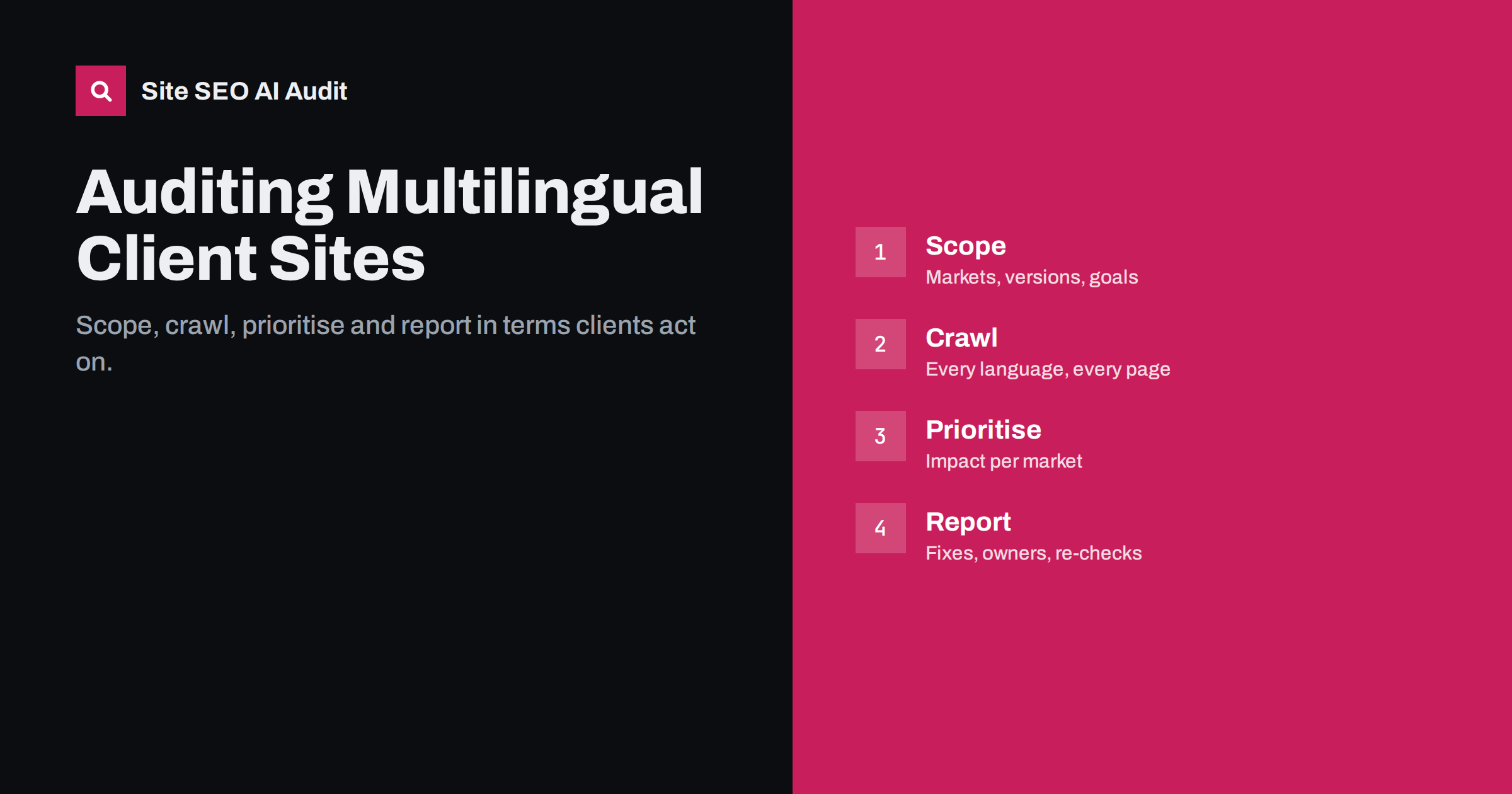
Short answer: An agency audit of a multilingual site starts with scope: which markets, versions and business goals matter. Then crawl every language version, check hreflang, canonicals, indexing, redirects and localization, and compare Search Console data per market. Prioritise fixes by their impact on the client’s key markets, not by the number of warnings, and deliver a report that names owners and re-check dates. International problems are mostly invisible to clients, so explaining them clearly is half of the job.
Why multilingual audits are different for agencies
Agencies audit many sites, and most audits follow a familiar pattern: crawl, list issues, prioritise, report. Multilingual and multi-country sites break that pattern in a few ways.
First, the client often does not know how the site is supposed to work internationally. Different people launched different markets at different times, with different plugins or agencies. Second, the most serious international problems, such as broken hreflang or cross-language canonicals, are invisible in the browser, so clients may doubt they exist. Third, fixing them often involves several teams: developers, content editors and local market managers, sometimes in different countries.
A good multilingual audit therefore spends more time on scoping and communication than a standard technical audit. The technical checks themselves are well defined; making them understandable and actionable is the hard part.
Step 1: scope the audit with the client
Before crawling, agree on what the site is meant to do. Ask the client:
- Which countries and languages are target markets, and which matter most commercially?
- Which URL structure is used for each: folders, subdomains or country domains?
- Which pages should exist in which languages? Is full translation expected, or only core pages?
- Who maintains each language, and which systems produce the content (CMS, plugins, translation services)?
- What changed recently: migrations, redesigns, new markets, new plugins?
- What problems has the client noticed, such as wrong-language results or traffic drops in one country?
Record the answers in a short scope document. It becomes the reference for judging every finding: a missing French page is only an issue if a French page was supposed to exist.
Step 2: gather access and data
- Search Console access for every property: domain properties and, ideally, URL-prefix properties per language folder.
- Analytics access with the ability to segment by country and language version.
- CMS or plugin access, or at least screenshots of multilingual and SEO plugin settings.
- A list of domains and subdomains in use, including old ones that should redirect.
- Any existing redirect maps or migration documentation.
Missing access is common. Note it in the report as a limitation rather than delaying the audit indefinitely.
Ask for the multilingual plugin and SEO plugin names and versions, or the platform’s language settings, early. Many site-wide international problems trace back to one setting, and knowing the tools lets you check known behaviours, such as how untranslated pages are handled or whether hreflang is generated for archives, before you start interpreting crawl results.
Step 3: crawl every version
Crawl the whole site, including all language folders, subdomains and country domains in scope. Make sure the crawler follows hreflang links and respects robots.txt, as search engines do. Then segment the results by language version, because site-wide totals hide problems that affect only one market.
Key technical checks per version:
- hreflang: presence, valid codes, self-reference, return links, x-default, targets returning 200.
- Canonicals: self-referencing per language, no cross-language canonicals, canonicals matching hreflang URLs.
- Indexability: noindex, robots.txt rules on every host, status codes.
- Redirects: location-based redirects, chains, redirected hreflang targets.
- Language signals: lang attributes, visible language of content and templates.
- On-page localization: duplicate titles across languages, missing descriptions and alt texts in translated sections.
- Internal links and sitemaps: links staying in the language, orphans, sitemap coverage per version.
Step 4: compare with Search Console per market
Crawl findings explain causes; Search Console shows effects. For each key market:
- Filter performance by country and compare impressions for each version’s folder. Is the intended version the one shown?
- Compare indexed pages per language with the number of pages published.
- Inspect a few URLs per language to see the Google-selected canonical.
- Look at queries per language folder for signs of untranslated pages or missing local terms.
Linking crawl findings to Search Console evidence makes the report persuasive: “the Austrian version is not shown in Austria, and here is why.”
Where Search Console data is thin, for example for small markets or new versions, say so. A market with a handful of impressions cannot confirm or rule out a problem, and it is better to state that than to over-interpret small numbers. The crawl findings still stand on their own; they just carry less evidence of impact.
Step 5: prioritise by market impact
A multilingual crawl can produce thousands of warnings. Prioritise them by what they do to the client’s important markets:
| Priority | Typical issues |
|---|---|
| Crítico | A key market not indexed (noindex, robots.txt, cross-language canonicals); forced redirects hiding versions |
| High | Broken hreflang in key markets: missing return links, redirected targets, invalid codes |
| Medium | Untranslated titles and templates, weak internal linking in a language, sitemap gaps |
| Low | Minor inconsistencies in secondary markets, cosmetic localization issues |
Group related issues by root cause. Two thousand missing return links often come from one plugin setting; presenting them as one fix is far clearer than listing every URL.
Step 6: report in terms clients act on
Clients rarely act on long lists of technical warnings. A useful multilingual audit report:
- Starts with a one-page summary per market: what works, what is broken, what it likely costs.
- Explains each major issue in plain language with one concrete example URL.
- Names the root cause and the specific fix, such as a plugin setting or a template change.
- Assigns an owner for each fix: developer, content team or market manager.
- Sets a re-check date to confirm the fix.
Consider the audience of each part of the report. Executives need the market summary and the expected effect; developers need exact URLs, templates and settings; content teams need lists of pages with untranslated titles or missing translations; market managers need the view for their own country. Splitting the report into these views, or at least clearly labelled sections, makes it far more likely that each group acts on its part.
Avoid promising rankings. Describe fixes in terms of what they enable: the right version can be shown in each market, pages can be indexed, visitors land in their language.
Step 7: follow up and re-check
An audit report is only useful if the fixes happen and hold. Multilingual fixes in particular tend to be partial: the developer fixes hreflang on product pages but not on categories, or the content team translates titles in one language but not in the others. A structured follow-up avoids this.
- Agree on a fix order with the client, starting with critical issues in key markets.
- Re-crawl after each batch of fixes, comparing error counts per language and per issue type with the original audit.
- Check Search Console trends for each key market a few weeks after fixes, especially whether the intended version is now shown in each country.
- Report progress in the same format as the original audit, so the client can see which markets improved.
- Set up regular monitoring for clients with frequent releases, so regressions are caught before they affect traffic.
Follow-up also builds trust. International problems are abstract to many clients. Showing that a market which was invisible now shows the right pages in its country is a concrete result they understand, and it makes the next round of recommendations easier to approve.
Keep a short record of each client’s international set-up: markets, URL patterns, hreflang method, plugins and known exceptions. When the next audit comes, or when a new team member takes over the account, that record saves hours of rediscovery.
Tools that make agency audits faster
Agencies benefit from tools that crawl multiple client sites, score them consistently and produce client-ready reports. Site SEO AI Audit crawls each site like a search engine and scores seven areas, including Languages (hreflang return links, broken language versions, x-default, lang attributes), with fixes ranked by how many points each adds. Its Agency plan includes white-label PDF reports with your logo and an embeddable audit form for lead generation; details are on the pricing page.
Related reading
- International SEO audit checklist for multilingual sites
- Search Console for international sites: reports that matter
- Technical SEO audit checklist: 40 checks in the right order
The bottom line
Auditing a multilingual client site is as much about clarity as about crawling. Scope the markets and intended structure, crawl every version, connect crawl findings to Search Console evidence per market, prioritise by market impact and root cause, and report fixes with owners and re-check dates. That turns an invisible technical problem into a plan the client can act on.
FAQ
How long does a multilingual site audit take?
It depends on the number of markets, pages and systems involved. Scoping and reporting usually take longer than the crawl itself, especially when several teams are responsible for fixes.
What is the most common finding in multilingual audits?
Broken hreflang, especially missing return links and targets that redirect, followed by untranslated titles and templates in translated sections.
Should the audit cover every language equally?
Cover all versions technically, but prioritise findings by the markets that matter most to the client. A problem in a key market deserves more attention than the same problem in a secondary one.
How do I explain hreflang problems to a client?
Show one concrete example: the page, the missing or broken link and the effect in Search Console, such as the wrong version appearing in a country. Then explain the single fix that resolves the pattern.
How often should multilingual client sites be re-audited?
After every significant change and on a regular schedule, such as monthly or quarterly, because hreflang and templates break easily during updates.


