 ENEnglish
 LTLietuviškai
 DEDeutsch
 FRFrançais
 RUРусский
 ESEspañol
 PLPolski
 ITItaliano
 UKУкраїнська
 CSČeština
 PTPortuguês
 JA日本語
JA日本語 LVLatviešu valoda
 ETEesti
 HUMagyar
 IDBahasa Indonesia
 TRTürkçe
 HIहिन्दी
 ELΕλληνικά
 ARالعربية
 THไทย
THไทย VITiếng Việt
 RORomână
 MSBahasa Melayu
 BNবাংলা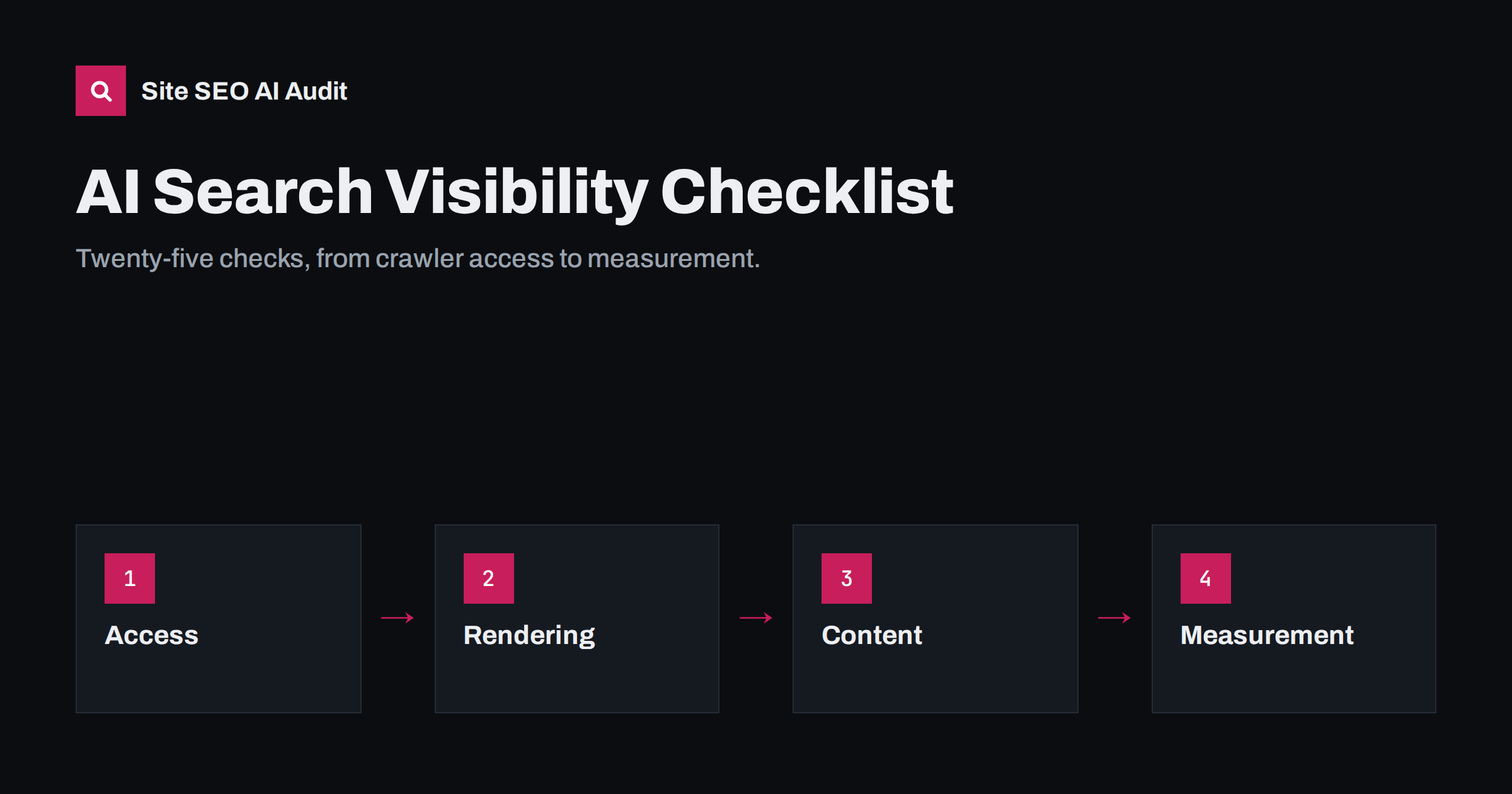
Short answer: An AI search visibility audit checks five layers in order: whether AI crawlers can reach your site, whether they can read your content without JavaScript, whether your pages are indexed in the search engines assistants rely on, whether your content is structured to be quoted, and whether you can measure the result. The 25 checks below follow that order, because a problem in an early layer makes every later fix useless.
How to use this checklist
Work through the sections from top to bottom. Access and rendering problems are usually site-wide and quick to confirm, and they block everything else. Content and trust improvements take longer and pay off gradually. For each item, note whether it passes, fails or needs a closer look, and record the pages or templates affected.
Many checks can be done by hand for a small site. For larger sites, a crawler that reads every page is the only realistic way to find template-level problems, such as a whole category of pages missing their main text in the raw HTML. Keep the results so that you can repeat the audit after changes and see what actually improved.
A note on expectations: passing every item does not guarantee citations. AI systems choose sources based on relevance and quality among many competing pages. What the checklist guarantees is that nothing on your side is preventing it.
Layer 1: crawler access (checks 1 to 6)
- robots.txt loads correctly. It returns status 200 as plain text at the root of the domain. Server errors on robots.txt can make crawlers pause.
- AI search crawlers are allowed. OAI-SearchBot, PerplexityBot, Claude-SearchBot and similar bots are not disallowed, directly or through the wildcard group.
- Training crawler policy is intentional. Whether GPTBot, ClaudeBot, CCBot or Google-Extended are allowed or blocked is a documented decision, not an accident from a template.
- Specific groups repeat needed rules. Any bot with its own user-agent group also has the private-path rules it needs, since it ignores the wildcard group.
- CDN and firewall match robots.txt. Bot-management settings, security plugins and rate limits do not return 403, 429 or challenge pages to allowed AI crawlers.
- Logs confirm real visits. Server or CDN logs show AI crawlers receiving 200 responses on important pages.
Checks 5 and 6 are the ones most often skipped, because robots.txt looks correct and everyone assumes the job is done. In practice, the file only states your policy. The CDN, firewall and hosting layer decide what really happens, and logs are the only place where you can see the outcome. Filter a month of logs by the main AI user agents and look at the status codes: a wall of 403 responses tells you more than any setting screen.
Layer 2: rendering and readability (checks 7 to 11)
- Main content is in the raw HTML. View the page source of each template and find the main text there, not only in the rendered page.
- Navigation uses real links. Menus, categories and pagination use anchor elements with href attributes that crawlers can follow.
- Key details are not in images only. Prices, specifications, opening hours and other facts are available as text.
- No interaction walls. Consent banners, age gates and “read more” buttons do not replace the content in the HTML.
- Structured data is server-side. JSON-LD appears in the HTML response rather than being injected later by a tag manager.
Test one URL per template rather than one URL per site. Home pages are often server-rendered while product, category or search pages use a different code path. A quick way to compare is to note the word count of the main content in the browser and in the page source. A large gap means the content is added by scripts and will be missing for any crawler that does not render.
Layer 3: indexing foundations (checks 12 to 16)
- Important pages are indexed in Google. Search Console’s page indexing report shows no unexpected exclusions for key pages.
- Important pages are indexed in Bing. Several assistants rely on Bing’s index in some way; verify the site in Bing Webmaster Tools and review coverage.
- Canonicals point to themselves on pages you want cited, and not to redirected or noindexed URLs.
- No accidental snippet restrictions. nosnippet, max-snippet or data-nosnippet are not applied site-wide by a plugin, since they limit use in AI features too.
- XML sitemap is clean and current. It lists only canonical, indexable URLs that return 200, with accurate last-modified dates.
Indexing problems are not specific to AI, but they matter even more now, because assistants usually retrieve from an existing index rather than crawling your site on demand. A page that search engines have chosen not to index, or have folded into a different canonical URL, is very unlikely to be quoted anywhere. Clean up these basics before rewriting content.
Layer 4: content that can be quoted (checks 17 to 21)
- Answer-first openings. Key pages answer their main question in the first few sentences.
- Descriptive headings. H2 and H3 headings describe or ask exactly what each section covers, in a logical hierarchy.
- Self-contained paragraphs. Paragraphs name their subject rather than depending on “it” or “this” from earlier text.
- Specific, supportable facts. Vague claims are replaced with steps, conditions, time frames and figures you can back up.
- Visible dates. Articles and guides show published and updated dates, and updates reflect real changes.
Start with the ten or twenty pages that matter most to your business: main services or product categories, pricing, and the guides that already attract search traffic. Improving these pages has far more effect than touching every old blog post. For each one, read the first paragraph and ask whether it would make sense as a quote in an answer to the page’s main question.
Layer 5: trust and measurement (checks 22 to 25)
- Authors and business details are clear. Content shows who wrote it, and the site has accurate about, contact and company information.
- Brand information is consistent. Name, description, address and key facts match across your site, profiles, directories and structured data.
- AI referrals are tracked. Analytics has a dedicated channel for assistant domains such as chatgpt.com and perplexity.ai.
- A question list is monitored. A fixed set of important questions is checked in the main assistants at regular intervals, with sources recorded.
Priorities at a glance
| Layer | Typical effort | Impact if failing | When to fix |
|---|---|---|---|
| Crawler access | Minutes to hours | Site invisible to affected assistants | Immediately |
| Rendering | Hours to weeks, depending on stack | Pages seen as empty or thin | As soon as possible |
| Indexing | Hours to days | Pages never retrieved | Next sprint |
| Content structure | Ongoing, page by page | Fewer passages worth quoting | Start with top pages |
| Trust and measurement | Ongoing | Weaker selection, no feedback loop | Set up once, review monthly |
Common findings in real audits
Certain problems come up again and again when sites are checked for AI visibility. Knowing them helps you look in the right places first:
- A copied robots.txt that blocks a long list of AI bots, added by a developer or plugin without a business decision behind it.
- CDN-level AI blocking switched on for the whole account, including sites that want to be cited.
- Shop templates that load descriptions, specifications or reviews through JavaScript.
- Blog posts without dates because a theme hides them, which removes a useful freshness signal.
- Thin location or service pages generated from a template, with little unique information.
- No Bing verification at all, so indexing problems there go unnoticed for years.
- Old facts on popular pages, such as discontinued services or outdated prices, that get repeated in answers.
How Site SEO AI Audit covers this list
Site SEO AI Audit crawls your site like a search engine and scores it across seven areas, one of which is AI visibility. That area checks AI crawlers in robots.txt, llms.txt, content that needs JavaScript, and the structure and dates that AI answers quote. The other areas cover much of the rest of this checklist: status codes, canonicals, noindex, sitemaps, headings, structured data and links. Each issue is weighted by how many pages it affects, so you know which fixes to make first. You can run a free audit and compare the results with this list.
Related reading
- How to Allow or Block AI Crawlers in robots.txt
- Why AI Crawlers Miss JavaScript Content and How to Fix It
- How to Write Content That AI Answers Actually Quote
- How to Track AI Referral Traffic in Google Analytics 4
The bottom line
AI search visibility is built in layers. Make sure crawlers can reach and read your pages, confirm that those pages are indexed in the engines assistants rely on, structure your content so passages can be quoted, and set up measurement to see the effect. Fix access and rendering first, because every content improvement depends on them.
FAQ
How often should I run an AI visibility audit?
Run a full audit at least every quarter and after major changes such as redesigns, migrations or new security settings. Access and rendering problems often appear after updates that nobody connects with search.
Which check matters most?
Crawler access comes first. If AI crawlers are blocked by robots.txt, a firewall or a CDN, no content improvement can make your pages appear in their answers.
Do I need llms.txt to pass an AI visibility audit?
No. llms.txt is an optional community proposal that some tools read. It can be a small bonus, but it is far less important than crawler access, server-rendered content and indexing.
Can I do this audit without paid tools?
For a small site, yes: view page source, read robots.txt, use Search Console, Bing Webmaster Tools and your analytics. For larger sites, a crawler is needed to find problems across hundreds of pages.
Will passing the checklist guarantee AI citations?
No. The checklist removes obstacles on your side, but AI systems choose among many sources based on relevance and quality. Passing it means your pages can compete.


