ENEnglish
 LTLietuviškai
 DEDeutsch
 FRFrançais
 RUРусский
 ESEspañol
 PLPolski
 ITItaliano
 UKУкраїнська
 CSČeština
 PTPortuguês
 JA日本語
JA日本語 LVLatviešu valoda
 ETEesti
 HUMagyar
 IDBahasa Indonesia
 TRTürkçe
 HIहिन्दी
 ELΕλληνικά
 ARالعربية
 THไทย
THไทย VITiếng Việt
 RORomână
 MSBahasa Melayu
 BNবাংলা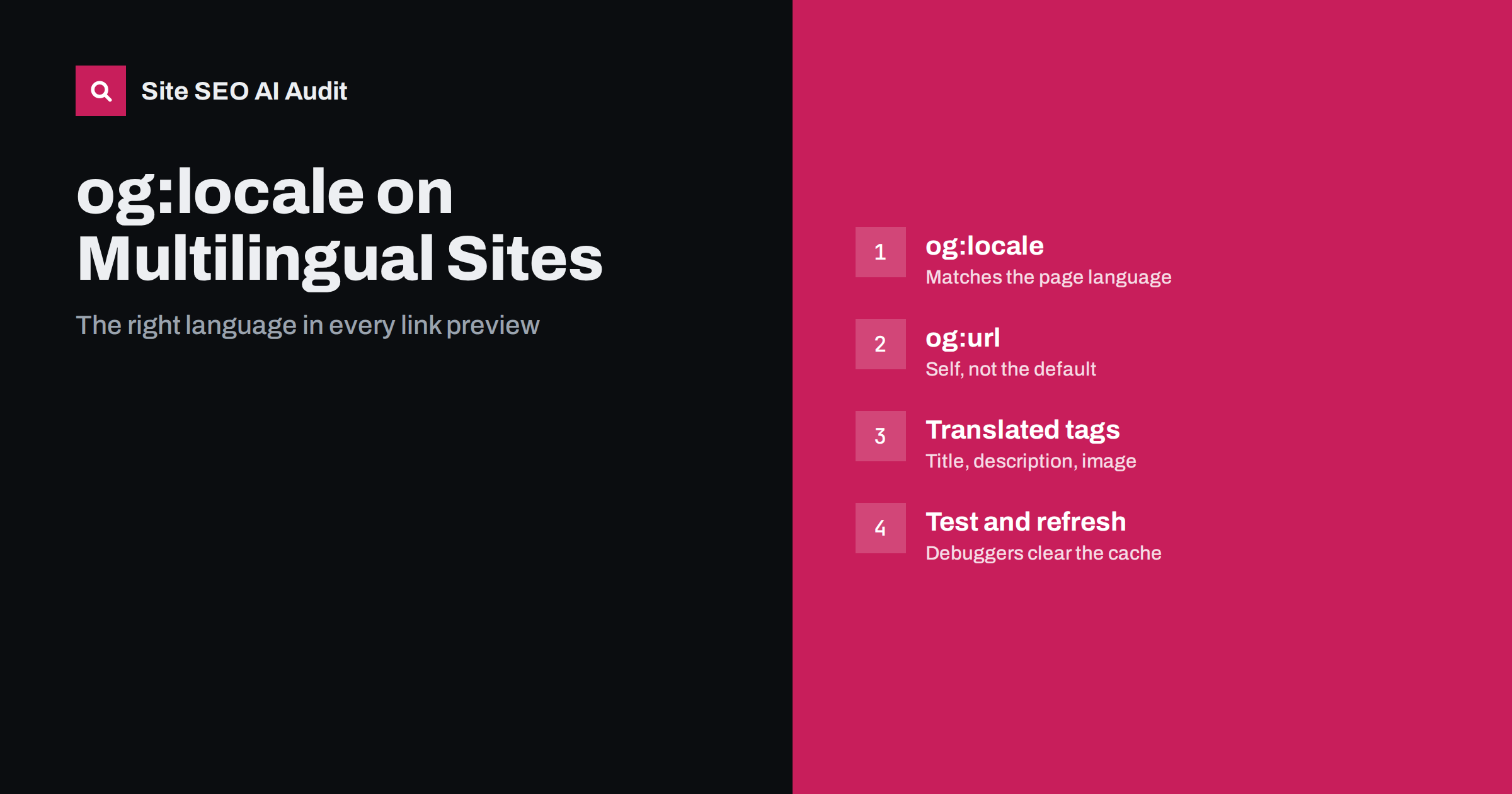
Short answer: On a multilingual website, each language version needs its own complete set of Open Graph tags: og:title, og:description and og:image in that language, og:url pointing to that version itself, and og:locale set to the page’s locale in the format de_DE or fr_FR. You can list other versions with og:locale:alternate. Most broken previews come from templates that copy the default language’s tags onto every version, or from an og:url that points to the main language. Test each version in the platforms’ debugging tools and refresh their cache after changes.
A visitor in Madrid shares your Spanish product page in a group chat. The preview shows an English title, an English description and a banner with English text. The link still works, but it looks like the wrong page, and fewer people click it. This is one of the most common problems on multilingual sites, and it is almost always caused by the template, not by the content.
How link previews are built
When someone shares a URL, the social network or messaging app fetches the page and reads its metadata. Most platforms use the Open Graph protocol tags first and fall back to the HTML title, meta description and images on the page. The preview then shows a title, a short description, an image and the domain. Our general guide to Open Graph tags covers the basic set.
Two details matter for multilingual sites:
- Platforms fetch the page without your visitor’s preferences. They typically do not send cookies or a meaningful language preference, so if your site picks the language from a cookie or the browser, the preview may show the default language.
- Platforms cache previews. Once a URL has been fetched, the preview is stored and reused for some time. Fixing the tags does not change previews that were already cached until the platform refetches the page.
What og:locale does
The og:locale tag states the locale of the page’s content. The Open Graph protocol uses the format language_TERRITORY with an underscore, such as en_US, en_GB, de_DE or pt_BR. If it is missing, the protocol’s default is en_US.
The optional og:locale:alternate tag, which can be repeated, lists other locales in which the same content is available. Some platforms have used these tags to pick a localised version of a page for users with a matching language setting, but support varies by platform and has changed over time. In practice, the reliable approach is to make sure each language URL has correct tags of its own, so whichever URL is shared produces the right preview.
Note the format difference with hreflang. hreflang uses a hyphen and a separate code system, such as de-AT, while og:locale uses an underscore, such as de_AT. Copying hreflang values straight into og:locale is a common small mistake. Our hreflang language codes reference covers the hreflang side.
The tags each language version needs
For every language version of a page, the template should output its own values:
| Tag | What it should contain on a language version | Common mistake |
|---|---|---|
og:title |
The translated page title, without unnecessary brand text | Default-language title on all versions |
og:description |
A translated summary written for sharing | Empty, or copied from the default language |
og:image |
An image without text, or with text in that language | Banner with text in the default language |
og:url |
The URL of this language version | The default-language URL |
og:locale |
This version’s locale, such as es_ES |
Missing, so en_US is assumed |
og:site_name |
The brand name, localised if the brand uses local names | Fine in most cases |
The og:url mistake is the most damaging. Platforms treat og:url as the canonical address for the shared object, so if every version points to the English URL, the platform may show the English preview, group shares and counts under the English page, or even link to the English version. Each language version’s og:url should match its own canonical URL.
Images with text need translating too
Share images often contain text: a headline, an offer, a product claim. On a translated page, an image with text in another language undermines the whole preview. Options, from simplest to most work:
- Use images without text for share previews, such as product photos or neutral graphics. One image then works for every language.
- Generate localised share images automatically from the translated title, if your system supports templates.
- Create translated versions manually for the most important pages, such as the home page, main categories and campaign landing pages.
Whichever you choose, keep the recommended size and aspect ratio for each language, and give the images descriptive alt text in the right language; our guide to image SEO on multilingual sites covers the rest.
Why previews show the wrong language
When a preview is wrong, the cause is usually one of these:
- The template outputs fixed values. An SEO or social plugin was configured once for the default language, and its fields were never translated.
- The language depends on cookies or the browser. The platform’s crawler sees the default language; see our article on automatic language redirects.
- The translated page lacks its own tags, so the platform falls back to text it finds elsewhere on the page, sometimes the language switcher or the footer.
- og:url points to the default version, so the platform loads and shows that version.
- An old cached preview was created before the translation existed.
To find the cause quickly, compare three things for the shared URL: what the page source contains, what the platform’s debugging tool says it fetched, and which URL the tool reports as canonical. If the source is correct but the tool shows another language, the platform received a different response, which points to cookies, redirects or bot protection. If the source itself is wrong, the problem is in the template or the plugin settings. If both are correct but the old preview still appears, it is a cache issue, and a refetch in the debugging tool usually solves it.
Fix the cause at template level. Correcting the tags by hand on a few important pages helps those pages, but every new page created from the same template will repeat the error. Most multilingual plugins and SEO plugins have separate translatable fields for social titles, descriptions and images; check that they are enabled and filled in for each language.
How to test previews for each language
- View the source of one page per language and template and read the Open Graph tags. Check that title, description, image, url and locale all belong to that language.
- Use the platforms’ debugging tools. Social networks offer sharing or post inspector tools that show what their crawler sees and let you request a fresh fetch, which also clears the cached preview.
- Share in a messaging app to a test chat. Messaging apps cache aggressively, so a new URL or a small query parameter on the test link can help you see the current state.
- Check the response for crawlers. Make sure your firewall or bot protection does not block the platforms’ preview fetchers, or the preview will be empty.
- Repeat after template changes, because a theme or plugin update can reset translated fields.
How Open Graph relates to SEO and hreflang
Open Graph tags do not directly affect rankings, and search engines do not use og:locale to decide which language version to show. That job belongs to hreflang, the lang attribute and the page content itself; our guide to hreflang explains it. But link previews influence how often your pages are shared and clicked, and those visits and mentions matter. AI systems and other tools also read Open Graph tags when they summarise or display pages, so wrong-language metadata can spread beyond social networks.
Keep the signals consistent: the lang attribute, hreflang, canonical, og:url and og:locale of a page should all describe the same language version.
Find metadata problems in every language version
Wrong-language Open Graph tags usually affect every page of a template, which makes them easy to miss with spot checks. Site SEO AI Audit crawls your site like a search engine and checks structured data, Open Graph and share images on each page, together with hreflang return links, broken language versions and lang attributes. The first audit of up to 200 pages is free; for larger multilingual sites it shows a preliminary report of the first 200 pages, and paid plans cover every page.
Related reading
- Translating title tags and meta descriptions
- Structured data on multilingual sites
- Multilingual WordPress SEO checklist
The bottom line
Every language version needs its own Open Graph tags: translated title and description, a suitable image, og:url pointing to itself and og:locale in the underscore format. Do not rely on og:locale:alternate or cookies to choose the language. Test each template per language in the platforms’ debuggers, refresh cached previews after fixes and keep Open Graph consistent with hreflang and canonicals.
FAQ
What format does og:locale use?
The language and territory separated by an underscore, such as en_US, de_DE or pt_BR. This differs from hreflang, which uses a hyphen, such as de-DE. If og:locale is missing, en_US is assumed.
Does og:locale affect Google rankings?
No. Search engines use hreflang, the lang attribute and the content to understand language versions. og:locale helps social platforms and other tools that read Open Graph tags describe the page correctly.
Should og:url point to the main language version?
No. Each language version’s og:url should point to that version itself, matching its canonical URL. Pointing all versions to the main language can make platforms show and link the wrong version.
Why does my translated page still show an old English preview?
The platform probably cached the preview from an earlier fetch. Use its sharing debugger or post inspector to fetch the page again, and check that the translated page outputs its own Open Graph tags.
Do I need a separate share image for each language?
Only if the image contains text. An image without text can serve all languages. If the image has a headline or offer, use a localised version so the preview matches the page language.