 ENEnglish
 LTLietuviškai
 DEDeutsch
 FRFrançais
 RUРусский
 ESEspañol
 PLPolski
 ITItaliano
 UKУкраїнська
 CSČeština
 PTPortuguês
 JA日本語
JA日本語 LVLatviešu valoda
 ETEesti
 HUMagyar
 IDBahasa Indonesia
 TRTürkçe
 HIहिन्दी
 ELΕλληνικά
 ARالعربية
 THไทย
THไทย VITiếng Việt
 RORomână
 MSBahasa Melayu
 BNবাংলা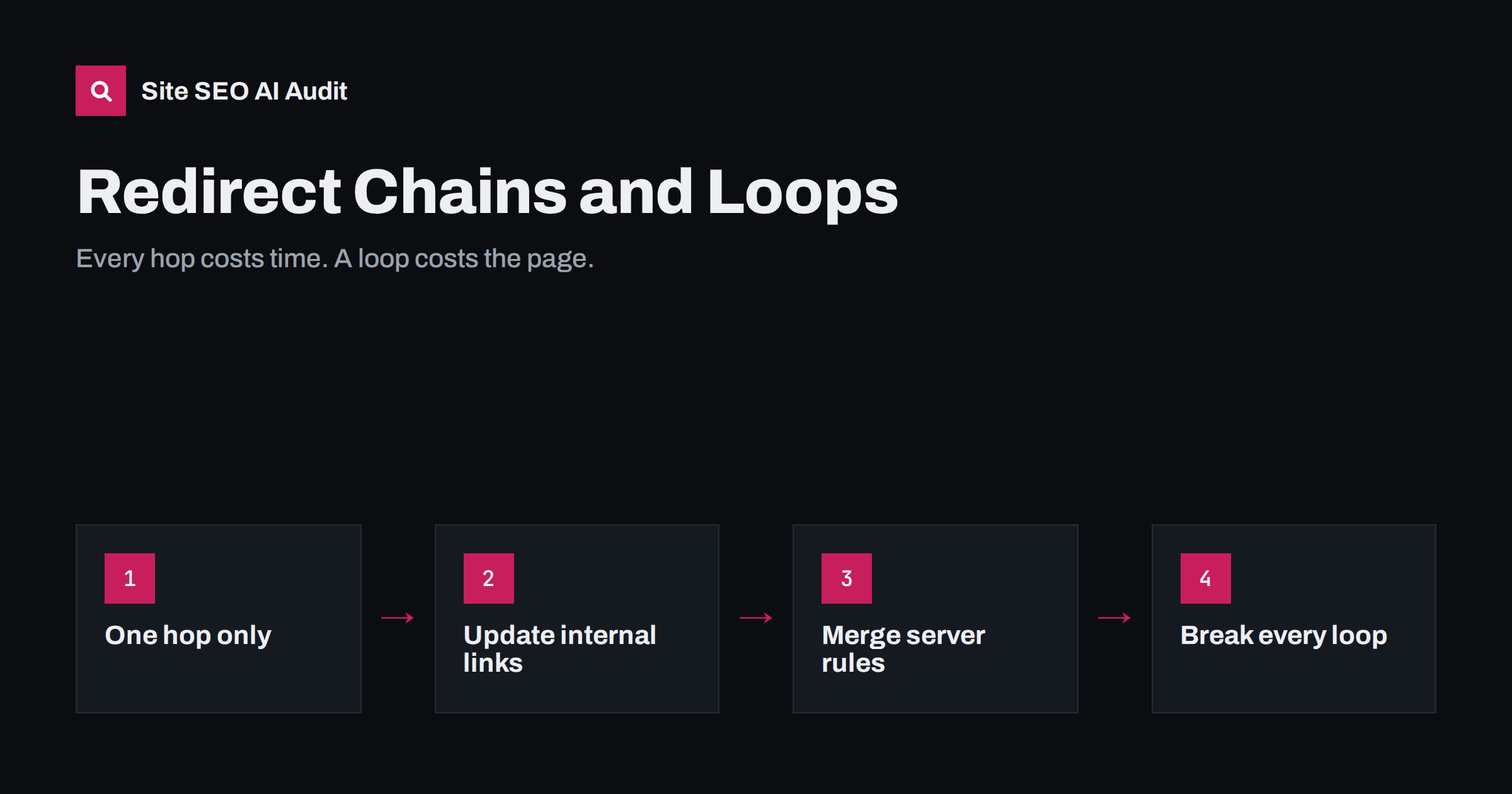
Short answer: a redirect chain is when a URL redirects to another URL that redirects again before reaching the final page; a redirect loop is when the redirects never reach a final page at all. Fix chains by pointing every old URL directly to its final destination and by updating internal links to the final URL. Fix loops by finding the two rules that send traffic back and forth and removing one of them.
What chains and loops look like
A single redirect is normal and healthy. When a page moves, /old-page/ returns a 301 to /new-page/, and visitors and crawlers arrive at the right place in one step.
A chain has two or more hops:
http://example.com/services
  → 301 https://example.com/services
  → 301 https://www.example.com/services
  → 301 https://www.example.com/services/
  → 200
Each hop is a separate request and response. A loop looks similar but never ends:
/pricing/ → 301 /plans/
/plans/   → 301 /pricing/
Browsers give up after a limited number of hops and show an error such as “too many redirects”. Crawlers also stop following after a certain number of hops. Google’s documentation says Googlebot follows up to 10 hops, but that is a ceiling, not a target.
Why chains and loops matter
A loop is simple: the page is unreachable for everyone, so it cannot be indexed and any links to it are wasted. Chains are more subtle, and their cost adds up across a site:
- Slower pages. Every hop adds a full round trip before the page even starts loading. On mobile connections, each hop can add a noticeable delay, which directly delays Largest Contentful Paint.
- Wasted crawling. A crawler requesting one URL has to make several requests to reach the content. On large sites this reduces how many real pages get crawled.
- Fragile signals. Each extra hop is another place something can break later, for example when one rule in the middle is removed during a server move and the chain now ends in a 404.
- Messy analytics and tracking. Parameters can be dropped along the way, so campaign tracking may silently stop working.
How chains usually form
Almost nobody creates a chain on purpose. They accumulate as a site evolves:
- Stacked migrations. A page moved in 2019, again in 2022 and again this year. Each move added one redirect from the previous address instead of updating the older rules.
- Separate server rules for each normalisation. One rule forces HTTPS, another adds
www, a third adds the trailing slash. A single request for the oldest form passes through all three. - CMS and server both redirecting. The web server redirects HTTP to HTTPS, then WordPress redirects the host to match its site address setting, then a plugin redirects the old slug.
- Redirect plugins with overlapping rules, especially after several people have added rules over the years.
- Internal links never updated. Menus, footers and old articles still link to addresses that redirect, sometimes through several hops.
How loops usually form
Loops tend to come from two systems that disagree:
- Server and CMS disagree about the host or protocol. The server redirects to
www, the CMS is configured withoutwwwand redirects back. - HTTPS behind a proxy or CDN. The CDN talks to the origin over HTTP, the origin thinks the request is insecure and redirects to HTTPS, the CDN forwards it again over HTTP, and so on. On WordPress this is a common cause of “too many redirects” after enabling a CDN.
- Two redirect rules pointing at each other, often created months apart by different people.
- Trailing slash rules in opposite directions, one adding and one removing the slash.
- Cookie or geo-based redirects that send crawlers, which do not keep cookies, into an endless cycle.
How to find every chain and loop on your site
You cannot find these reliably by clicking around, because the browser follows redirects silently. Use tools that show each hop:
- Check single URLs with curl.
curl -sIL http://example.com/pageprints every response in the chain with its status andLocationheader. Test the four base variants of your home page: HTTP and HTTPS, with and without www. - Crawl the whole site. A crawler records every internal link that leads to a redirect, how many hops it takes and where it ends. This is the only way to see the scale of the problem.
- Test the old URL list. After migrations, keep the list of old URLs and run them through the same check. Old URLs with external backlinks matter most.
- Check the sitemap. Every URL in the sitemap should return 200 directly. Any redirect there is an error.
- Review Search Console. The page indexing report lists redirect errors, which usually means loops, chains that are too long, or redirects to an invalid address.
How to fix redirect chains
The goal is one hop from any old URL to its final destination, and zero hops for internal links.
- Flatten the rules. For each old URL, find the final destination and point the old URL there directly. Update the older redirect rules too, not just the newest one.
- Combine normalisation into one rule. Write a single server rule that sends any HTTP or non-www request straight to the final HTTPS www address, including the trailing slash if your URLs use one.
- Update internal links. Replace links to redirecting URLs in menus, footers, templates and content with the final URL. On WordPress, a search-and-replace across the database handles old links in post content; test it on a backup first.
- Update canonicals, hreflang and sitemaps so none of them reference a redirecting URL.
- Ask for important external links to be updated when you control them, such as profile links or partner sites.
| Situation | Before | After |
|---|---|---|
| Protocol and host | HTTP → HTTPS → www (2 hops) | HTTP non-www → HTTPS www (1 hop) |
| Stacked page moves | /a → /b → /c (2 hops) | /a → /c and /b → /c |
| Internal menu link | Links to /a, reaches /c after 2 hops | Links to /c directly (0 hops) |
| Trailing slash plus host | /page → /page/ → www/page/ | /page → www/page/ in one step |
How to fix redirect loops
Start by recording the full loop with curl so you can see which URLs alternate. Then find which system produces each hop: the response headers often reveal whether the redirect came from the CDN, the web server or the application. Typical fixes:
- Align host and protocol settings. On WordPress, the site address and WordPress address in Settings, General must match the host and protocol your server redirects to.
- Tell the application about HTTPS behind a proxy. Configure the CDN to use full HTTPS to the origin, or make the application read the forwarded protocol header so it knows the visitor is already on HTTPS.
- Remove the duplicate rule. When two rules conflict, keep the one closest to the edge, usually the server or CDN, and remove the other.
- Never base redirects on cookies alone. Crawlers arrive without cookies every time.
After fixing a loop, clear the CDN cache and test again from a clean session. Browsers cache 301 responses aggressively, so a loop can appear to persist in your own browser after it has been fixed on the server.
How Site SEO AI Audit finds redirect problems
The audit’s crawl follows every internal link the way a search engine does. Redirect chains appear in the crawl and index area, and internal links that point to redirects appear in the links area, each with the list of affected pages and the hops involved. Because every issue is weighted by how many pages it affects, a chain in your main menu, which touches every page, ranks higher than one old link in a single article. After fixing, you can re-audit and see the change in the score. Plan details are on the pricing page.
Related reading
- Canonical tags explained: how to set them and fix errors
- XML sitemap best practices: what to include and leave out
- Robots.txt for SEO: what to block and what to leave open
The bottom line
Every redirect should take one hop, and internal links should take none. Flatten old rules so each old URL points straight to its final page, combine protocol, host and slash normalisation into a single rule, and update links, canonicals and sitemaps. For loops, find which two systems disagree and make one of them stop redirecting.
FAQ
How many redirects in a chain are too many?
Aim for one hop from any old URL and zero hops for internal links. Googlebot follows up to 10 hops, but every hop adds delay and another point of failure, so shorter is always better.
Do redirect chains lose link equity?
Google has said that 3xx redirects do not lose PageRank by themselves. The practical risks are slower pages, wasted crawling and chains that break when one rule in the middle is removed.
Why does my site show “too many redirects”?
That error means a redirect loop. It is most often caused by the server and the CMS disagreeing about www or HTTPS, or by a CDN talking to the origin over HTTP while the origin forces HTTPS.
Should I remove old redirects after some time?
Keep redirects for URLs that still receive traffic or have external links, ideally for as long as you can. Removing them turns those links into 404s. Just make sure each old redirect points straight to the current final URL.
Do I need to update internal links if redirects work?
Yes. Internal links to redirecting URLs make every visitor and crawler take an extra hop. Linking directly to the final URL is faster and removes the dependency on the redirect rule.


