 ENEnglish
 LTLietuviškai
 DEDeutsch
 FRFrançais
 RUРусский
 ESEspañol
 PLPolski
 ITItaliano
 UKУкраїнська
 CSČeština
 PTPortuguês
 JA日本語
 LVLatviešu valoda
 ETEesti
 HUMagyar
 IDBahasa Indonesia
 TRTürkçe
 HIहिन्दी
 ELΕλληνικά
 ARالعربية
 THไทย
 VITiếng Việt
 RORomână
 MSBahasa Melayu
 BNবাংলা
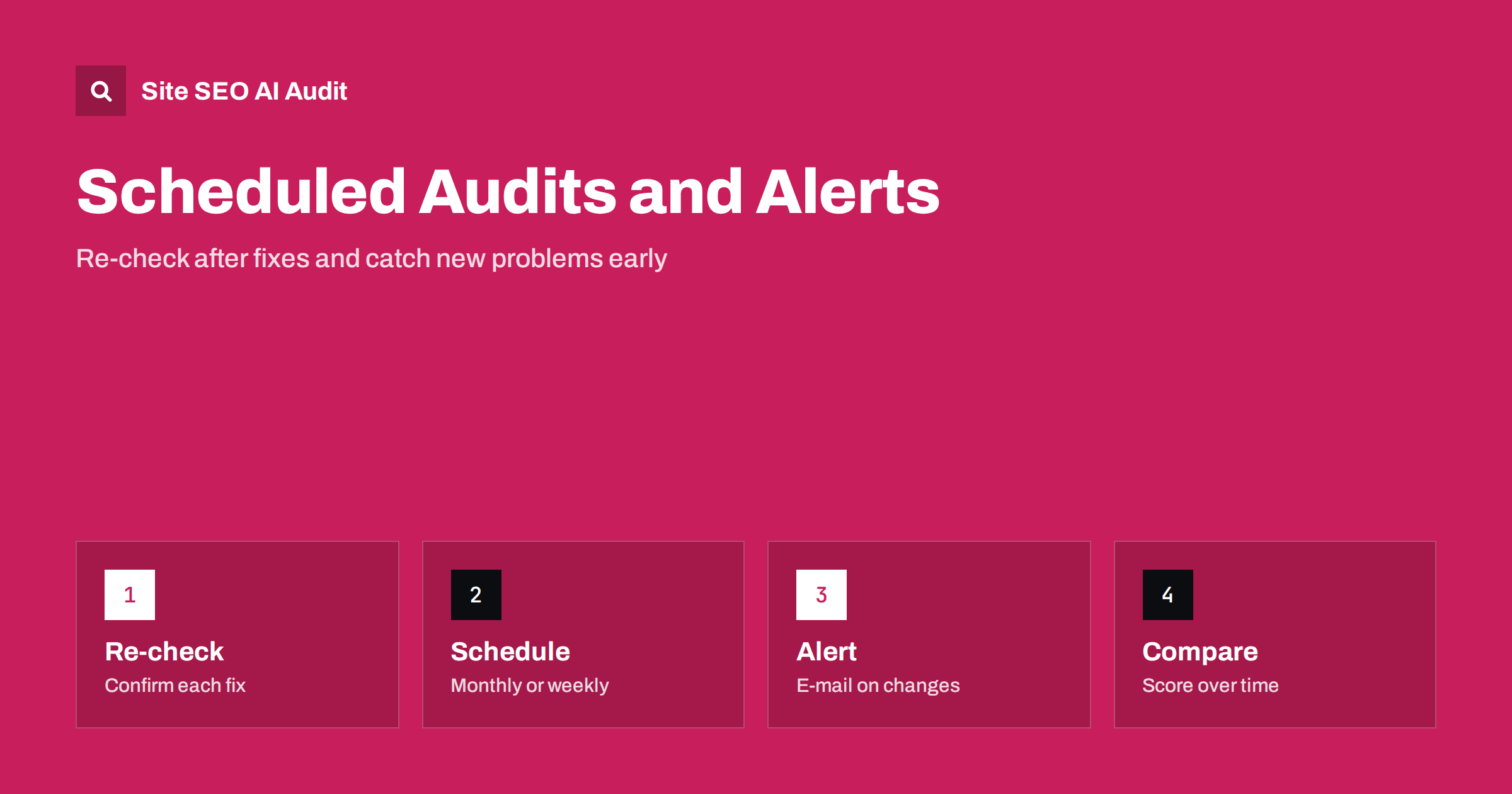
Short answer: One audit shows where your site stands today; repeated audits show whether it is getting better or worse. In Site SEO AI Audit, paid plans add re-audits after fixes, a monthly audit on Starter, weekly audits with e-mail alerts and comparison of audits over time on Pro. The free plan includes one audit per website without re-audits. Use re-checks to confirm fixes, schedules to catch regressions and comparison to see progress.
Websites do not stay still. Editors publish pages, developers release features, plugins update, redirects are added and removed, and hosting settings change. Any of these can introduce a problem that was not there last month. A single audit cannot detect that, because it is a snapshot. This article explains how repeated audits work in Site SEO AI Audit according to the product’s pricing page, what each plan offers, and a practical routine that uses them well. If you have not yet run a first audit, start with the step-by-step walkthrough of a first audit.
Why one audit is not enough
Think of an audit as a medical check-up: valuable on its own, but far more useful when the results of several visits can be compared.
A first audit gives a baseline: the score, the seven area scores and the list of issues. You fix the most valuable ones. But without a second look, you do not know whether the fixes worked, whether they created new problems or whether other changes undid your effort. Many site owners fix issues in good faith, assume the problem is gone and discover months later that the same warning is back because a template was overwritten.
The cure is a routine. Re-check after you change something, and schedule regular audits for the changes you do not control. The cost of a repeated audit is small compared with the cost of an undetected indexing problem.
What the free plan offers
The free plan gives one audit for each website, up to 200 pages, with the SEO score, all seven areas and a list of every issue, with full detail for the top three. It does not include re-audits. The site explains the reason: a deep crawl costs real server time. Your report stays saved, so it works well as a baseline that you can compare with later, even if you do not upgrade immediately.
If you only need a one-off check, the free audit may be enough. If you plan to fix issues and verify the result, the paid plans provide that step.
Re-audits on Starter
Starter costs €12 a month for one website of up to 1,000 pages. It includes a monthly audit and the ability to re-audit at any time. That second feature is the one that matters most for a repair cycle: fix a group of issues, run a re-audit and see which ones have disappeared and what remains.
A sensible approach is to fix in batches. Start with the issues that add the most points, make the changes, wait until they are live and cached, and re-audit. If an issue persists, the report shows the affected pages, which helps you see whether the fix reached all of them or only some. Starter also unlocks every issue and affected page, and WordPress fix steps for WordPress sites, which makes each batch faster.
Weekly audits and alerts on Pro
Pro costs €29 a month and covers three websites of up to 10,000 pages. It includes everything in Starter, and adds weekly audits with e-mail alerts, comparison of audits over time, a PDF report and two background checks at once. Weekly audits mean that a problem introduced on Monday can be found within the week rather than at the end of the month. E-mail alerts bring that news to you without a need to log in and look.
This suits growing sites and online shops, where products, plugins and campaigns change often. It also suits freelancers who maintain several small sites and want an early warning when one of them slips. Weekly checking is a lightweight form of the monitoring approach described in the guide to technical SEO monitoring.
Comparar auditorías en el tiempo
Comparison turns a series of audits into a story. The home page shows a sample report for an example shop with a score of 71, 412 pages, 84 issues and a change of plus six since August. That kind of line answers the question every owner asks: are we improving? On Pro, you can compare audits over time and see which areas moved.
| Question | Where to look |
|---|---|
| Did the fix work? | Re-audit and check that the issue is gone |
| Did the score improve? | Compare total and area scores between audits |
| Did something new break? | Weekly audit and e-mail alert |
| Can I show progress? | PDF report from Pro |
Use comparison to learn which kinds of changes cause problems on your site. If scores repeatedly drop after plugin updates, add a check to your update routine.
A practical routine
Consistency matters more than frequency. A monthly audit that is always read and acted upon beats a weekly audit that nobody opens, so choose a rhythm your team can keep, and put the review in the calendar.
For a small site, run the free audit, fix the top three issues, then consider Starter for a month to re-audit and clear the rest. After that, a monthly audit is a good rhythm for a site that changes rarely. For a shop or a publisher, weekly audits are more suitable. After any large change, such as a redesign, migration, new plugin or hosting move, run an extra audit within a day or two. The migration approach in the site migration SEO checklist fits this routine well.
Record each audit date, the score and the main changes you made. Over a few months, the record shows whether your work is moving the numbers and which fixes were most valuable.
Three situations where repeated audits pay off
The first is a repair project. A site with dozens of issues is fixed over several weeks, and each batch needs verification. Re-audits provide the checkpoints, and the falling number of issues is a motivating sign for the team. The second is a change project, such as a redesign, a new theme or a move to another host. Here the risk is not the known issues but new ones, and an audit within a day or two of launch is the quickest way to find them before search engines do.
The third is steady operation. A site that is healthy today can drift: an editor adds hundreds of thin pages, a plugin begins to output duplicate titles, a developer changes a header. Scheduled audits and alerts are designed for this drift. They are like a smoke detector: you hope never to need them, but the day they sound, the minutes saved matter.
In all three situations, the value is not the score itself but the shorter time between a problem and its repair. The sooner you know, the fewer pages are affected and the fewer visitors meet the error.
How to read an alert
When an alert arrives, do not panic and do not ignore it. Open the latest report and compare it with the previous one. Ask what changed: a new template, a plugin, a deployment, a server setting, new content. Look at the highest-impact issues first, since they are ranked by the points they add, and check whether they affect many pages or a few. Fix the cause, then re-audit to confirm.
If the same issue returns, find out why. It may come from a setting that is reset by updates, from a copy of staging configuration or from a content workflow that repeats the mistake. Fixing the process is better than fixing pages again and again.
Choosing the right level
The best level is the lowest one that gives you warnings early enough to act on them. Ask how long a silent problem could cost you before you would notice it by other means.
Not every site needs weekly audits. If you publish rarely and change little, monthly checks on Starter are sufficient. If you change the site often, or depend on organic traffic, the extra cost of Pro buys earlier warnings. If you manage up to three websites, Pro also covers them in one subscription. Plans can be changed or cancelled any time, and reports remain in your account, so you can raise the level for a project and lower it afterwards.
See the full plan comparison in the article on Site SEO AI Audit plans and on the pricing page, or run your first audit, up to 200 pages, for free.
Related reading
- How Often Should You Run an SEO Audit?
- SEO Testing: Measure Changes
- Site SEO AI Audit Plans: Free, Starter, Pro and Agency
The bottom line
Re-check after every fix, schedule audits for the changes you do not control and use comparison to see whether the site is improving.
FAQ
Does the free plan include re-audits?
No. It includes one audit per website. Re-audits are part of the paid plans.
What does Starter include for repeated audits?
A monthly audit for one website, plus the ability to re-audit at any time.
Which plan has weekly audits and alerts?
Pro, at €29 a month, with weekly audits, e-mail alerts and comparison of audits over time.
How many websites does Pro cover?
Three websites, each up to 10,000 pages, with two background checks at once.
Are my old reports kept if I cancel?
Yes. Your reports stay in your account even if you go back to the free plan.


