 ENEnglish
 LTLietuviškai
 DEDeutsch
 FRFrançais
 RUРусский
 ESEspañol
 PLPolski
 ITItaliano
 UKУкраїнська
 CSČeština
 PTPortuguês
 JA日本語
JA日本語 LVLatviešu valoda
 ETEesti
 HUMagyar
 IDBahasa Indonesia
 TRTürkçe
 HIहिन्दी
 ELΕλληνικά
 ARالعربية
 THไทย
THไทย VITiếng Việt
 RORomână
 MSBahasa Melayu
 BNবাংলা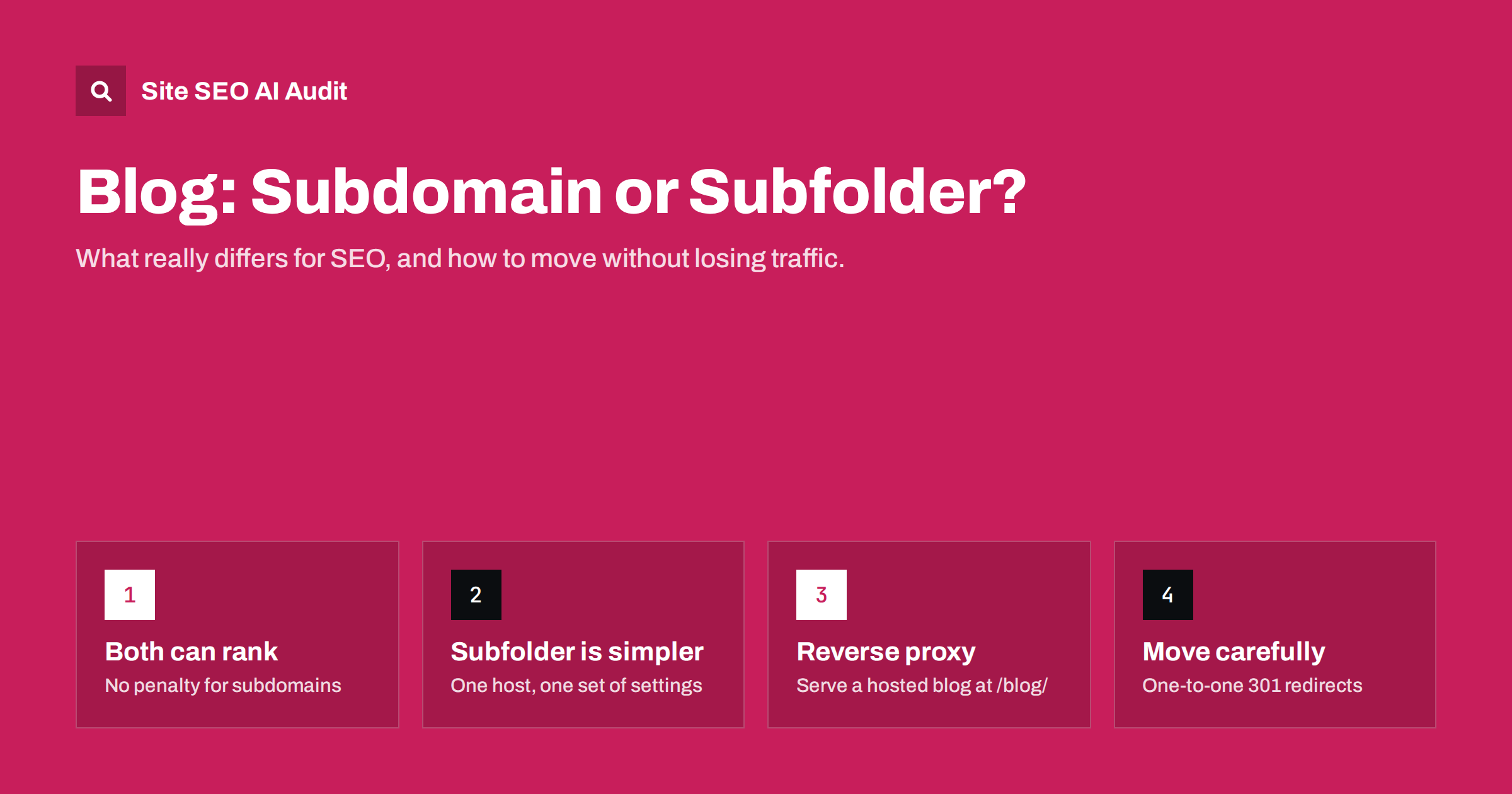
Short answer: Search engines can rank content on a subdomain (blog.example.com) and in a subfolder (example.com/blog/) equally well, and Google has said it handles both. In practice a subfolder is usually the simpler and safer choice for a company blog, because the blog and the main site share one host, one set of settings and one obvious internal link structure. A subdomain makes sense when the blog runs on a separate platform that cannot be served under your main domain, or when it is a genuinely separate project. If you move between them, treat it as a migration with one-to-one 301 redirects.
What the choice actually is
A blog can live in three places relative to your main website:
- Subfolder:
example.com/blog/. The blog is part of the same host as the rest of the site. - Subdomain:
blog.example.com. A separate host under the same registered domain. - Separate domain:
examplebrandblog.com. A different site altogether, rarely a good idea for a company blog.
The question usually comes up for practical reasons. The main site runs on one system, such as a custom application, a shop platform or a site builder, and the marketing team wants a blog on WordPress or a hosted blogging platform. The easiest technical route is often a subdomain pointed at the other system. The question is whether that shortcut has SEO costs.
It is worth answering before the blog grows. Choosing the structure at the start costs a DNS record or a server rule. Changing it after several hundred posts means a migration, with redirects to maintain for years and a period of uncertainty in search. If you are starting a new blog today, spend an hour on the decision, involve whoever runs the main website, and write down why you chose the structure you did, so the next redesign does not reopen the question without reason.
What search engines say, and what practitioners see
Google’s public position has been consistent for years: it can crawl, index and rank content on subdomains and subfolders, and neither is inherently preferred. It works out which parts of a site belong together.
At the same time, many SEO practitioners report that moving a blog from a subdomain into a subfolder was followed by traffic improvements. These reports are anecdotal, and it is often impossible to separate the effect of the URL change from other changes made at the same time, such as a redesign or better internal linking. The honest summary is this: there is no ranking penalty for subdomains, but a subfolder removes several ways in which things can go wrong.
Why subfolders are usually simpler
The practical advantages of a subfolder have less to do with a special ranking signal and more with how websites are run:
- One host, one set of signals. Links to blog posts and links to product pages all point at the same host, and internal links between them are ordinary same-site links.
- Natural internal linking. Navigation, footer and in-content links between the blog and commercial pages are easy to keep consistent. This supports topic clusters and pillar pages that connect guides with the service or product pages they support.
- One robots.txt, one sitemap index, one Search Console property. Subdomains need their own robots.txt and usually their own verification, which is easy to forget.
- One analytics setup. Cross-subdomain tracking requires extra configuration; without it, a visitor moving from blog to shop looks like two sessions.
- Consistent security and speed settings. HTTPS, caching, compression and CDN rules are applied once.
When a subdomain is the right choice
A subdomain is not a mistake. It is often the right option when:
- The platform cannot run under your domain’s paths and a reverse proxy is not possible, for example on some hosted blogging or knowledge base services.
- The content is a separate product or audience, such as a developer portal, a community forum or a help centre with its own navigation.
- Different teams own the systems and need independent deployment, security and uptime.
- Country or language sites are organised by subdomain as part of a wider international structure, a separate decision covered in ccTLD vs subdomain vs subfolder.
If you use a subdomain, make it behave like part of the same site: shared navigation back to the main site, consistent branding, prominent links between related blog posts and commercial pages in both directions, and its own well-maintained robots.txt and sitemap.
Getting a blog into a subfolder when it runs elsewhere
The common obstacle is technical: the blog runs on a different server or platform. Options, from simplest to most involved:
- Run the blog on the same system. Many shop platforms and CMSs have a built-in blog. It may be less flexible, but it lives in a subfolder with no extra setup.
- Install the blog software in a subdirectory of the same server, for example WordPress in
/blog/next to the main application, if the hosting allows it. - Use a reverse proxy. The web server or CDN forwards requests for
example.com/blog/*to the blog platform and returns the responses under your main domain. This is common with Nginx, Apache and CDN workers.
With a reverse proxy, check that the blog generates URLs, canonicals, sitemap entries and internal links with example.com/blog/, not with the internal hostname. A misconfigured proxy that leaks the original hostname in canonicals creates duplicate content across two hosts. The CDN and SEO setup guide covers related pitfalls.
Comparison at a glance
| Aspect | Subfolder (/blog/) | Subdomain (blog.) |
|---|---|---|
| Ranking potential | Full | Full, per Google |
| Internal linking with main site | Natural, same host | Possible, needs deliberate effort |
| robots.txt and Search Console | Shared with the main site | Separate files and properties |
| Analytics | Works by default | Needs cross-subdomain setup |
| Separate platform | Needs same server or reverse proxy | Easy with a DNS record |
| Risk of settings drifting apart | Low | Higher |
Moving a blog from subdomain to subfolder
If you decide to move, treat it as a site migration, even if it is only the blog:
- Inventory all blog URLs from the sitemap, a crawl and analytics, including old posts, category and tag pages, images and feeds.
- Map each old URL to its new URL one-to-one. Keep slugs the same where possible, so the mapping is a simple pattern.
- Set up 301 redirects from every old URL to its new equivalent, not all to the blog home page. Our guide to 301 vs 302 redirects explains why the type matters.
- Update internal links, canonicals, hreflang and structured data to the new URLs so they do not rely on redirects.
- Publish a new sitemap with the new URLs, and keep the old sitemap available for a while so search engines recrawl the redirects.
- Keep the old subdomain’s DNS and redirects in place for at least a year, ideally permanently.
- Monitor Search Console, crawl errors and traffic for the moved section for several weeks.
Expect some fluctuation while search engines process the change. The full checklist is in the website migration SEO checklist.
Mistakes to avoid either way
- Duplicate blogs. The same posts reachable on both
blog.example.comandexample.com/blog/, without redirects or canonicals. - Forgotten robots.txt on the subdomain, sometimes still blocking everything from a staging phase.
- No links from the main site. A blog linked only from the footer receives little benefit from the main site and passes little to it.
- Redirecting everything to the blog home page during a move, which discards the value of individual posts.
- Different HTTPS or www rules on the two hosts, creating extra redirects and mixed signals.
Checking your blog setup with an audit
Whether your blog lives in a subfolder or on a subdomain, the same issues decide how well it performs: redirects, canonicals, broken links, orphan posts, sitemap problems, robots.txt rules and internal links to the commercial pages. Site SEO AI Audit crawls the site like a search engine and reports these issues weighted by how many pages they affect, which is especially useful after a move, when redirect chains and leftover links to the old host are common. Paid plans add re-audits to confirm each fix.
Related reading
- Internal linking strategy: a step-by-step guide for SEO
- Redirect chains and loops: how to find and fix them
- Robots.txt for SEO: what to block and what to leave open
The bottom line
Both subdomains and subfolders can rank. A subfolder is usually the easier choice for a company blog because it shares one host, one set of settings and natural internal links with the main site. Choose a subdomain when the blog must run on a separate platform or is a distinct project, and then link it deliberately with the main site. If you move, map every URL, redirect one-to-one and monitor the results.
KKK
Is a subfolder better than a subdomain for SEO?
Not inherently. Google says it can handle both. A subfolder is usually simpler to manage and link, which avoids common problems, but a well-run subdomain can perform just as well.
Will moving my blog to a subfolder increase traffic?
It might, but there is no guarantee. Results depend on the redirects, internal linking and content. Expect temporary fluctuations during the move.
Does a subdomain need its own robots.txt?
Yes. Each host has its own robots.txt at its root. Rules on example.com/robots.txt do not apply to blog.example.com.
Can I use a reverse proxy to serve a hosted blog at /blog/?
Often, yes. Configure the web server or CDN to forward /blog/ requests to the blog platform, and make sure the blog outputs URLs and canonicals with your main domain.
Should I verify a blog subdomain separately in Search Console?
A domain property covers all subdomains. If you use URL-prefix properties, add the subdomain separately so you can see its own indexing and performance data.


