ENEnglish
 LTLietuviškai
 DEDeutsch
 FRFrançais
 RUРусский
 ESEspañol
 PLPolski
 ITItaliano
 UKУкраїнська
 CSČeština
 PTPortuguês
 JA日本語
 LVLatviešu valoda
 ETEesti
 HUMagyar
 IDBahasa Indonesia
 TRTürkçe
 HIहिन्दी
 ELΕλληνικά
 ARالعربية
 THไทย
 VITiếng Việt
 RORomână
 MSBahasa Melayu
 BNবাংলা
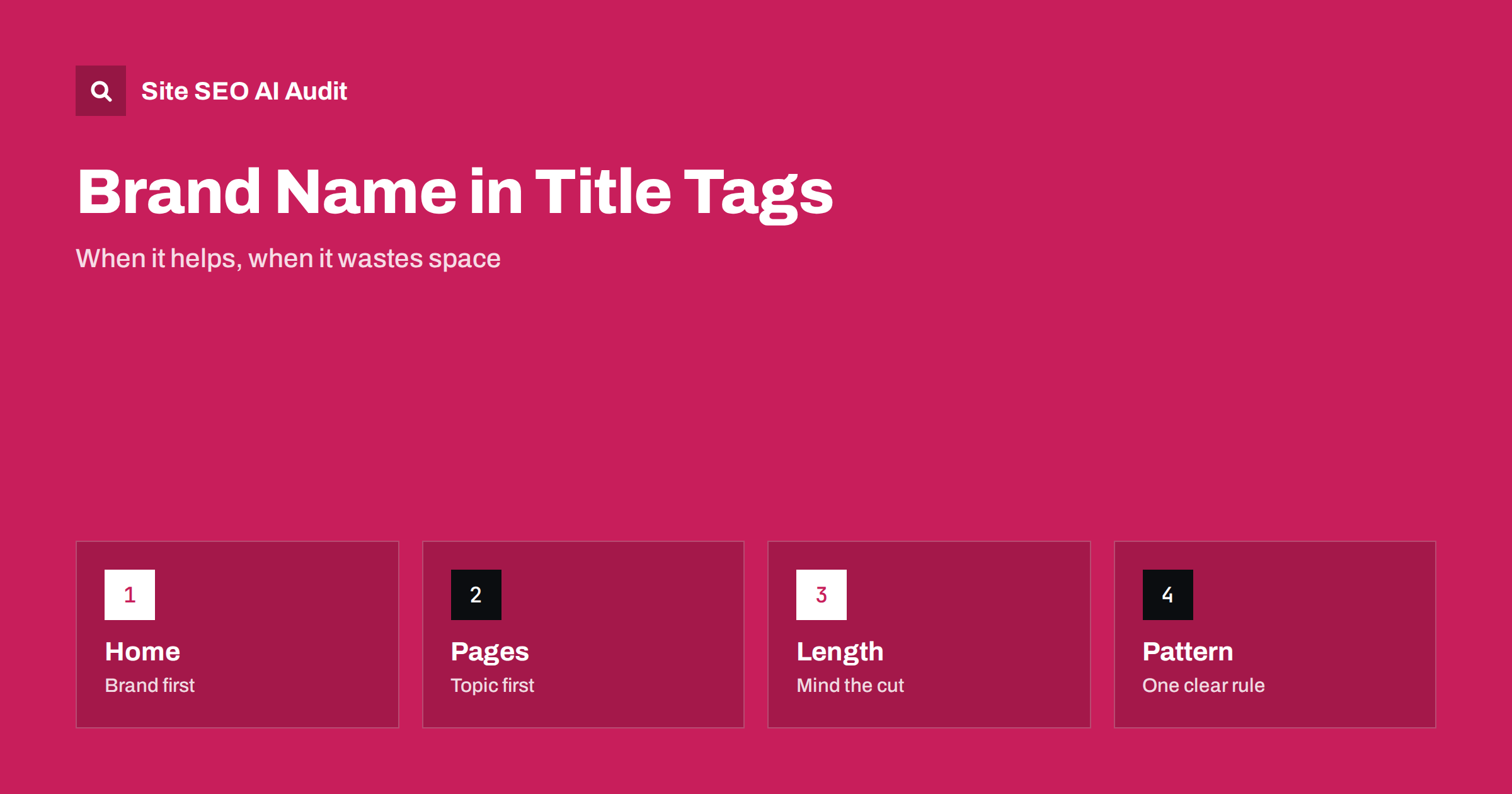
Short answer: Put your brand name in the title tag of your home page and, in most cases, at the end of the titles of other pages, separated by a dash or a pipe. The topic of the page should come first, because it carries the meaning and the keywords. The brand adds trust and recognition, but it takes space, so drop or shorten it when the title would be cut off, when the brand is very long or when the topic needs every character. Choose one pattern and apply it consistently.
Almost every website shows its name somewhere in the title tags, often by default. Themes and plugins add the site name automatically, and many owners never think about it again. Yet the brand in the title is a real decision. It uses 10 to 25 characters of a limited space, it changes how a result looks and it affects how people and systems recognise who is behind the page. This guide explains when to include the name, where to put it and how to avoid common mistakes. For writing the rest of the title, see the guide to writing title tags.
What the brand in a title does
A title tag has two audiences. Readers see it as the headline of a search result, and search engines use it to understand the page. The brand name helps the first group most. A known name makes a result feel safer to click, and a less known name that appears many times becomes familiar. It also helps people who search for your brand together with a topic, such as a company name and a product, because the result confirms that they are in the right place.
For search engines, the brand in the title is a small signal that the page belongs to a named entity. It is not a ranking trick, and adding the name does not make a page rank higher. Google also shows a site name separately in results, which is explained in the guide to site name and favicon, so the title no longer has to carry the brand alone.
The home page: brand first
For the home page, the brand usually comes first, followed by a short description of what you do. People who type your name expect to see it at the start of the result, and a good descriptive part tells new visitors why they should care. An example is a company name followed by a few words about the service and the place. Do not repeat the name several times, and do not replace the name with a list of keywords.
The home page also needs to give a clear picture of the business, so keep the descriptive part honest and specific. More about this page is in the guide to home page SEO.
Inner pages: topic first, brand last
On article, product, category and service pages, the topic comes first. The words that describe the page are the most useful for readers who scan results and for search engines that judge relevance. Put the brand after them, separated by a dash, a pipe or a colon, and keep the separator the same on every page. Readers scan from the left, so the first words need to be the ones that answer their question.
A simple pattern for most sites is page topic, separator, brand. For a blog, the pattern can be article title, separator, brand. For a shop, it can be product name with the key attribute, then the category or brand. Pick what suits your content, and do not alter it page by page without a reason.
Space and truncation
Search results show a limited width, roughly 50 to 60 characters on desktop, and the limit depends on the width of the letters, not on the count. A long brand at the end can push the important words out, and when the title is cut, the brand is the part that disappears first. That is acceptable if the topic is clear, but do not rely on it. Measure titles by pixel width where you can, and keep the key words early. The rules for non-Latin scripts differ, as described in the guide to title and description length in non-Latin scripts.
If your brand name is long, use a short form in titles, for example the main word without the legal suffix. If the topic needs more room, such as a long product name, leave the brand out of that page. A clear topic is more useful than a complete brand line.
When to leave the brand out
There are good reasons to drop the name. Pages with long, precise titles, such as product models, legal documents or detailed guides, may not have space. Pages that are not meant for search, such as login or checkout steps, do not need it. Very small brands with no recognition gain little from repeating the name on every page, but a short name at the end still does no harm. A page that already contains the brand in its main phrase, for example a branded product, should not repeat it.
Do not stuff the brand with keywords, such as a company name followed by a list of services. That looks like spam to readers and can lead to the title being rewritten by the search engine, as explained in the guide to why Google rewrites title tags.
Branded searches and click-through
When people already know you, the brand in the title helps them pick your result among others. Study how your brand terms and non-branded terms behave in Search Console, using the guide to branded and non-branded search. If your non-branded pages have a low click-through rate, test a title where the topic is stronger and the brand is shorter. If branded queries show your inner pages ranking before the home page, check that the brand appears in a consistent form.
Avoid changing every title at once without recording the date, because you will not know what caused a difference. Change a group of similar pages, wait for a few weeks and compare. The method is described in the guide to SEO testing.
Templates and platforms
Most content systems build titles from a template. Check that the template does not add the brand twice, once from the theme and once from an SEO plugin, which is a common cause of titles that look like a name, a dash and the name again. Check that the separator is not an HTML code that shows as text. Also check that pages created by plugins, such as archives, tags and search pages, follow the pattern or are kept out of the index. For large sites, see the guide to title and description templates for large sites.
After a rebrand or a change of the name, update the template and also the titles that were written by hand. Old names in titles confuse users and weaken recognition. Related guidance is in the guide to rebranding and SEO.
A quick way to review your titles
Export all titles with their page types and sort them by the last words. If most end with the same brand, your pattern works. Look for pages where the brand comes first, where it is missing or where it appears twice, and decide whether each is an intended exception. Then check the longest titles and ask whether the topic is still clear after the cut. A short review like this, repeated after each redesign or plugin change, keeps the pattern from drifting.
Multilingual sites
On a multilingual site the brand is usually kept in the same form in every language, while the topic part is translated. Check that the separator and word order look natural in each language, and that the length works for longer translations. Do not translate a brand name unless the business itself uses a local version, as discussed in the guide to brand and product names across languages.
Here is a short example. A small consultancy had titles in the pattern brand, dash, page topic. Its service pages were cut off after the brand and the first word, so results looked almost the same. After the team moved the topic first and shortened the brand to its main word, the results became distinct and clearer. The home page kept the brand first.
Site SEO AI Audit crawls your website and checks titles, descriptions, headings, status codes, broken links, structured data and AI visibility settings, so you can find missing, duplicate or overlong titles across all pages. It does not decide which pattern suits your brand. The first audit of up to 200 pages is free, and larger sites can see the pricing page.
Related reading
The bottom line
Lead with the topic, close with a short brand, and keep one consistent pattern across the site.
KKK
Does the brand name in a title help rankings?
Not directly. It helps recognition and clicks, and it ties the page to your name, but it is not a ranking trick.
Should the brand go first or last?
Last on most inner pages, first on the home page. The topic words should come early on pages that target a subject.
What if my brand name is very long?
Use a short form in titles, or leave the brand out where the topic needs the space.
Can Google show a different title?
Yes. If a title looks stuffed, repeats the brand or does not match the page, it may be rewritten.
Should every page have the same separator?
Yes. A single separator and order make results look tidy and are easier to manage in templates.