 ENEnglish
 LTLietuviškai
 DEDeutsch
 FRFrançais
 RUРусский
 ESEspañol
 PLPolski
 ITItaliano
 UKУкраїнська
 CSČeština
 PTPortuguês
 JA日本語
JA日本語 LVLatviešu valoda
 ETEesti
 HUMagyar
 IDBahasa Indonesia
 TRTürkçe
 HIहिन्दी
 ELΕλληνικά
 ARالعربية
 THไทย
THไทย VITiếng Việt
 RORomână
 MSBahasa Melayu
 BNবাংলা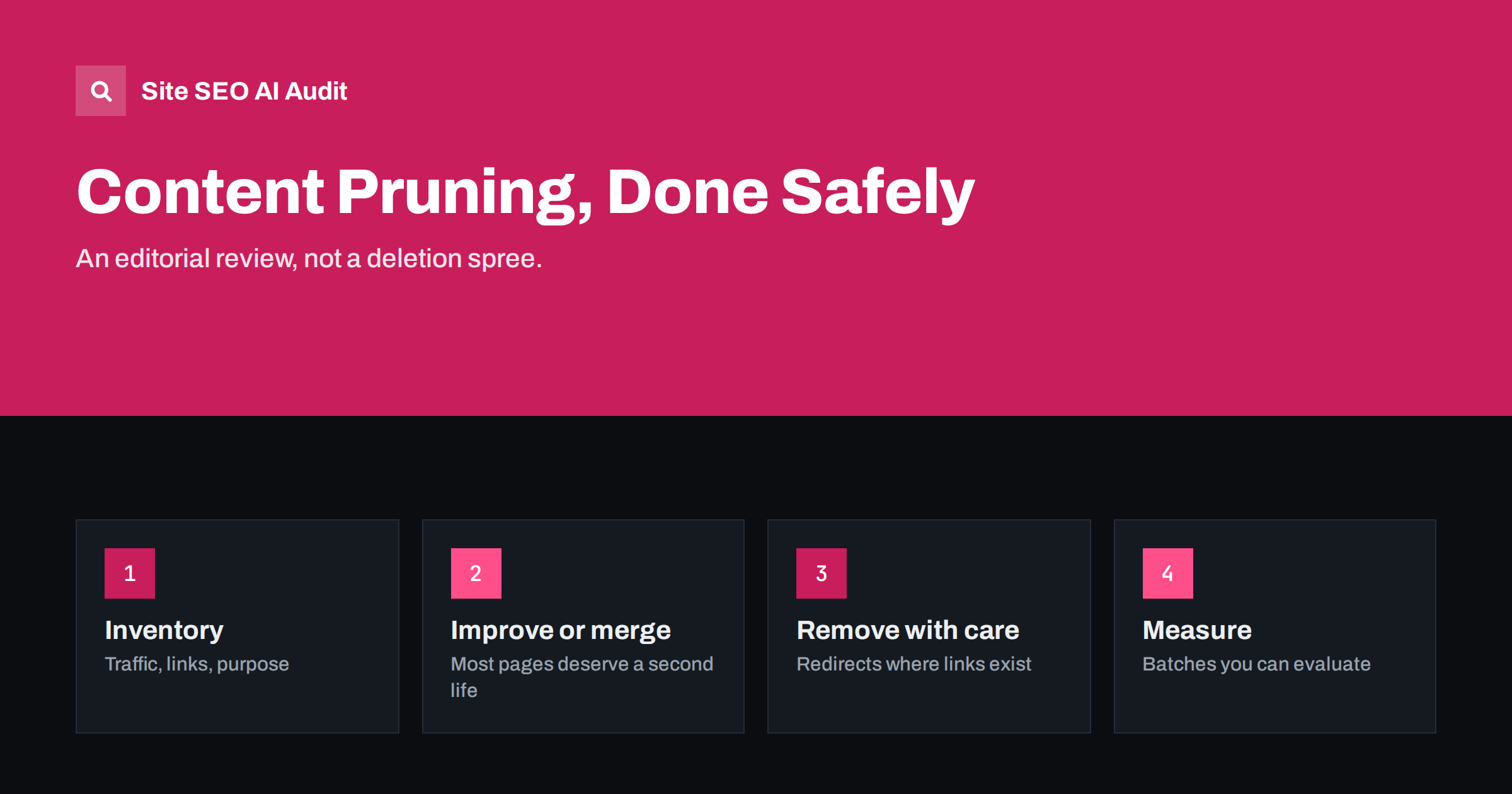
Short answer: Content pruning is the editorial review of existing pages to decide which ones to keep, improve, merge, keep out of the index or remove. Done carefully, it concentrates your site on pages that serve readers and your business, and removes outdated, overlapping and low-value pages. It is not mass deletion: most pages should be improved or merged rather than removed, and any page with traffic or links needs a redirect if it goes.
What content pruning is, and what it is not
Every site that publishes for years accumulates pages that no longer earn their place: announcements for events long past, posts written for a trend that faded, overlapping articles on the same question, product pages for discontinued items, thin pages created in a burst of enthusiasm. Pruning is the process of reviewing that content and deciding what each page should become.
Pruning is sometimes described as “deleting content to boost rankings”. That framing is misleading and risky. The purpose is to make the site better for readers: fewer outdated answers, fewer dead ends, fewer pages competing for the same question. Search benefits, where they come, follow from that. Deleting pages that bring visitors or have links, just to shrink the site, can easily do more harm than good.
Pruning is also different from technical clean-up of junk URLs, such as parameter duplicates or attachment pages. That is a technical task; pruning is an editorial one about pages that were created on purpose.
Why pruning can help
- Better experience. Visitors land on current, useful pages rather than outdated ones.
- Stronger pages. Merging several weak articles into one thorough guide often produces a page that serves readers better than any of the originals.
- Less self-competition. Removing overlap means one page clearly owns each topic.
- Clearer site quality. A site where most indexed pages are useful is easier for search engines to assess positively than one where many are thin or stale.
- Easier maintenance. Fewer pages means fewer pages to keep accurate.
Step 1: build an inventory
List every indexable page of the content type you are reviewing, usually blog posts, news or resource pages. For each, collect:
- URL, title and publication or update date.
- Clicks and impressions from Search Console over the last twelve months.
- Visits and conversions from analytics.
- External links pointing to the page, if you have a link tool.
- Internal links pointing to it.
- Word count and a note on topic.
A site crawl provides the list of pages and their on-page data; Search Console and analytics add performance. Use at least twelve months of data so that seasonal pages, such as holiday guides, are not judged on their quiet months.
Step 2: decide what each page should become
| Situation | Decision |
|---|---|
| Performs well and is current | Keep |
| Relevant topic but outdated, thin or underperforming | Improve and update |
| Overlaps with a stronger page on the same intent | Merge into the stronger page, redirect |
| Useful to some visitors but not as a search result | Keep, add noindex |
| No traffic, no links, no purpose, not worth improving | Remove (404 or 410) |
| No longer relevant but has links or some traffic | Remove and redirect to the closest relevant page |
Judge each page by purpose as well as numbers. A page with little traffic may still matter: a policy page, a support article customers are sent to, or a new page that has not had time to perform. And a page with traffic may still need to change if the information is wrong.
An illustrative example
A software company’s blog has 300 posts from eight years of publishing. The inventory shows that 60 posts announced minor product updates that are now irrelevant, 25 posts cover “how to get more email subscribers” in slightly different ways, 40 posts are useful guides that have fallen out of date, and the rest perform reasonably.
The decisions follow naturally. The 40 outdated guides go on a refresh list, starting with those that still get impressions. The 25 overlapping subscriber posts are merged into three strong guides, one for each distinct angle the team finds: growing a list from a blog, from social media, and with lead magnets. The 60 update announcements are checked for links; the handful with external links are redirected to the current feature pages they relate to, and the rest are removed, with a short changelog page keeping the historical record for customers who want it.
The blog ends up with around 190 posts, fewer overlapping answers, and a clear list of pages to keep current.
Step 3: merge carefully
Merging is often the most valuable pruning action. To do it well:
- Choose the target page: the one with the best URL, links and performance, and the right intent.
- Move the genuinely useful parts of the other pages into it: unique examples, data, sections that answer different questions.
- Rewrite the result so it reads as one coherent page, not pasted fragments.
- Redirect each merged URL to the target with a 301 redirect.
- Update internal links across the site to point directly to the target.
Step 4: remove safely
For pages you decide to remove:
- If the page has external links or traffic, redirect it to the most relevant alternative. Redirecting everything to the home page is unhelpful for visitors and is often treated like a missing page.
- If it has neither, a 404 or 410 status is fine.
- Remove internal links to it, so visitors do not hit dead ends.
- Remove it from the XML sitemap.
- Keep a record of what was removed and why, in case you need to restore something.
Never delete in bulk based only on a traffic threshold. Review each group of pages at least briefly. A page with zero search clicks may be the one your sales team sends to every new prospect, or the one linked from an important partner site. Ask colleagues in sales and support before removing pages they might rely on.
Step 5: measure and learn
After pruning, monitor the site for several weeks: overall search clicks and impressions, the performance of merged target pages, crawl errors in Search Console and any unexpected drops. Effects vary. Some sites see merged pages improve noticeably; others see little change. The main certain gain is a cleaner, more useful site that is easier to maintain.
Keep your inventory spreadsheet. It becomes the baseline for the next review and shows which kinds of content tend to age quickly on your site, which in turn helps you plan updates before pages become candidates for pruning.
How often to prune
Pruning is not a one-off project. Content keeps ageing, products change and new pages overlap with old ones. Treat it as part of regular site maintenance, like checking links or updating software.
For most sites, a light review once or twice a year is enough, with a deeper review every few years or after major changes in the business. The best prevention is a publishing habit that avoids the problem: check whether a page on the topic already exists before writing a new one, and plan updates for content likely to age.
Common pruning mistakes
- Deleting by traffic alone, removing pages with links, conversions or a purpose.
- Removing without redirects, breaking external links and bookmarks.
- Redirecting everything to the home page instead of relevant alternatives.
- Merging pages with different intents into one confused page.
- Forgetting internal links, leaving dozens of links that now redirect or break.
- Pruning too much at once without being able to tell what helped and what hurt.
An audit helps both before and after. Before, it finds thin pages, duplicate titles and near-duplicate content that point to pruning candidates. After, it catches broken internal links and links to redirects that pruning leaves behind. Site SEO AI Audit reports all of these across your site, weighted by how many pages they affect. You can run a free first audit.
Related reading
- How to Refresh Old Content: A Practical Update Process
- Thin Content: How to Find and Fix Low-Value Pages
- Index Bloat: How to Find and Clean Up Unwanted Indexed URLs
- Keyword Cannibalization: How to Spot It and Fix It
The bottom line
Content pruning is an editorial review, not a deletion spree. Inventory your pages with performance and link data, decide for each whether to keep, improve, merge, noindex or remove, and handle merges and removals with proper redirects and updated internal links. Judge by purpose as well as numbers, prune in manageable batches, and measure the results. The aim is a site where every indexed page earns its place.
KKK
Does deleting old content improve SEO?
Sometimes, when the removed pages were thin, outdated or overlapping. But deleting pages with traffic or links can hurt. Improving and merging are usually better than deleting.
Should I delete blog posts with no traffic?
Not automatically. Check whether the topic is still relevant and could perform if improved, whether the post has links, and whether it serves another purpose. Remove only posts that have no value in any of these ways.
What is the difference between pruning and refreshing?
Refreshing updates a page to make it better. Pruning is the wider review that decides which pages to refresh, merge, noindex or remove.
Should I use 404 or 410 for removed pages?
Both tell search engines the page is gone. A 410 states that it was removed on purpose. For pages with links or traffic, a 301 redirect to a relevant page is usually better than either.
How much content should I prune at once?
Work in batches you can review properly and measure, for example one section or one year of posts at a time, rather than removing hundreds of pages in one go.


