 ENEnglish
 LTLietuviškai
 DEDeutsch
 FRFrançais
 RUРусский
 ESEspañol
 PLPolski
 ITItaliano
 UKУкраїнська
 CSČeština
 PTPortuguês
 JA日本語
JA日本語 LVLatviešu valoda
 ETEesti
 HUMagyar
 IDBahasa Indonesia
 TRTürkçe
 HIहिन्दी
 ELΕλληνικά
 ARالعربية
 THไทย
THไทย VITiếng Việt
 RORomână
 MSBahasa Melayu
 BNবাংলা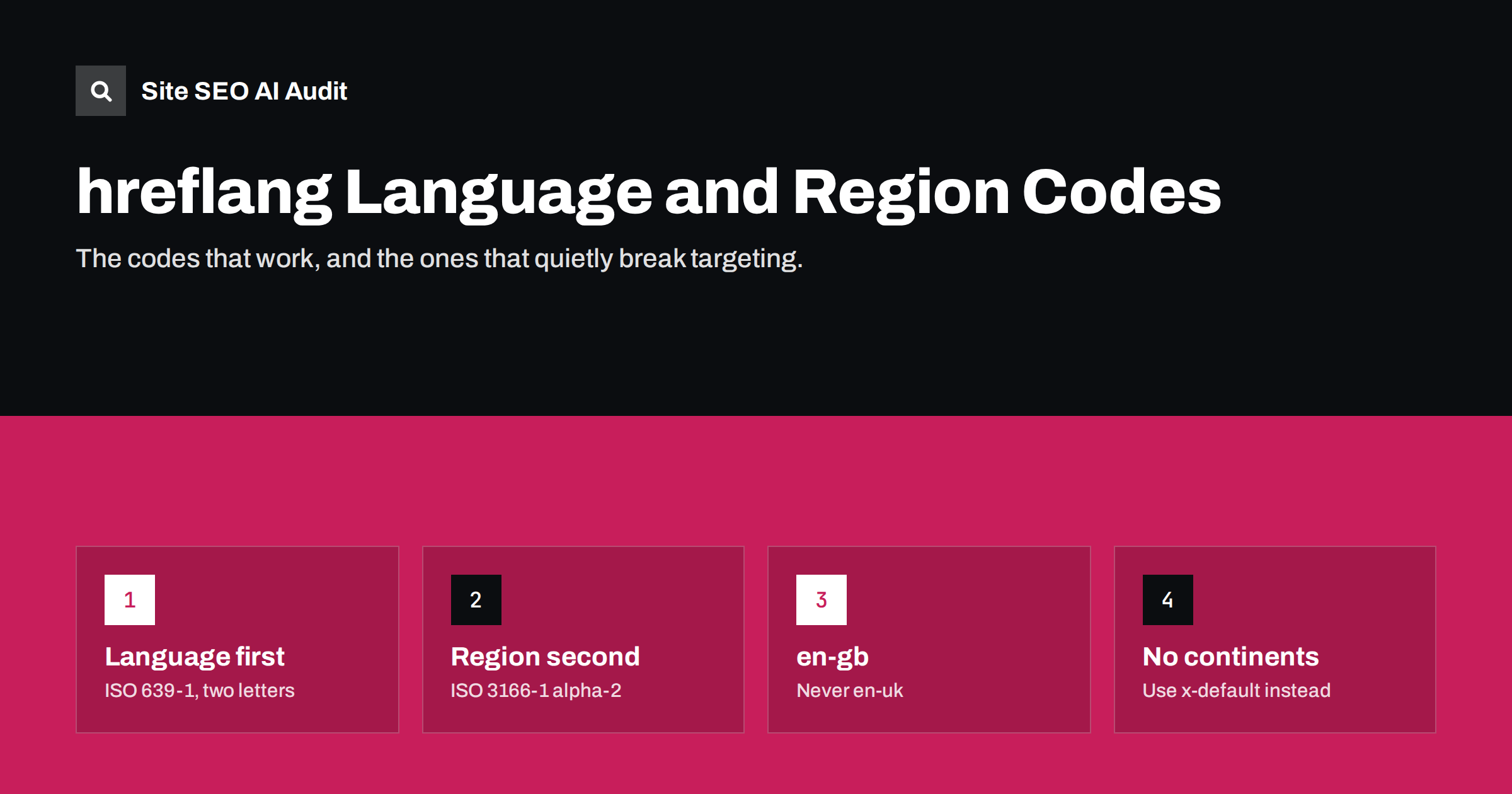
Short answer: An hreflang value is a two-letter ISO 639-1 language code, optionally followed by a dash and a two-letter ISO 3166-1 alpha-2 country code, for example de, en-gb or pt-br. The language always comes first, a country alone is invalid, and regions such as “Europe” or “Latin America” cannot be expressed. The most frequent mistakes are en-uk instead of en-gb and country codes used as languages, such as se, dk or jp.
How an hreflang value is built
Every hreflang value answers one or two questions: which language is this page in, and, optionally, which country is it for? The format follows the same conventions used for language tags on the web generally, as described in BCP 47 (RFC 5646), but search engines support only a practical subset.
- Language: a two-letter code from ISO 639-1, such as
en(English),de(German),lt(Lithuanian) orja(Japanese). - Region (optional): a two-letter code from ISO 3166-1 alpha-2, such as
us,gb,deorbr. - Separator: a hyphen. Underscores, as in
en_GB, are a common source of errors because many CMS store locales that way internally. - Case: case does not matter to search engines.
en-GBanden-gbare equivalent. Pick one style and use it consistently.
There is one special value outside this system: x-default, which marks the fallback page for searchers who match no other version.
When to use a region code and when not to
A region code is only needed when you have different pages for different countries in the same language. The question to ask is simple: does the content really differ?
- One German version for everyone: use
de. German speakers in Germany, Austria and Switzerland will all match it. - Separate German pages for Germany and Switzerland (for example with prices in euros and francs): use
de-deandde-ch. Consider adding a plaindeor x-default to catch German speakers elsewhere. - One English version: use
en, noten-us. Tagging your only English version as en-us suggests it is meant for the United States, which is rarely what you want.
Adding region codes where they are not needed does not break anything by itself, but it makes clusters larger and invites mistakes. Keep it as simple as your content allows.
The most common code mistakes
These errors appear in audits again and again. Each one makes the affected annotation invalid, so search engines ignore it.
| Wrong | Right | Why |
|---|---|---|
| en-uk | en-gb | The ISO country code for the United Kingdom is GB. |
| se | sv (or sv-se) | SE is the country Sweden; the Swedish language is sv. |
| dk | da (or da-dk) | DK is Denmark; Danish is da. |
| cz | cs (or cs-cz) | CZ is Czechia; Czech is cs. |
| jp | ja (or ja-jp) | JP is Japan; Japanese is ja. |
| gr | el (or el-gr) | GR is Greece; Greek is el. |
| ua | uk (or uk-ua) | UA is Ukraine; Ukrainian is uk. |
| us | en-us | A country code alone is not a valid hreflang value. |
| en-eu, es-latam | en, es or x-default | Regions and continents have no ISO 3166-1 alpha-2 code. |
| en_GB | en-gb | The separator must be a hyphen. |
Note the trap in the Ukrainian row: uk is the language code for Ukrainian, not the country code for the United Kingdom. A page tagged uk tells search engines it is in Ukrainian.
Languages with special cases
A few languages need extra thought because of scripts, variants or regional differences.
Chinese
Chinese is written in Simplified and Traditional scripts. Simplified is used mainly in mainland China and Singapore; Traditional mainly in Taiwan and Hong Kong. The common approach is to use region codes, such as zh-cn for Simplified content aimed at mainland China and zh-tw or zh-hk for Traditional. Script subtags such as zh-Hans and zh-Hant are valid in the BCP 47 standard and are used by many sites. Whichever scheme you choose, keep it consistent across the cluster, and make sure the content really uses the script the code implies.
Norwegian
Norwegian has two written standards, Bokmål (nb) and Nynorsk (nn), and a general code no. Most commercial sites are in Bokmål. Using no or nb both work in practice; the key is to use one of them consistently and not to mix them across pages.
Spanish and Portuguese
Spanish differs between Spain and Latin America in vocabulary and tone, and Portuguese differs between Portugal and Brazil. There is no single code for Latin America. Options include one plain es version for all Spanish speakers, or separate country versions such as es-es, es-mx and es-ar, plus a plain es page as the fallback for the remaining countries. For Portuguese, pt-br and pt-pt are both widely used.
Serbian and other two-script languages
Serbian is written in both Cyrillic and Latin. If you publish both, the versions are genuinely different pages, and each needs its own annotation. The same principle applies: the code must describe what the reader actually sees.
Codes must match the page, not the plan
A valid code is only half of the job. The code also has to be true. Search engines look at the actual language of the visible text, and a mismatch weakens trust in the whole cluster.
Typical mismatches include:
- A page tagged
frthat still contains the English original because translation was never finished. - Country versions that are identical, for example en-us and en-gb pages with the same prices, spelling and contact details. These are allowed, but they give search engines little reason to treat them differently.
- A
langattribute on the html element that saysenwhile hreflang saysde, usually because the theme hard-codes the lang attribute.
The lang attribute is separate from hreflang, but it should agree with it. It helps screen readers pronounce text correctly and helps browsers offer translation. When the two disagree, it is a sign that templates are not language-aware.
Where wrong codes usually come from
Invalid hreflang codes are rarely typed by hand. They are generated by the CMS, a multilingual plugin, a theme or a custom script, and they are wrong in the same way on every page. Knowing the source makes the fix much faster.
- Locale settings. Many systems store languages as locales such as
en_GBorpt_BR. If a template prints the locale directly into hreflang, the underscore makes the value invalid. The fix is to convert the underscore to a hyphen when the tag is output. - Custom language labels. Some plugins let administrators type their own language slug, and someone typed
ukfor the United Kingdom orsefor Sweden because it matched the country domain. The slug in the URL can stay as it is; the hreflang code must still be the correct ISO value. - Country-first thinking. Teams organised by market often name versions after countries, not languages. That leads to values such as
usorch. Map each market to a language plus country pair instead. - Old hard-coded tags. After a redesign or plugin change, old hreflang tags sometimes remain in a theme header file, while the new plugin outputs its own set. The page then carries two conflicting clusters.
Whenever a crawl reports invalid codes on hundreds of pages at once, look for one of these sources first. One setting change usually fixes all of them.
How to audit your codes quickly
- List every code in use. A crawl export or a look at the page source of each language version will show them. Most sites use fewer than twenty, so the list is short.
- Check each one against the rules above. Language first, valid ISO codes, hyphen separator, no country-only values.
- Check consistency. The same language should use the same code everywhere.
deon some pages andde-deon others for the same content is a common leftover of site redesigns. - Compare with the lang attribute and the visible text. All three should describe the same language.
- Fix the source. Codes usually come from one setting in the CMS or multilingual plugin. Change it there rather than page by page.
Site SEO AI Audit checks hreflang values and lang attributes as part of its Languages area on every crawled page, together with return links, x-default and broken language versions. Invalid codes show up as issues weighted by the number of pages they affect, with WordPress fix steps where relevant. You can audit your site for free once.
Related reading
- What is hreflang? A plain-English guide for site owners
- hreflang return links: how to fix “no return tags” errors
- hreflang x-default: when to use it and how to set it up
The bottom line
hreflang codes are short, but they are strict. Use a two-letter ISO 639-1 language, add an ISO 3166-1 alpha-2 country only when the content really differs by country, separate them with a hyphen and never use a country code on its own. Watch out for en-uk, se, dk, jp and uk. Then make sure each code tells the truth about the language on the page.
KKK
Is hreflang case-sensitive?
No. Search engines treat en-GB and en-gb as the same value. Consistent casing still makes your templates and audits easier to read.
Can I use a region code without a language code?
No. A value such as hreflang=”de” is read as the German language, and a value such as hreflang=”us” is invalid because US is not a language code. Always start with the language.
How do I target all of Latin America with hreflang?
There is no code for Latin America. Use a plain es version as the general Spanish page, add specific country versions only where you have different content, and use x-default for any remaining fallback.
What is the correct code for British English?
The correct value is en-gb. The code en-uk is invalid because the ISO 3166-1 code for the United Kingdom is GB.
Should my hreflang code match the lang attribute?
Yes, they should describe the same language. hreflang tells search engines about alternates, while the lang attribute tells browsers and assistive technology which language the current page is in.


