 ENEnglish
 LTLietuviškai
 DEDeutsch
 FRFrançais
 RUРусский
 ESEspañol
 PLPolski
 ITItaliano
 UKУкраїнська
 CSČeština
 PTPortuguês
 JA日本語
JA日本語 LVLatviešu valoda
 ETEesti
 HUMagyar
 IDBahasa Indonesia
 TRTürkçe
 HIहिन्दी
 ELΕλληνικά
 ARالعربية
 THไทย
THไทย VITiếng Việt
 RORomână
 MSBahasa Melayu
 BNবাংলা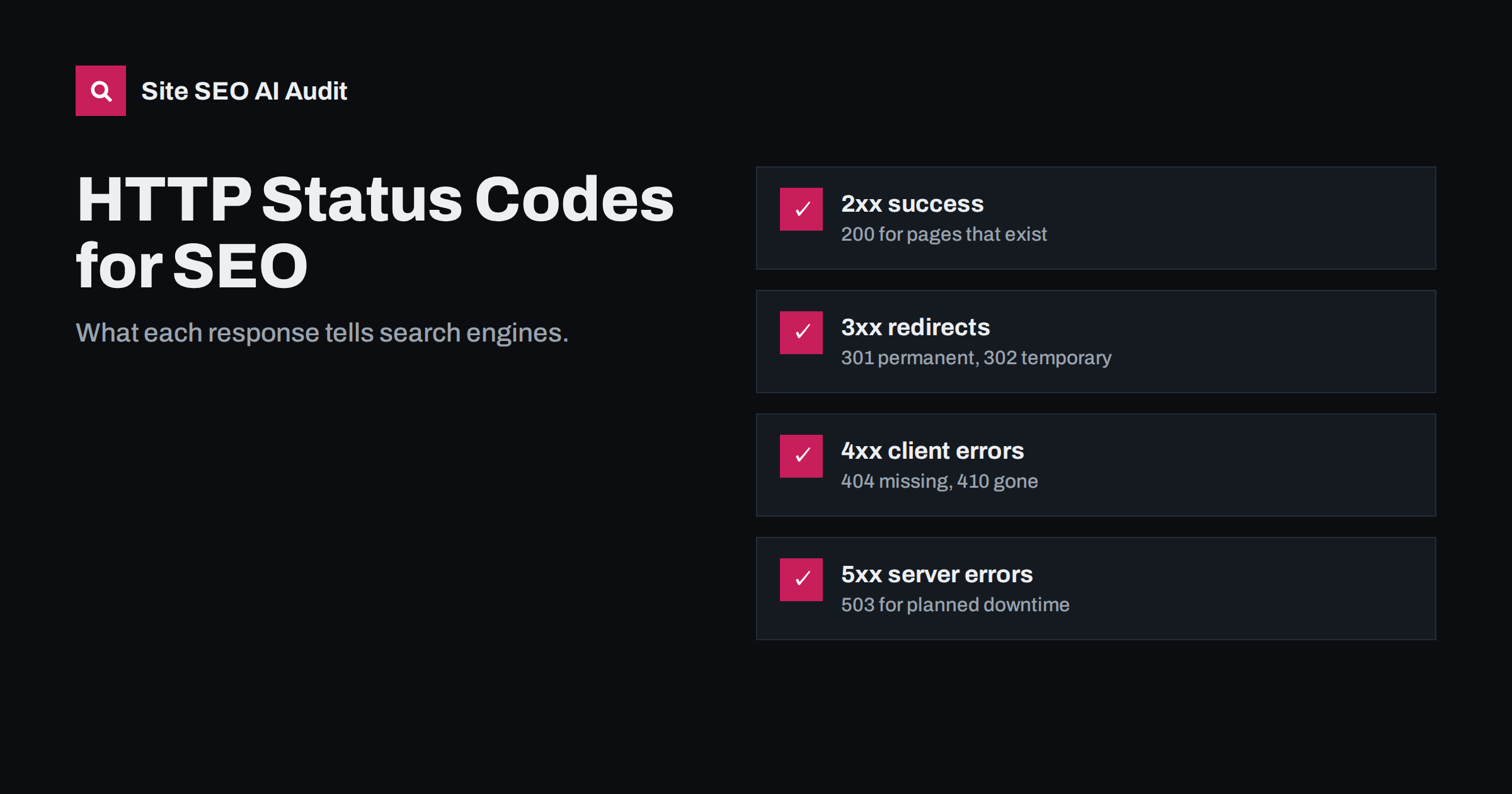
Short answer: the HTTP status code is the first thing a search engine reads about a URL, and it decides what happens next. Live pages must return 200, permanently moved pages 301 or 308, temporarily moved pages 302 or 307, removed pages 404 or 410, and planned downtime 503. Wrong codes cause missing pages, wasted crawling or pages that should be gone staying indexed.
Why status codes matter for SEO
When a crawler requests a URL, the server responds with a three-digit status code before any content. Search engines trust that code heavily. It tells them whether to index the content, follow a redirect, try again later or drop the URL. A page can look perfect in a browser and still return the wrong code, which is why status code problems often go unnoticed until traffic drops.
The first digit gives the family:
- 2xx: success, the content is here.
- 3xx: redirection, the content is somewhere else.
- 4xx: client error, the request cannot be fulfilled, usually because the page does not exist.
- 5xx: server error, something went wrong on the server’s side.
Google summarises how it handles each family in its documentation on HTTP status codes and network errors. The details below focus on the codes you will actually meet.
200 OK: the page exists
200 means the request succeeded and the content is in the response. Every page you want indexed should return 200 directly, without redirects in between. Two traps are common:
- Soft 404s. A “page not found” message or an empty page returned with 200. Search engines detect many of these and exclude them, but they waste crawling and confuse monitoring.
- Error pages with 200. A maintenance message or database error displayed with 200 can get indexed in place of your real content if it persists.
A 200 status does not guarantee indexing. It only makes the content eligible; noindex, canonicals and quality decide the rest.
301 and 308: moved permanently
A 301 or 308 tells search engines the content has moved for good. They transfer the old URL’s signals to the new one and show the new URL in results. Use them for changed slugs, HTTPS moves, domain changes, merged pages and restructured categories. The difference between the two is technical: 308 guarantees the request method is kept, which matters for form submissions and APIs but not for normal page moves.
Best practice is one hop from old to final URL, with internal links updated to point directly to the final URL.
302 and 307: moved temporarily
A 302 or 307 says the move is temporary, so search engines usually keep the original URL in results. They fit short campaigns, A/B tests with separate URLs and temporary swaps. When a 302 stays in place for a long time, search engines may start treating it as permanent, but the safest approach is to use the code that matches your intent from the start. Many platforms default to 302, so check important redirects.
304 Not Modified: nothing changed
A 304 is a response to a conditional request. The crawler says “I have a copy from this date or with this ETag; has it changed?” and the server answers 304 if not, without sending the page again. It saves bandwidth and server work, which can help large sites get crawled more efficiently. It is only valid when the content really has not changed; returning 304 for updated pages means crawlers keep an outdated copy.
404 Not Found and 410 Gone
Both tell search engines the page does not exist. They are normal and healthy for URLs that should not exist. Having 404s does not harm the rest of your site; linking to them from your own pages does, because it wastes visitors’ clicks and crawlers’ time.
- 404 means not found, with no statement about the future. Use it for mistyped URLs and removed pages in general.
- 410 means the page was intentionally and permanently removed. Search engines may drop a 410 URL slightly faster, though in practice the difference is small.
Use 410 when you deliberately remove content with no replacement, such as discontinued products or outdated pages you have decided to delete. Use a 301 instead when a close replacement exists.
Other 4xx codes: 401, 403 and 429
- 401 Unauthorized and 403 Forbidden tell crawlers they cannot access the page. That is correct for private areas. It is a problem when a firewall, security plugin or CDN returns 403 to search engine crawlers on public pages, which blocks indexing without anyone noticing in a normal browser.
- 429 Too Many Requests tells a crawler to slow down. Search engines treat it similarly to server errors and reduce their crawl rate. It is a legitimate short-term tool, but persistent 429s to search engines reduce crawling of the whole site.
5xx server errors and 503 for maintenance
A 500, 502 or 504 tells crawlers the server failed. Occasional errors are tolerated. Persistent errors cause crawlers to slow down, and URLs that keep failing for a long time can eventually be dropped from the index.
For planned maintenance, return 503 Service Unavailable, ideally with a Retry-After header. It tells search engines the outage is temporary and they should come back. A maintenance page served with 200 risks being indexed in place of your content, and a long maintenance period served with 404 risks pages being dropped. Keep planned 503 periods short, from minutes to hours, not days.
Status codes at a glance
| Code | Meaning | Use it for | SEO effect |
|---|---|---|---|
| 200 | OK | Every live page | Content eligible for indexing |
| 301 / 308 | Moved permanently | URL changes, HTTPS, domain moves | Signals move to the new URL |
| 302 / 307 | Moved temporarily | Short campaigns, tests | Original URL usually kept |
| 304 | Not modified | Unchanged pages on recrawl | Saves crawl resources |
| 404 | Not found | Missing or removed pages | URL dropped over time |
| 410 | Gone | Deliberately removed pages | URL dropped, often a bit faster |
| 403 | Forbidden | Private areas only | Page cannot be indexed |
| 429 | Too many requests | Short-term rate limiting | Crawling slows down |
| 500 / 502 / 504 | Server errors | Never on purpose | Crawling slows; long outages drop pages |
| 503 | Unavailable | Planned maintenance | Crawlers retry later |
Where wrong status codes usually come from
Wrong codes rarely come from someone choosing them on purpose. They are side effects of how the stack is put together:
- Caching layers that store an error response and keep serving it, or serve a cached 200 page for a URL that has since been deleted.
- Security plugins and bot protection that challenge or block crawlers with 403 or 429 while normal visitors see the page.
- Custom error templates that forget to set the status code, which is especially common in JavaScript frameworks.
- Maintenance plugins on WordPress that show a “coming soon” page with 200 instead of 503.
- Redirect plugins whose default is 302 rather than 301.
After changes to any of these layers, test a live page, a missing URL and a redirected URL to confirm each returns what it should.
How to check status codes across a site
Browsers hide status codes, so use tools that show them:
- Single URLs:
curl -sI https://www.example.com/page/prints the status line and headers. Add-Lto follow redirects and see every hop. - Whole site: crawl it and group all URLs by status code. Look at every internal link that points to a 3xx, 4xx or 5xx URL.
- Search Console: the page indexing report lists not found, server error, redirect error and soft 404 URLs, and the crawl stats report shows the share of each response code over time.
- Server logs: the most complete record of which codes crawlers actually received, including temporary errors your own tests missed.
How Site SEO AI Audit reports status codes
SEOAuditBot records the status code of every URL it reaches through links and your sitemap. The crawl and index area reports error pages and redirect chains; the links area reports broken internal and external links and links to redirected URLs, each with the pages where the links appear. Server response times are measured on every page in the speed area. You can see what each plan includes.
Related reading
- 301 vs 302 redirects: which one to use and when
- Soft 404 errors: what they are and how to fix them
- Redirect chains and loops: how to find and fix them
The bottom line
Status codes are the most direct signal you send to search engines. Return 200 for live pages, 301 for permanent moves, 404 or 410 for removed content and 503 for planned downtime. Check them with tools rather than a browser, and fix internal links that point to anything other than a 200 page.
KKK
Do 404 errors hurt SEO?
404s for pages that should not exist are normal and do not harm the rest of your site. The problems are internal links pointing to 404 pages and valuable pages returning 404 by mistake. Fix those, and redirect removed pages that have backlinks to a close equivalent.
Should I use 404 or 410 for deleted pages?
Both work. Use 410 when you removed content deliberately and permanently, and 404 in general. Search engines treat them very similarly, with 410 sometimes processed slightly faster.
What status code should a maintenance page return?
Return 503 Service Unavailable, ideally with a Retry-After header. It tells search engines the outage is temporary. Keep maintenance short, because long periods of 503 can eventually lead to pages being dropped.
Why does my site return 403 to Googlebot?
Usually a firewall, security plugin, CDN bot protection or hosting rule is blocking the crawler. Check server and firewall logs, allow verified search engine crawlers, and test with URL Inspection in Search Console.
Can a page with a 200 status still be an error?
Yes. A page that says “not found” or is essentially empty while returning 200 is a soft 404. Search engines usually detect it and exclude it, but the correct fix is to return a real 404 or add real content.


