 ENEnglish
 LTLietuviškai
 DEDeutsch
 FRFrançais
 RUРусский
 ESEspañol
 PLPolski
 ITItaliano
 UKУкраїнська
 CSČeština
 PTPortuguês
 JA日本語
JA日本語 LVLatviešu valoda
 ETEesti
 HUMagyar
 IDBahasa Indonesia
 TRTürkçe
 HIहिन्दी
 ELΕλληνικά
 ARالعربية
 THไทย
THไทย VITiếng Việt
 RORomână
 MSBahasa Melayu
 BNবাংলা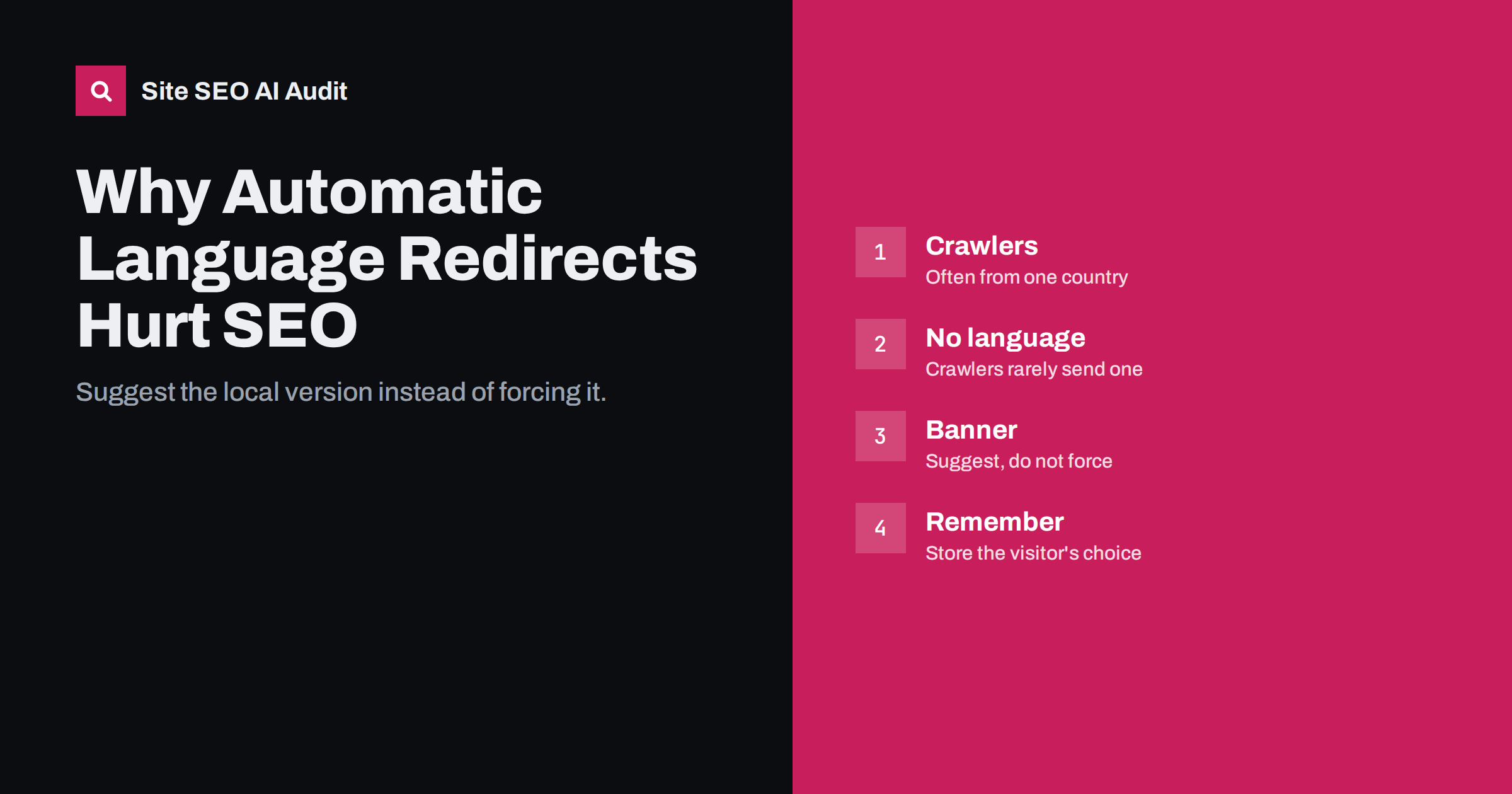
Short answer: Automatically redirecting visitors to a language or country version based on their IP address or browser language can stop search engines from seeing some of your versions, because crawlers usually come from a few locations and rarely send a language preference. It also frustrates travellers, expats and anyone using a VPN. The safer pattern is to let every URL load for everyone, suggest the local version with a banner, remember the visitor’s choice and use hreflang to guide search engines.
What automatic language redirects are
Many international sites try to be helpful by sending each visitor straight to “their” version. Two techniques are common:
- IP-based redirects. The server looks up the visitor’s location from their IP address and redirects a visitor from Germany to /de/, a visitor from France to /fr/, and so on.
- Browser-language redirects. The server reads the Accept-Language header that browsers send and redirects to the matching language.
Sometimes the redirect happens only on the home page. Sometimes it happens on every URL, so that anyone who opens a German product page from outside Germany is pushed to another version. The more aggressive the redirect, the bigger the SEO risk.
Why search engines struggle with forced redirects
Search engine crawlers do not behave like typical visitors. Google says its crawler, Googlebot, mostly crawls from IP addresses in the United States, and that it usually sends requests without an Accept-Language header. Google’s guidance on locale-adaptive pages spells this out and recommends separate URLs with hreflang instead.
Consider what happens when such a crawler requests your German page:
- Googlebot requests
example.com/de/produkte/from a US IP address. - Your server detects a US visitor and redirects to
example.com/en/products/. - Googlebot follows the redirect and indexes the English page.
- The German page is never seen as a page of its own. German searchers get the English page, or no page at all.
With browser-language redirects the effect is similar. A crawler that sends no language preference falls through to whatever default the server chooses, and the other versions may be treated as redirects rather than as pages.
Even when crawlers can see all versions, forced redirects add hops, slow down crawling and create redirect chains when combined with other rules such as http-to-https or trailing slashes.
Why visitors dislike them too
Search engines are not the only ones hurt. Forced redirects assume that location equals language, which is often wrong:
- An English-speaking expat in Spain wants the English site but is forced into Spanish.
- A traveller in Japan who clicks a link to your French page lands on a Japanese page they cannot read.
- People using a VPN or a corporate network appear to be in another country entirely.
- Multilingual countries such as Switzerland, Belgium and Canada have several official languages; an IP address cannot tell which one the visitor reads.
- Shared links break. A customer sends a colleague abroad a link to a specific page, and the colleague ends up on a different page or on the home page.
If the redirect also prevents switching back, visitors cannot reach the content they asked for at all. That is a poor experience and, in shops, a direct loss of sales.
The recommended pattern: suggest, do not force
A pattern that works for both people and search engines looks like this:
- Every URL returns its own content with status 200, for everyone, regardless of location or browser language.
- Detect a likely mismatch, for example a visitor whose browser prefers German viewing the English page.
- Show a small banner in the visitor’s likely language: “This page is also available in German. Switch?” with a link to the equivalent German page.
- Remember the choice in a cookie or local storage, so the banner does not keep reappearing and the visitor’s preference is respected on the next visit.
- Keep a visible language switcher on every page, linking to the equivalent page in each language.
- Use hreflang so search engines show the right version in search results in the first place. Most visitors then land on the correct language directly from search, and the banner rarely needs to appear.
The banner must not cover the main content in a way that blocks reading, especially on mobile. A slim bar at the top or bottom of the page is usually enough.
Common set-ups compared
Not every form of language detection carries the same risk. The table below summarises the patterns seen most often on international sites and how they tend to affect search visibility and visitors.
| Set-up | SEO risk | Visitor experience | Verdict |
|---|---|---|---|
| Every URL redirects by IP | High: versions may never be crawled | Poor for travellers, expats, VPN users | Avoid |
| Every URL redirects by browser language | High: crawlers without a language header see one default | Poor when browser settings do not match the reader | Avoid |
| Root redirects, language URLs load normally | Moderate: root may not be indexed as a page | Acceptable if switching is easy | Use with care |
| Root shows a language selector | Low: selector can be the x-default | One extra click for first-time visitors | Good |
| All URLs load, banner suggests local version | Low: every version is crawlable | Good, choice stays with the visitor | Recommended |
If your site currently uses one of the risky patterns, the change to the recommended one is usually small in code: replace the redirect with the banner logic and keep the detection itself. The benefit is that every version becomes reachable for every visitor and every crawler.
What about the home page?
The root URL, such as example.com/, is where redirects are most tempting and where they are least harmful if done carefully. There are three reasonable options:
- A language selector page that lists all versions. It returns 200, is indexable and serves as the x-default in the hreflang cluster.
- A default version at the root, for example the English home page, with a banner suggesting other languages. The other language home pages live in their own folders.
- A redirect from the root only, to a language folder chosen from the browser language, with a fallback for requests without a language preference. This is the riskiest of the three. If you use it, make sure every language home page can still be reached directly and is linked from the others, and that crawlers without a language header get a consistent result.
In every case, the language-specific URLs themselves should never redirect based on who is asking.
Country-specific restrictions are a different case
Sometimes a business genuinely cannot serve certain countries, for example for legal or licensing reasons. That is not the same as language targeting. If content must be restricted, it is better to show a clear message on the page explaining that the product is not available in the visitor’s country than to silently redirect. Keep in mind that if you block or redirect US visitors, you may also block the crawler that most often visits your site.
Prices and currency are another common reason for geo-detection. Showing a local currency based on location is often fine, as long as the URL and main content stay the same and search engines can see the page. Where price and availability differ substantially by country, separate country URLs with hreflang are clearer than one URL that changes its content.
How to check whether your site redirects by location
- Request pages without a language header. Use a command-line tool such as curl with no Accept-Language header and check whether each language URL returns 200 or a redirect.
- Request pages with different languages. Send a German Accept-Language header to the English page and see whether you are redirected.
- Test from different locations. A VPN or a remote server in another country shows whether IP-based redirects are active.
- Use URL inspection in Search Console. It shows what Google fetched for a given URL, including any redirect.
- Crawl the site. A crawler that follows hreflang links will report alternates that redirect instead of returning 200.
Site SEO AI Audit crawls a site like a search engine and flags hreflang alternates that redirect or break, as part of its Languages checks, along with redirect chains in its crawl checks. Both show up weighted by the number of affected pages. You can run a free audit to see whether your language versions are reachable.
Related reading
- hreflang x-default: when to use it and how to set it up
- Redirect chains and loops: how to find and fix them
- International SEO for beginners: how to take a site global
The bottom line
Forced redirects by IP or browser language assume too much about visitors and can hide whole language versions from search engines, which often crawl from one country without a language preference. Let every URL load for everyone, suggest the local version with a banner, remember the visitor’s choice, keep a clear language switcher and rely on hreflang to put the right version in search results.
KKK
Are IP-based redirects bad for SEO?
They are risky. Crawlers often come from a single country, so forced IP redirects can prevent search engines from seeing other versions. Suggesting the local version with a banner is the safer approach.
Does Googlebot crawl from different countries?
Google says Googlebot mostly crawls from US IP addresses and may occasionally crawl from other locations. You should not rely on it seeing your site the way local visitors do.
Is it acceptable to redirect only the home page?
It is less harmful than redirecting every URL, but a language selector or a default version with a banner is still safer. If you do redirect the root, make sure every language home page is reachable directly and linked from the others.
Can I show local prices based on the visitor’s location?
Adjusting the currency display is usually fine if the URL and main content stay the same. If prices, availability or terms differ a lot by country, separate country pages with hreflang are clearer for search engines.
How should I remember a visitor’s language choice?
Store it in a cookie or local storage when the visitor picks a language, and respect it on later visits. Never override an explicit choice with automatic detection.


