 ENEnglish
 LTLietuviškai
 DEDeutsch
 FRFrançais
 RUРусский
 ESEspañol
 PLPolski
 ITItaliano
 UKУкраїнська
 CSČeština
 PTPortuguês
 JA日本語
JA日本語 LVLatviešu valoda
 ETEesti
 HUMagyar
 IDBahasa Indonesia
 TRTürkçe
 HIहिन्दी
 ELΕλληνικά
 ARالعربية
 THไทย
THไทย VITiếng Việt
 RORomână
 MSBahasa Melayu
 BNবাংলা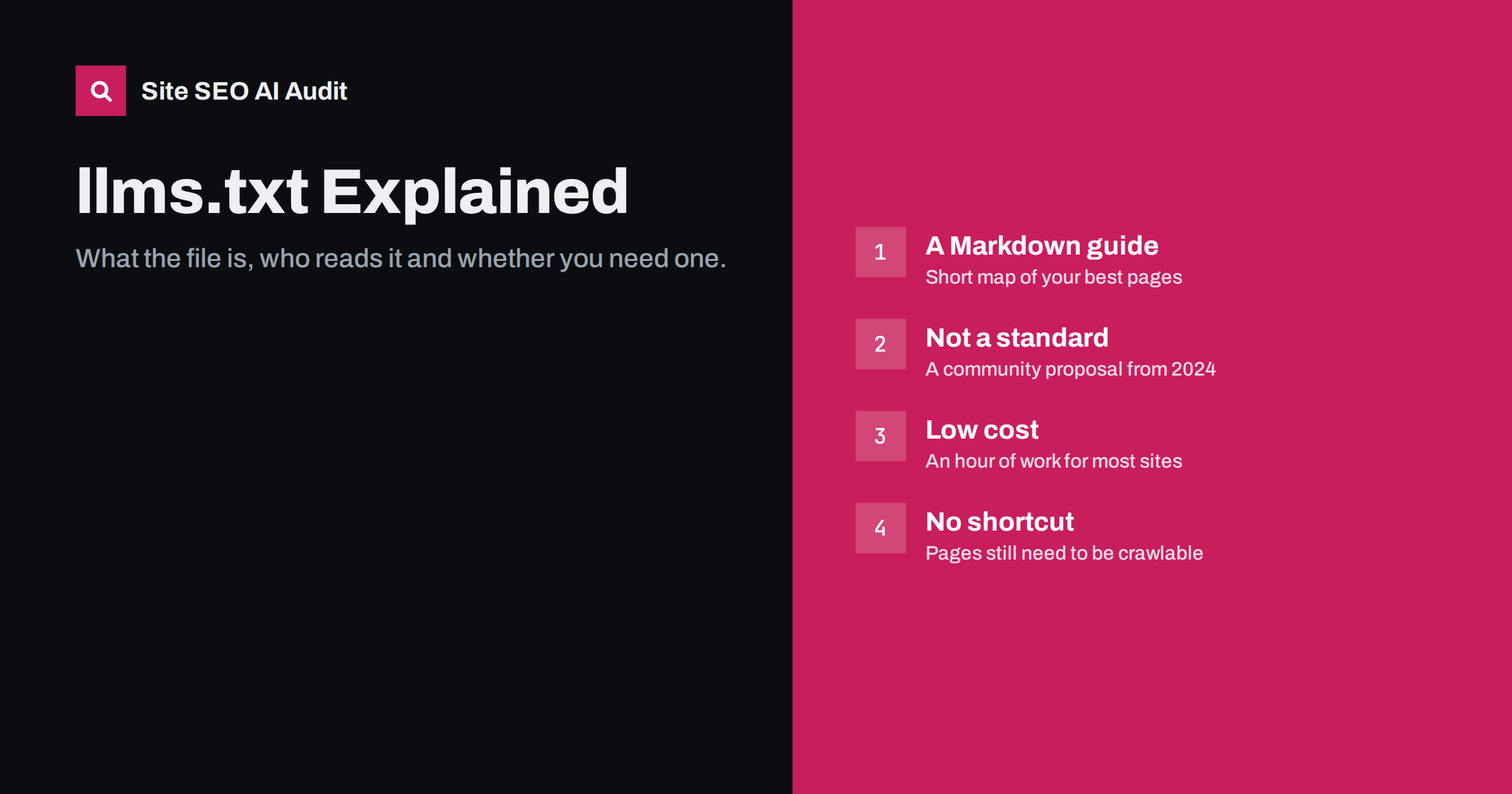
Short answer: llms.txt is a proposed Markdown file placed at /llms.txt that gives language models a short, curated guide to a website’s most useful content. It is a community proposal, not an official standard, and no major AI search product has publicly committed to relying on it. It is cheap to create and can help tools that do read it, but it does not replace crawlable pages, robots.txt or a sitemap.
What llms.txt is
The llms.txt proposal was published in September 2024 as a simple convention: put a Markdown file at the root of your domain that tells language models what your site is and where its most important content lives. The idea came from the documentation world, where developers wanted AI coding assistants to find clean, relevant docs instead of wading through navigation menus, cookie banners and scripts.
Think of it as a hand-written table of contents for machines. A normal web page is built for humans and browsers. It contains layout, menus, footers, tracking code and often content that only appears after JavaScript runs. A language model working with a limited context window benefits from a short, clean summary that points straight to the pages that matter.
The proposal is maintained publicly at llmstxt.org, which describes the format and gives examples.
What goes inside the file
The format is deliberately simple and readable by both people and programs. A typical llms.txt contains:
- An H1 heading with the name of the site or project. This is the only required element.
- A short summary in a blockquote, one or two sentences explaining what the site offers.
- Optional paragraphs with extra context, such as who the product is for or important caveats.
- H2 sections with link lists, each link written as a Markdown link followed by a short note about what the page covers.
- An “Optional” section for secondary links that can be skipped when space is tight.
A small business might produce something like this:
# Example Bakery

> Family bakery in Kaunas making sourdough bread and cakes to order since 2012.

## Main pages
- [Menu and prices](https://example.com/menu/): current breads, cakes and seasonal items
- [Custom cake orders](https://example.com/cakes/): how to order, lead times, delivery area
- [Opening hours and location](https://example.com/contact/): address, hours, parking

## Optional
- [Blog](https://example.com/blog/): recipes and baking tips
The proposal also suggests an optional companion file, llms-full.txt, containing the full text of key pages in one document, and offering Markdown versions of pages at the same URL with .md appended. These are most common on developer documentation sites.
Who actually reads llms.txt today
This is the honest part many guides skip. As of writing, the major AI search products have not published documentation saying that they use llms.txt when choosing or citing sources. Google has stated publicly that its AI features in Search rely on normal crawling and indexing, and its representatives have indicated they do not use llms.txt. Other large assistants have not documented support either.
Where the file does get used is in more direct workflows:
- AI coding assistants and developer tools that can be pointed at a documentation site’s llms.txt to load the right pages.
- Agents and browsing tools that look for the file as a shortcut when a user asks them to read a site.
- People who paste the file into a chat to give an assistant context about a product.
Server logs on sites that publish the file often show occasional requests for it, but occasional fetches are not proof that it influences answers. Treat llms.txt as a low-cost bet, not as a ranking lever.
It is also worth remembering why adoption is slow. Search and answer engines already have mature crawlers, indexes and quality signals. A file that site owners write about themselves is easy to fill with self-promotion, so large systems have little reason to trust it more than the pages they can crawl and evaluate directly. That may change, but for now the value lies mainly in convenience for tools and agents that read a site on a user’s request.
llms.txt vs robots.txt vs sitemap.xml
People often confuse these three files because they all live at the root of a domain and all speak to machines. They do very different jobs.
| File | Purpose | Status | Controls access? |
|---|---|---|---|
| robots.txt | Tells crawlers which paths they may fetch | Internet standard (RFC 9309) | Yes, for crawlers that respect it |
| sitemap.xml | Lists URLs you want discovered and indexed | Widely supported protocol | No |
| llms.txt | Curated Markdown guide to your best content | Community proposal | No |
The key point: llms.txt cannot block or allow anything. If your robots.txt disallows an AI crawler, listing pages in llms.txt will not let that crawler in. If you want AI tools to stay away from certain content, robots.txt and server-side rules are the tools for the job.
Should your site have one?
For most sites the decision comes down to effort versus plausible benefit. The effort is small, so the bar is low. Consider these cases:
- Software, APIs and documentation. Yes, it is worth doing. Developers increasingly work alongside AI assistants and this is where the format has real adoption.
- SaaS and B2B services. Probably worth it. A short, accurate description of what you do, your main features and your key pages gives any tool that reads it a correct summary.
- Online shops. Optional. A file listing main categories, shipping and returns policies and support pages is easy to produce, but it will not replace product structured data or crawlable product pages.
- Local businesses and small brochure sites. Optional and low priority. Your time is better spent on accurate business information across the web, but a five-line file does no harm.
The one situation where you should not bother yet is when basic crawlability is broken. If AI crawlers are blocked, key pages return errors or your content only appears after JavaScript, fix that first. Those issues affect every search and AI system, while llms.txt affects only the tools that choose to read it.
How to create a good llms.txt
Writing the file takes about an hour for a typical small site. Follow these steps:
- Pick your 10 to 30 most important pages. Main service or product pages, pricing, contact, key guides and policies. Leave out tag archives, thin pages and anything behind a login.
- Write a one-sentence summary of the business that is factual and specific. Avoid slogans. This line may be repeated verbatim by a tool.
- Group links under clear H2 headings such as “Products”, “Documentation”, “Policies” or “Guides”.
- Add a short note after each link saying what the page answers. This is the most valuable part of the file.
- Use absolute URLs with your canonical domain, and make sure every linked page returns a 200 status and is not noindexed.
- Save it as UTF-8 plain text at
https://yourdomain.com/llms.txtand check that it loads in a browser. - Put a review date in your calendar. An outdated llms.txt that points to removed pages or old prices is worse than none.
On WordPress, some SEO plugins can now generate the file automatically. If you use one, read the output: generated files often list every post instead of a curated selection, which defeats the purpose.
Common llms.txt mistakes
- Dumping the whole sitemap. Hundreds of links without notes make the file no more useful than sitemap.xml.
- Marketing copy instead of facts. “The world’s leading solution” gives a model nothing to work with. Say what you do, for whom and where.
- Linking to redirected or broken URLs. Every link should resolve directly to the final, canonical page.
- Serving it with the wrong content type or behind a firewall. Some security rules block unknown bots from all files, including this one.
- Stating facts that conflict with your pages. If the file says you ship to the whole EU but your shipping page says otherwise, you create exactly the confusion you want to avoid.
- Expecting it to override robots.txt. It cannot grant access to blocked paths.
How Site SEO AI Audit checks it
The AI visibility area of a Site SEO AI Audit report checks whether your site has an llms.txt file, alongside the checks that matter more: whether AI crawlers are allowed in robots.txt, whether page content needs JavaScript to appear, and whether pages carry the structure and dates that AI answers tend to quote. Seeing them together helps you put llms.txt in its proper place in the fix list rather than treating it as the main task. You can start with a free audit of your site.
Related reading
- What Is Generative Engine Optimization? A Plain Guide
- Robots.txt for SEO: What to Block and What to Leave Open
The bottom line
llms.txt is a simple, sensible idea with limited adoption so far. It is worth an hour of work for documentation, software and service sites, and optional for most others. Create a short, curated, accurate file, keep it up to date, and do not let it distract you from the fundamentals: crawler access, server-rendered content and clear pages.
KKK
Is llms.txt an official standard?
No. It is a community proposal published in 2024 and is not an IETF or W3C standard. Support depends entirely on individual tools choosing to read it.
Does Google use llms.txt for AI Overviews?
Google has said its AI features rely on normal Search crawling and indexing, and it has not documented any use of llms.txt. Treat the file as irrelevant for Google rankings and AI Overviews.
Can llms.txt block AI crawlers from my content?
No. The file only describes content; it has no access rules. Use robots.txt directives or server-level blocking to control which crawlers can fetch your pages.
Where exactly should the file be placed?
At the root of your domain, so it loads at https://yourdomain.com/llms.txt. It should be plain text encoded in UTF-8 and return a 200 status code.
How often should I update llms.txt?
Update it whenever you add, remove or rename important pages, and review it at least every few months. An outdated file that points to missing pages can mislead the tools that read it.


