ENEnglish
 LTLietuviškai
 DEDeutsch
 FRFrançais
 RUРусский
 ESEspañol
 PLPolski
 ITItaliano
 UKУкраїнська
 CSČeština
 PTPortuguês
 JA日本語
 LVLatviešu valoda
 ETEesti
 HUMagyar
 IDBahasa Indonesia
 TRTürkçe
 HIहिन्दी
 ELΕλληνικά
 ARالعربية
 THไทย
 VITiếng Việt
 RORomână
 MSBahasa Melayu
 BNবাংলা
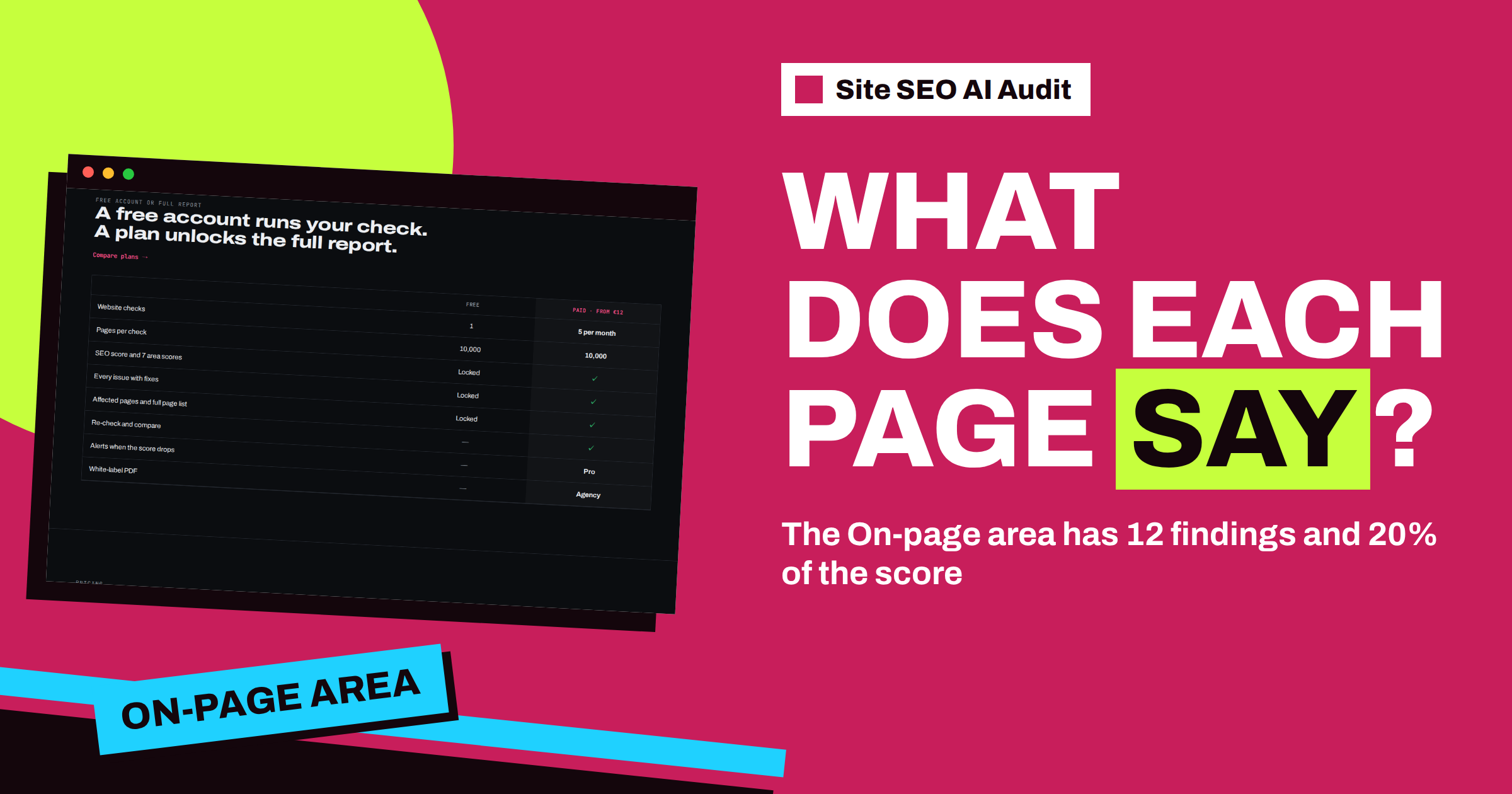
Short answer: The On-page area of Site SEO AI Audit looks at what each page says about itself: its title, meta description, main heading, text, images and favicon. It has 12 findings, one critical, five warnings and six notices, and it carries 20 percent of the overall SEO score, the second largest share after Crawl and index. Fix missing titles first, then the warnings about duplicates, descriptions, headings and thin content, and finish with the notices. A new check shows how much the area score improved.
Once search engines can reach your pages, they have to understand them. The On-page area measures how clearly each page explains its own purpose. It is also the area where you have the most direct control, because every finding can be fixed by editing text, headings or images, with no server changes.
What the area covers
The audit reads every crawled page and records its title, description, headings, word count, images and head tags. The area collects the findings about those elements. It does not look at the quality of your writing or the keywords you use. It checks whether the basic building blocks exist, whether they are unique and whether their size is sensible. The area score runs from 0 to 100 and enters the overall score with a weight of 20 percent. The other weights are Crawl and index 25, Links 15, Speed 15, Structured data 10, AI visibility 8 and Languages 7. If you want to see how the numbers combine, the article on how the audit score is calculated goes through the formula.
The 12 findings
| Severity | Finding | Fix suggested in the report |
|---|---|---|
| Kriitiline | Missing page title | Write a unique title of 50 to 60 characters |
| Hoiatus | Duplicate titles | Give each page its own title |
| Hoiatus | Missing meta description | Write a 120 to 160 character summary |
| Hoiatus | Missing H1 heading | Add one H1 with the main topic |
| Hoiatus | Thin content (under 200 words) | Expand the page or merge it |
| Hoiatus | Duplicate content | Keep one version and redirect or canonicalise the rest |
| Notice | Title too long or too short | Keep titles between 20 and 60 characters |
| Notice | Duplicate meta descriptions | Write a unique description for each page |
| Notice | Several H1 headings | Keep one H1 and turn the others into H2 |
| Notice | Images without alt text | Describe each meaningful image |
| Notice | No favicon | Add a favicon |
| Notice | Favicon is not declared in the HTML | Add a link rel icon line to the head |
A critical finding weighs ten points, a warning four and a notice one. Each is multiplied by the share of indexable pages it affects, raised to the power of 0.6, so a problem that repeats on many pages costs far more than a few forgotten ones.
Titles and descriptions
Every page has a small amount of space in search results, and these findings protect it. Four findings sit around the snippet that people see in search results. A missing title is the only critical one, because without it Google writes its own, and the result is rarely what you would choose. Duplicate titles are a warning, because search engines cannot tell the pages apart and may show only one of them. Title length is a notice with a range of 20 to 60 characters. Descriptions have a warning for missing ones and a notice for duplicates.
When you work on these, start from the template, not from the page. A theme that creates the same title pattern for every page is easier to fix than hundreds of pages. The guides to writing title tags and writing meta descriptions give practical rules, and the report on duplicate titles shows the finding in detail.
It is worth keeping a short list of your most important pages next to the report: the home page, the main service or product pages and your best articles. Check them first in every finding. A duplicate description on a thank-you page matters little, but the same problem on the page that brings most of your visitors matters a lot, and the report alone will not tell you which pages those are.
Headings
The H1 is the main heading of the page. A missing H1 is a warning, and several H1 headings are a notice. The advice is to keep one H1 with the main topic and use H2 for sections. The H1 best practices article explains how to write a good one.
Content: thin and duplicate
The audit flags pages with fewer than 200 words as thin content and pages that repeat the same text on several addresses as duplicate content. Both are warnings. Thin pages rarely rank for anything and can pull the whole site down, and duplicates compete with each other. The answer is not always to add more words. Sometimes the right fix is to merge two weak pages into one strong one, or to redirect the copies. The article on thin content explains how to decide.
One detail is useful to know. Pages whose canonical points to another address are not evaluated for duplicate titles, descriptions or content, because they are not asking to rank themselves.
When a page is thin, ask what a visitor would expect to find there. If the honest answer is “nothing more than the title”, the page may not need to exist. If the answer is “more detail, examples or prices”, write it. Pages created only to hold a keyword tend to end up on this list.
Images and favicon
Images without alt text are a notice. Alt text helps image search and people who use screen readers, and the fix is to describe each meaningful image in a few words. The two favicon findings are also notices: one when no favicon exists, another when the favicon is not declared in the page head, which Google and other tools look for. Both are small, and both can usually be fixed once for the whole site. See the image alt text guide for writing good descriptions.
A worked example
A services company with 80 pages runs its first check and sees the On-page area at 58. The list shows 80 pages with the same title pattern, 31 pages with no description, a few thin pages and a favicon that is not declared. The owner starts with the largest source of points. The theme builds every title from the site name and nothing else, so the title template is changed to use the page title first and the company name last. That one change clears the duplicate titles and shortens the long ones.
Next come the 31 pages without a description, which are written by hand over an afternoon, starting with the service pages. A new check shows the area score at 84. The remaining findings are two thin thank-you pages, which the owner decides to leave alone, and the favicon, which is fixed with one line in the theme. The example shows the usual shape of an On-page clean-up: a template change removes the bulk, handwork covers the important pages, and a few conscious exceptions stay.
A sensible order of work
- Missing titles. The only critical finding in the area, so it comes first.
- Template-level warnings. Duplicate titles, missing descriptions and missing H1 often have one source.
- Thin and duplicate content. Decide page by page whether to expand, merge or redirect.
- Notices. Title length, duplicate descriptions, extra H1s, alt text and favicon.
- Run a new check. Compare the area score before and after. The pricing page shows how many checks each plan includes per month.
The top fixes list at the beginning of the report ranks every issue by the points it adds, so it can tell you which of these steps pays off most for your own site. The article on fixing issues by impact explains how to use it.
What the area does not tell you
A perfect On-page score does not mean that your content is good. The audit cannot judge whether your text answers what people search for. It can tell you that every page has a title, a description and a main heading, that they are not copies of each other and that the pages have enough text to say something. Treat the area as a hygiene check: it removes the obvious problems so that the quality of your writing can make the difference.
Related reading
- How to Do an On-Page SEO Audit: A 7-Step Process
- Missing Meta Descriptions: Find and Fix Them in Bulk
- Site Name and Favicon in Google Results: How to Set Them
The bottom line
The On-page area is the most editable part of your report. Fix the missing titles, clear the duplicates at their source, give each page one heading and enough text, and run a new check to watch 20 percent of your score move.
KKK
How many findings does the On-page area have?
Twelve: one critical, five warnings and six notices, covering titles, descriptions, headings, content, images and the favicon.
Which On-page finding is critical?
A missing page title. Without a title, Google writes its own, which is rarely what you would choose.
How many words make a page thin?
The audit flags pages with fewer than 200 words as thin content, a warning in the area.
Why are some of my pages not in the duplicate findings?
Pages whose canonical points to another address are not evaluated for duplicate titles, descriptions or content.
Can I see the affected pages on a free account?
A free account runs one check and shows the report locked. A paid plan unlocks every issue, the affected pages and the fixes.