 ENEnglish
 LTLietuviškai
 DEDeutsch
 FRFrançais
 RUРусский
 ESEspañol
 PLPolski
 ITItaliano
 UKУкраїнська
 CSČeština
 PTPortuguês
 JA日本語
JA日本語 LVLatviešu valoda
 ETEesti
 HUMagyar
 IDBahasa Indonesia
 TRTürkçe
 HIहिन्दी
 ELΕλληνικά
 ARالعربية
 THไทย
THไทย VITiếng Việt
 RORomână
 MSBahasa Melayu
 BNবাংলা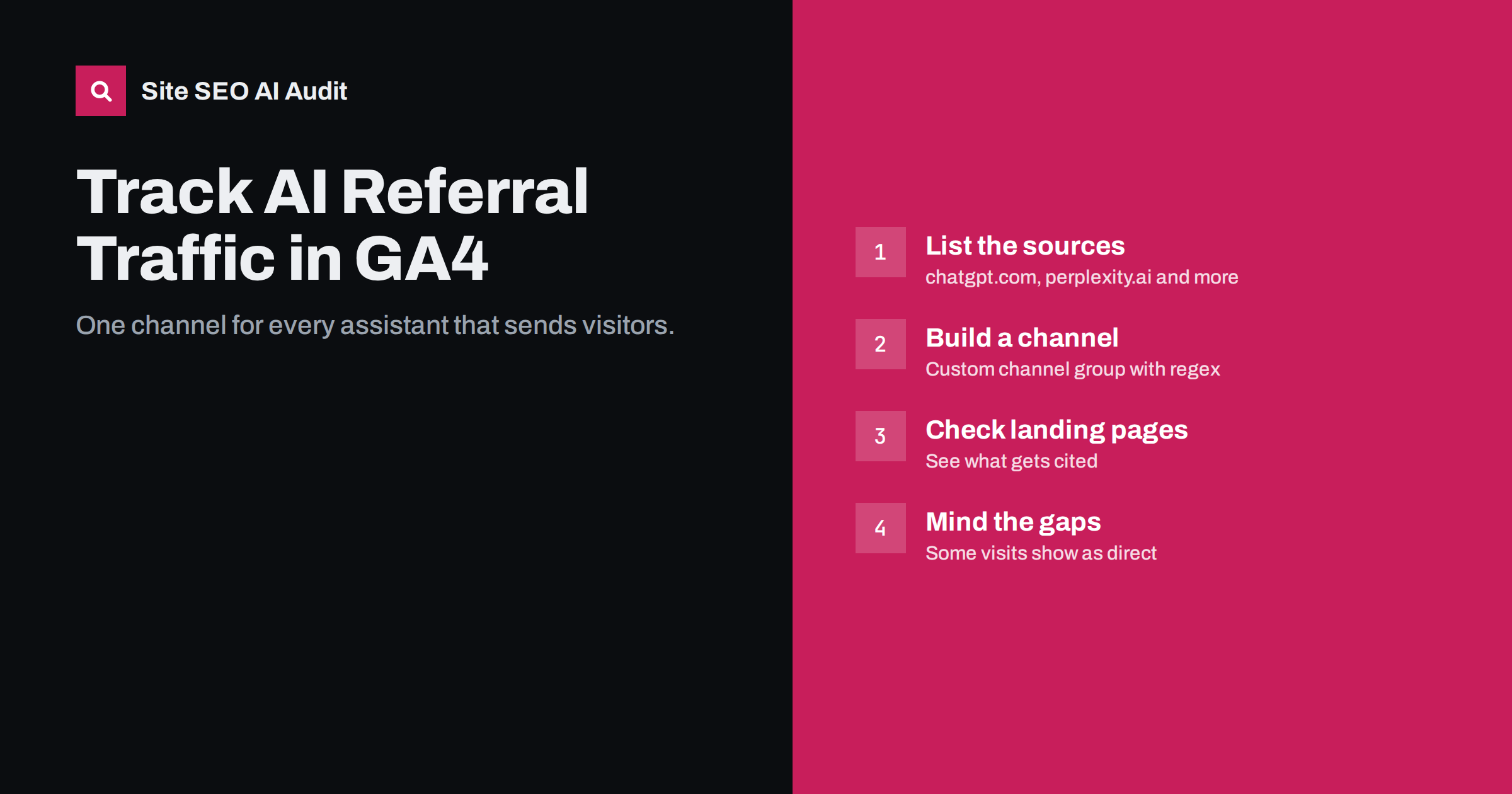
Short answer: In Google Analytics 4, create a custom channel group with an “AI assistants” channel whose rule matches session sources such as chatgpt.com, perplexity.ai, copilot.microsoft.com, gemini.google.com and claude.ai, and place it above the Referral channel. You can then see AI visits, their landing pages and conversions in standard reports. The numbers are a lower bound, because some AI visits arrive without a referrer and are counted as direct.
Why AI referrals deserve their own channel
By default, GA4 lumps visits from AI assistants into the Referral channel, next to links from partner sites, directories and forums. Some are even counted as Organic Search or Direct, depending on how the visit arrives. That makes it hard to answer simple questions: are assistants sending more visitors than last quarter, which pages do they cite, and do those visitors buy?
A dedicated channel solves this without any change to your tracking code. It is a reporting layer, so it is quick to set up and easy to adjust as new assistants appear. It also creates a shared definition: when a colleague or client asks how much traffic comes from AI, everyone looks at the same number.
It also makes comparisons fair. Without a separate channel, a month with several new partner links can hide a drop in AI visits, or the reverse, because both land in the same Referral row. Separating them lets you see each trend on its own terms.
Expect small numbers at first for most sites. AI referrals are still a modest share of traffic compared with classic search, but visitors from assistants often arrive with specific intent, so it is worth watching conversion rates as well as volume.
Which sources to include
Referrer domains change as products are renamed or moved, so review your own referral report and add what you find. Common sources include:
| Assistant | Typical source domains |
|---|---|
| ChatGPT | chatgpt.com, chat.openai.com (older links) |
| Perplexity | perplexity.ai |
| Microsoft Copilot | copilot.microsoft.com |
| Google Gemini | gemini.google.com |
| Claude | claude.ai |
| Others | you.com, phind.com, meta.ai and others you see in reports |
Note what is missing: Google AI Overviews and AI Mode. Clicks from those features come through google.com and are counted as organic search, with no separate referrer. You cannot isolate them in GA4; Search Console is the place to look, and even there they are mixed into Web search data.
ChatGPT also typically appends utm_source=chatgpt.com to links in its answers. GA4 treats that as the session source, which conveniently matches the same rule.
Step by step: create the custom channel group
- Open Admin and go to Data display, then Channel groups. You need Editor access to the property.
- Copy the default channel group rather than starting from scratch, so that all existing channels keep working. Give it a clear name such as “Default + AI”.
- Add a new channel called “AI assistants”.
- Set the condition to Session source, “matches regex”, with a pattern like
chatgpt\.com|chat\.openai\.com|perplexity\.ai|copilot\.microsoft\.com|gemini\.google\.com|claude\.ai|you\.com|phind\.com. - Move the channel above Referral in the list. GA4 assigns each session to the first channel whose rules match, so if Referral comes first, it will capture these visits.
- Save and wait a short while for reports to reflect the new group.
- Select the new channel group in the Traffic acquisition report by changing the primary dimension to your custom group.
Custom channel groups are applied when reports are generated, so in practice you can usually see historical data in the new channel as well. Check your own property to confirm, because features and limits change.
Reports that answer real questions
Once the channel exists, a few views give most of the value:
- Traffic acquisition by channel. Sessions, engagement rate and key events for AI assistants compared with organic search and referrals.
- Landing pages for AI sessions. In Explorations, build a free-form table with Landing page as rows and your AI channel as a filter. This shows which pages assistants cite and send people to.
- Source breakdown. Within the AI channel, split by session source to see which assistant matters for your audience.
- Conversions by channel. If you track purchases, sign-ups or contact forms as key events, compare conversion rates. Small numbers need care: a handful of conversions can swing percentages widely.
- Trend over time. Monthly totals are more reliable than daily ones for a small channel.
The landing page view is often the most actionable. If assistants keep sending visitors to an old guide with outdated details, update it first. If they send people to a pricing page, make sure that page answers the questions visitors will arrive with.
Why the numbers are incomplete
AI referral data undercounts for several reasons, and it helps to say this clearly when you report it:
- Missing referrers. Mobile apps, desktop apps and some browsers do not always pass a referrer. Those visits appear as Direct.
- Copied links. Users often copy a URL from an answer into a new tab, which also looks like direct traffic.
- Brand searches afterwards. Someone who reads your name in an answer may search for you on Google later. That visit is organic search, even though the assistant created the demand.
- Consent and blocking. Visitors who decline analytics cookies or use blockers are only partly measured, depending on your consent mode setup.
- No-click answers. Many answers mention a brand without the user clicking at all. Analytics cannot see that exposure.
Because of this, pair analytics with other signals: a rise in branded search impressions in Search Console, “how did you hear about us” answers in forms, and mentions in sales conversations.
Using server logs alongside analytics
Analytics shows visits by people. Server logs show visits by bots, and the two together tell a fuller story. If OAI-SearchBot or PerplexityBot crawl a page often, and that page also receives AI referrals, the connection is clear. If AI crawlers get 403 errors from your firewall, you have found a reason for low referrals.
User-triggered fetchers are especially interesting. Agents such as ChatGPT-User and Perplexity-User fetch a page because someone asked about it in real time. A steady stream of those requests is a useful sign that your pages are being consulted, even when no click follows.
Reporting AI traffic to a team or client
AI referrals are easy to over-interpret, especially when the channel is new and the numbers are small. A simple reporting format keeps everyone grounded:
- Show the trend, not the snapshot. Report monthly sessions for the AI channel over at least six months, with the share of total traffic next to it.
- Show quality alongside volume. Engagement rate and key events per session tell you whether these visitors are worth pursuing.
- List the top landing pages. This connects the numbers to content decisions the team can actually make.
- State the limits in one line. For example: “AI visits without a referrer appear as direct traffic, so these figures are a minimum.”
- Note what changed. Content updates, robots.txt changes and site migrations should be annotated so that shifts can be explained.
Agencies in particular benefit from agreeing this definition with clients early. It prevents the awkward situation where AI traffic is claimed as a win one month and questioned the next because the source list or channel order changed in between.
Common setup mistakes
- Adding the channel below Referral, so it never matches anything.
- Using “contains” rules that are too broad, such as “google”, which would capture organic search.
- Forgetting to escape dots in the regex, which can cause unexpected matches.
- Editing the default channel group directly instead of copying it; the default cannot be changed and attempts to work around this cause confusion.
- Never reviewing the source list. New assistants and domains appear regularly. Check the Referral channel each quarter for unfamiliar AI domains.
How Site SEO AI Audit fits in
Analytics tells you what happened; an audit tells you what may be stopping it from happening more. Site SEO AI Audit checks whether AI crawlers are allowed in your robots.txt, whether page content depends on JavaScript, and whether pages have the structure and dates AI answers tend to quote. If your AI channel stays flat while competitors are cited, the audit is a good place to look for the reason. Plans with regular re-audits are on the pricing page.
Related reading
- How to Get Your Website Cited in ChatGPT Search
- Google AI Overviews: How Sources Are Chosen and How to Be One
- How to Allow or Block AI Crawlers in robots.txt
The bottom line
A custom “AI assistants” channel in GA4 takes a few minutes and turns scattered referral rows into a trend you can follow. Put it above Referral, match the main assistant domains with a careful regex, and review landing pages and conversions monthly. Treat the totals as a minimum, and combine them with Search Console and server logs for the full picture.
KKK
Can GA4 show traffic from Google AI Overviews separately?
No. Clicks from AI Overviews arrive from google.com and are counted as organic search. Search Console includes them in Web search data without a separate filter.
Why do I see chatgpt.com as a source but very few sessions?
Many AI visits lose their referrer and appear as direct traffic, and many answers are read without a click. The recorded sessions are a minimum rather than the full effect.
Where should the AI channel go in the channel order?
Place it above Referral and any other channel whose rules could match the same sources. GA4 assigns a session to the first matching channel in the list.
Do I need to change my tracking code?
No. A custom channel group is a reporting setting in the GA4 admin. Your existing tracking code and events stay the same.
How often should I update the list of AI sources?
Review it every few months. Check the Referral channel for new assistant domains and add them to the regex when they start sending visits.


