 ENEnglish
 LTLietuviškai
 DEDeutsch
 FRFrançais
 RUРусский
 ESEspañol
 PLPolski
 ITItaliano
 UKУкраїнська
 CSČeština
 PTPortuguês
 JA日本語
JA日本語 LVLatviešu valoda
 ETEesti
 HUMagyar
 IDBahasa Indonesia
 TRTürkçe
 HIहिन्दी
 ELΕλληνικά
 ARالعربية
 THไทย
THไทย VITiếng Việt
 RORomână
 MSBahasa Melayu
 BNবাংলা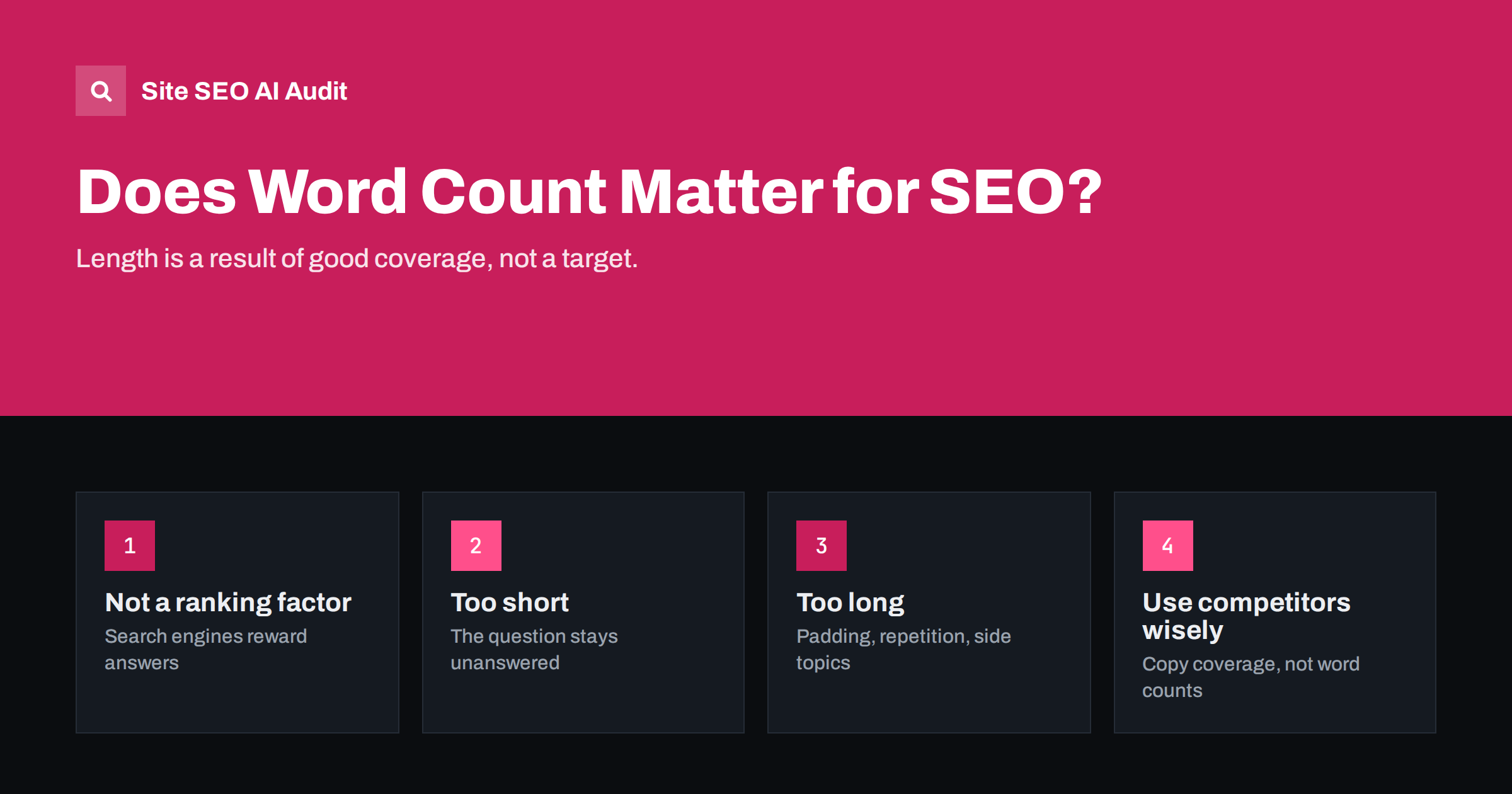
Short answer: Word count is not a ranking factor. Search engines do not reward pages for being long; they reward pages that answer the search well. Long pages often rank well because covering a complex topic thoroughly takes words, not because of the length itself. Decide length by the question: answer simple questions briefly, cover complex topics fully, and cut padding in both cases. Very short pages can be a problem when they leave the visitor’s question unanswered.
Where the “longer is better” idea comes from
Studies of search results have often found that top-ranking pages have more words, on average, than pages lower down. Many people read that as “write 2,000 words to rank”. But correlation is not cause. Pages that rank well tend to be thorough, well researched and well linked, and thorough pages on complex topics are naturally longer. Long pages also have more chances to match the many different queries people type, so they collect traffic from more searches.
There is also a selection effect. Businesses that invest in long, carefully researched guides usually invest in everything else too: better sites, more links, more frequent updates. Their pages would probably rank well at any length. Copying the word count without the research copies the least important part of what they do.
None of that means that adding words makes a page better. Google has said directly that word count is not a ranking factor, and anyone who has padded a page to reach a target knows that the result is usually harder to read, not more useful.
What actually decides the right length
The right length is the length it takes to satisfy the searcher. Several factors shape that:
- The complexity of the question. “What time does the office open?” needs one line. “How to migrate a website without losing traffic” needs a detailed guide.
- The intent. Someone ready to buy wants product details, price and delivery, not an essay. Someone researching wants explanation and comparison.
- The expected format. If the pages that satisfy searchers are short definitions, a 3,000-word guide may be the wrong answer. If they are complete guides, a 300-word page will probably fall short.
- The reader’s knowledge. Beginners need terms explained; experts need the specifics and can skip the basics.
- The number of follow-up questions. A topic that naturally raises five related questions needs space to answer them, or links to pages that do.
Signs a page is too short
Short is fine; incomplete is not. A page is probably too short when:
- It names the topic but does not actually answer the question.
- Readers have to go elsewhere for the obvious next step, such as how to do the thing it describes.
- The best results for the query cover important subtopics that your page ignores.
- It is a product page with only a name, a price and a manufacturer sentence.
- It is an archive or category page with a heading and one or two items.
These are thin pages. The fix is not to add words but to add substance: the missing answer, the steps, the specifications, the examples.
Signs a page is too long
Pages can also be longer than they should be. Warning signs:
- The answer appears only after several paragraphs of introduction.
- Sections repeat the same point in different words.
- Large parts cover side topics that deserve their own pages.
- Generic statements that could apply to any topic fill space between the useful parts.
- The page was written to hit a word target set before anyone looked at the topic.
Long pages also cost more to maintain. Every extra section is another place where facts can go out of date, links can break and advice can drift from what you currently recommend. A tighter page is easier to keep accurate.
Cutting such pages usually improves them. Readers find the answer faster, and the useful parts are no longer diluted.
Typical lengths by page type
There are no rules, but typical ranges give a sense of scale. Use them as a sanity check, not a target:
| Page type | Typical length | What drives it |
|---|---|---|
| Simple factual answer or definition | A short paragraph to a few hundred words | One clear answer plus context |
| Product page | A few hundred words plus specifications | Buyer questions, specs, sizing, care |
| Category page | A short introduction, optional guide below the products | Helping shoppers choose |
| Service page | Several hundred to over a thousand words | What is included, process, pricing, proof, FAQs |
| How-to guide | Often 1,000 words or more | Steps, examples, troubleshooting |
| Comprehensive guide or pillar page | Often several thousand words | Many subtopics, links to deeper pages |
How to use competitors’ length sensibly
Looking at the pages that rank for your query is useful, but not to copy their word counts. Instead, note what they cover:
- List the subtopics and questions the top pages address.
- Mark the ones most or all of them cover; those are probably expected by searchers.
- Mark what they miss or explain badly; that is your chance to be better.
- Write a page that covers the expected parts well and adds the missing ones.
The resulting length may be shorter or longer than theirs. If you cover the same ground more clearly in fewer words, that is an advantage, not a weakness.
Word count and thin content checks
SEO tools, including audits, often use word count as a first filter for thin content. That is sensible: a page with almost no text is a candidate for review. But treat a low count as a prompt to look, not a verdict. A contact page, a login page or a short answer page can be perfectly fine with little text. The question is always whether the page does its job.
Site SEO AI Audit flags thin and duplicate content as part of its on-page checks and weights each issue by how many pages it affects, so a template that produces hundreds of near-empty pages stands out, while a single short but useful page barely moves the score. You can run a free first audit to see which templates produce thin pages.
An exercise: editing a page to the right length
Take one existing page that you suspect is the wrong length and work through it with a pen, or a copy in a document:
- Write the question. At the top, write the one question the page exists to answer.
- Mark the answer. Highlight the sentences that directly answer it. If there are none, the page is too short in substance, whatever its length.
- Mark the useful support. In a second colour, highlight steps, examples, specifications and follow-up answers a reader would want.
- Look at what is left. Everything unmarked is a candidate for deletion: warm-up paragraphs, repeated points, generic statements, tangents.
- List what is missing. Compare with the questions people ask and the subtopics the best results cover. Note gaps.
- Rewrite. Answer first, then the marked support, then the missing parts. Move large side topics to their own pages and link to them.
Pages edited this way often end up a similar length to where they started, but with a completely different ratio of useful to useless text. That ratio, not the total, is what readers notice.
Practical rules of thumb
- Start from the question and the reader, not from a number. Decide who the page is for before deciding how long it should be.
- Put the answer first; length comes after, as supporting detail.
- Cover the follow-up questions a reader would have, or link to pages that do.
- Split side topics into their own pages when they need real space.
- Cut sentences that do not add information.
- Use headings, lists and tables so long pages stay easy to use.
- Review pages that are much shorter than the results that rank; they may be missing something real.
Related reading
- Thin Content: How to Find and Fix Low-Value Pages
- Semantic SEO: How to Cover a Topic, Not Just a Keyword
- Answer-First Introductions: How to Open a Page That Ranks
The bottom line
Word count is a result, not a ranking factor. Write as much as the question needs: brief for simple questions, thorough for complex ones, and never padded. Use competitors to understand what a complete answer covers, not how many words to write. Treat low word counts as a prompt to check for missing substance, and long pages as a prompt to check for padding and side topics that deserve their own pages.
KKK
Is there a minimum word count for SEO?
No. Search engines do not require a minimum. A short page that fully answers a simple question can rank well. Pages become a problem when they are too thin to answer the question, whatever their length.
Do longer articles rank better?
Longer articles often rank well because thorough coverage of complex topics takes words and matches more queries. The length itself is not what search engines reward, and padding a page does not help.
How long should a blog post be?
As long as the topic requires. Many useful how-to guides run to a thousand words or more, while quick answers may need a few hundred. Check what the best results cover rather than aiming for a number.
Should I make product descriptions longer?
Make them more useful: answer buyer questions about fit, materials, use and care, and add specifications. That often adds words, but the goal is substance, not length.
Why do SEO tools flag my short pages?
Low word count is a quick way to spot possibly thin pages. Review flagged pages: if they do their job, such as a contact page, they are fine. If they leave questions unanswered, add the missing substance.


