 ENEnglish
 LTLietuviškai
 DEDeutsch
 FRFrançais
 RUРусский
 ESEspañol
 PLPolski
 ITItaliano
 UKУкраїнська
 CSČeština
 PTPortuguês
 JA日本語
 LVLatviešu valoda
 ETEesti
 HUMagyar
 IDBahasa Indonesia
 TRTürkçe
 HIहिन्दी
 ELΕλληνικά
 ARالعربية
 THไทย
 VITiếng Việt
 RORomână
 MSBahasa Melayu
 BNবাংলা
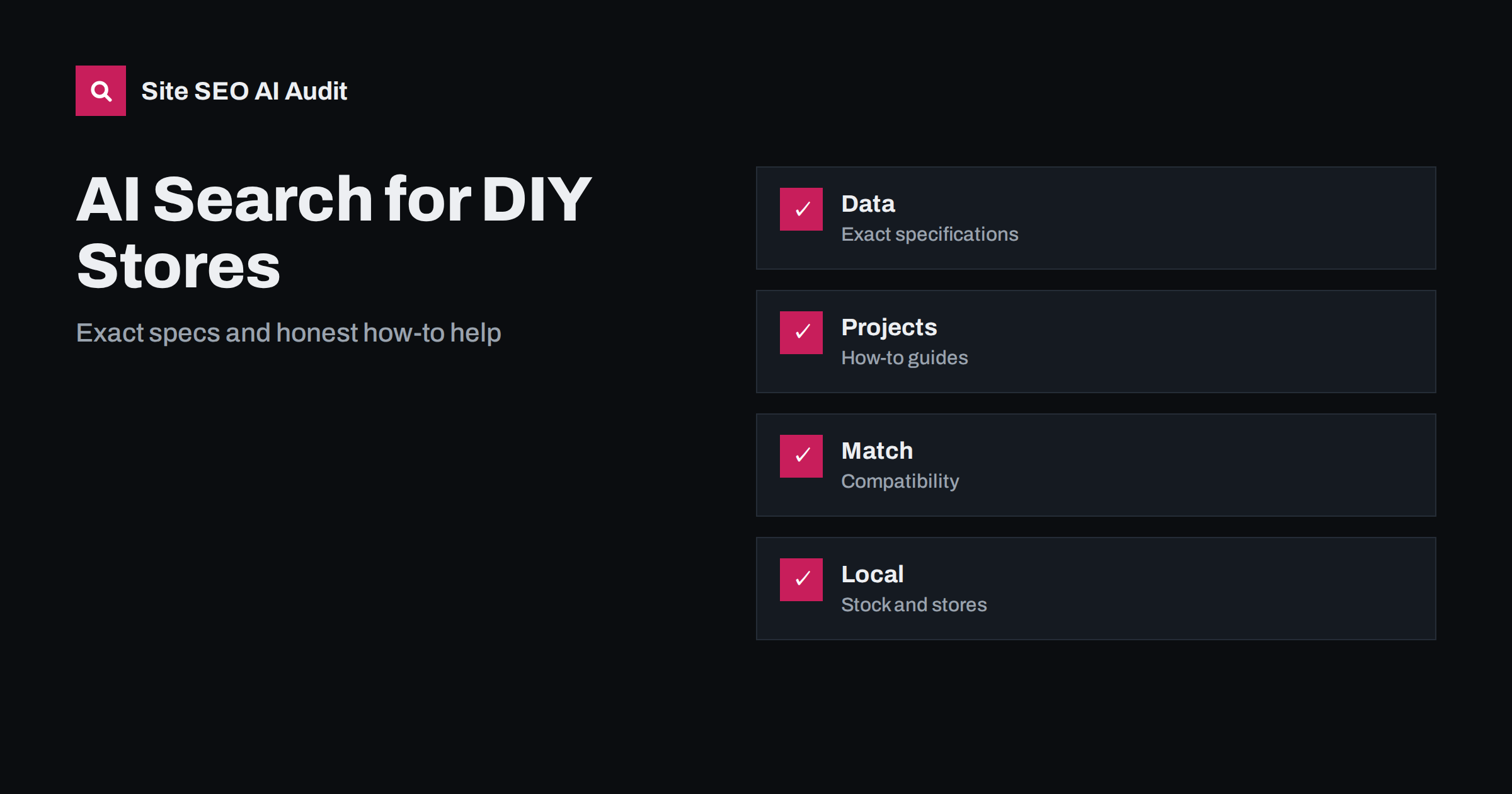
Short answer: Shoppers ask assistants which drill to buy, what screw fits a material, how much paint a room needs or where to find a part today. Hardware and DIY retailers are more likely to be recommended when product pages carry exact specifications and compatibility data, project guides explain tasks step by step with the right materials and safety notes, categories and buying guides help people choose, local pages show real store details and stock where possible, and everything is consistent and current.
Hardware is a field of precise detail and practical need. A person with a leaking pipe wants the right fitting, not an inspiration board. A homeowner planning a shelf wants to know the load, the fixing and the tools. A tradesperson wants the same item again, quickly. These questions are natural for conversation with an assistant, and the answers draw on product pages, manufacturer data, guides and local information. Many shops have catalogues of thousands of products with thin descriptions copied from suppliers, which gives assistants little to work with and offers no reason to choose one retailer over another. This guide explains how to turn a catalogue into a trusted source. For general shop principles, see the guide to product pages and AI shopping.
Start with exact, structured product data
Each product page should state the name, brand, model or article number, the key specifications with units, dimensions, material, finish, quantity in the pack, power or voltage where relevant, standards met and what is in the box. For tools, add performance values such as speed, torque, battery size and weight. For fixings and fittings, add thread, size, length, head type and the materials they are suited to. Use a consistent table or list so that each product can be compared with another.
Ask whether the data is correct, not only present. Mistakes in size or compatibility lead to returns and angry reviews. Compare your data with the manufacturer’s current information and update it when models change. Where several suppliers provide the same item, choose one source of truth. The risk of copying text without change is explained in the guide to manufacturer product descriptions.
Handle variants and sets properly
Hardware products come in many sizes, lengths and pack counts. A page for every variant can create thousands of near-identical pages, while a single page with a poorly handled selector may hide the details from crawlers. Decide which variants deserve their own address, such as sizes that people search for separately, and group the rest on one page with a clear selector and a visible table of variants. Keep a stable canonical for each group. The options are explained in the guide to product variants.
Describe sets and bundles in terms of what they contain, with quantities, and say whether the parts are also sold separately. Mark discontinued lines with a clear note and links to replacements, following the guide to out-of-stock product pages.
Write project guides that people can follow
A big share of questions are about doing a job: how to hang a heavy mirror, how to seal a bathtub, how to choose a fence post, how to repair a dripping tap. Publish guides that answer these with a short summary, a list of tools and materials with links to the products, numbered steps, tips about common mistakes, an estimate of time and difficulty, and a note on when to call a professional. Add photos or short videos of the real steps, and use clear headings so that each step can be retrieved on its own.
Keep the content accurate and safe. Mention protective equipment, electrical and gas rules and the limits of home repair, and avoid advice that could lead to injury or damage. Name the author and their experience, as discussed in the guide to author pages and bylines. The structure for useful instructions is in the guide to how-to guide SEO, and videos can follow the advice in the guide to embedded videos.
Build buying guides and comparisons
Many shoppers need help to choose between options: corded or cordless, brushless or brushed, interior or exterior paint, stainless or galvanised screws. Write buying guides that explain the differences in plain language, state who each option suits and link to a few suitable products. Be fair and specific, and mention budget alternatives. Comparison tables work well for specifications, and one table per page is enough. The approach is described in the guide to buying guides for e-commerce and the guide to comparison pages and AI search.
Calculators can add real value: coverage of paint, number of tiles, length of cable or amount of concrete. Make them simple, explain the assumptions and show the result in text on the page, since a result that appears only after a script runs may not be visible to crawlers. For advice on tools, read the guide to free tools and calculators.
Organise categories so people can choose
A hardware catalogue is deep, with categories, subcategories and filters. Category pages should do more than list products: add a short introduction, guidance on how to choose and links to the main subcategories and guides. Filters generate many URLs, so decide which combinations are worth indexing, such as a popular size or brand within a category, and keep the rest out of the index, as covered in the guide to category page SEO and the guide to faceted navigation.
Show stock and store information
A frequent question is whether an item is available nearby today. If you have stock data by store, show it on the product page in plain text, with a note on how current it is, and offer click and collect with clear conditions. If you cannot show live stock, state typical delivery times and the way to check by phone. Give each store a page with address, opening hours including holidays, services such as key cutting, paint mixing, tool hire or advice desks, parking and loading arrangements for bulky goods. See the guide to location pages and the guide to LocalBusiness schema.
Keep hours and contact details identical across your site and your map profiles. The topic is covered in the guide to business profile and website alignment. If you offer equipment rental, give it its own pages with prices, deposits and rules, as in the guide to AI search for rental and equipment hire.
Serve both trade and home customers
Trade customers need different information: bulk prices, account terms, delivery to site, product data sheets, safety data and certificates. Home customers need simple explanations and inspiration. Separate the two in the menu, but share the underlying product data. Publish technical data sheets and safety information as readable files with clear titles and versions, and link them from the product page. Mention approvals and standards only where they apply, and do not imply that a product is suitable for a use for which it is not designed.
Use real shop knowledge as your advantage
Online giants have more products, but your staff have knowledge that no template can copy. The person at the paint counter knows which finish survives a damp bathroom, and the one at the fixings wall knows why a particular plug fails in old plaster. Capture that knowledge in writing. Ask staff for the five questions they hear most each week, record the best answers and publish them with the name and role of the person who gave them, with their consent. Short, specific answers with photographs of the actual products are valuable for people and for assistants that look for practical advice.
Seasonal needs are another source. Frost protection in autumn, garden tools in spring, heating repairs before winter and decorating before holidays all follow a pattern. Plan the content a few weeks ahead, keep the same address from year to year and refresh the text, as described in the guide to seasonal pages.
Finally, tell visitors what you do not sell. If a task needs a licensed professional, say so and, if you can, point to a trade body or a local service. This honesty makes the rest of your advice more believable and protects you from the consequences of unsafe work.
Keep reviews, returns and trust visible
Reviews that mention a specific job, such as I used this to fit a shelf in brick, are useful to buyers and assistants. Encourage detailed reviews, answer questions on product pages and show the policy for returns and warranty plainly. Avoid fake reviews. State the delivery costs and times clearly. A shopper who finds a clear page that answers the practical questions is more likely to buy and to return. Read about reputation in the guide to reviews and reputation.
Site SEO AI Audit crawls your website and checks status codes, titles, descriptions, duplicate and thin content, broken links, structured data, page speed and AI visibility settings, which helps you find weak or duplicated product and category pages. It does not manage your stock feed or prices. The first audit of up to 200 pages is free, and larger sites can see the pricing page.
Related reading
- AI Search for Garden and Plant Retailers
- AI Search for Furniture and Home Decor
- Product Schema Guide
The bottom line
Publish exact data, helpful guides and honest local details, and keep them in step with your real stock.
FAQ
Do I need a page for every size of a product?
Not always. Give separate pages to variants people search for on their own, and group the rest on one page with a clear table.
Are project guides worth the effort?
Yes. They answer the questions people ask before buying and link naturally to the products needed for the job.
How should I show stock?
In plain text with a note on how current it is. If live stock is not possible, state typical delivery times and how to check.
Should supplier descriptions be copied?
Avoid copying them unchanged. Add your own details, compatibility notes and advice so that your page offers something extra.
Do safety notes matter for SEO?
They matter for trust and for the people who follow your advice. Accurate safety information is part of a good guide.


