 ENEnglish
 LTLietuviškai
 DEDeutsch
 FRFrançais
 RUРусский
 ESEspañol
 PLPolski
 ITItaliano
 UKУкраїнська
 CSČeština
 PTPortuguês
 JA日本語
JA日本語 LVLatviešu valoda
 ETEesti
 HUMagyar
 IDBahasa Indonesia
 TRTürkçe
 HIहिन्दी
 ELΕλληνικά
 ARالعربية
 THไทย
THไทย VITiếng Việt
 RORomână
 MSBahasa Melayu
 BNবাংলা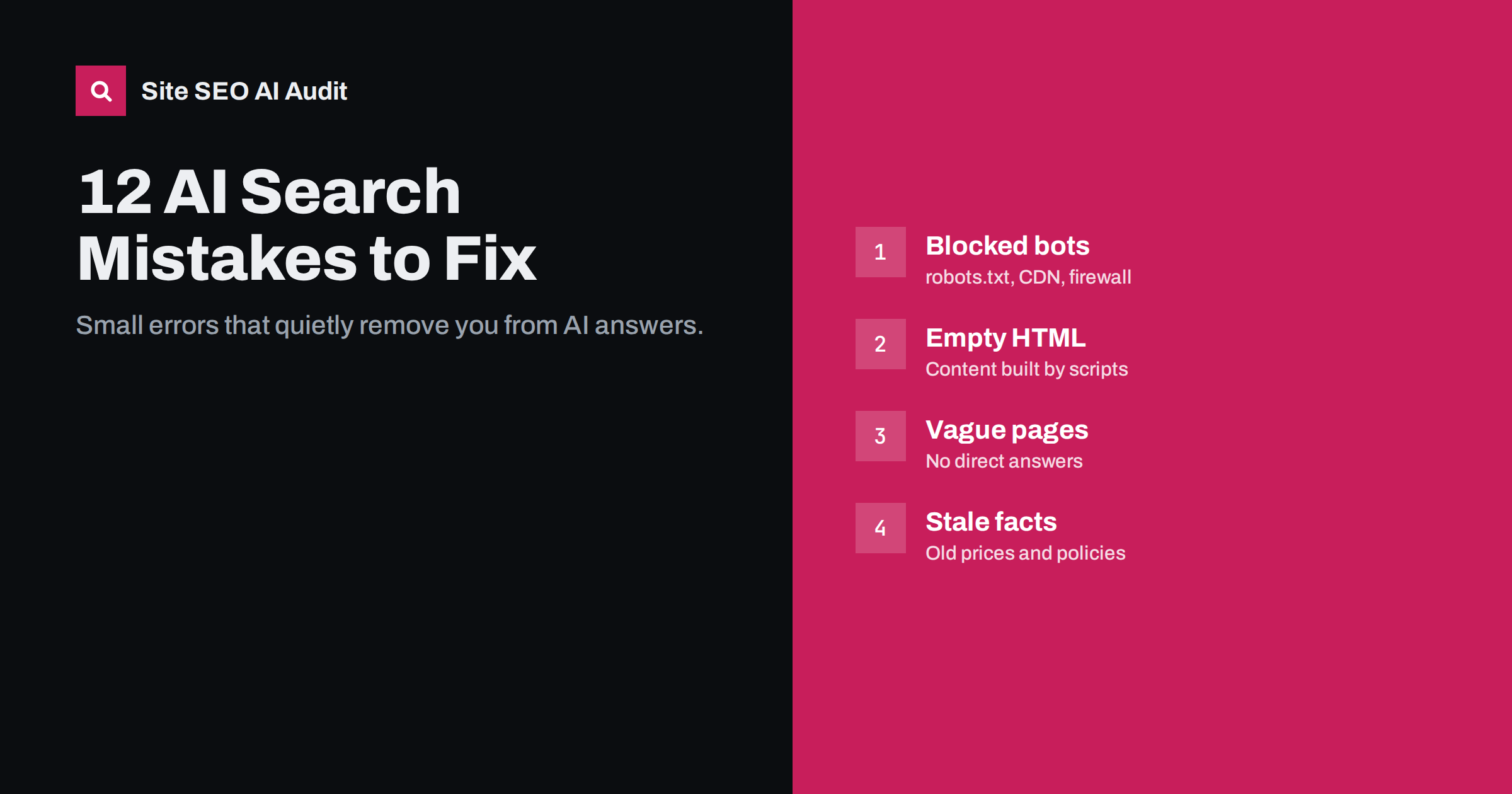
Short answer: Most sites that never appear in AI answers are held back by a handful of fixable mistakes: AI crawlers blocked by robots.txt, a CDN or a firewall; content that only appears after JavaScript runs; pages missing from search indexes; vague content without direct answers; and outdated or inconsistent facts. Access and rendering errors are the most damaging because they make everything else irrelevant, so check those first.
Why small mistakes have large effects
AI search works as a chain. A crawler must reach the page, read its content, store it in an index, retrieve it for a relevant question and judge it trustworthy enough to use. A break anywhere in the chain stops the process, and the earlier the break, the more pages it affects. A single line in robots.txt can remove an entire site from one assistant. A single template that loads content by script can hide thousands of product pages.
The mistakes below are grouped by where they break the chain. Most are quick to diagnose once you know where to look, and several take minutes to fix.
It is also worth saying what is not on this list. You will not find missing “AI keywords”, the absence of a special schema type or a missing llms.txt file among the serious mistakes. Those are minor or speculative. The mistakes that matter are the ordinary ones that stop machines from reaching, reading and trusting your pages, and they are much more common than most site owners expect.
Access mistakes
1. Blocking AI search crawlers along with training crawlers
Many robots.txt files copied from blog posts or templates block a long list of AI user agents, including crawlers such as OAI-SearchBot and PerplexityBot that power AI search results. The site owner wanted to opt out of model training but opted out of being cited too. Fix it by separating training bots from search bots and deciding for each group. Write the decision down, so that the next developer or plugin update does not quietly reverse it.
2. CDN or firewall blocking you never chose
Bot-management features at CDNs and security plugins can block or challenge AI crawlers regardless of robots.txt. Some providers have made AI blocking a default for new sites. Check your CDN dashboard and your server logs for 403 and 429 responses to AI user agents, and align the settings with your intended policy. If you cannot see CDN logs on your plan, test by requesting a page with an AI user-agent string from outside your network and noting the response.
3. Wildcard rules that stop applying
When a bot has its own group in robots.txt, it ignores the wildcard group entirely. Sites often add User-agent: GPTBot with a single rule and accidentally open private paths to it, or the opposite: they rely on wildcard rules that the specific bot never reads. Review each named group and include every rule it needs.
Rendering mistakes
4. Main content that exists only after JavaScript runs
Many AI crawlers read the HTML the server sends and do not execute scripts. Single-page applications, product details loaded from an API, and text inside tabs fetched on click are all invisible to them. View the page source of each template; if the main text is not there, move it into server-rendered HTML with server-side rendering, static generation or pre-rendering. Test one page per template, because home pages are often fine while product or article templates are not.
5. Navigation that crawlers cannot follow
Menus built from buttons and click handlers, links with href="#" and infinite scroll without paginated URLs leave deeper pages undiscovered. Use real anchor links with real URLs, provide pagination and list important pages in your XML sitemap.
Indexing mistakes
6. Ignoring Bing
Microsoft Copilot is built on Bing, and other assistants have used Bing as a search provider. Sites that have never verified themselves in Bing Webmaster Tools often have indexing problems there that nobody has noticed. Verify the site, submit a clean sitemap and consider IndexNow for faster updates.
7. Canonicals, noindex and snippet directives set by accident
A theme or plugin can add noindex to whole sections, point canonicals to the wrong URLs or apply nosnippet site-wide. Each of these keeps pages out of answers: noindexed pages cannot be retrieved, canonicalised pages are replaced by another URL, and nosnippet limits use in AI features as well as snippets. Crawl the site and check these tags on every template. Pay particular attention after changing SEO plugins, because settings rarely transfer perfectly and defaults differ between plugins.
Content mistakes
8. No direct answers
Pages that open with long introductions, company history or generic statements give retrieval systems nothing to quote. Start key pages and sections with a clear two to four sentence answer, then add detail. Readers benefit just as much as machines. Name the subject in each paragraph instead of relying on “it” or “this”, so that a passage still makes sense when it is quoted on its own.
9. Key facts hidden in images, PDFs or widgets
Prices in a graphic, specifications in a downloadable PDF, opening hours in an embedded map widget: all are hard or impossible for many crawlers to read. Put essential facts in plain HTML text on the page, and keep the other formats as supplements.
10. Thin pages created for every keyword
Mass-produced pages that differ only by a city name or a keyword variation rarely offer the best passage for any question, and they can weigh on how search engines judge the whole site. Consolidate them into fewer, genuinely useful pages with specific information. Redirect the removed URLs to the page that replaces them so that existing links still work.
Trust and consistency mistakes
11. Outdated and contradictory facts
Old prices, discontinued services, former addresses and expired policies are exactly the details assistants repeat when users ask practical questions. When your pricing page, an old blog post and a directory listing all say different things, you cannot control which version gets quoted. Review key facts regularly and fix or remove outdated pages. A quick test is to ask a few assistants about your prices, hours and services, then trace any wrong answer back to its source.
12. No authors, no dates, no company details
Anonymous, undated content from a site without clear contact information is a weak source for any system trying to avoid errors. Add named authors with real bios, visible published and updated dates, and complete company details on about and contact pages. These signals take little effort to add and make every page a more credible candidate for citation.
How to find these mistakes quickly
You do not need to check each item by hand on every page. A short routine covers most of them:
| Check | Tool or method | Mistakes it catches |
|---|---|---|
| Read robots.txt line by line | Browser | 1, 3 |
| Filter logs by AI user agents | Server or CDN logs | 1, 2 |
| View source of each template | Browser | 4, 5, 9 |
| Review indexing reports | Search Console, Bing Webmaster Tools | 6, 7 |
| Full site crawl | SEO crawler | 5, 7, 10, 12 |
| Ask assistants about your business | Main AI assistants | 11 |
| Read top pages as a stranger | Yourself or a colleague | 8, 11, 12 |
Fix in order of reach: site-wide access problems first, then template-level rendering and indexing problems, then page-level content improvements starting with your most important pages.
How Site SEO AI Audit helps
Site SEO AI Audit covers most of this list in a single crawl. Its AI visibility area checks AI crawlers in robots.txt, llms.txt, content that needs JavaScript and the structure and dates that AI answers quote. The crawl, on-page, links and structured data areas cover noindex, canonicals, status codes, thin and duplicate content and markup errors. Every issue is weighted by how many pages it affects and ranked by the points it adds, so the site-wide mistakes surface first. You can run a free audit today.
Related reading
- AI Search Visibility Checklist: 25 Things to Audit
- How to Allow or Block AI Crawlers in robots.txt
- Why AI Crawlers Miss JavaScript Content and How to Fix It
- Why Bing Indexing Matters for AI Search Visibility
The bottom line
Invisibility in AI search is usually caused by ordinary, fixable mistakes rather than a lack of clever optimisation. Make sure AI search crawlers are allowed and not blocked downstream, put your content in the HTML, check that pages are indexed in Google and Bing, answer questions directly and keep facts current and consistent. Fix the access problems first, because they decide whether anything else counts.
FAQ
What is the most common reason a site does not appear in AI answers?
Blocked access is among the most common and most damaging, whether through robots.txt rules, CDN bot blocking or firewall settings. Content that only appears after JavaScript runs is another frequent cause.
How do I know if my CDN blocks AI crawlers?
Check the CDN’s bot or security settings for AI-related options, and look at logs for AI user agents receiving 403, 429 or challenge responses. Logs show what bots actually receive.
Will fixing these mistakes guarantee citations?
No. Fixing them removes obstacles, but AI systems still choose among many sources based on relevance and quality. Without the fixes, though, your pages may not be considered at all.
How often should I check for these problems?
Check after every major site change, such as a redesign, migration, new CDN or security plugin, and run a full review at least quarterly. Many of these problems appear silently after updates.
Do these mistakes also hurt regular SEO?
Most of them do. Blocked crawlers, JavaScript-only content, wrong canonicals, thin pages and outdated facts harm classic search visibility too, so fixing them pays off twice.


