 ENEnglish
 LTLietuviškai
 DEDeutsch
 FRFrançais
 RUРусский
 ESEspañol
 PLPolski
 ITItaliano
 UKУкраїнська
 CSČeština
 PTPortuguês
 JA日本語
JA日本語 LVLatviešu valoda
 ETEesti
 HUMagyar
 IDBahasa Indonesia
 TRTürkçe
 HIहिन्दी
 ELΕλληνικά
 ARالعربية
 THไทย
THไทย VITiếng Việt
 RORomână
 MSBahasa Melayu
 BNবাংলা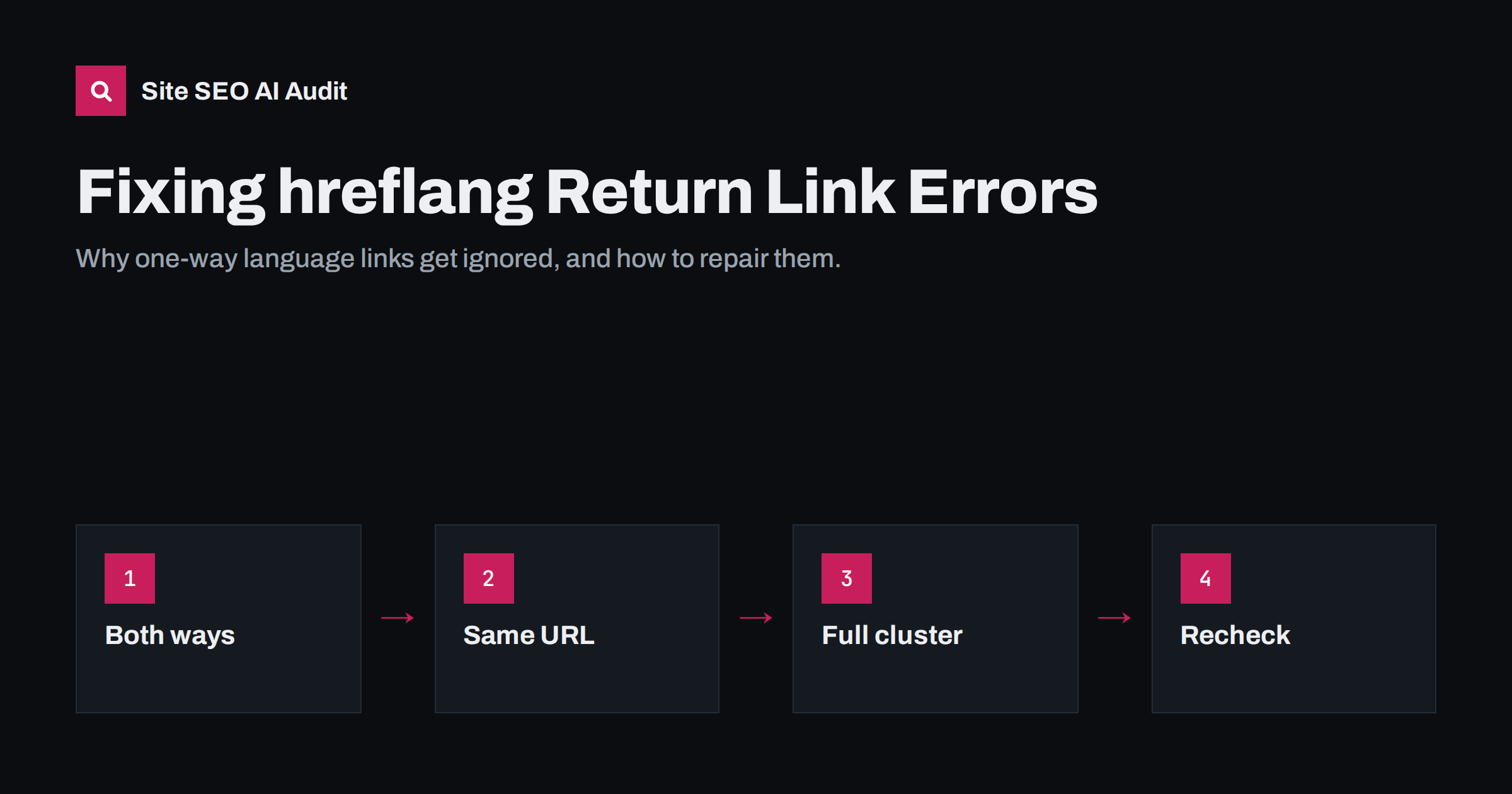
Short answer: A return link, or return tag, means that if page A lists page B as an alternate, page B must also list page A. When the link only goes one way, search engines may ignore that annotation, because anyone could otherwise claim to be an alternate of your pages. Most return link errors come from URL mismatches, missing translations, redirects and templates that build hreflang differently on different versions.
What a return link is and why it is required
hreflang works in pairs. When the English page says “my German alternate is /de/preise/”, the German page must confirm it by saying “my English alternate is /en/pricing/”. This confirmation is the return link.
The rule exists for a good reason. Without it, any website could add hreflang tags pointing at a competitor’s pages and claim them as its own language versions. By requiring both sides to agree, search engines only trust relationships that the owner of each page has confirmed. Google’s documentation on localized versions states that if two pages do not both point to each other, the tags may be ignored.
In practice, “the tags may be ignored” means you lose control over which version appears where. The German page may still rank, but search engines can no longer use your hreflang to swap it in for German searchers. In markets where you rely on language targeting, that often shows up as the wrong language in search results.
How return link errors show up
Return link errors rarely look like errors from the outside. The site works, the language switcher works, and every page loads. The symptoms appear in search instead:
- The English page appears in German search results, even though a German version exists.
- The wrong country version appears, for example the US store in the UK.
- Search Console shows impressions for a language folder in countries where a different folder should be showing.
- Crawler reports list pages with “no return tag”, “missing return link” or “hreflang not confirmed”.
Google Search Console used to report hreflang errors in its International Targeting report, but that report was retired in 2022. Today, the reliable way to find return link errors is to crawl the site with a tool that follows every hreflang URL and checks the annotations on the other side.
The six most common causes
When a crawler reports missing return links, the cause is almost always one of these:
- URL mismatch. Page A points at
https://example.com/de/preise, but page B’s canonical URL ishttps://example.com/de/preise/with a trailing slash. To a machine, these are different URLs. The same happens with http versus https, www versus non-www, uppercase letters and tracking parameters. - The alternate redirects. Page A points at an old URL that now redirects to the German page. Search engines follow the redirect for crawling, but the hreflang relationship is with a URL that is not the final page, so the return link does not match.
- The translation is missing. The template adds a hreflang line for every language, even where no translation exists. The line points at a 404 or at the home page of that language, which of course does not link back.
- Different clusters on different versions. The English page lists five languages, the Spanish page lists three. Usually this happens when translations are linked manually in the CMS and someone forgot to connect a new version to all the others.
- Canonical conflicts. Page B has a canonical tag pointing at another URL. Search engines treat the canonical as the real page, so the hreflang on page B may not be considered at all.
- Noindex or blocked pages. Page B is set to noindex or blocked in robots.txt. If a search engine cannot crawl or index it, it cannot read or trust its return links.
A step-by-step fix
Once you have a list of pages with missing return links, work through them in this order. Fixing in the right order avoids chasing problems that disappear on their own.
- Fix redirects and broken alternates first. Every URL in a hreflang block should return status 200 directly. Replace redirected URLs with their final destination and remove lines that point at 404 pages.
- Normalise URLs. Make every hreflang URL match the canonical URL of the target page exactly: protocol, host, path, trailing slash and case. The easiest way is to generate hreflang from the same function that generates canonicals.
- Resolve canonical conflicts. Each language version should normally have a self-referencing canonical. A German page with a canonical pointing at the English page tells search engines that the German page is a duplicate, which cancels its hreflang.
- Complete the clusters. Make sure every version of a page lists the same set of alternates, including itself. In a CMS with a multilingual plugin, this usually means linking the missing translation to the others in the translation settings.
- Remove hreflang from untranslated pages. If a page exists only in English, it should not list a German alternate. Adding a line for a translation that does not exist breaks the cluster.
- Recrawl. After fixing, run the crawl again and confirm the error count has dropped. Then check a few pages manually in each language.
Return links in XML sitemaps
If you publish hreflang in an XML sitemap instead of the HTML head, the same rules apply, but the return links live inside the sitemap. Each <url> entry must list all alternates, and each alternate must have its own <url> entry that lists the same set.
Sitemap-based hreflang often breaks in two ways. The first is partial sitemaps: the English sitemap includes the alternates, but the German sitemap was generated by a different process and does not. The second is stale sitemaps: pages were deleted or renamed, but the sitemap still lists the old URLs. A crawler that compares the sitemap with the live pages finds both problems quickly.
Do not publish hreflang in both the head and the sitemap with different values. If you use both, they must match exactly. Using one method per page is safer and easier to audit.
How to check return links by hand
For a quick spot check without tools, pick a page and follow these steps:
- View the page source and copy the list of hreflang URLs.
- Open each alternate URL and view its source.
- Find the hreflang line that points back to the first page. The URL must match the first page’s URL exactly, character for character.
- Check that the list of alternates is identical on both pages.
- Check that the page’s own canonical tag points at itself.
This takes a few minutes per cluster. It is useful for understanding the problem, but on a site with hundreds of pages per language, only a crawl can show whether the pattern holds everywhere.
Preventing return link errors
Most return link errors come from process, not from one-off mistakes. A few habits prevent most of them:
- Generate hreflang automatically from the CMS’s translation relationships rather than typing URLs by hand.
- Change URLs carefully. When you rename a slug in one language, the hreflang on every other version must update too. Good multilingual plugins do this; custom code often does not.
- Launch languages completely. Publishing a language version with half the pages translated creates dozens of incomplete clusters at once.
- Recrawl after releases. Template changes, plugin updates and migrations are the most common moments for hreflang to break silently.
How Site SEO AI Audit finds return link errors
Site SEO AI Audit crawls a site like a search engine and checks the Languages area on every page it reads. It follows hreflang links, checks that each one is returned, and flags broken language versions, missing x-default and lang attribute problems. Issues are weighted by the share of pages they affect, so a template-wide return link problem ranks higher in the fix list than one stray page. On WordPress sites the report includes fix steps for wp-admin and the SEO plugin. Paid plans add re-audits after each fix; see the plans.
Related reading
- What is hreflang? A plain-English guide for site owners
- hreflang x-default: when to use it and how to set it up
- Canonical tags explained: how to set them and fix errors
The bottom line
hreflang only works when both sides agree. A missing return link usually means a URL mismatch, a redirect, a missing translation, a canonical conflict or an incomplete cluster. Fix redirects and broken URLs first, align hreflang with canonical URLs, complete every cluster and recrawl. Then keep it working by generating hreflang automatically and checking it after every release.
FAQ
What does “no return tags” mean?
It means one page lists another as a language alternate, but the other page does not list the first one back. Search engines may ignore such one-way annotations, so the intended language targeting does not take effect.
Does a trailing slash really break hreflang return links?
It can. URLs with and without a trailing slash are different addresses, and if one redirects to the other, the hreflang points at a redirect. Always use the exact final URL that the page’s canonical tag uses.
Should a page list itself in its hreflang block?
Yes. Each version should include a self-referencing hreflang line along with all its alternates. This keeps the cluster identical on every page and avoids confusion.
Can I add hreflang for translations that I plan to publish later?
No. Only list versions that exist and return status 200. Add the hreflang line when the translation goes live, and update all other versions at the same time.
How long does it take for fixed return links to take effect?
Search engines need to recrawl every page in the cluster before the fix is recognised. For important pages this often takes days, for deeper pages it can take weeks.


