 ENEnglish
 LTLietuviškai
 DEDeutsch
 FRFrançais
 RUРусский
 ESEspañol
 PLPolski
 ITItaliano
 UKУкраїнська
 CSČeština
 PTPortuguês
 JA日本語
JA日本語 LVLatviešu valoda
 ETEesti
 HUMagyar
 IDBahasa Indonesia
 TRTürkçe
 HIहिन्दी
 ELΕλληνικά
 ARالعربية
 THไทย
THไทย VITiếng Việt
 RORomână
 MSBahasa Melayu
 BNবাংলা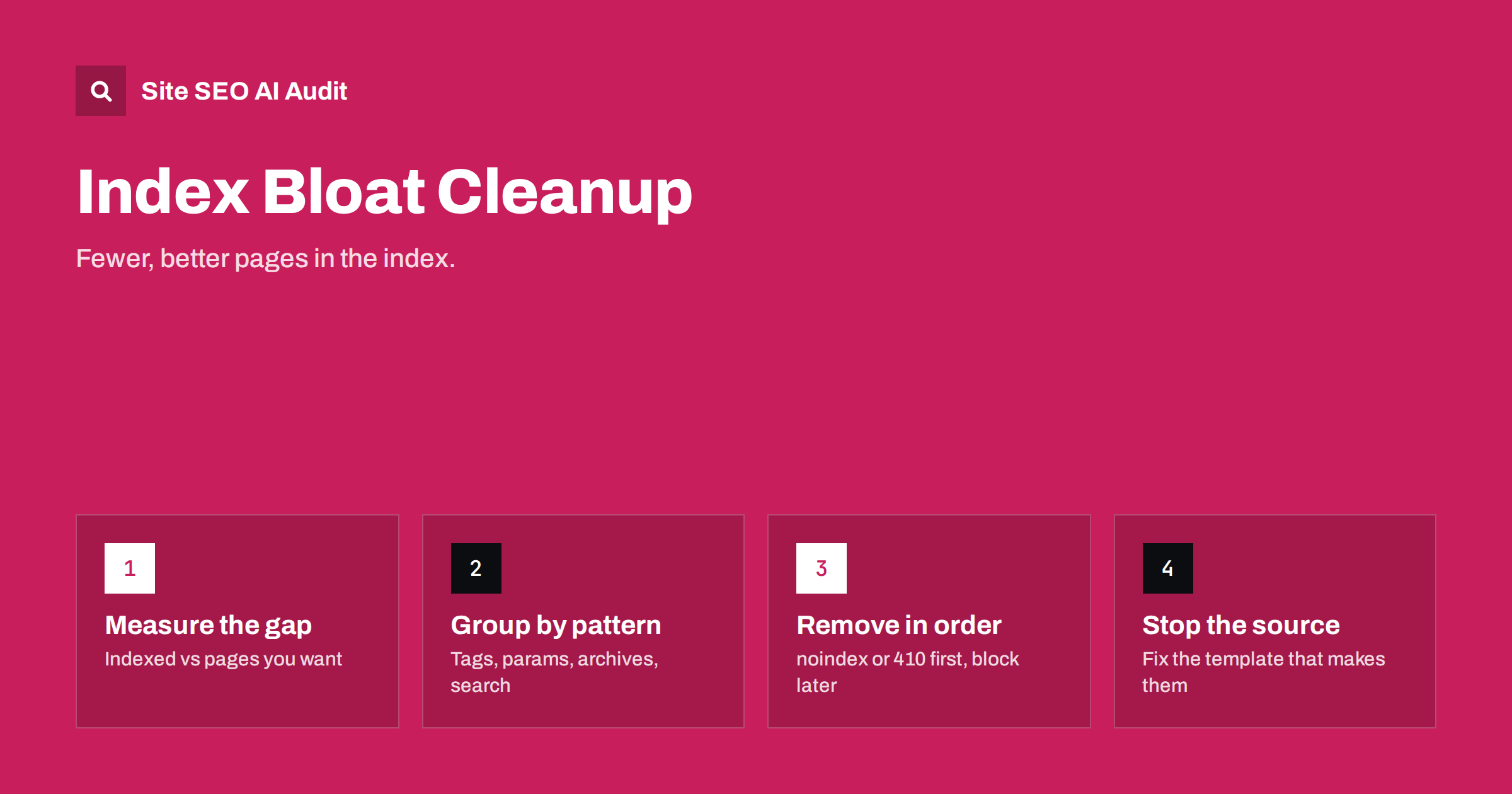
Short answer: index bloat is when search engines have indexed many more URLs from your site than the pages you actually want in search: parameter duplicates, thin archives, internal search results, old test pages and similar. It wastes crawling and dilutes quality signals. Measure it by comparing indexed URLs with your list of intended pages, group the extra URLs by pattern, remove them with noindex, 404/410 or redirects while they are still crawlable, and fix the templates that create them.
What index bloat is
Every site has a set of pages it wants people to find: services, products, categories, articles, key landing pages. Index bloat is everything else that ends up indexed on top of that. It rarely happens on purpose. It builds up over years from CMS defaults, plugins, filters, imports and forgotten experiments.
Some sites carry bloat for years without obvious harm, which is why it tends to be ignored. The cost is gradual: crawling spread thin, reports that are harder to read, and new content that takes longer to be picked up. It usually becomes visible only when something else goes wrong, such as important pages dropping out of the index or a sudden rise in “Crawled – currently not indexed” statuses after a large import.
A rough way to spot it: if Search Console reports far more indexed pages than your CMS has published pages, products and categories, the difference is worth investigating. The reverse, fewer indexed pages than intended, is a different problem.
Why it matters
- Crawl waste. Search engines keep recrawling indexed URLs, so bloat takes crawl capacity from new and updated pages that matter.
- Quality signals. Large numbers of thin or duplicate pages can make a site look weaker overall, which may make search engines less eager to crawl and index its new content.
- Cannibalisation. Several similar URLs can compete for the same query, and the wrong one may be shown.
- Poor search experience. Visitors land on empty tag pages, filter combinations or outdated test pages.
- Harder analysis. Reports full of junk URLs make it difficult to see how the real pages perform.
The usual sources
| Source | Typical URLs | Usual fix |
|---|---|---|
| Faceted filters and sorting | ?color=, ?sort=, filter combinations |
Canonical or noindex, then limit crawlable links |
| Tracking and session parameters | ?utm_source=, ?sid= |
Self-canonicals, remove from internal links |
| Thin taxonomy archives | Tags with one post, empty categories | Merge, improve, or noindex |
| Date and author archives | /2026/08/, /author/admin/ |
Noindex or disable |
| Internal search results | /?s=, /search/ |
Noindex, then block |
| Attachment and media pages | One page per image | Redirect to file or parent |
| Paginated comment pages | /comment-page-2/ |
Disable comment paging |
| Old campaign and test pages | Forgotten landing pages, drafts | Remove with 410 or redirect |
| Host and protocol variants | HTTP, non-www, staging hosts | Redirect or password-protect |
How to measure index bloat
- List the pages you want indexed: export published posts, pages, products and categories from your CMS, or use a clean XML sitemap.
- Get the indexed picture: Search Console’s page indexing report shows the indexed count; the performance report, filtered by page, shows which URLs actually appear in results. A
site:search gives a rough, unreliable estimate and is best used only to spot odd URL patterns. - Crawl the site to see how many unique, indexable URLs your links expose.
- Compare the three: intended pages, crawlable indexable URLs and indexed URLs. Group the differences by URL pattern.
- Check server logs for URL patterns that attract a lot of crawler requests but are not on your intended list.
Decide per pattern
For each group of unwanted URLs, choose the method that matches what the URLs are:
- Duplicates of a real page (parameters, variants): canonical to the real page, or 301 if the variant does not need to exist.
- Pages that must exist for visitors but not for search (internal search, thin archives, thank-you pages): noindex.
- Pages that should not exist at all (tests, old campaigns, empty archives): remove and return 410 or 404, or redirect to a relevant page if there are links or visits.
- Pages with value that are just weak (tag pages with real demand, thin but useful categories): improve them instead of removing them.
Clean up in the right order
The most common mistake is blocking bloated URLs in robots.txt straight away. That stops search engines from recrawling them, so they never see the noindex, redirect or 410, and the URLs stay indexed. The safe order is:
- Apply the removal signal (noindex, canonical, redirect or 410) at template or server level.
- Keep the URLs crawlable and remove them from sitemaps.
- Remove internal links that generate or point to them, so new ones stop appearing.
- Wait and monitor the page indexing report as the URLs drop out; this can take weeks for rarely crawled URLs.
- Only then block the patterns in robots.txt if they still waste crawling.
For urgent cases, such as a staging host or private documents in the index, use Search Console’s Removals tool to hide URLs temporarily while the permanent signal takes effect.
Index bloat, thin content and crawl budget
These three ideas overlap, and it helps to keep them apart:
- Thin content is about individual pages that offer too little value. A thin page may be one you want indexed but need to improve.
- Index bloat is about quantity and intent: many indexed URLs you never meant to have in search, whether thin, duplicate or simply irrelevant.
- Crawl budget is about how much crawling your site gets and where it goes. Bloat is one of the main things that wastes it.
A cleanup usually touches all three: removing bloat frees crawling for real pages, and improving the remaining thin pages makes the indexed set stronger.
An illustrative example
To make the process concrete, here is a typical pattern, described as an illustration rather than a specific site. A company blog has around 300 articles and 40 service and landing pages. Search Console shows several thousand indexed URLs. Grouping them by pattern reveals the cause: over a thousand tag archives, most with one or two posts, created by writers adding many tags to each article; hundreds of date archives; a few hundred attachment pages; and internal search URLs linked from a “popular searches” widget.
The cleanup follows the order above. Tags with real demand and several posts are kept and given descriptions; the rest are noindexed and removed from the sitemap, and the tagging guidelines are changed. Date archives are noindexed, attachment pages redirected to their parent posts, and the search widget removed. Over the following weeks, the indexed count falls towards the number of real pages, and the crawl stats show more requests going to articles and service pages.
Prevent it from coming back
- Configure the CMS and SEO plugin deliberately: which content types, taxonomies and archives are indexable.
- Keep sort, filter and tracking parameters out of crawlable internal links.
- Review new plugins for the URLs they create.
- Check imports for auto-created tags and categories.
- Protect staging and test environments with a password.
- Crawl regularly and compare the number of indexable URLs with the previous crawl.
- Agree simple content rules with editors, such as a small, fixed set of tags and categories, so taxonomy archives stay meaningful.
- Review the Search Console indexed count every month and investigate any jump that does not match new content you published.
How Site SEO AI Audit helps
SEOAuditBot crawls your site like a search engine and reads your sitemap, so it sees the URLs your templates expose. The audit reports thin and duplicate content, duplicate titles, canonical problems, noindex pages listed in the sitemap and orphan pages, each with the affected URLs. Grouping issues by how many pages they affect makes it easy to see which template produces the bloat. On WordPress sites, the fix steps point to the relevant settings. You can run a free audit.
Related reading
- Thin content: how to find and fix low-value pages
- URL parameters and duplicate content: a practical fix guide
- WordPress crawl waste: feeds, attachments and junk URLs
- How to remove a page from Google search, step by step
The bottom line
Index bloat is the gap between the pages you want in search and the URLs search engines have actually indexed. Measure that gap, group the extra URLs by pattern, apply the right removal signal while they are still crawlable, fix the templates that create them, and only block crawling once the index is clean.
FAQ
How do I know if my site has index bloat?
Compare the number of indexed pages in Search Console with the number of pages, products and categories you actually want indexed. A large excess, especially from parameter, tag or archive URLs, indicates bloat.
Does index bloat hurt rankings?
It can indirectly. It wastes crawling, spreads signals across duplicates and can make a site look lower in quality overall. Cleaning it up often helps important pages get crawled and indexed more reliably.
Should I block bloated URLs in robots.txt?
Not first. Blocking stops search engines from seeing noindex, redirects or 410 responses, so the URLs can stay indexed. Remove them from the index first, then block if needed.
Is a site: search reliable for counting indexed pages?
No. The count shown by a site: search is a rough estimate. Use Search Console’s page indexing report for numbers, and site: searches only to spot unusual URL patterns.
How long does an index bloat cleanup take?
Signals take effect as URLs are recrawled, which ranges from days for popular URLs to weeks or months for rarely crawled ones. Large cleanups are usually visible in reports within a few weeks.


