 ENEnglish
 LTLietuviškai
 DEDeutsch
 FRFrançais
 RUРусский
 ESEspañol
 PLPolski
 ITItaliano
 UKУкраїнська
 CSČeština
 PTPortuguês
 JA日本語
JA日本語 LVLatviešu valoda
 ETEesti
 HUMagyar
 IDBahasa Indonesia
 TRTürkçe
 HIहिन्दी
 ELΕλληνικά
 ARالعربية
 THไทย
THไทย VITiếng Việt
 RORomână
 MSBahasa Melayu
 BNবাংলা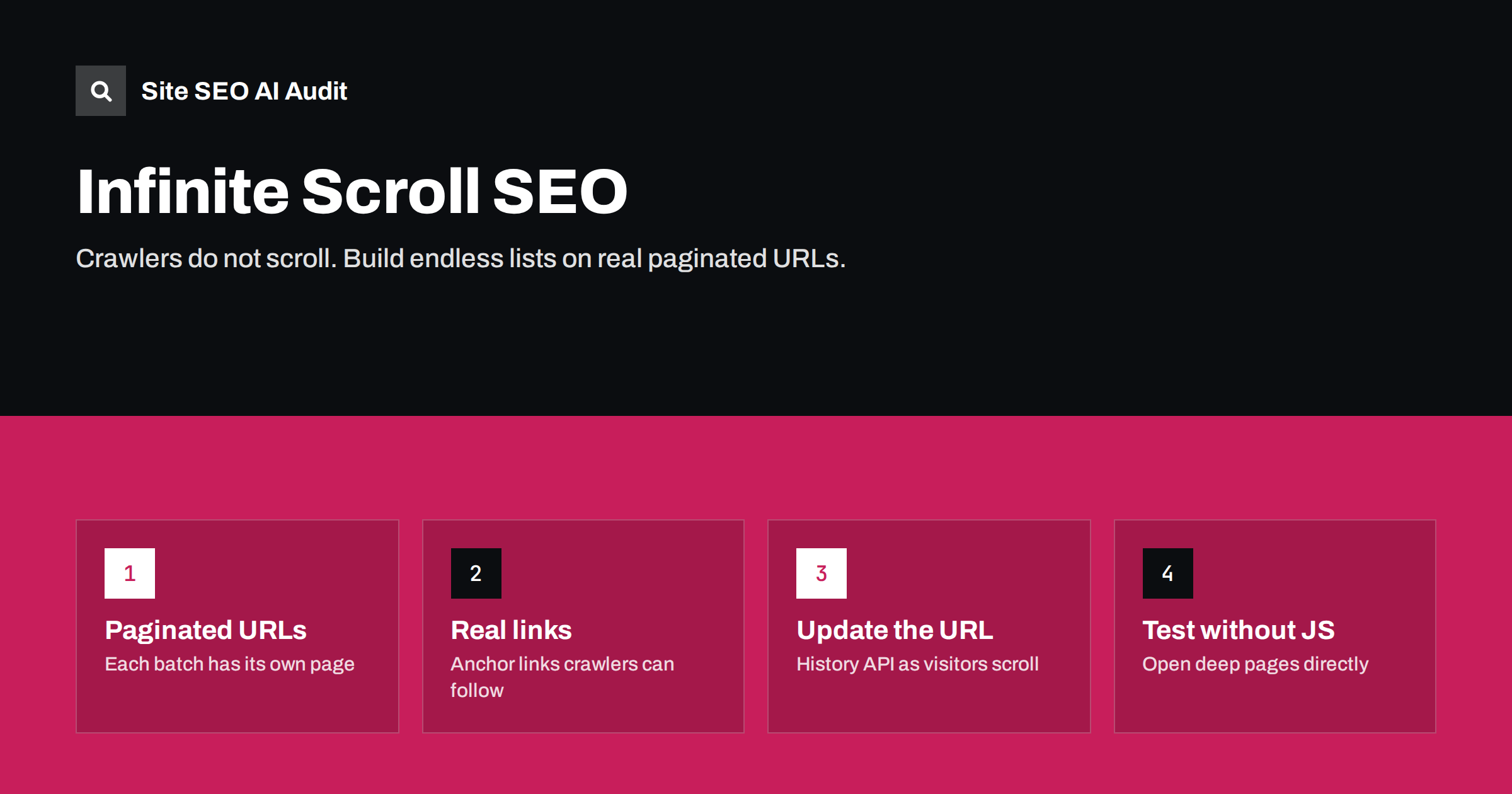
Short answer: Search engine crawlers do not scroll, so content that only appears when a visitor scrolls down is often never seen. Make infinite scroll search-friendly by building it on top of normal paginated pages: each chunk of items has its own URL such as ?page=2, those URLs are linked with real <a href> links, and the script only loads the next page into the current view and updates the address bar. That way visitors get a smooth list and crawlers get ordinary pages.
Why infinite scroll causes SEO problems
Infinite scroll is popular on blogs, category pages, news feeds and online shops because it keeps visitors moving. The problem is how the next batch of items is loaded. In a typical implementation, a script watches the scroll position and fetches more items when the visitor nears the bottom. There is no link to follow and no separate URL for the next batch.
Search engine crawlers do not behave like visitors. Googlebot renders pages with a tall viewport, but it does not scroll or click to trigger more content, and other crawlers often do not execute JavaScript at all. So they see the first batch of items and nothing more. On a category with 400 products loaded 24 at a time, crawlers may only discover the first 24 through that page.
The consequences are predictable:
- Items beyond the first batch are discovered late or never, unless they are linked elsewhere.
- Older blog posts lose internal links and drift into orphan-like status.
- Crawlers cannot understand the size or structure of a category.
- Visitors cannot share or return to a position in the list, because there is no URL for it.
The underlying rule is covered in our guide to JavaScript SEO basics: search engines discover content through links and URLs, not through user interactions.
The search-friendly pattern: pagination underneath
The fix is not to abandon infinite scroll, but to build it on a foundation of normal pagination. Google described this approach years ago and it is still the recommended pattern:
- Create paginated component pages. Split the list into pages with stable, unique URLs, for example
/shoes/,/shoes/?page=2,/shoes/?page=3. Each page must work on its own when opened directly, without JavaScript. - Link the pages with real links. Each page includes an
<a href="/shoes/?page=2">style link to the next page (and ideally numbered links). This is what crawlers follow. - Enhance with JavaScript. For visitors, the script intercepts scrolling, fetches the next page’s items and appends them to the list.
- Update the URL as the visitor scrolls. Use the History API (
history.pushStateorreplaceState) so the address bar reflects the page currently in view. Shared or bookmarked URLs then open at the right place. - Keep items unique per page. Each item should appear on exactly one paginated URL, and the order should be stable, so crawlers do not see the same products on page 2 and page 5.
With this setup, visitors see an endless list, while crawlers see a chain of ordinary pages linked together. The details of handling those pages, such as canonicals and titles, are the same as for any paginated series, as explained in pagination SEO best practices.
Infinite scroll vs “Load more” vs numbered pagination
Three common ways to present long lists have different strengths:
| Pattern | Visitor experience | SEO risk | Best use |
|---|---|---|---|
| Numbered pagination | Clear position, easy to return to a page, more clicks | Low, if pages are linked and indexable | Large catalogues, search results, archives |
| “Load more” button | Visitor controls loading, footer stays reachable | Low if the button is also a link to the next page URL | Shops, blogs, category pages |
| Infinite scroll | Smooth browsing, but footer is hard to reach and position is easy to lose | High unless built on paginated URLs | Feeds and visual browsing |
A “Load more” button that is actually a link to ?page=2, enhanced with JavaScript, is often the best compromise: it keeps crawlable links, lets visitors reach the footer and avoids the usability problems of endless lists.
Implementation details that often go wrong
- Page URLs that only work via JavaScript. If
?page=3returns the first page when opened directly, crawlers see duplicates of page 1. Test each paginated URL in a fresh browser tab with JavaScript disabled. - Fragment URLs. URLs like
/shoes#page=2are treated as the same URL as/shoes, because search engines ignore the part after#. Use query parameters or path segments instead. - Canonical tags pointing to page 1. Each paginated page should have a self-referencing canonical. Pointing all of them to page 1 tells search engines to ignore the deeper pages and the items on them.
- noindex on paginated pages. Blocking deeper pages from the index over time weakens the links from those pages to the items on them.
- Buttons without links. A
<button>or a<div>with a click handler is not a link. Crawlers only follow<a>elements with anhref. - Random or personalised order. If the list order changes on each load, items move between pages and crawlers get an inconsistent picture.
- Layout shifts. Appending items can move content under the visitor’s finger or cursor. Reserve space for incoming items; see our guide to fixing Cumulative Layout Shift.
Unreachable footers and other usability costs
SEO is not the only concern. Endless lists make the footer, with its contact details, policies and navigation, almost impossible to reach. Visitors who click an item and go back often lose their position. Keyboard and screen reader users can struggle to move past a list that keeps growing. These issues matter for conversions and accessibility, and they are another reason why “Load more” or a hybrid pattern is often the better design choice.
If you keep infinite scroll, consider these measures:
- Stop automatic loading after a few batches and show a “Load more” link.
- Restore the scroll position when visitors return from an item page.
- Keep essential links, such as contact and shipping information, in the header as well as the footer.
- Announce newly loaded items to assistive technology.
Themes, plugins and ready-made scripts
Most sites do not write infinite scroll from scratch. It comes from a theme, a page builder, an e-commerce plugin or a small script copied from a tutorial. Quality varies a lot, so check what yours actually does rather than assuming:
- Look for a fallback. Good implementations keep the standard paginated archive links in the HTML and hide them visually when the script runs. Poor ones remove pagination entirely.
- Check the request the script makes. In the browser’s network panel, see whether scrolling loads a normal page URL such as
/page/2/or a private endpoint that only returns data. The first is easy to keep crawlable; the second needs separate paginated pages. - Check archive settings. On WordPress, the “posts per page” setting and the archive templates decide how many items each paginated URL shows. Make sure deeper archive URLs still resolve after a theme change.
- Retest after updates. A theme or plugin update can silently switch the loading method.
How to test your infinite scroll
- View the raw HTML. Open the list page’s source (not the inspected DOM) and look for
<a href>links to the next page. - Open deeper pages directly. Visit
?page=2,?page=5and the last page in a private window. Each should show its own items and links. - Disable JavaScript. The list should still be navigable through links.
- Use URL Inspection in Search Console. Check the rendered HTML Google sees for a list page and a deeper paginated page.
- Crawl the site. A crawler that does not scroll will show whether items beyond the first batch are reachable and at what click depth.
- Check the sitemap. Item pages should also be listed in your XML sitemap, as a safety net, not as a replacement for links.
How an audit reveals hidden items
The clearest sign of an infinite scroll problem is a crawl that finds far fewer product or post pages than you have, or finds many of them only through the sitemap. Site SEO AI Audit crawls your site through links like a search engine and reports orphan pages, click depth, weakly linked pages and content that needs JavaScript to appear. If items behind your infinite scroll show up as orphans or very deep pages, the fix list will point to it. Paid plans let you re-audit after the change to confirm that every item is reachable.
Related reading
- Click depth in SEO: why buried pages struggle to rank
- Lazy loading and SEO: what to lazy-load and what not to
- Category page SEO: how to make store categories rank
The bottom line
Crawlers do not scroll, so infinite scroll on its own hides content. Build it on real paginated URLs that work without JavaScript, link them with ordinary anchor links, give each page a self-referencing canonical and update the address bar as visitors scroll. Test with JavaScript off and with a crawl. If in doubt, a “Load more” link offers the same smoothness with fewer risks.
FAQ
Does Google scroll pages when it renders them?
Googlebot renders pages with a tall viewport, which can trigger some lazy-loaded content, but it does not scroll or click to load more items. Content that needs scrolling events to load should not be relied on for discovery.
Is infinite scroll bad for SEO?
Not if it is built on crawlable paginated URLs. It becomes a problem when the only way to reach more items is scrolling, with no links or unique URLs behind each batch.
Should paginated pages be noindex?
Usually not. Paginated pages carry links to the items on them. Keep them indexable with self-referencing canonicals, and make the first page the strongest target for the category’s main query.
Is a “Load more” button better than infinite scroll?
Often, yes. It gives visitors control, keeps the footer reachable and, when implemented as a link to the next page URL, is fully crawlable.
Can I rely on the XML sitemap instead of fixing infinite scroll?
A sitemap helps discovery but does not replace internal links. Pages found only through the sitemap receive little internal link value and are often crawled and indexed less reliably.


