 ENEnglish
 LTLietuviškai
 DEDeutsch
 FRFrançais
 RUРусский
 ESEspañol
 PLPolski
 ITItaliano
 UKУкраїнська
 CSČeština
 PTPortuguês
 JA日本語
 LVLatviešu valoda
 ETEesti
 HUMagyar
 IDBahasa Indonesia
 TRTürkçe
 HIहिन्दी
 ELΕλληνικά
 ARالعربية
 THไทย
 VITiếng Việt
 RORomână
 MSBahasa Melayu
 BNবাংলা
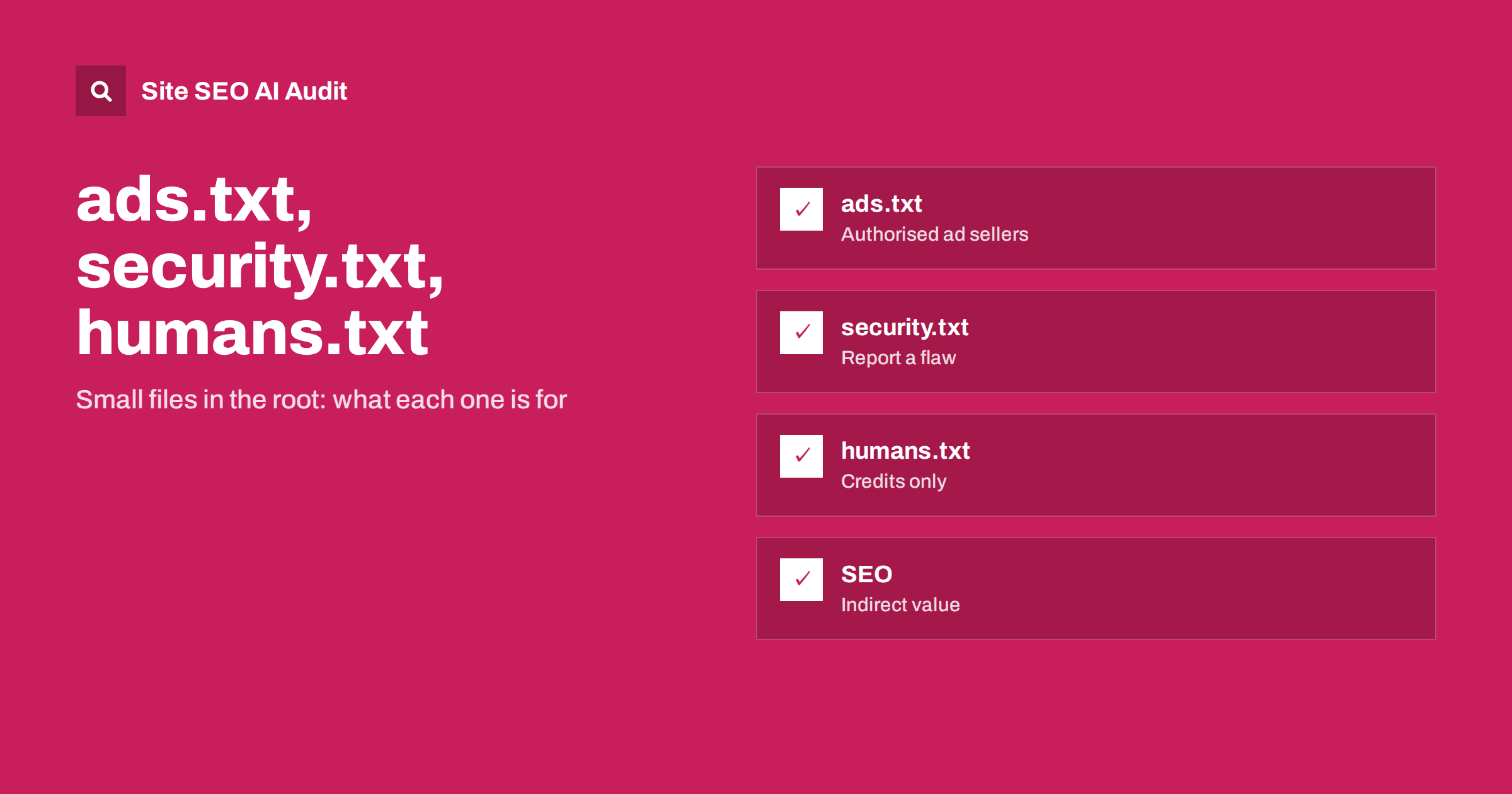
Short answer: ads.txt, security.txt and humans.txt are small text files published on a website, each with a different purpose. ads.txt lists the companies authorised to sell your advertising and matters if you show ads. security.txt tells researchers how to report a vulnerability. humans.txt credits the people behind the site. None is a ranking factor, but each has a practical value, and a missing or broken file can cause lost revenue, slower security reports or wasted crawler requests.
Alongside robots.txt and the sitemap, websites can publish several other small files at predictable addresses. Site owners often ask whether these files affect search rankings and whether they must add them. The honest answer is that they are not SEO tools, but some of them protect your income or your security, and all of them show up in crawl logs and audits. This guide explains each file, who needs it, how to write it and how to avoid common mistakes. For the main crawl-control file, see the robots.txt guide.
The idea of well-known files
Many standards use files in the root of the domain or in a reserved folder called well-known. A system that wants a piece of information about your site knows exactly where to look: example.com/ads.txt, example.com/robots.txt or example.com/.well-known/security.txt. This makes automation easy, but also means that each file must be reachable, return a normal status and contain valid plain text. A page that returns an error, a redirect to the home page or an HTML document instead of text defeats the purpose.
Serve these files with a plain text content type, in UTF-8, without scripts or markup. Keep them small and update them when your arrangements change. Treat them as part of your technical configuration, not as marketing pages.
ads.txt: who may sell your ad space
ads.txt, short for Authorized Digital Sellers, is a public list of the companies that are allowed to sell advertising on your site. Each line names an advertising system, your account identifier there, the type of relationship (direct or reseller) and sometimes a certification identifier. Buyers and platforms read the file to check that an ad request really comes from an authorised seller, which reduces fraud and spoofed inventory.
If your site does not show programmatic ads, you do not need it. If it does, a missing or outdated file can mean that buyers refuse your inventory and your revenue falls. Get the exact lines from your ad partners, paste them without changes, remove partners you no longer use and check the file when you add a new one. A related file, app-ads.txt, serves the same purpose for mobile apps. Serve the file at the root of each domain; subdomains may need their own if they carry ads.
security.txt: a route for responsible reports
security.txt is a standard way to tell security researchers how to report a vulnerability. It usually lives at /.well-known/security.txt and contains a contact (an email address or a web form), an expiry date, optional encryption key, preferred languages, a link to your disclosure policy and the canonical address of the file itself. It is not required, but it is good practice, particularly for sites that handle accounts, payments or personal data.
The expiry field matters: a file with a date in the past is considered stale. Put a reminder in your calendar to renew it. Use a monitored mailbox, not a personal address. Write a short disclosure policy that says what you consider in scope, how quickly you reply and that you will not take action against people who report in good faith. For the wider security context, see the guide to HSTS and security headers.
humans.txt: credits for people
humans.txt is an informal convention: a text file that names the people who built the site, the tools used and sometimes thanks or a note on standards. It has no technical function, and search engines and assistants do not rely on it. Some teams publish it as a courtesy or a recruiting touch. If you add it, keep it harmless: do not list private details, internal system versions that help attackers or personal data without consent.
It is acceptable to skip it entirely. If you do publish it, review it occasionally so that it does not name former employees or outdated technology in a way that misleads.
Do these files affect SEO?
None of them is a ranking signal. Search engines do not rank sites higher for having a security.txt or humans.txt, and ads.txt is read by advertising systems, not by search ranking systems. The value is indirect. A correct ads.txt protects revenue that funds your content. A security.txt can speed up the fix of a vulnerability that could otherwise lead to a hack, spam injection and a drop in visibility, as discussed in the guide to hacked site spam. And a clean set of well-known files avoids noise in your server logs and audits.
One genuine SEO risk is the opposite: a badly configured server that answers every unknown path with the home page or a soft error. Then ads.txt appears to exist but returns HTML, and crawlers waste time on pages that are not real. Make sure that missing files return a proper 404 status, as described in the guide to soft 404 errors.
Other files you may meet
Several others appear in logs. robots.txt controls crawling and should point to your sitemap. sitemap.xml lists the URLs you want discovered. llms.txt is a proposed guide for language-model systems, explained in our llms.txt guide. favicon files and web app manifests describe icons and installation. The file apple-app-site-association and assetlinks.json connect websites to mobile apps for deep links. Each has a defined format, and mistakes usually come from copying examples without adapting them.
Keep a list of the files your site is expected to serve, with the owner of each and the date it was last checked. When you migrate to a new server, a new platform or a new CDN, check the list so that nothing disappears without notice.
Common mistakes
The most frequent error with ads.txt is copying lines from a template found online, which authorises sellers you never used and may include unwanted resellers. The second is forgetting to update it after changing ad partners, so that new demand is rejected. With security.txt, the usual faults are an expired date, a contact address that no longer exists and a file placed in the root only, when some tools expect the well-known folder. With humans.txt, the usual fault is publishing too much detail about internal systems.
Across all files, watch for server rules that redirect everything to a login page or the home page, for caches that keep an old version for weeks and for content management systems that generate the file dynamically with extra HTML. If you use a plugin that creates these files, check the output in a browser and compare it with the standard. Do not trust a settings screen to tell you what is actually served.
A short checklist
Decide which files your site needs: ads.txt if you sell programmatic ads, security.txt if you handle user data, humans.txt only if you want it. Create each as plain text with the exact content required. Place it at the correct path on every host that needs it. Test status, content type and redirects. Add reminders for expiry dates and for partner changes. Include the files in your deployment checks and monitoring. And write down who owns each file, so that a change of staff does not leave it unmaintained.
This takes less than an hour for most sites. The payoff is steady: fewer revenue surprises, a quicker route for security reports and a cleaner technical profile that makes crawl audits easier to read.
How to publish and test
Create the file as plain text, upload it to the correct location and open the address in a browser. Confirm the status is 200 and the content type is text. Check that no redirect sends the request to another host or to an error page, that the firewall allows automated access and that the cache does not serve an old version. Validate the syntax with the tool recommended by the standard or by your partner. For ads.txt, the ad platforms offer checkers; for security.txt, a public validator exists.
Add the files to your monitoring so that an accidental deletion triggers an alert. A routine crawl, like the one in the technical SEO monitoring guide, can also catch them when a deployment overwrites the root folder.
Site SEO AI Audit crawls your website and checks status codes, robots.txt, redirects, sitemaps, titles, descriptions, broken links, structured data and page speed, which helps you see how your site answers unknown paths and whether key files respond normally. It does not validate ads.txt or security.txt contents. The first audit of up to 200 pages is free, and larger sites can see the pricing page.
Related reading
The bottom line
Publish ads.txt if you sell ads and security.txt for safety, treat humans.txt as optional, and make sure every file responds correctly.
GYIK
Does security.txt help my rankings?
No. It helps researchers contact you about vulnerabilities, which indirectly protects your site and visibility.
Do I need ads.txt if I use only affiliate links?
No. It is needed mainly for programmatic advertising where buyers verify authorised sellers.
Where should these files be placed?
ads.txt and humans.txt in the root, security.txt in the .well-known folder, each served as plain text with a 200 status.
What if the file returns the home page?
That is a soft error. Configure the server to return a proper 404 for missing files and a real text file for existing ones.
How often should I review them?
Whenever ad partners, contacts or policies change, and at least every few months for security.txt before its expiry date.


