 ENEnglish
 LTLietuviškai
 DEDeutsch
 FRFrançais
 RUРусский
 ESEspañol
 PLPolski
 ITItaliano
 UKУкраїнська
 CSČeština
 PTPortuguês
 JA日本語
JA日本語 LVLatviešu valoda
 ETEesti
 HUMagyar
 IDBahasa Indonesia
 TRTürkçe
 HIहिन्दी
 ELΕλληνικά
 ARالعربية
 THไทย
THไทย VITiếng Việt
 RORomână
 MSBahasa Melayu
 BNবাংলা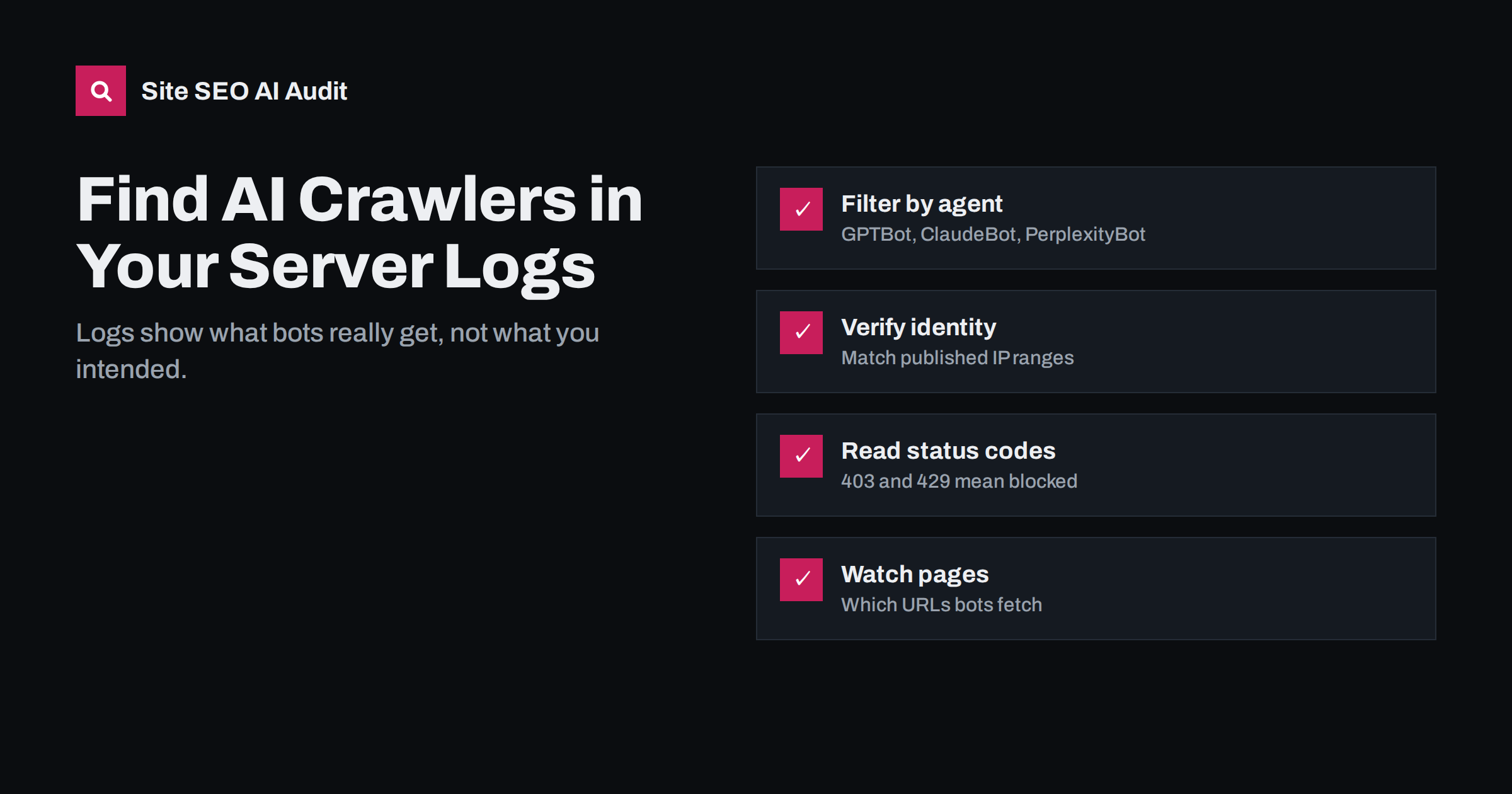
Short answer: To find AI crawlers in your server logs, filter the access log by user-agent strings such as GPTBot, OAI-SearchBot, ChatGPT-User, ClaudeBot, PerplexityBot, CCBot and Bytespider, then check the status codes they receive and the URLs they request. Verify important bots against the IP ranges their operators publish, because user agents can be faked. Logs are the only reliable way to see whether AI crawlers can actually reach your content, regardless of what robots.txt says.
Why logs beat every other source
Robots.txt shows your intention. CDN dashboards show a summary. Analytics tools usually ignore bots entirely, because tracking scripts run in browsers and most crawlers never execute them. The access log is the only record of every request that reached your server, with the exact user agent, the URL requested, the response code and the size of the response.
For AI visibility, logs answer questions nothing else can:
- Do AI crawlers visit at all, and how often?
- Which pages do they fetch, and which do they ignore?
- Do they receive 200 responses, or errors, blocks and challenges?
- Are user-triggered fetchers, such as ChatGPT-User, requesting your pages, which suggests people are asking assistants about you?
- Is a bot claiming to be GPTBot really from OpenAI?
Where to find your logs
Where logs live depends on your hosting setup:
- Shared hosting and control panels such as cPanel, Plesk or ISPConfig usually provide raw access logs for download, often compressed by day.
- Your own server running Nginx or Apache writes access logs to files such as
/var/log/nginx/access.logor/var/log/apache2/access.log, depending on configuration. - CDNs handle many requests without touching your server, so their logs or analytics are essential. Some provide full request logs only on higher plans.
- Managed WordPress hosts vary; some expose logs in the dashboard, others provide them on request.
If a CDN sits in front of your site, check both places. A bot blocked at the CDN will never appear in your server logs, which can make it look as if the bot never visited.
Most web servers write logs in the “combined” format, where each line contains the client IP address, the date and time, the request method and URL, the status code, the response size, the referrer and the user agent. Knowing this layout helps when you filter with command-line tools, because the position of each field decides which column to extract. If your server uses a custom format, open a few lines first and note where each value sits.
Check how long logs are kept, too. Many hosts rotate and delete access logs after a week or two. If you want to see monthly patterns, download or archive them regularly, or ask your host to extend retention. Remember that logs contain IP addresses, which can count as personal data, so store and share them with the same care as other customer information.
The user agents to search for
AI crawler names change and new ones appear, so treat any list as a starting point and check operators’ documentation. Common names include:
| User agent | Operator | What a visit means |
|---|---|---|
| GPTBot | OpenAI | Crawling for model training |
| OAI-SearchBot | OpenAI | Crawling for ChatGPT search |
| ChatGPT-User | OpenAI | A page fetched for a user’s request |
| ClaudeBot, Claude-SearchBot, Claude-User | Anthropic | Training, search indexing and user requests |
| PerplexityBot, Perplexity-User | Perplexity | Index crawling and user-triggered fetches |
| CCBot | Common Crawl | Open dataset widely used for training |
| Bytespider | ByteDance | Crawling for AI and other products |
| Meta-ExternalAgent | Meta | Crawling for AI products |
| Amazonbot, Applebot | Amazon, Apple | Crawling for assistants and other features |
Do not expect to find Google-Extended or Applebot-Extended. Those are robots.txt tokens, not crawlers, so the fetching is done by Googlebot and Applebot.
Filtering logs in practice
For a quick look on a Linux server, command-line tools are enough. A few useful patterns:
- Count requests per AI bot:
grep -oiE "GPTBot|OAI-SearchBot|ChatGPT-User|ClaudeBot|PerplexityBot|CCBot|Bytespider" access.log | sort | uniq -c | sort -rn - Status codes for one bot:
grep "GPTBot" access.log | awk '{print $9}' | sort | uniq -c, adjusting the field number to your log format. - Most requested URLs:
grep "OAI-SearchBot" access.log | awk '{print $7}' | sort | uniq -c | sort -rn | head -50 - Several days at once: use
zgrepon compressed rotated logs.
For larger sites or regular reporting, a log analysis tool or a spreadsheet import makes trends easier to see. Whatever you use, keep at least a month of data, because many AI crawlers visit in bursts rather than steadily.
Reading status codes
Status codes tell you what each bot actually received:
- 200 means the page was served. This is what you want for pages you wish to be cited.
- 301 and 308 are permanent redirects. A few are normal; large numbers suggest internal links or sitemaps point to old URLs.
- 304 means “not modified” and is a healthy sign of efficient recrawling.
- 403 means forbidden. If an AI crawler you allow in robots.txt gets 403s, a firewall, security plugin or CDN is blocking it.
- 404 means the bot requested pages that do not exist, often from old links or outdated sitemaps.
- 429 means too many requests. Rate limiting is legitimate, but aggressive limits can stop crawlers from covering the site.
- 5xx errors mean your server failed. Crawlers typically slow down when they see many of these.
Also look at response sizes. If a bot receives 200 responses that are only a few kilobytes on pages that should be large, it may be getting a challenge page, a consent wall or an empty JavaScript shell.
Verifying that a bot is genuine
Any script can send a request with “GPTBot” in its user-agent string. Scrapers sometimes impersonate well-known crawlers precisely because site owners allow them. To confirm identity:
- Check published IP ranges. OpenAI, Perplexity and several other operators publish the IP addresses their crawlers use, usually as JSON files linked from their documentation.
- Use reverse DNS where supported. For Googlebot and Bingbot, a reverse DNS lookup on the IP should return a hostname in the operator’s domain, and a forward lookup on that hostname should return the same IP.
- Treat unverifiable traffic with caution. Requests with a well-known AI user agent from unrelated IP addresses are likely impostors and can be blocked without affecting the real crawler.
Turning log data into actions
Once you can see AI crawler activity, a few patterns point directly to fixes:
- No visits from search crawlers you allow may mean a CDN block, a missing sitemap or very weak internal linking.
- Many 403s point to a firewall or bot-protection rule that contradicts your robots.txt policy.
- Visits only to the home page suggest crawlers cannot discover deeper URLs, perhaps because navigation relies on JavaScript.
- Heavy crawling of parameter URLs such as filters and sorting options wastes crawl effort; tighten robots.txt rules and canonicals.
- User-triggered fetches on specific pages show which content people ask assistants about. Keep those pages accurate and up to date.
Managing server load
Some site owners first look at logs because AI crawlers are using noticeable server resources. Before blocking, consider the trade-off. Search and user-triggered bots are what make citations possible. Training crawlers and unknown scrapers offer less direct benefit. Options include disallowing heavy training crawlers in robots.txt, rate limiting by user agent at the server or CDN, and caching pages so that bot requests are cheap to serve. Blocking the crawlers that power AI search to save a little bandwidth usually costs more than it saves.
How Site SEO AI Audit helps
Logs show what bots receive; an audit shows what they would find. Site SEO AI Audit reads your robots.txt and reports which AI crawlers are allowed or blocked, checks whether page content needs JavaScript to appear, and crawls every page for status codes, redirect chains and broken links that waste bot visits. Its own crawler, SEOAuditBot, follows robots.txt and makes about three requests per second, so the audit itself does not strain your server. You can run a free audit and compare the findings with your logs.
Related reading
- How to Allow or Block AI Crawlers in robots.txt
- How to Track AI Referral Traffic in Google Analytics 4
- Google-Extended Explained: What Blocking It Does and Doesn’t
The bottom line
Server logs are the ground truth for AI crawler access. Filter by the main AI user agents, check status codes and response sizes, verify identity against published IP ranges, and look at which URLs each bot requests. Then fix what the logs reveal: blocks you did not intend, errors, and pages bots cannot discover.
GYIK
Why don’t AI crawlers show up in Google Analytics?
Analytics tools rely on JavaScript running in a browser, and most crawlers do not execute it. Bot visits are also filtered out deliberately. Server or CDN logs are the place to see them.
How often do AI crawlers visit a typical site?
It varies widely with site size, popularity and how often content changes. Many small sites see irregular bursts rather than steady daily visits, so review at least a month of logs before drawing conclusions.
Can I trust the user-agent string?
Not on its own, because it can be faked. Verify important crawlers against the IP ranges their operators publish, or with reverse DNS where the operator supports it.
What does ChatGPT-User in my logs mean?
It means ChatGPT fetched the page because a user’s request required it, for example when someone asked about your page or shared its link. It is a sign that people are consulting your content through the assistant.
Should I block AI crawlers that use a lot of bandwidth?
Consider rate limiting or caching first. Blocking search and user-triggered crawlers removes you from the answers they power, while blocking heavy training crawlers or unverified impostors has less downside.


