ENEnglish
 LTLietuviškai
 DEDeutsch
 FRFrançais
 RUРусский
 ESEspañol
 PLPolski
 ITItaliano
 UKУкраїнська
 CSČeština
 PTPortuguês
 JA日本語
JA日本語 LVLatviešu valoda
 ETEesti
 HUMagyar
 IDBahasa Indonesia
 TRTürkçe
 HIहिन्दी
 ELΕλληνικά
 ARالعربية
 THไทย
THไทย VITiếng Việt
 RORomână
 MSBahasa Melayu
 BNবাংলা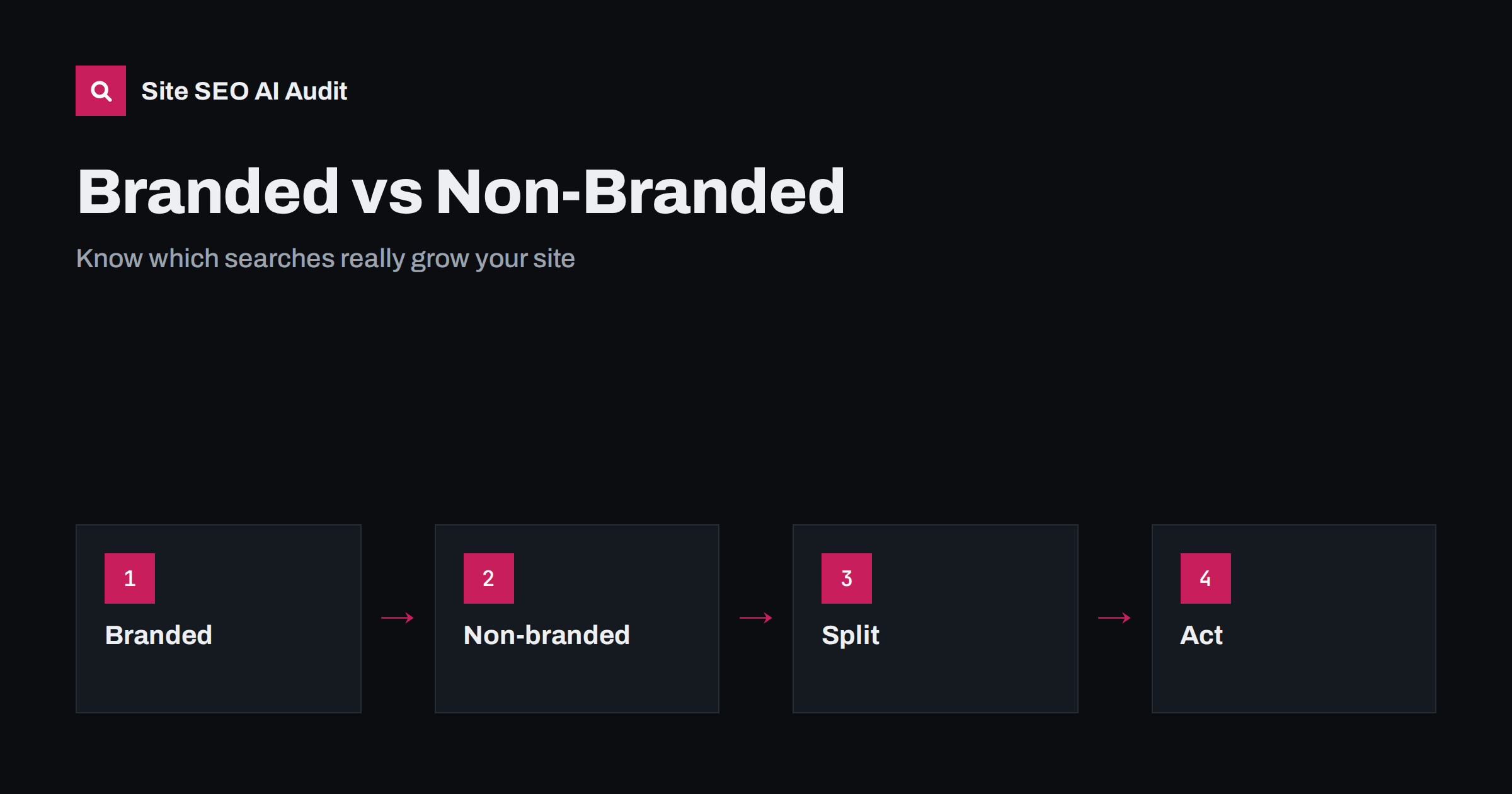
Short answer: Branded searches include your company, product or domain name, and they mostly come from people who already know you. Non-branded searches describe a need or a topic without your name, and they show how well you reach new people. Split the two in Search Console, report them separately, and set different goals: protect branded results, and grow non-branded visibility.
Imagine that clicks from Google rise by thirty per cent in a quarter. That sounds like a win for SEO. But if the whole increase came from people typing your company name after seeing a radio advertisement, the SEO work did not cause it, and your pages may not be reaching any new audience. The opposite can happen too: branded traffic falls after a quiet season while your guides win many new visitors, and the total looks flat. Without a split between branded and non-branded queries, you cannot read your search data correctly. This guide explains the difference, how to separate the two, what each tells you and what to do about it.
What branded and non-branded queries are
A branded query contains your business name, a product name, a founder or a domain name. It also includes common misspellings and shortened forms, such as “acme shop”, “acme login” or “acme.com reviews”. People who type these queries already know who you are. They want to reach your site, check a detail or compare you with someone else.
A non-branded query describes what the searcher needs without naming you: “how to measure a window for blinds”, “best invoice software for freelancers”, “plumber in Leeds”. These people may not have heard of you. If your page appears and earns the click, you have reached a new potential customer.
A third group sits in between. These are queries that mention a competitor, or a generic brand name that is also a normal word. Treat competitor queries separately, and take extra care if your brand name is a common word, because the line between the two groups becomes blurred.
Why the split matters
The two groups behave differently and respond to different actions. Branded demand mostly comes from outside search: advertising, word of mouth, social media, press, events, email and past customers. SEO protects it by making sure that your own pages, profiles and key links appear when someone searches your name. Non-branded demand depends heavily on SEO: content quality, structure, links and technical health decide whether you appear when people look for a solution.
The split also changes how you read click-through rate. Branded queries usually have a very high click-through rate, because the searcher wants your site and your result is first. Non-branded queries have a much lower rate, because many results compete. If you average the two, the overall rate looks healthy, and you may miss a real problem with the pages that compete for new visitors. The article on low click-through rate despite many impressions goes deeper into this issue.
How to separate them in Search Console
Search Console lets you filter queries with a text match. In the Performance report, add a Query filter, choose a custom match and enter your brand terms. You can include everything that contains the brand term, or exclude it to see only non-branded queries. Newer versions of the report also include tools that group queries automatically; if your property has this feature, use it as a starting point and check the result by eye. Basic steps:
- List your brand terms: the company name, product names, domain name and the usual misspellings, plus the names of key people if they are used in searches.
- Create a filter that matches any of these terms. A regular expression can combine many terms in one filter, for example one that matches several spellings separated by a vertical bar.
- Save the numbers for the branded group: clicks, impressions, click-through rate and average position.
- Switch the filter to exclude those terms and save the same numbers for the non-branded group.
- Repeat the process each month and keep the results in a simple table or sheet.
Be careful with common words. If your name is “Blue Door”, a filter that matches “blue” and “door” will pull in many unrelated queries. Match the full phrase instead, and spot-check the results. The basic report is explained in how to read the Performance report. If you export data for deeper work, you can use a spreadsheet or a script to flag brand terms across thousands of queries.
What branded data tells you
Treat branded search as a measure of awareness and a test of your own pages. A few useful readings:
- Rising branded impressions usually mean more people know your name. Look for the cause: a campaign, a mention, a launch or a season.
- Falling branded clicks with stable impressions may mean that your result looks worse, that another result has taken a place above you, or that search features are pushing you down. Check the live results page.
- Branded queries for help or login show where customers look for support. If those queries lead to the wrong page, fix titles and links so people find the right one quickly.
- Negative words such as “scam” or “complaints” next to your name show a reputation issue that content alone will not solve, but a clear, honest page and visible reviews can help.
Make sure your own site holds the first positions for your name. The home page, key product pages and official profiles should appear, with correct titles and descriptions. See home page SEO and what controls Google sitelinks.
What non-branded data tells you
Non-branded queries are where SEO growth happens. Watch the number of different queries that bring impressions, the number of pages that receive clicks and the share of clicks that come from pages other than the home page. Healthy growth looks like more pages ranking for more topics, not just one page getting more clicks. Group the queries by theme, such as problems, comparisons, how-to questions and product types, and see which themes grow.
Use the data to plan content. Queries with many impressions but a low position point to topics where a stronger or better-matched page could win. Queries where you already rank on page two are often the quickest to improve with better structure, internal links and updated content. The guides on search intent and keyword research help you choose what to write next.
Branded search and AI answers
AI assistants add a new twist. When an assistant mentions your brand in an answer, some readers then search for your name directly. That can raise branded queries without a visit from an AI result, so the first sign of AI visibility may appear in branded search rather than in referral traffic. Compare the dates when you are mentioned with branded impression changes, and see how to measure your brand’s visibility in AI answers and why unlinked mentions matter. A clear identity, consistent naming and a good home page help both people and machines connect your name with what you do; see entity SEO.
Reporting and goals
Put both groups into every report. Show total clicks, then branded and non-branded clicks side by side, and add the number of ranking queries and pages for the non-branded group. Set goals that fit each: keep branded clicks stable or growing with your marketing, and grow non-branded clicks and impressions through content and technical work. If you work with several countries, repeat the split by country and language; see international SEO reporting.
When you test a change, measure the effect on the right group. A title change on a guide should move non-branded numbers; a new advertising campaign should move branded ones. The guide to SEO testing explains how to compare fairly.
Check the pages behind the numbers
Data tells you where to look, but not always what is wrong. Pages that attract non-branded impressions need correct titles, headings, internal links and a clean technical base. A crawl audit finds duplicate titles, missing descriptions, broken links and slow pages that hold back growth. Site SEO AI Audit gives a score across seven areas and a fix list ranked by points, and the first audit of up to 200 pages is free. For re-checks after changes, see the pricing page.
Related reading
- Search Console Performance Report: How to Read It
- Zero-Click Search: How to Get Value When Nobody Clicks
- How to Measure Your Brand’s Visibility in AI Answers
- Home Page SEO: What Your Home Page Must Say and Link To
The bottom line
Branded search shows how well people know you, and non-branded search shows how well you reach people who do not. Split them in Search Console, report both, and give each its own goal. That way a rise or fall in total clicks never hides what is really happening with your SEO.
GYIK
Is branded search traffic worth less than non-branded?
It is not worth less, but it comes from a different source. Branded visitors already know you and often convert well. Non-branded visitors show growth beyond your current audience.
Can I filter out branded queries in Search Console?
Yes. Use a query filter with a custom match, and either include or exclude your brand terms. Check the result by eye, especially if your name is a common word.
Why did my branded clicks fall while impressions stayed the same?
Your result may look less attractive, another result may sit above it, or a search feature may take space. Check the live results page for your name.
How often should I review this split?
Monthly is enough for most sites. Review it also after a campaign, a rebrand or a major site change.
Should a new site focus on branded or non-branded search?
Make sure your own pages rank for your name first, then build useful content for non-branded topics, since those are the searches that reach new audiences.