ENEnglish
 LTLietuviškai
 DEDeutsch
 FRFrançais
 RUРусский
 ESEspañol
 PLPolski
 ITItaliano
 UKУкраїнська
 CSČeština
 PTPortuguês
 JA日本語
 LVLatviešu valoda
 ETEesti
 HUMagyar
 IDBahasa Indonesia
 TRTürkçe
 HIहिन्दी
 ELΕλληνικά
 ARالعربية
 THไทย
 VITiếng Việt
 RORomână
 MSBahasa Melayu
 BNবাংলা
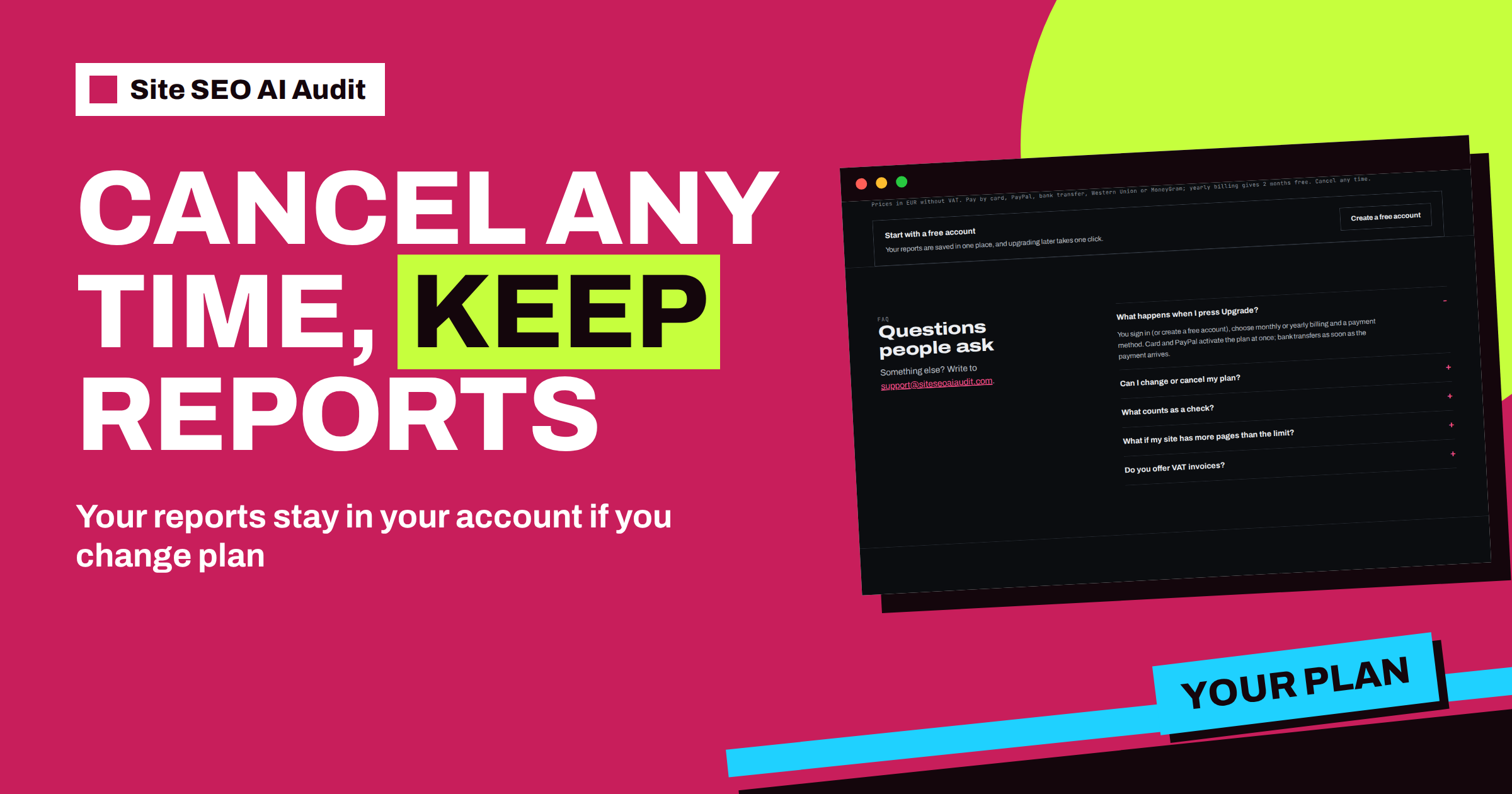
Short answer: You can change or cancel your Site SEO AI Audit plan any time, and your reports stay in your account even if you go back to the free plan. Before you do, look at three things: how many checks you still need this month, which plan features you rely on, and whether you pay monthly or yearly. Unused checks do not carry over, so the best time to switch is usually after you have used your allowance, not before.
Nobody likes a subscription that is hard to leave. The pricing page of Site SEO AI Audit states the rule in plain words: plans can be changed or cancelled at any time. That makes it easy to start with a small plan and adjust later. This article explains what to look at when you change your mind, so that a switch is a planned step and not a surprise.
What the pricing page promises
The pricing page answers the question directly: yes, you can change or cancel your plan any time, and your reports stay in your account even if you go back to the free plan. The same page notes that the plans are billed monthly or yearly, that prices are in euros without VAT, and that unused checks do not carry over to the next month. These three sentences define almost everything you need to know about leaving or switching.
The subscription itself is managed from your account. If you paid by PayPal subscription, the subscription is a recurring one; if you paid by card, bank transfer or another method, the plan runs for the period you paid for. For any question about a particular payment, the contact address on the pricing page is the right place to ask.
It is worth saying why this matters for an audit tool in particular. SEO work comes in waves: a busy month of fixes after the first report, a quiet period while search engines catch up, then another busy month after a redesign or a new section. A plan that fits the busy month is too big for the quiet one. Because switching is allowed at any time, you can follow the rhythm of your work instead of paying for the peak all year, and you can come back to the same account whenever the next wave starts.
Four reasons people switch
- The allowance is too small. You ran all 5 Starter checks before the middle of the month and want more. Moving to Pro gives 20 checks and adds e-mail alerts, comparison between audits and a PDF report.
- The allowance is too large. You paid for Pro and used four checks in three months. A smaller plan is enough.
- The project is finished. The website was fixed, the score is where you wanted it and you do not need monthly checks for a while.
- The work changed. A freelancer who now has agency clients needs white-label PDFs and the embeddable audit form of the Agency plan.
The first step in every case is to count your real checks. The article on how many SEO checks you need shows how.
Before you move to a higher plan
Going up is the easy direction, because you get more. Still, check a few details:
- Which feature do you need? Starter includes full reports, the full page list with filters, re-checks and WordPress fix steps. Pro adds alerts and comparison. Agency adds branding and the lead form. If you only need more checks, Pro may be a better step than Agency.
- How many checks are left? If you have used most of this month’s allowance, upgrading gives you room to continue.
- Which billing period? Monthly keeps the plan flexible; yearly gives two months free.
The differences between the plans are listed in the article on Free, Starter, Pro and Agency.
Before you move to a lower plan or cancel
Going down means that you lose features, not data. Think about what you will do without them:
- Alerts and comparison. If you leave Pro, e-mail alerts when the score drops and the comparison between audits are no longer part of your plan. If you rely on them to notice problems early, check that you have another way to do so.
- PDF reports. Save the PDFs you need before the plan changes, so that you have them for clients or colleagues.
- Background checks. The number of checks that can run at the same time is one on Starter, two on Pro and ten on Agency. If you run several websites at once, a smaller plan means that checks wait for each other.
- The full report of a new check. On the free plan the report preview is locked, so a new check will not show you the issue list.
Cancelling completely returns you to the free account. You keep access to your account, and your saved reports stay in it.
Timing: use the allowance first
Because checks are counted per month and unused checks are not carried over, the practical moment to downgrade or stop is after you have run the checks you need, not at the start of the month. Run the final check after your last fix, read the report, take the PDF if you need one, and then change the plan. If the subscription renews soon, change it before the renewal so that you are not billed for a month you do not intend to use.
The reverse is also true. If you know a busy period is coming, for example a redesign or a seasonal launch, move up a plan before it starts and move down when it is over. The repair cycle of fixing, re-checking and comparing uses several checks in a short time, so a project often needs a larger allowance for a month or two.
What stays in your account
The most important sentence on the pricing page is about reports: they stay in your account even if you go back to the free plan. That means a cancelled plan is not a deleted history. You can come back later, choose a plan again and continue from the same account. You sign in the same way as before, so remember which method you used when you created the account.
Keep your own notes as well. A small log with the date of each check, the score and the fixes you made is the best record of progress, and it does not depend on any subscription.
Three short examples
The shop owner. A shop owner starts with Starter to fix the issues found in a first report. After two months the score is stable, so she cancels, saves the last report and keeps the account. Half a year later she plans a new theme, signs in, chooses a plan again and runs a check before the launch. Her earlier reports are still there to compare with.
The agency that grew. A small agency begins on Pro, because it audits eight client websites a month. When it signs two more clients and starts using the audit form on its own website, it moves to Agency to get 100 checks, white-label PDFs and the lead form. The change is made during the month, as soon as the extra allowance is needed.
The developer between projects. A developer uses Pro while launching three websites in one quarter, then moves down to Starter once the launches are over. Five checks a month are enough for the ongoing maintenance, and the developer saves the difference.
A short checklist before you press the button
- Write down the number of checks you have left this month and the number you expect to need next month.
- Run the checks you still need, especially a final check after your last fix.
- Save the PDFs and note the score, the date and the website address in your own log.
- Check whether your billing is monthly or yearly and when the next payment is due.
- Change or cancel the plan, then open your account and confirm that your reports are still listed.
Five steps take a few minutes, and afterwards you know exactly what you have and what you will do next time.
Questions to ask yourself
- Will I need a check in the next 30 days? If yes, keep a plan that covers it.
- Do I need the alerts? If a score drop would cost you money, keep Pro.
- Am I paying yearly? Then ask before you pay about the treatment of the remaining period, using the contact address on the pricing page.
- Have I saved what I need? Export PDFs and note scores before you downgrade.
Related reading
- Site SEO AI Audit Plans: Free, Starter, Pro and Agency
- How Many SEO Checks Do You Need? Choosing a Plan
- Pro Plan Features: Alerts, Comparison and PDF Reports
The bottom line
You can change or cancel any time and keep your reports. Use your monthly checks first, save the PDFs you need, then switch.
GYIK
Can I cancel my plan at any time?
Yes. The pricing page states that you can change or cancel your plan any time.
What happens to my reports if I cancel?
They stay in your account, even if you go back to the free plan.
Do unused checks carry over to the next month?
No. The monthly allowance is counted per month, and unused checks are not carried over.
Can I move from Starter to Pro?
Yes. Pro gives 20 checks per month and adds e-mail alerts, comparison between audits and a PDF report.
Who do I ask about a payment question?
Use the contact address given on the pricing page and include the account e-mail and the plan.